
Do you ever wonder what plugins actually do for your WordPress site? Imagine having a toolbox filled with gadgets that can supercharge your website’s performance.
That’s exactly what plugins offer. They are the secret sauce that can transform your basic site into a powerhouse of functionality. But with thousands of options available, it’s easy to feel overwhelmed. Which ones do you really need, and what should they accomplish?
Understanding the role of plugins is crucial for optimizing your site. Dive into this article to uncover how plugins can enhance your WordPress experience, making your website not just functional, but exceptional.
Purpose Of Plugins
Plugins are small tools for websites. They add extra features to WordPress. Each plugin has a job. Some plugins make sites faster. Others help with security. Plugins can change the way a website looks. They can also make it work better. Some plugins help with SEO. This means more people find the site.
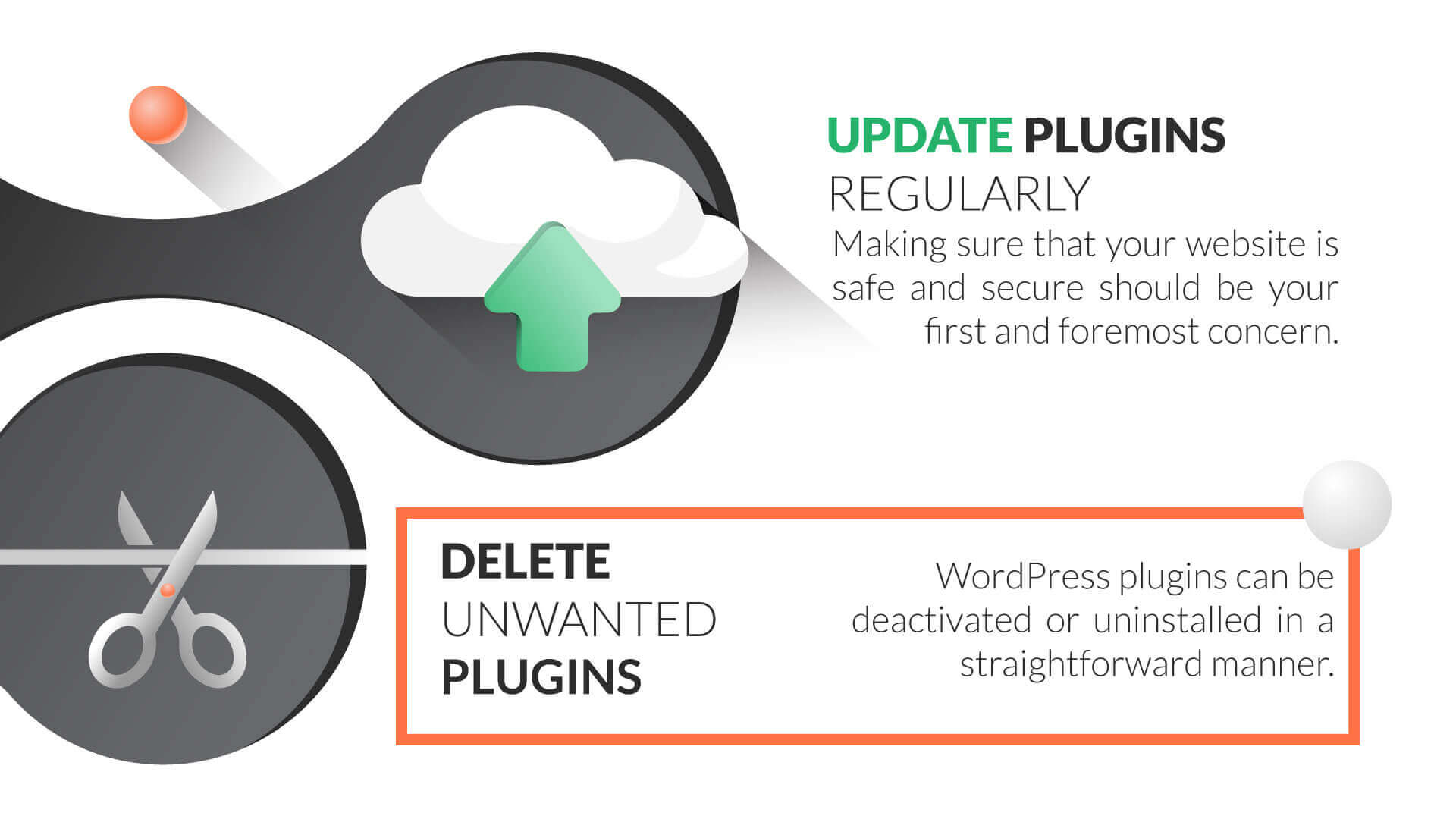
Plugins help with social media links. They connect posts to Facebook or Twitter. Some plugins help make forms. Forms let people send messages. Plugins can be simple or complex. Many plugins are free. Others need money. Choosing the right plugin is important. Too many plugins slow sites down. It’s good to check plugins often. They need updates to work well.
Enhancing Functionality
Plugins can add new features to a WordPress site. They are like small tools. These tools do special tasks. Want a contact form? There’s a plugin for that. Need a gallery? Plugins can help. They make things easier.
You don’t need to be a coder. Plugins handle it. They expand what WordPress can do. Adding plugins is simple. Just a few clicks. They can make your site better. More useful. More interactive.
Plugins can customize existing features. They change how things look. Or how they work. Want to change your site’s theme? Plugins can do it. They tweak settings. Make adjustments. Give you more control.
Plugins make personalization easy. You can shape your site. Make it fit your style. Your needs. Plugins are powerful. They give you options. They are helpful. They are versatile.
Improving Performance
Plugins can make your site slow. Choose plugins wisely. Some plugins help with speed optimization. They reduce load time. This makes users happy. Fast sites rank better on search engines. Faster sites keep visitors longer. Use caching plugins for speed. They store data for quick access. Minimize image sizes for faster load times. Compress files for better performance.
A clean database is important. It helps with site speed. Some plugins manage the database well. They clean unnecessary data. This saves space. It also makes the site faster. Regular database checks are important. Keep backups to avoid data loss. Some plugins automate these tasks. They make management easy. Choose plugins that suit your needs.
Credit: www.wpbeginner.com
Security Enhancements
Plugins can help keep your site safe. They block harmful attacks. Hackers look for weak spots. Plugins patch these weak spots. This means they fix them. Your site stays safe and sound.
Plugins control who enters your site. They let you set passwords. Only those with the right password can enter. This keeps unwanted visitors away. You can also create different user roles. Some users can edit, some can only view. This gives you complete control over your site.
Seo Optimization
Plugins help websites rank better. They fix technical issues. They make content better for search engines. Good plugins are simple to use. They offer tools for keyword research and meta tags. This helps to find important words users search.
Content analysis features in plugins are useful. They check if the text is easy to read. Plugins suggest changes to improve clarity. They also make sure the website loads fast. Fast websites rank higher.
Using plugins wisely can boost visibility. They guide users to make better choices. Proper use leads to more clicks. More clicks mean higher rankings.
Credit: www.hostpapa.com
User Experience
Plugins should help with design changes. They allow you to change colors and fonts. This makes your site look special. Easy tools let you move things around. Drag and drop features are fun to use. This helps make the website look just right. Customization is key for a unique user experience.
Adding interactive elements can make your site lively. Buttons and forms are good choices. These elements help users interact with your content. Polls and quizzes engage visitors more. Plugins should make these features easy to add. Users love to click and explore. This keeps them on your site longer.
Content Management
Plugins help manage images, videos, and audio. They make it easy to upload and organize media files. Kids can add pictures to their blog. They can also use cool tools to change media. Plugins offer simple ways to create slideshows. Users can add captions to their images. Plugins also help in resizing and cropping images. This makes media look neat and tidy on the site.
Editors need good tools. Plugins offer these tools. They help to write and format text. Kids can change font sizes and colors. They can also add bullet points and lists. Plugins give options for bold and italic text. These tools make writing fun and easy. Users can also add links to their content. This helps readers find more information.
E-commerce Solutions
A good shopping cart plugin is key. It should be easy to use. Customers need to add items quickly. The cart should update automatically. Users must see the item count and total price. Keeping it simple helps users a lot.
Plugins should work well with other tools. They must be compatible with most themes. This ensures the cart looks good on all websites. Mobile-friendly design is important too. Many people shop on phones today.
Accepting payments is crucial. Plugins must support popular payment gateways. PayPal and Stripe are common choices. These gateways are secure and trusted. Offering many options makes customers happy.
Easy setup is essential for payment plugins. Business owners want quick installation. The plugin should guide them step by step. Make sure it handles different currencies. This is vital for global sales.
Analytics And Tracking
Plugins help track visitors on a website. They record how many people visit. They can show where visitors come from. This is called visitor tracking. Knowing this helps improve the website. You can see which pages are popular. You can see which pages need more work. This data is important for growth. It helps understand what visitors like.
Plugins also check how fast a website runs. This is called performance metrics. They measure page load times. They show how well the site works. Slow pages can make visitors leave. Fast pages keep them happy. Metrics help find slow pages. They help fix problems quickly. This keeps visitors coming back. Good performance means more people stay longer.
Credit: wpsutra.com
Frequently Asked Questions
What Are WordPress Plugins Used For?
WordPress plugins extend the functionality of your website. They allow you to add features without coding. Plugins can enhance performance, security, and user experience. From SEO tools to e-commerce solutions, plugins cater to various needs. Choosing the right plugins ensures your site runs smoothly and efficiently.
How Do Plugins Affect Site Performance?
Plugins can impact site performance positively or negatively. Well-coded plugins enhance functionality and speed. However, too many or poorly coded plugins can slow down your site. It’s crucial to choose reputable plugins and regularly update them. Regular monitoring helps maintain optimal performance and user experience.
Are All WordPress Plugins Free?
Not all WordPress plugins are free. Many plugins offer basic features for free, with premium versions available. Premium plugins often provide advanced functionalities and dedicated support. It’s essential to evaluate your needs and budget. Investing in high-quality plugins can significantly benefit your website’s performance and capabilities.
How To Choose The Right Plugins?
Choosing the right plugins involves research and evaluation. Look for reputable developers and positive reviews. Ensure compatibility with your WordPress version and theme. Consider the plugin’s update history and support options. It’s important to prioritize essential features and avoid unnecessary plugins.
Regularly review and optimize your plugin usage.
Conclusion
Plugins are vital for WordPress functionality. They enhance site features effortlessly. Choosing the right plugins boosts site performance and security. Always update plugins for best results. Too many plugins can slow your site. Prioritize essential ones. Reliable plugins come from trusted sources.
Read reviews before installing. This ensures compatibility and quality. Regular maintenance keeps your site running smoothly. A well-managed site attracts more visitors. Your WordPress experience improves with thoughtful plugin choices. Keep learning and exploring new options. Your website deserves it.



