
Have you ever navigated a website and suddenly been greeted by a menu that seems to glide out from the side of your screen, revealing new options and features? That intriguing and dynamic element is known as a “flyout,” and it’s a powerful tool in the world of WordPress design.
If you’ve ever wondered how these engaging elements can enhance your website’s usability and appeal, you’re in the right place. Understanding flyouts isn’t just for tech gurus; it’s for anyone who wants to elevate their site and keep visitors coming back for more.
Imagine your users exploring your content effortlessly, guided by a seamless, intuitive interface that makes finding information a breeze. By the end of this article, you’ll not only know what a flyout is but also how it can transform your WordPress site into a user-friendly haven. So, let’s dive in and unlock the potential of flyouts for your website!
Credit: www.megamenu.com
Flyouts In WordPress
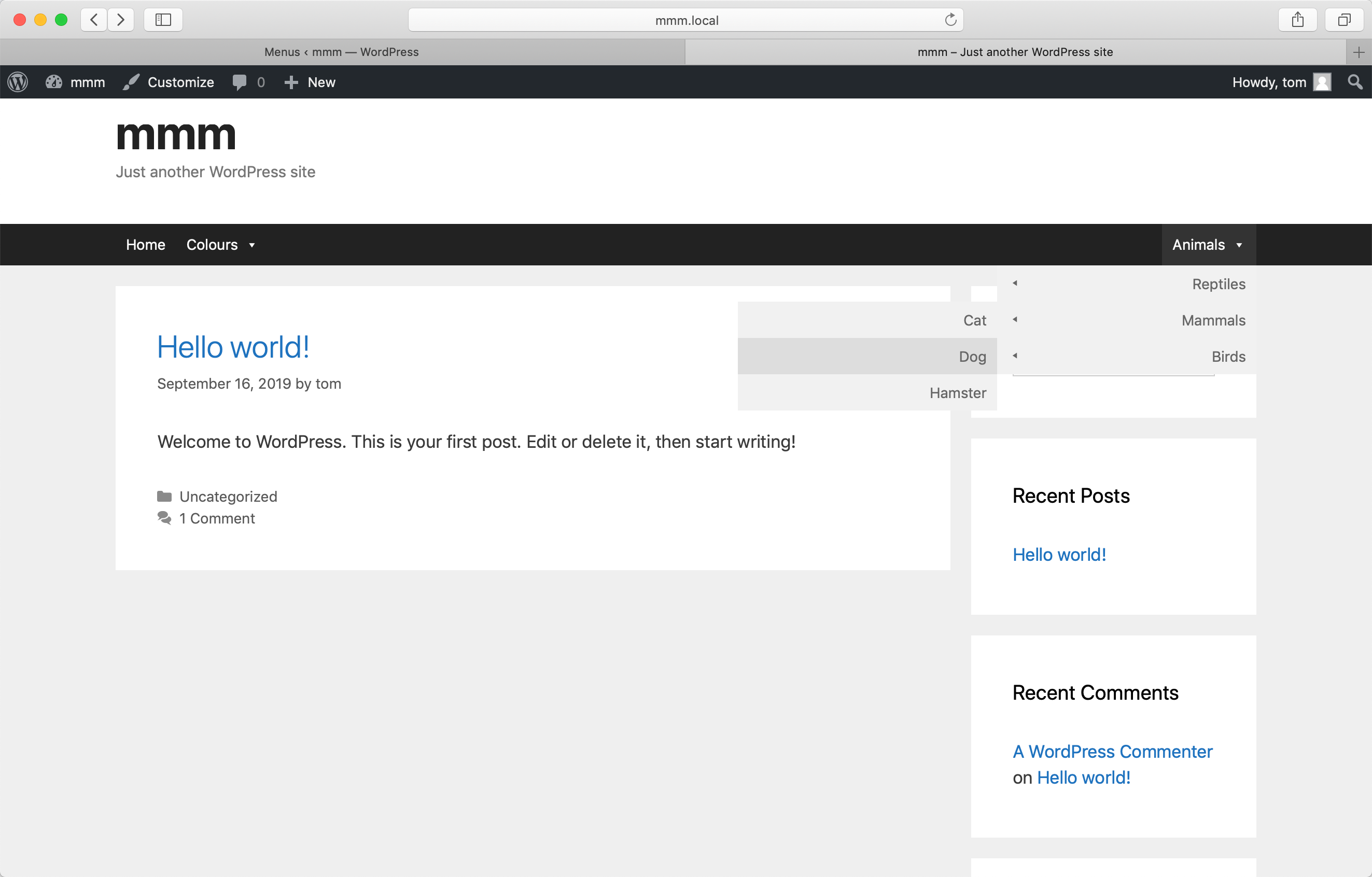
Flyouts are special menus in WordPress. They appear when you hover over them. They help users find information quickly. Flyouts make navigation easier. They save space on your website. That’s why many websites use them.
Flyouts keep your page clean. They hide items until needed. This helps users focus on important content. Users can access different pages fast. Flyouts are very popular in modern design. People enjoy using them.
Adding flyouts is simple. WordPress offers many plugins. These plugins help create flyouts. You can choose different styles. Customize them to match your website. Enjoy a better user experience.
Purpose Of Flyouts
Flyouts help users find information quickly. They make websites easy to use. Flyouts are like pop-up menus. They appear when you hover or click. This makes navigation simple and fast.
Users see options at once. This saves time. It also keeps the page clean and uncluttered. Flyouts reduce the need for scrolling. They make the site look modern and tidy.
Flyouts can also highlight new or special content. This draws attention to important areas of the site. Users feel engaged and interested. Flyouts improve the overall user experience.
Flyout Vs Dropdown
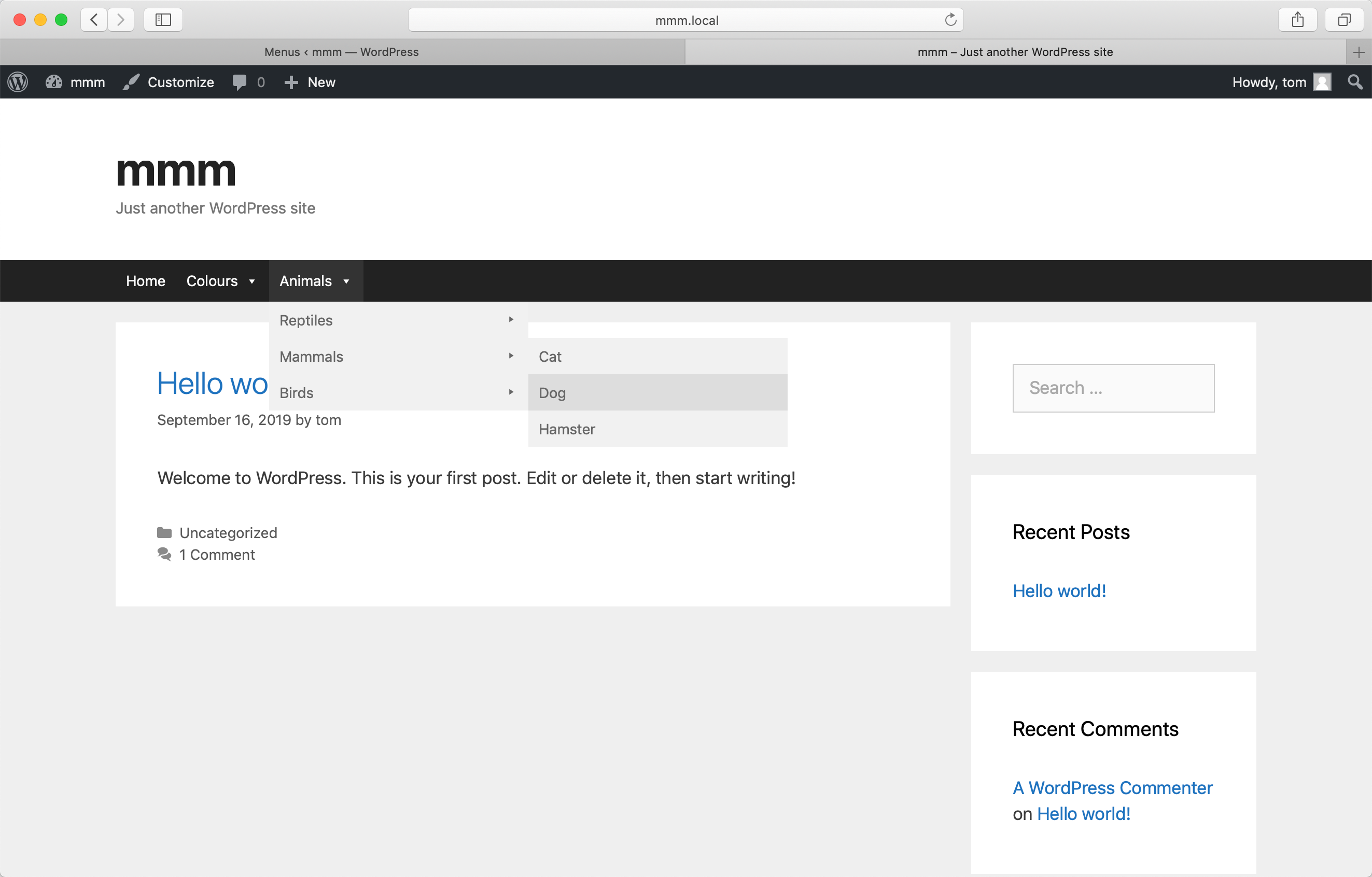
Flyouts and dropdowns are parts of website menus. Both help users find pages. Flyouts open to the side. Dropdowns open downward. Flyouts save space. They work well for many menu items. Dropdowns are simple. They show options directly under the menu. Some people find flyouts confusing. Dropdowns are easier for many. Flyouts can hide important links. Dropdowns show everything right away. Consider user needs. Choose the best for them.
Credit: www.megamenu.com
Designing Effective Flyouts
Flyouts should be easy to use. Users should find what they need quickly. Keep the design simple and clean. Avoid clutter. Use clear labels for each section. This helps users navigate better. Make sure the flyout does not block important content. Users should be able to close the flyout easily. This enhances their experience. Test the flyout with real users for feedback.
Flyouts must work on all devices. They should resize smoothly. Use flexible layouts. This helps them look good on phones and tablets. Ensure touch targets are big enough. Users should tap without errors. Test on different screen sizes. This helps avoid display issues. Use media queries for responsive adjustments. This ensures a consistent experience.
Plugins For Flyouts
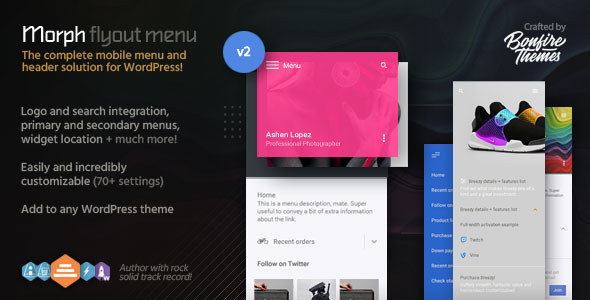
Flyout plugins are easy to use. WP Flyout Sidebar is very popular. It lets you create sidebars that pop out. Another famous plugin is Max Mega Menu. It helps make big menus with flyouts. Superfly is also a good option. It creates vertical menus. Each has unique features.
Start by visiting the WordPress dashboard. Go to the Plugins section. Click on Add New. Search for the plugin name. Click Install and then Activate. After activation, go to the plugin settings. Follow the steps to set it up. Adjust options as needed. Save your changes. Your flyout is ready!
Credit: codecanyon.net
Customizing Flyouts
Flyouts can look unique with simple CSS. Change colors to match your brand. Make the text bold or italic. You can adjust the size of the flyout box. Move it to different sides of the page. Add a shadow for a cool effect. Each change makes your site special.
JavaScript adds fun to flyouts. Make them slide in from the side. Add buttons to close the flyout. Show or hide parts of the flyout. You can even add animations. These tricks make flyouts more exciting. Users will enjoy them more.
Common Issues And Solutions
Flyouts can break or act strange. Make sure plugins are updated. Check if your theme supports flyouts. Some themes don’t.
Disable plugins one by one. See if flyout works. Sometimes, plugins conflict. Clear browser cache. This refreshes how things load.
Consult theme support if issues persist. They might have fixes. Test flyouts in different browsers. Some browsers have bugs.
Flyouts may not work with old themes. Update your theme if needed. Check browser version. Old browsers can cause problems.
Ensure your WordPress is latest. New updates fix many issues. Contact theme maker for compatibility info. They can help.
Benefits Of Using Flyouts
Flyouts are pop-up menus on websites. They help users find things fast. Flyouts make sites look neat and tidy. They save space on the screen. Users can see more of your page. Flyouts are easy to use. Click and the menu appears. It’s simple for kids and adults. Flyouts help visitors stay on your site longer. This is good for your website. Flyouts work well on phones and tablets. They fit any screen size. More people now use phones to surf the web. A flyout menu makes it easy for them.
Examples Of Flyouts In Action
Flyouts make a website look cool and modern. They slide out from the side. Menus are a common type. Hover over “Menu” and it appears. It helps users find pages quickly. Notifications use flyouts, too.
Think of a message box popping out. It tells you about new messages. Shopping carts can also be flyouts. Click the cart icon, and it shows your items. This way, you don’t leave the page.
Websites use flyouts to keep things neat. They save space and look tidy. Flyouts work well on both desktop and mobile. They make the user experience better and smooth.
Frequently Asked Questions
What Is A Flyout In WordPress?
A flyout in WordPress is a type of menu. It appears when a user hovers over a menu item. This dynamic feature enhances navigation and user experience. It allows users to access submenus without cluttering the main menu. Flyouts are ideal for websites with extensive menu structures.
How Do Flyouts Enhance User Experience?
Flyouts improve navigation by displaying submenus on hover. They keep the main menu clean and organized. This allows users to quickly find what they need. By reducing clicks, flyouts make browsing more efficient. They are particularly useful for websites with complex structures.
Are Flyouts Compatible With All WordPress Themes?
Most modern WordPress themes support flyouts. However, compatibility depends on the theme’s design and functionality. Some themes may require additional plugins for flyouts. Always check your theme’s documentation. Ensure it supports the features you need for optimal performance.
Can Flyouts Affect Website Performance?
Flyouts can impact performance if poorly implemented. Excessive use of JavaScript or large images can slow down your site. Proper optimization is crucial to maintain speed. Use lightweight scripts and optimize images. Regular performance checks can help keep your site running smoothly.
Conclusion
Flyouts in WordPress offer a clean, interactive user experience. They help organize content efficiently on your site. Users find information quickly. This keeps them engaged. Flyouts are easy to implement with available plugins. No advanced coding skills needed. They enhance navigation and improve site aesthetics.
Consider flyouts for a more streamlined website layout. Your visitors will appreciate the simplicity. Ultimately, flyouts can make your website more user-friendly. They ensure visitors easily find what they need. With these benefits, flyouts are a smart choice for any WordPress site.



