
Imagine you’re driving a car that hasn’t been serviced in years. It runs, but is it safe?
Is it efficient? The same goes for your WordPress website if you don’t update its plugins. These little pieces of software are the backbone of your site’s functionality and security. But what happens when you ignore those nagging update notifications?
By the end of this article, you’ll understand the risks of skipping updates and the benefits of keeping your plugins current. You’ll learn how a simple update could save you from potential security breaches, speed issues, and compatibility headaches. Let’s dive in and explore why updating your WordPress plugins is crucial for your website’s health and success.
Security Risks
Not updating WordPress plugins can lead to serious security risks. Hackers exploit outdated plugins to access your site. Regular updates keep your website safe and ensure optimal performance.
Vulnerability Exposure
Plugins are important for your site. They can make it work better. But not updating them can be dangerous. Old plugins may have holes that hackers can use. These holes are called vulnerabilities. Hackers look for these holes. They use them to get into your site. They can steal data or break things. Keep plugins updated to close these holes. Updates fix these problems. Updates keep your site safe. Your site’s safety depends on updated plugins.
Malware Infiltration
Malware is bad software. It can harm your site. It sneaks in through old plugins. Malware can steal information. It can slow your site. Sometimes, it can break your site. Updating plugins helps stop malware. Updates add extra protection. They block malware from entering. Your site stays clean and safe. Protect your site with plugin updates. Keep malware out. Safe sites need fresh plugins.
Credit: github.com
Compatibility Issues
Outdated plugins can cause theme conflicts. Your site might not look right. Colors or fonts could change. The menu might not work. This can confuse visitors. A plugin update can fix this.
Some features may break. A contact form might stop sending emails. Or a photo gallery won’t load pictures. These broken features can frustrate users. Keeping plugins updated helps prevent these issues.
Performance Degradation
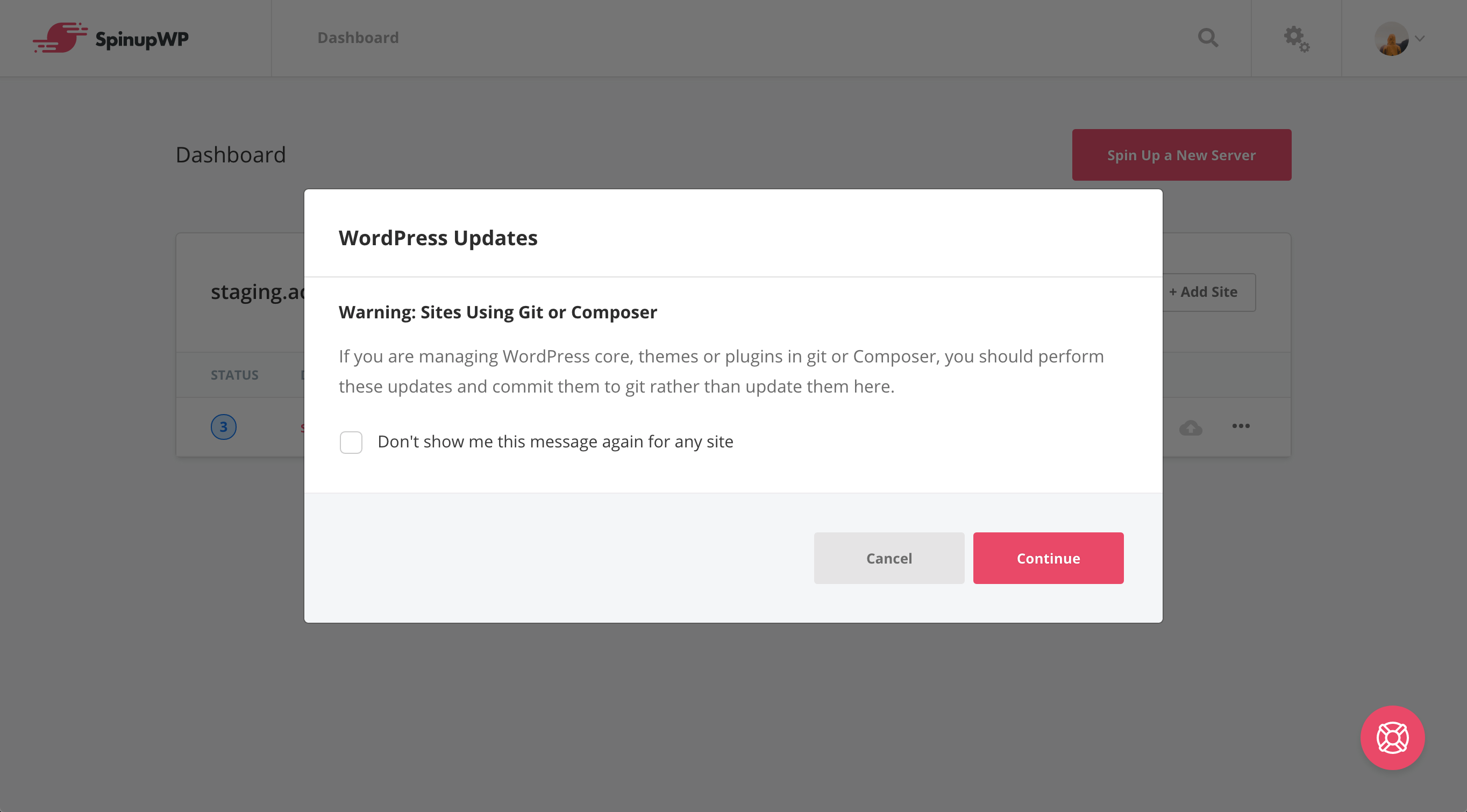
Plugins need regular updates. Without them, your site speed can become slow. This affects visitor experience. Fast sites keep users happy. Slow sites lose them. An outdated plugin can cause delays. These delays make loading times longer. Visitors may leave if loading takes too long.
Unupdated plugins may use more resources. These resources include memory and bandwidth. They become heavy on your server. This causes resource overload. The server struggles to handle the load. This affects the whole website. Users might see errors or delays. Regular updates help balance the load.
Credit: spinupwp.com
Loss Of New Features
Plugins bring new and exciting features. Not updating plugins means missing out. Developers add fresh ideas regularly. These updates make plugins better. Sticking to old versions leads to innovation stagnation. New features can help solve problems. They can improve website performance. Ignoring updates keeps your site from growing.
Users love smooth and easy websites. Old plugins might not work well. This can make websites slow. Visitors might get frustrated. They might leave your site quickly. Updated plugins can fix these issues. They ensure a good user experience. Keeping plugins up-to-date is important. It helps your website run better.
Potential Data Loss
Old plugins can cause database errors. These errors make it hard to find data. Data can get lost. This is bad for your website. Fixing these problems is tough. You might need help from experts. Sometimes, a plugin update can fix these errors. But if plugins are not updated, problems stay.
Backups are important. They keep data safe. Without updating plugins, backups might not work well. Old plugins can break backup tools. This leads to backup complications. If backups fail, restoring data is hard. It puts your website at risk. Data safety is crucial for website health.
Seo Consequences
Old plugins can harm your site’s SEO. New updates fix bugs and improve speed. Slow sites lose visitors. Search engines notice this. They prefer fast websites. Rankings drop if your site is slow. Updating helps keep your site fast. Good speed is important for SEO.
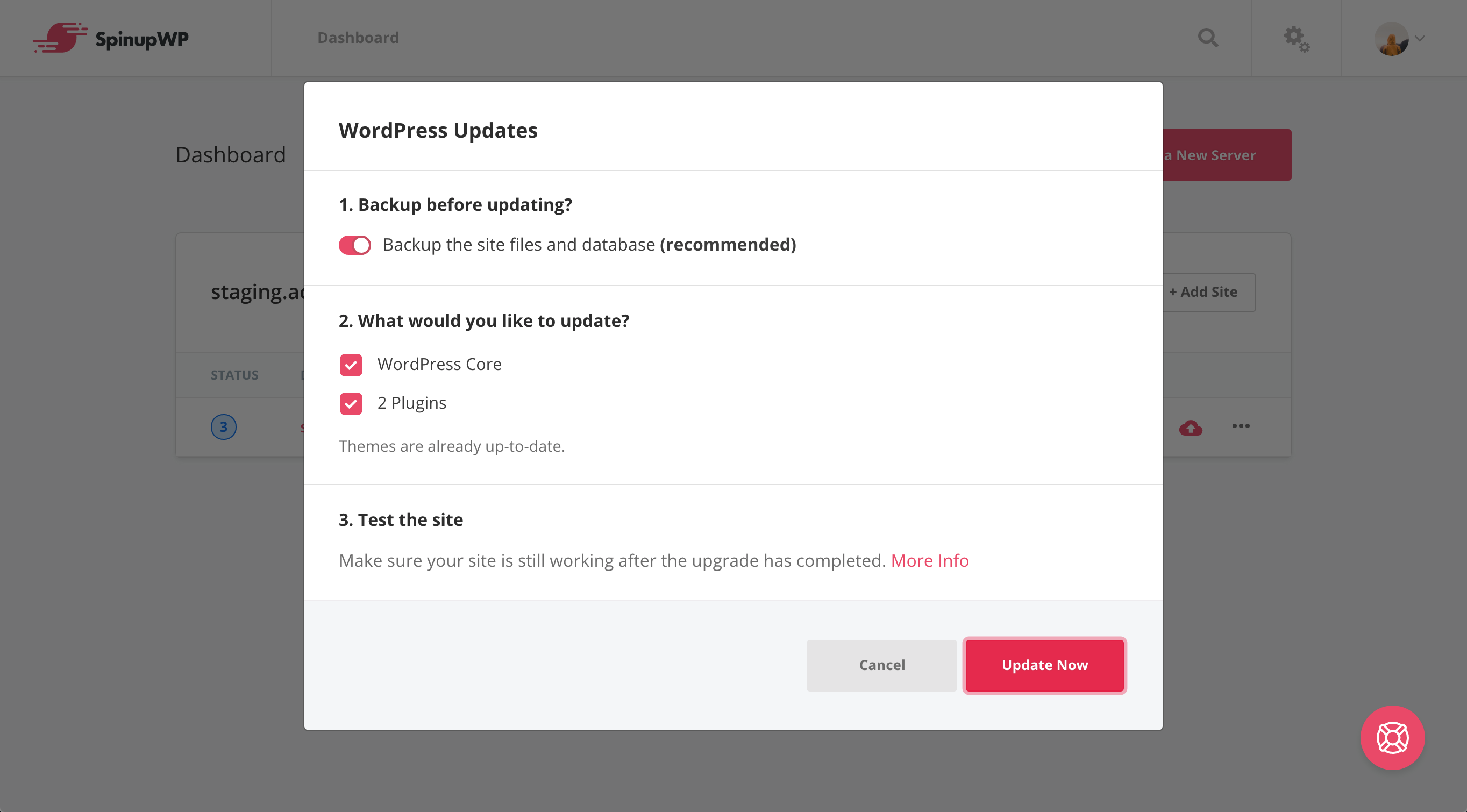
Search engines might miss your site. Plugins help with indexing. Old plugins can cause errors. Errors stop search engines from finding your pages. It is crucial to update plugins. Updated plugins ensure your content is seen. Search engines index sites with no errors. This helps your site appear in searches.
Credit: spinupwp.com
Frequently Asked Questions
What Happens If Plugins Aren’t Updated?
Failing to update plugins can lead to security vulnerabilities. Outdated plugins may become incompatible with new WordPress versions. This can cause website functionality issues. Regular updates ensure optimal performance, security, and compatibility. Always keep plugins updated to protect your site.
Can Outdated Plugins Slow Down Your Site?
Yes, outdated plugins can significantly slow down your website. They may not work efficiently with updated WordPress versions. This can increase load times and affect user experience. Ensuring all plugins are current helps maintain site speed and performance.
Are Outdated Plugins A Security Risk?
Outdated plugins pose a significant security risk. Hackers often exploit vulnerabilities in old plugins. This can lead to unauthorized access and data breaches. Regularly updating plugins helps protect against potential security threats and keeps your site safe.
Do Outdated Plugins Affect Website Functionality?
Yes, outdated plugins can affect website functionality. They may become incompatible with the latest WordPress updates. This can lead to broken features or errors. Keeping plugins updated ensures smooth functionality and user experience on your site.
Conclusion
Neglecting plugin updates can lead to security risks. Compatibility issues might arise too. Your site could slow down or even crash. Regular updates ensure optimal performance and safety. They fix bugs and improve features. Updating plugins is essential for a smooth site experience.
Without updates, you risk losing visitors. Protect your site by staying current. It’s a simple step for long-term success. Prioritize your site’s health and keep it updated. Your audience will appreciate a secure, fast site. Regular maintenance is key.



