
Have you ever felt like you’re missing a piece of the puzzle when it comes to mastering WordPress? You’re not alone.
In the fast-paced digital world, understanding the ins and outs of WordPress is crucial, especially when it comes to the concept of “meta. ” But what exactly does “meta” mean in WordPress, and why should you care? Imagine unlocking a hidden feature that could elevate your website’s performance and visibility.
Meta elements play a pivotal role in enhancing your site’s SEO, usability, and overall effectiveness. By diving deeper into the world of WordPress meta, you can gain the upper hand, drawing more visitors and engaging them longer. Curious to know how these tiny yet powerful components can transform your WordPress experience? Stick around, and discover why understanding meta is key to your website’s success.
Understanding Meta Tags
Meta tags help search engines know about your page. They provide important information about your content. Search engines use this data to show results. Good meta tags can improve your site’s visibility. They can lead to better rankings. This means more people will visit your site. Proper use of meta tags is a simple SEO step.
There are several types of meta tags. The title tag shows the name of your page. The description tag tells a bit about your page’s content. A keyword tag lists the main words for the page. Robots meta tags give instructions to search engines. Each type has its own role. All are important for a well-optimized site.
Creating Effective Meta Titles
Keywords are crucial for meta titles. They help users and search engines understand your content. Choosing the right words can boost your site’s visibility. It’s important to pick words that reflect your page’s content well. These words should be popular among users. This ensures people find your page easily.
Engaging titles grab attention quickly. They should be clear and direct. Users should know what to expect by reading your title. Keep it short and simple. Use action words to make it interesting. This can encourage users to click and explore more.
Optimizing Meta Descriptions
Meta descriptions are short text snippets. They appear under titles in search results. Crafting them well is key. They should be clear and engaging. Use action words like “learn” or “discover”. This encourages clicks. Keep descriptions under 160 characters. This fits search engine limits.
- Always write unique descriptions.
- Include target keywords naturally.
- Reflect the page content accurately.
- Write in an active voice.
- Ensure readability for kids.
- Never use duplicate descriptions.
- Avoid keyword stuffing.
- Do not mislead users.
- Refrain from using passive language.
- Ensure descriptions are not too long.

Credit: gutenbergtimes.com
Utilizing Meta Keywords
Meta keywords are words that tell about your page. They help search engines know what your page is about. Once, they were very important. But now, they are less important. Yet, they still add value. Using them wisely can improve your page’s visibility. It is good to use relevant keywords. Always think about what words describe your page best.
Put keywords in the meta tags of your page. Use them in titles and headings too. This helps search engines understand your content. Do not overuse them. It is better to have a few good ones. Also, make sure they fit naturally. They should match the content on your page. This makes them more effective.
Meta Tags For Social Media
Open Graph Protocol helps websites show rich content on social media. It makes sure links look good. Websites use it to show images, titles, and descriptions. It helps a page stand out. Facebook and LinkedIn use Open Graph Protocol. It helps people understand what a link is about. Without Open Graph, links look plain. Adding it is easy in WordPress. Plugins like Yoast can help. They make setting it up simple. Open Graph Protocol is important for social media sharing.
Twitter Cards make tweets more attractive. They show images and text when sharing links. People can see more about a link. Websites use Twitter Cards to grab attention. It helps increase clicks. WordPress plugins help with setup. Yoast SEO is a popular choice. It guides users step-by-step. Twitter Cards help content shine on Twitter. They are easy to use. Websites should use them for better visibility.
Tools And Plugins For Meta Tags
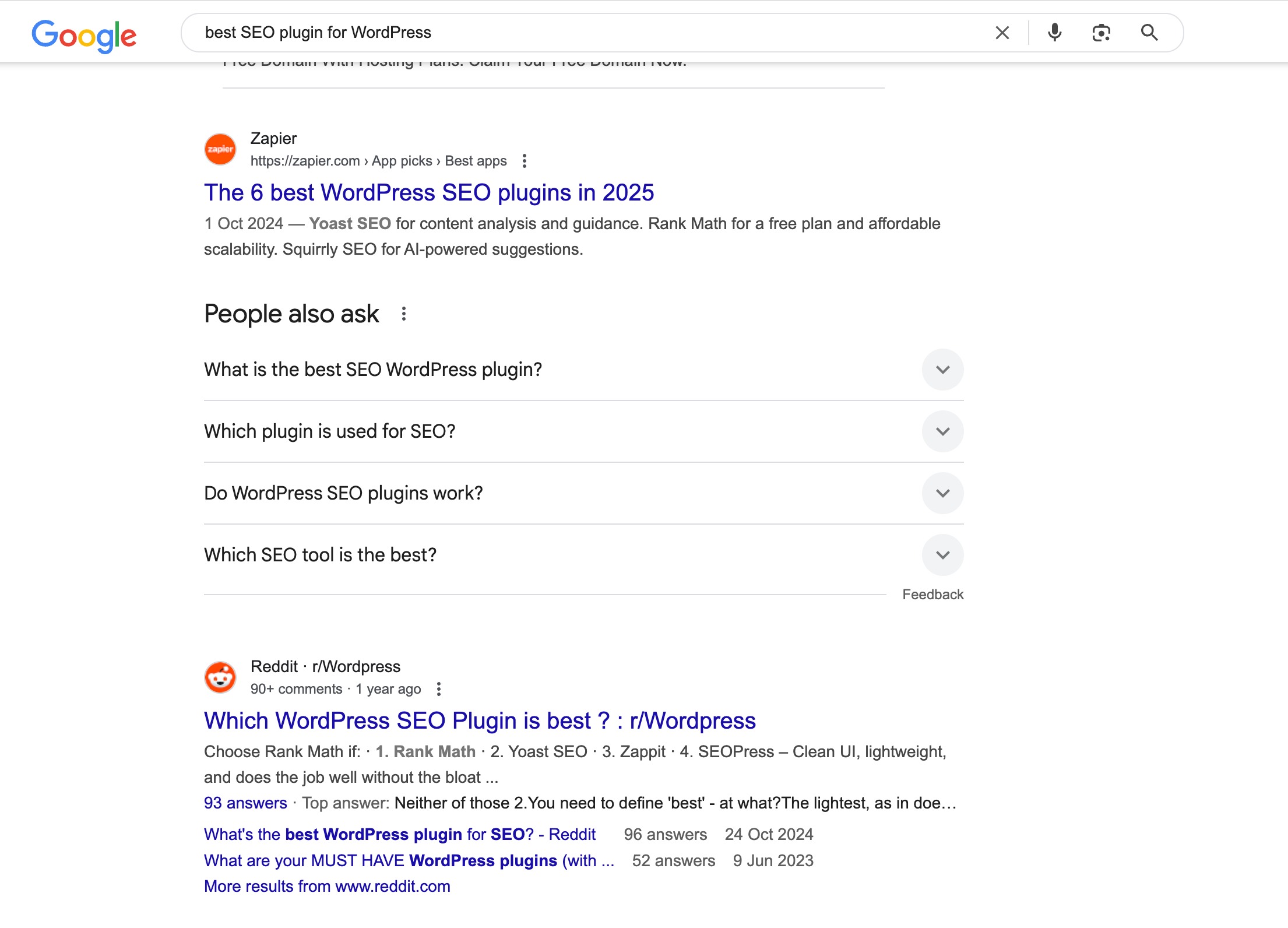
Yoast SEO is a favorite plugin. It helps with meta tags. Easy to use and understand. Another popular option is All in One SEO Pack. It offers simple settings. Users can quickly add meta tags. SEOPress is also a great choice. It provides clear options for beginners.
SEO tools give extra support. Google Search Console is useful. It checks how your site performs. SEMrush offers insights and ideas. It helps improve your meta tags. Ahrefs is another good tool. It tracks links and keywords.
Monitoring Meta Tag Performance
Meta tags help in tracking website traffic. They show how many people visit. They also reveal what pages they like. This data helps improve the website. It can guide changes in content. More visitors might come because of these changes. It’s important to check this data often.
Sometimes, strategies need to change. Maybe a meta tag isn’t working. Or perhaps a page needs new keywords. Changes can bring more visitors. Better results are possible with small tweaks. It’s about finding what works best.
Credit: rankmath.com

Credit: metabox.io
Frequently Asked Questions
What Is Meta In WordPress?
Meta in WordPress refers to metadata or information about your website content. This includes titles, descriptions, keywords, and author details. Meta tags help search engines understand your content better. They play a crucial role in SEO, improving your site’s visibility and ranking on search engine results pages.
How Do Meta Tags Help Seo?
Meta tags are crucial for SEO as they provide search engines with essential information about your page content. They influence how your pages appear in search results and can impact click-through rates. Properly optimized meta tags can enhance your website’s visibility, ranking, and overall search engine performance.
How To Add Meta Tags In WordPress?
To add meta tags in WordPress, use SEO plugins like Yoast or All in One SEO. These plugins allow you to easily add and customize meta tags for each page or post. Navigate to the plugin settings in your WordPress dashboard to input your desired metadata.
What Are Meta Descriptions In WordPress?
Meta descriptions are brief summaries of your webpage content. They appear under the page title in search engine results. In WordPress, meta descriptions are vital for enticing users to click your link. They should be compelling and include relevant keywords to improve your click-through rate.
Conclusion
Exploring meta in WordPress is crucial. It enhances your site’s performance. Meta tags help search engines understand your content. This boosts your visibility online. Better visibility attracts more visitors to your site. More visitors can lead to increased engagement. Simple tweaks in meta settings can make a difference.
Start with your titles and descriptions. Keep them clear and relevant. Experiment and see what works best. Remember, small changes can have big impacts. Stay updated with WordPress features. This ensures your site remains competitive. Happy blogging!



