
Are you looking to enhance your WordPress site with the perfect audio experience? Whether you’re a podcaster, musician, or just someone who wants to add a dynamic touch to your blog, understanding the kinds of audio you can use on WordPress is essential.
Imagine transforming your site into an immersive experience that captivates your audience’s ears, making them linger longer. The right audio can evoke emotions, create a mood, and keep your visitors coming back for more. Dive into the world of WordPress audio possibilities and discover how to elevate your site’s engagement.
Ready to find out how? Let’s explore the different types of audio you can integrate into your WordPress site and how each can benefit your content strategy.
Audio Formats Supported
WordPress can play different audio formats. MP3 is a common one. Most people use it. It is small in size. OGG is another format. It is open and free. WAV files have high quality sound. They are bigger in size. WordPress supports them too. M4A files are also okay. They are often used in podcasts. AAC is a format for better sound. It is used in many places.
You can upload these files to your site. Use the media library to do this. Once uploaded, you can add them to posts. You can also use a plugin. Plugins give extra features. They help you manage audio better. Choose the format that fits your need. This helps your site work well.
Credit: make.wordpress.org
Embedding Audio
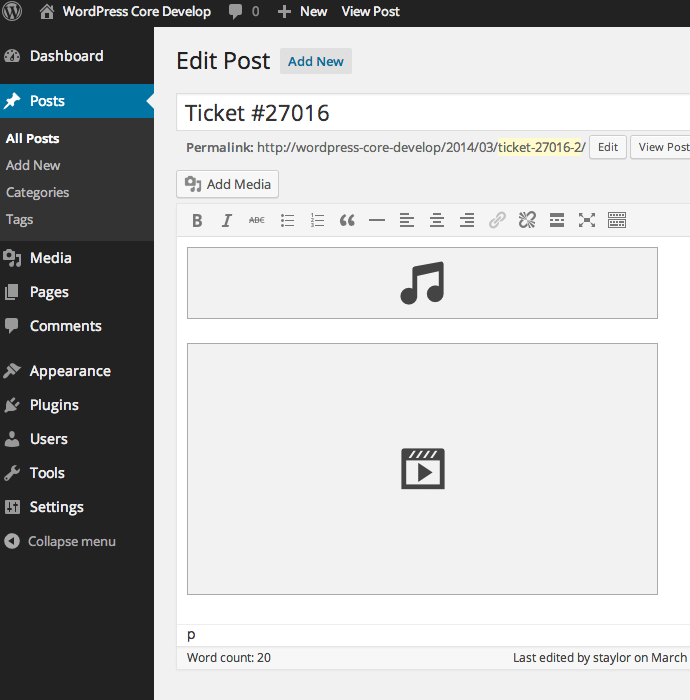
WordPress makes adding audio easy. Audio blocks are simple to use. First, find the block editor. It’s where you add all content. Click the plus sign to add a block. Choose the Audio block option. Then, upload your file. You can also use a URL. This is great for online audio.
Shortcodes are another way to add audio. They are small pieces of code. You can add them to posts or pages. Type `` and then the file URL inside. This is perfect for quick audio inserts. It’s easy and efficient. Many users like this method.
Streaming Services Integration
WordPress makes it easy to add Spotify music. You can share songs with your visitors. Just paste the Spotify link in your post. WordPress will show the player automatically. No special tools needed. It’s a fun way to share music with friends.
Adding SoundCloud audio to WordPress is simple. Copy the SoundCloud link you like. Paste it into your WordPress post. The player will show up on its own. This helps share music and podcasts with ease. Your site will sound great with SoundCloud.
Credit: br.wordpress.org
Uploading Audio Files
Audio files can be big. WordPress has a limit for file sizes. This limit is usually 128 MB. Sometimes, it can be smaller. Large files can slow your site. Try to keep files small. Use tools to compress audio. Smaller files load faster. Fast sites are better.
WordPress supports many audio formats. Common formats are MP3, WAV, and OGG. MP3 is popular. It is small and sounds good. WAV is bigger but very clear. OGG is open-source and free. Choose the format that fits your needs. Make sure your file type is supported. Unsupported files will not work.
Audio Plugins
WordPress offers many audio plugins. Each has special features. Some plugins are very popular. PowerPress is one of them. It helps with podcasting. Another is Seriously Simple Podcasting. It is easy to use. AudioIgniter is great for playlists. Compact WP Audio Player plays MP3s. It is very light. Users love HTML5 jQuery Audio Player. It has a modern look. Try these plugins for better audio.
Audio players can look different. You can change their color. Also, adjust their size. Add or remove buttons. Make them fit your site. Some plugins allow custom skins. Use CSS for more changes. Make your player unique. Users notice these small details. It enhances their experience. Try different styles. Find what works best. Your audio will stand out.
Credit: themeforest.net
Accessibility Considerations
Transcripts help everyone understand audio content. They are essential for people with hearing difficulties. They also help those who prefer reading. Adding transcripts is simple. Use clear language. Keep sentences short. WordPress makes transcript inclusion easy. Use plugins for transcript support. Readable transcripts enhance accessibility. They improve user experience. Everyone benefits from them. Search engines like transcripts too. They improve SEO. They make your content more visible. Always consider adding them. It’s a good practice.
Audio players must be accessible. They need easy controls. Play and pause buttons should be large. Labels must be clear. Users should find them easily. Volume control is important. Users have different hearing needs. Accessible players improve experience. WordPress supports accessible players. Plugins can enhance player features. Keyboard navigation is helpful. It supports users who can’t use a mouse. Make sure players are compatible. Screen readers must work well with them. Accessibility is about inclusion. Everyone should enjoy content.
Seo For Audio Content
Audio files need to be small. Small files load faster. Fast loading improves SEO. Use tools to compress audio. Compression keeps quality high. Quality matters for listeners.
Metadata is important. It helps search engines. Add titles to audio files. Titles explain the content. Include keywords. Keywords help find audio online. Use descriptions too. Descriptions make audio clear to users.
Audio Monetization
Ads can play in audio. This helps you make money. Many platforms offer easy ways. You can choose where ads go. Before or after audio. Ads can be short. This keeps listeners happy. Choose ads that fit your audience. They should like the ads. This way, everyone benefits.
People pay to hear your audio. This is a subscription model. You can offer special content. Only subscribers get this. It makes them feel special. Keep the price fair. This way, more people join. Offer different plans. Monthly or yearly. This gives people choice. Everyone loves choices.
Frequently Asked Questions
What Audio Formats Does WordPress Support?
WordPress supports common audio formats like MP3, WAV, and OGG. You can easily upload and embed these files in your posts. The built-in audio player ensures seamless playback, enhancing the multimedia experience for your site visitors.
Can I Embed Audio Playlists In WordPress?
Yes, WordPress allows you to embed audio playlists using the built-in audio player. You can create playlists by uploading multiple audio files. This feature is great for showcasing music albums or podcast series directly on your site.
How Do I Add Audio To A WordPress Post?
Adding audio to a WordPress post is simple. Use the ‘Add Media’ button to upload your audio file. You can then insert it directly into your post using the WordPress audio block, ensuring easy playback for your audience.
Does WordPress Have A Built-in Audio Player?
Yes, WordPress includes a built-in audio player for easy audio file playback. This player supports multiple formats and offers a simple interface. Users can control playback directly on your site, improving the overall user experience.
Conclusion
WordPress offers diverse audio options for users. You can easily add music, podcasts, or any audio files. This enhances user experience on your site. Audio embeds are simple and effective. They make content engaging. Users enjoy interactive elements. Adding audio files is straightforward with plugins.
No technical skills needed. Just choose the right format. Ensure compatibility with devices. Your website becomes more dynamic. Keep exploring new audio features. They can boost visitor engagement. Audio content is a valuable asset. It enriches your WordPress site. Start integrating audio today.
Your audience will appreciate it.



