
Have you ever found yourself puzzled by the quote format in WordPress? You’re not alone.
Whether you’re a seasoned blogger or just starting out, understanding how to effectively use quotes can significantly enhance your content. Imagine capturing your readers’ attention with a perfectly placed quote that emphasizes your point and adds depth to your article.
It’s not just about aesthetics; it’s about creating a connection with your audience and making your message resonate. This guide will unlock the secrets of the quote format in WordPress, showing you how to use it to its full potential, so your posts stand out and engage more readers. Ready to elevate your content game? Let’s dive in!
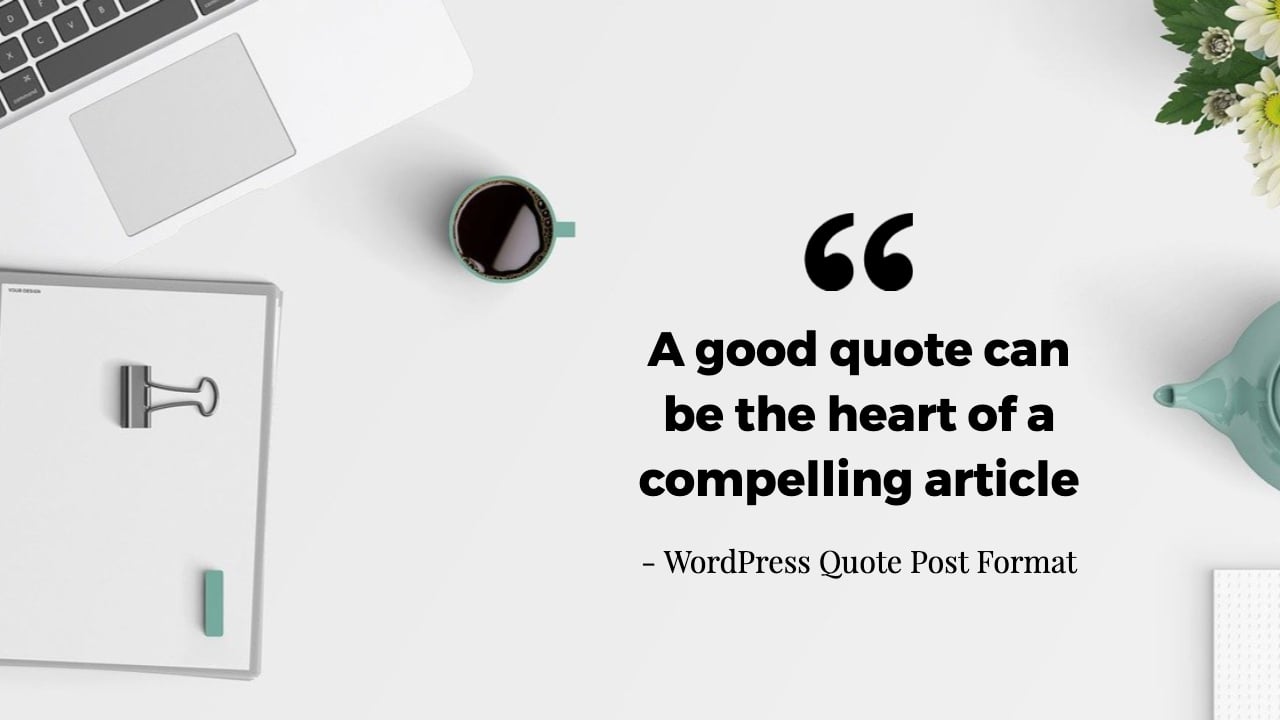
Credit: wbcomdesigns.com
Quote Block Basics
A quote block in WordPress is simple to use. It makes text stand out. You can add quotes quickly. Just select the quote block tool. This tool is in the editor menu.
You can style the quotes. Use bold or italics. This helps in highlighting important words. You can also choose the alignment. Make it left, center, or right. This helps fit the quote in your design.
A quote block is great for sharing thoughts. It is easy and quick to learn. You don’t need special skills. Just click and type. It’s that simple. Remember to use it wisely.
Adding A Quote Block
Adding quotes in WordPress is simple. Use the Quote Block feature. First, open your post editor. Click on the + icon to add a block. Select the Quote Block from the list. This block helps you highlight text. You can add author’s name too.
Customize the quote with different styles. Change the font or text size. Use the toolbar for these options. Quotes can be plain or styled. Styled quotes catch more attention. Make sure the quote is clear. This helps readers understand better.
Customizing Quote Appearance
Choose fonts that make your quotes stand out. Bold fonts are a great choice. They make quotes easy to read. Italic fonts can add elegance. Try different fonts and see what fits best. Your quotes will look unique and special.
Aligning your quotes can change their impact. You can center your quote. It gives balance and symmetry. Left alignment is more traditional. Right alignment can add a creative touch. Experiment with different alignments. See what fits your style.
Backgrounds can make quotes pop. Use light colors for calm vibes. Dark colors can add drama. Patterns give a playful look. Keep the background simple. It should not distract from the quote. A good background supports the text.

Credit: www.youtube.com
Using Html For Quotes
Adding quotes in WordPress is easy with HTML tags. Use the tag for a simple quote. This tag gives a nice indent to your text. To make it more special, add the tag. This tag shows who said the quote. You can also use for short quotes. It puts the quote in quotation marks.
Add some style to your quotes with CSS. Change the font or color to make it look nice. Use the style attribute in your tags. For example, . This will make your quote blue. You can also add background colors. Use style="background-color:yellow;" for a yellow background. Play with these to match your site’s look.
Plugins For Enhanced Quotes
WordPress has many plugins for quotes. Better Click To Tweet lets users tweet quotes easily. Simple Pull Quote helps highlight important text. QuoteRotator shows rotating quotes. Quotes Collection stores and displays quotes. These plugins make quotes better on your site.
First, open the WordPress dashboard. Then, click on “Plugins” and “Add New”. Type the plugin name in the search box. Next, click “Install Now”. Wait for the installation to finish. After that, click “Activate” to use the plugin. Follow these steps for each plugin you want.
Best Practices
Consistency in quote format is key. It helps in creating a uniform look. Use the same font and size for all quotes. This makes your page look neat. Quotes should match the rest of your text style. This aids in easy reading. Always check for any mismatched styles. This ensures all quotes look the same. A consistent style is pleasing to the eyes.
Readability is important for user experience. Short quotes are easier to read. Use simple language in quotes. This helps readers understand better. Ensure the quote is clear and concise. Avoid using complex words. Make sure the quote fits well with the content. Use proper spacing around quotes. This makes them stand out.
Troubleshooting Common Issues
Understanding the quote format in WordPress is essential for proper formatting. Users can apply block quotes for highlighting text or using the block editor to ensure their quotes stand out visually. Adjusting these settings can help present content more effectively.
Resolving Formatting Errors
Formatting errors can be tricky. Sometimes, quotes look odd on the page. Fixing them is often easy. Check your theme settings first. They might need adjusting. If that doesn’t work, try a different approach. Use the text editor. Make sure there are no extra tags. Clean HTML code helps a lot. Small mistakes can make big problems.
Dealing With Plugin Conflicts
Plugins can clash with each other. This leads to problems. Disable each plugin one by one. See if the problem goes away. This helps find the troublemaker. Once found, check for updates. Update the plugin if needed. If not, consider finding an alternative. A different plugin might work better. Always keep plugins updated. This avoids many issues.

Credit: betterproposals.io
Frequently Asked Questions
What Is The Quote Format In WordPress?
The quote format in WordPress is a post format designed to highlight quotations. It emphasizes the quoted text, often using blockquote styling. This format enhances the readability and visual appeal of quotes. Users can easily create engaging content by utilizing this format, making quotes stand out in posts.
How Do I Use Quote Format In WordPress?
To use the quote format, select the “Quote” option in the post format section of your WordPress editor. Then, enter your quote text into the editor. WordPress will automatically apply the appropriate styling to make your quote visually distinct and engaging for readers.
Why Use The Quote Format In WordPress?
Using the quote format in WordPress enhances the visual appeal of quotations. It makes them stand out and easier to read. This can improve user engagement and content clarity. Highlighting quotes effectively can also emphasize important messages, making your content more impactful and memorable.
Can I Customize Quote Format Styling?
Yes, you can customize the quote format styling in WordPress. This can be done by modifying your theme’s CSS. Customizations can include changing font size, color, and alignment. Tailoring the styling helps match the quotes to your site’s overall design aesthetic, enhancing user experience and brand consistency.
Conclusion
Understanding the quote format in WordPress is essential. It helps your content stand out. Using quotes can enhance readability and engagement. They break up text and emphasize key points. Practice adding quotes to improve your posts. Keep quotes relevant to your topic.
This will ensure they add value. Experiment with different styles. Discover what works best for your audience. Quotes are a simple tool, yet powerful. They bring life and interest to your writing. Start incorporating them today for better blog posts.



