
Are you on the hunt for the perfect WordPress theme that will catapult your website to the top of search engine rankings? You might be surprised to learn that choosing the most SEO-friendly WordPress theme can make or break your online presence.
Imagine your website effortlessly climbing up Google’s ranks, attracting more visitors, and boosting your business—all thanks to the right theme. But with thousands of options out there, how do you pinpoint the best one? You might feel overwhelmed, but don’t worry.
We’re here to guide you through this crucial decision. Dive into this article and discover the secrets behind selecting a theme that aligns perfectly with your SEO goals, ensuring your website not only looks stunning but performs exceptionally well. Get ready to transform your site into an SEO powerhouse!
Key Features Of Seo-friendly Themes
A theme with fast loading speed is crucial. It helps your site rank better. Slow sites lose visitors quickly. A quick theme keeps users happy. It also helps in reducing bounce rates.
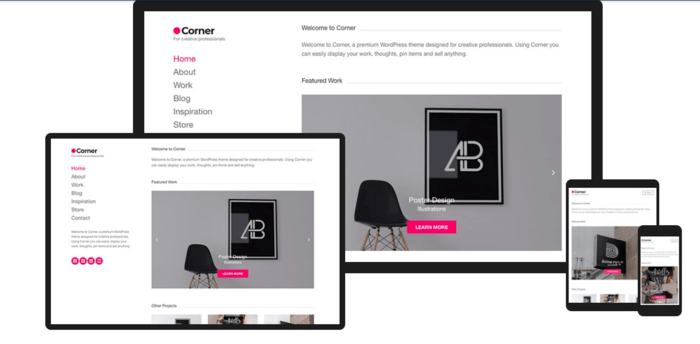
A responsive design works on all devices. Phones, tablets, or computers. Your site looks great everywhere. Users can easily navigate and read. This improves user experience significantly.
Themes with clean code structure load faster. They also make your site easier to maintain. Such themes follow best coding practices. This is important for good SEO.
Schema markup integration helps search engines understand your content. This can improve your site’s visibility. It highlights important parts of your site. Like reviews, events, or products.
An SEO-friendly theme works with popular SEO plugins. These plugins help optimize your content. They also improve your site’s search ranking. Yoast and All in One SEO are examples.
Credit: aioseo.com
Popular Seo-friendly WordPress Themes
GeneratePress is a fast and light theme. It works well with many plugins. This theme is easy to use. It offers a clean design. Users love its flexible options. It is very customizable. You can change colors and layouts. It is also responsive. This means it looks good on all devices.
Astra is another great theme. It loads very fast. It is simple and easy to use. Many websites use Astra. It is very popular. This theme works with many page builders. You can create beautiful sites. It has many ready-to-use templates. These save you time.
OceanWP is known for its versatility. It supports e-commerce. You can sell products easily. The theme is SEO-friendly. It is also translation ready. People worldwide can use it. It has many extensions. These add extra features. OceanWP is a good choice for any site.
Neve is a lightweight theme. It is very fast. This theme is easy to set up. You can import demo sites quickly. It is mobile-friendly. Your site will look good on phones. Neve is compatible with popular plugins. It is a smart choice for beginners.
Schema Theme is all about SEO. It helps your site rank better. The theme is very fast. It has a clean design. This makes it easy to read. Schema Theme is easy to customize. You can change many settings. It offers rich snippets. This helps search engines understand your site better.
Choosing The Right Theme For Your Site
Think about what your site requires. Is it a blog or a shop? Different sites have different needs. Blogs need clean layouts. Shops need strong e-commerce support. Clear goals help choose the right theme.
Not all themes are free. Some themes cost money. Budget is important. Free themes work well for simple sites. Premium themes offer more features. Compare prices before deciding.
How much can you change the theme? Some themes allow many changes. Others are less flexible. Check if you can change colors, fonts, and layout. Customization makes your site unique.
Check what others say. User reviews tell a lot. High ratings mean good themes. Read feedback before choosing. Reviews help find reliable themes.

Credit: www.wpzoom.com
Optimizing Your Chosen Theme
SEO plugins make themes better. They help with keywords. They also improve site speed. A popular plugin is Yoast SEO. It helps with meta tags. Another good one is All in One SEO. It guides on sitemaps. These plugins are easy to use.
Themes need updates often. Updates fix bugs and keep sites safe. Always choose themes with regular updates. Updates improve compatibility with new WordPress versions. They also make sites run faster. Regular maintenance is key for a healthy site.
Optimizing images is important. Large images slow down sites. Use tools to compress images. Compressed images load faster. Alt text helps with search engines. Always add alt text to images. This helps in searches.
Good content structure matters. Use headings and subheadings. This makes content clear. Short paragraphs are easier to read. Bullet points help too. Internal links guide readers to more pages. This keeps them on the site longer.
Common Mistakes To Avoid
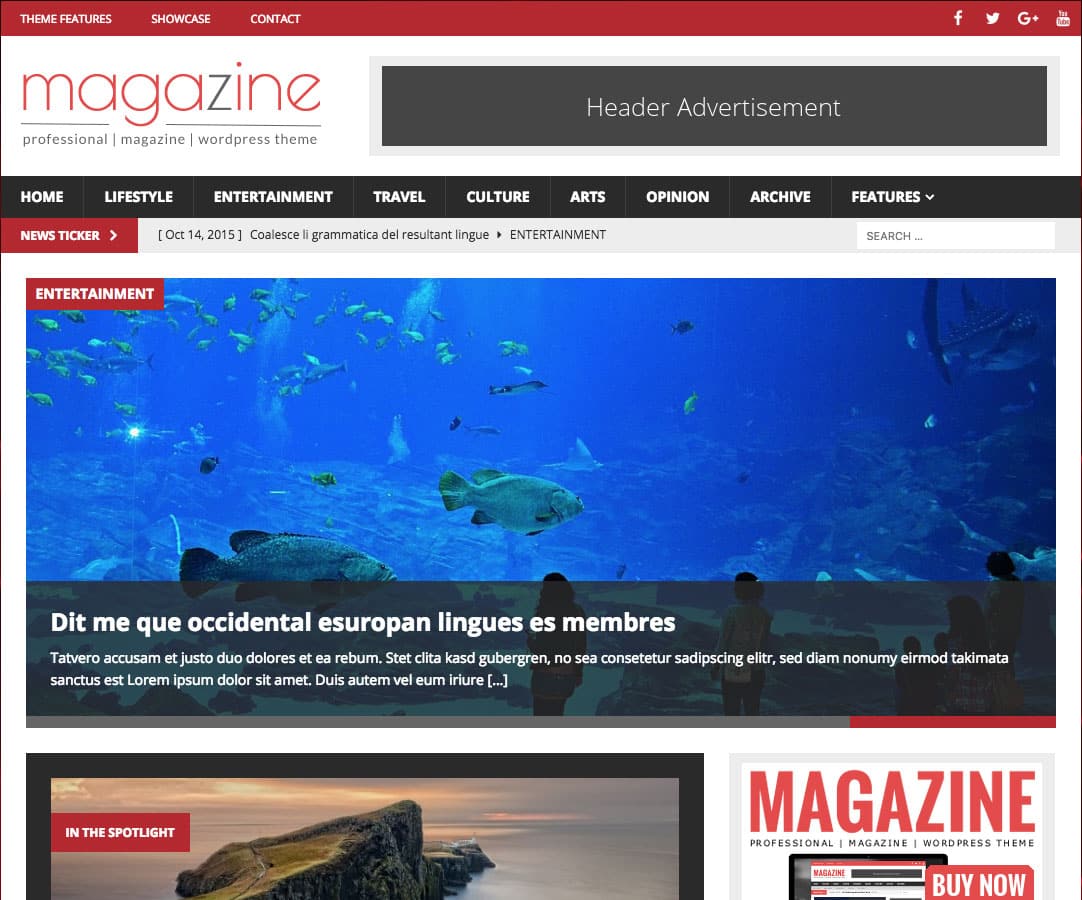
Choosing the wrong theme can hinder SEO efforts. Lightweight themes with clean code often perform better in search engines. Overly complex designs might slow down your site, affecting user experience.
Overloading With Plugins
Too many plugins can slow your website. Always choose essential ones. Each plugin should have a clear purpose. Avoid adding plugins for small tasks. This can lead to conflicts and bugs. Keep your site running smoothly.
Ignoring Mobile Friendliness
Many users browse on phones. A site must be mobile-friendly. Themes should adjust to different screens. Test your site on a phone. Ensure everything looks good. This helps in keeping users happy.
Neglecting Theme Updates
Updates fix bugs and add features. Ignoring updates makes your site vulnerable. Always update your theme. This ensures better security. It also improves performance. Stay updated for a safer site.
Choosing Style Over Functionality
A beautiful site is nice. But it must work well too. Prioritize functionality over looks. Users need a fast and easy site. A balance of style and function is key. This ensures users return.
Credit: sunnyhq.io
Frequently Asked Questions
What Is An Seo-friendly WordPress Theme?
An SEO-friendly WordPress theme is optimized for search engines. It ensures fast loading times, clean code, and responsive design. These themes enhance user experience and improve visibility on search engines. They often include schema markup and are compatible with popular SEO plugins.
This helps boost your site’s search ranking.
Why Choose A Lightweight WordPress Theme?
A lightweight theme ensures faster loading times and better performance. Search engines favor sites that load quickly. A fast site improves user experience and reduces bounce rates. Lightweight themes typically have clean code and minimal bloat, which boosts SEO rankings.
They are crucial for maintaining a competitive edge.
How Does Responsive Design Affect Seo?
Responsive design ensures your site looks good on all devices. Google prioritizes mobile-friendly websites in search results. A responsive theme adapts to different screen sizes, improving user experience. This results in lower bounce rates and higher engagement. Consequently, your site’s SEO performance and search rankings improve.
Can WordPress Themes Impact Site Speed?
Yes, WordPress themes can significantly impact site speed. Themes with bloated code or excessive features slow down your site. Slow-loading sites lead to higher bounce rates and poor user experience. Search engines prefer fast sites, so choosing an optimized theme can enhance SEO performance and improve rankings.
Conclusion
Choosing the right WordPress theme boosts your SEO success. It enhances site speed. Mobile-friendly themes improve user experience. Clean code helps search engines understand your site better. Customization options allow unique branding. SEO plugins compatibility is crucial. Themes like Astra, GeneratePress, and OceanWP are popular choices.
They offer speed and flexibility. Regular updates ensure your site stays secure. Choose a theme that fits your content style. Always test your theme for speed and mobile responsiveness. A good theme supports your SEO goals. It helps you reach more visitors.
Happy blogging!



