
Have you ever wondered why your WordPress site sometimes displays strange characters or has trouble sorting data correctly? The answer might lie in something called “collation type.”
Understanding the correct collation type for your WordPress site is crucial for ensuring smooth functionality and a seamless user experience. Imagine trying to organize your favorite music playlist, only to find the songs are in a random order because of a sorting issue.
That’s what can happen if your collation type isn’t properly set. You’ll discover what collation type is, why it’s important, and how to select the correct one for your WordPress site. By the end, you’ll have the tools to prevent potential headaches and ensure your site runs like a well-oiled machine. Keep reading to unlock the secret to a perfectly organized WordPress site!
Collation In WordPress
Collation controls how text is sorted and compared in databases. In WordPress, it impacts the way your content is stored. This includes blog posts and comments. Correct collation ensures data is managed properly. It helps in maintaining consistency across your site. UTF-8 is often recommended for WordPress. This is because it supports many languages and characters. If your site uses multiple languages, UTF-8 is ideal. This collation type can handle special characters well. It avoids issues with content display. Always choose UTF-8 for diverse language needs. It is flexible and widely accepted.
Credit: easywebdesigntutorials.com
Importance Of Collation
Collation is like the alphabet’s helper. It decides how words are sorted. Correct collation ensures your site works well. It helps with searches and sorting. Without it, things can get messy. Your website might not find the right data. This can cause problems for users.
Different languages need different collations. English uses one type, but other languages might need another. UTF8mb4_unicode_ci is popular. It supports many languages. This helps your site handle diverse content.
Always check your site’s collation. Make sure it’s right for your needs. This keeps your site running smoothly. And your users happy.
Common Collation Types
utf8mb4 is a newer collation type. It supports all emojis. It handles more characters than utf8. Websites with user-generated content need this.
utf8 is the older collation. It supports most languages. But not emojis. It uses less storage space. Better for simple sites.
Collation affects case sensitivity. Some collations are case-sensitive. Others are case-insensitive. Case-sensitive collations treat ‘A’ and ‘a’ differently. Case-insensitive collations treat them the same.
Choose wisely. Think about the content on your site. Case sensitivity can affect search results. It can change how users find things. It matters for sorting lists. It matters for comparing text.
Choosing The Right Collation
Collation is important for plugin compatibility. Some plugins need specific collation types. UTF8MB4 is popular. It supports many languages and special characters. This collation works well with most plugins. Always check plugin requirements. This avoids errors or issues.
Collation affects database performance. It influences sorting and searching speed. UTF8MB4 is good for many sites. It balances performance and compatibility. For high traffic sites, collation choice is crucial. It helps with quick data processing.
How To Check Current Collation
Open phpMyAdmin in your web host panel. Select the database for your WordPress site. Click on the Operations tab. Look for the Collation option. It shows the current collation type. This tells how the database sorts and compares text.
Install a plugin like WP-DBManager. Go to the plugin settings. Find the database options. Here, you can see the current collation. Plugins make it easy. No need to dive into complex settings.
Changing Collation Safely
Always start with a backup of your website. This saves your data. Use plugins like UpdraftPlus or BackupBuddy. These tools are easy to use. Just click a few buttons. Store backups in a safe place. Cloud storage is a good option. You can also use an external hard drive. Having a backup is crucial. It protects your information.
Log in to your database. Use tools like phpMyAdmin. Find the table you want to change. Click on the table name. Go to the Operations tab. Look for collation settings. Choose a new collation type. Save your changes. Check if everything works fine. If not, you can restore the backup. These steps help keep your site safe.
Troubleshooting Collation Issues
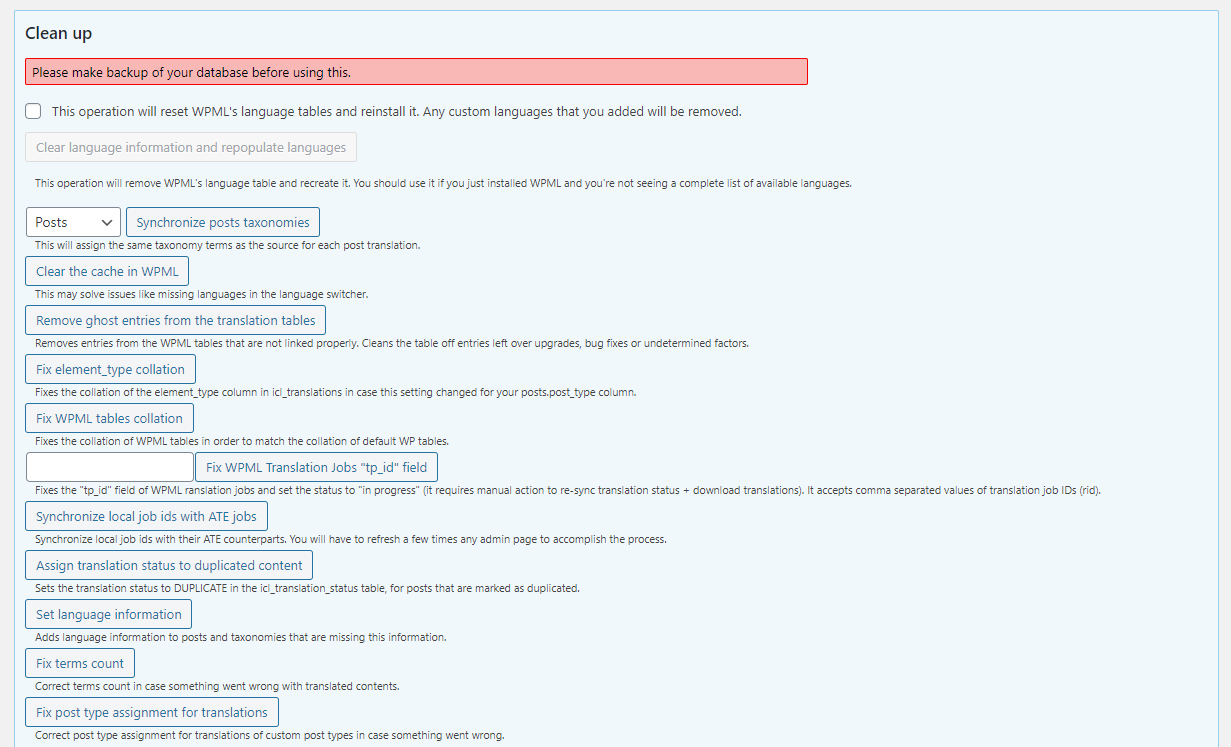
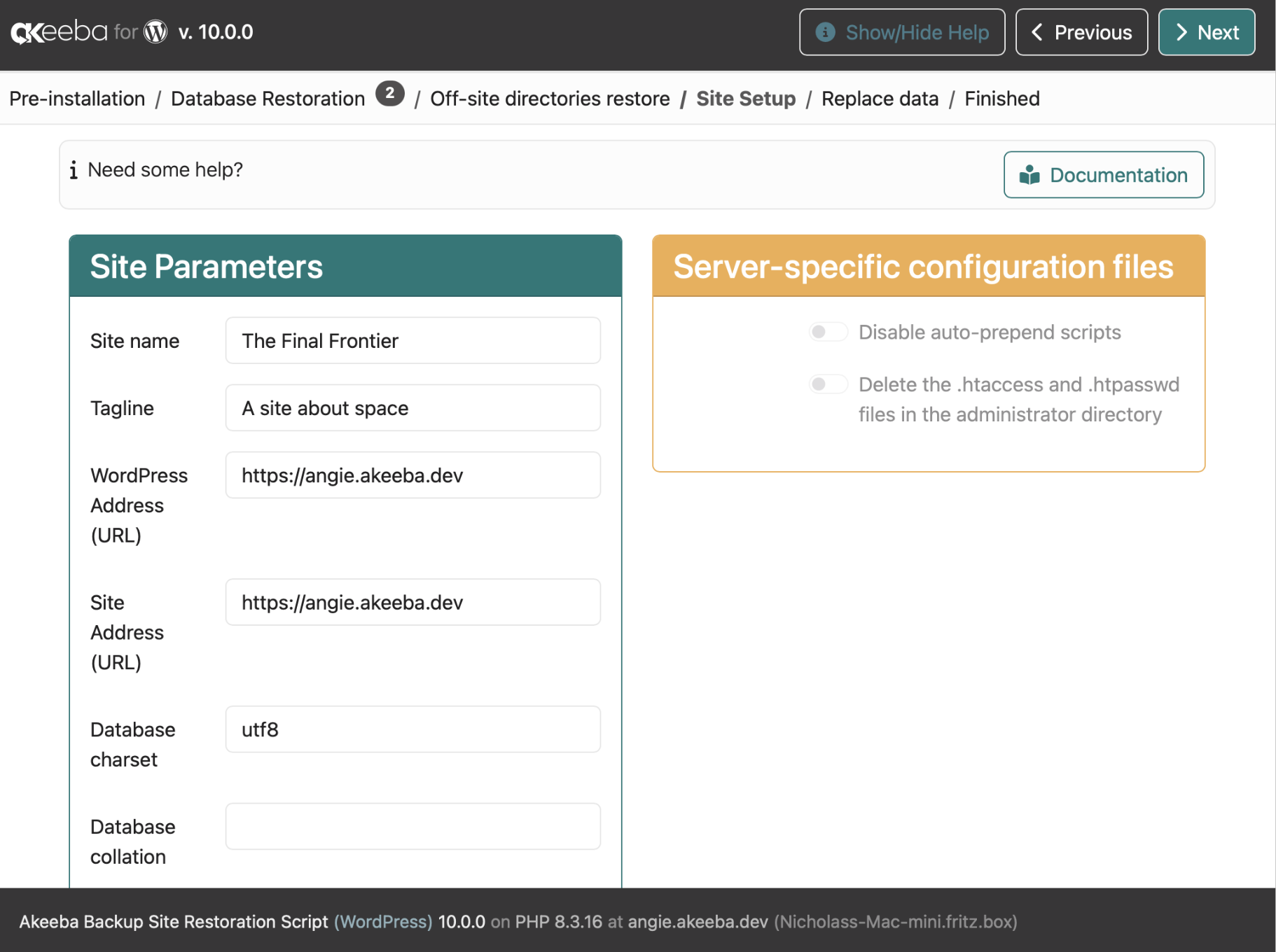
Database errors can be tricky. Collation mismatch is a common issue. It causes trouble in WordPress. You might see strange symbols in text. Or, database queries fail to work. This happens if table collations are different. UTF-8 is a good choice for WordPress. It supports many languages and symbols. Check your database settings. Ensure all tables use the same collation.
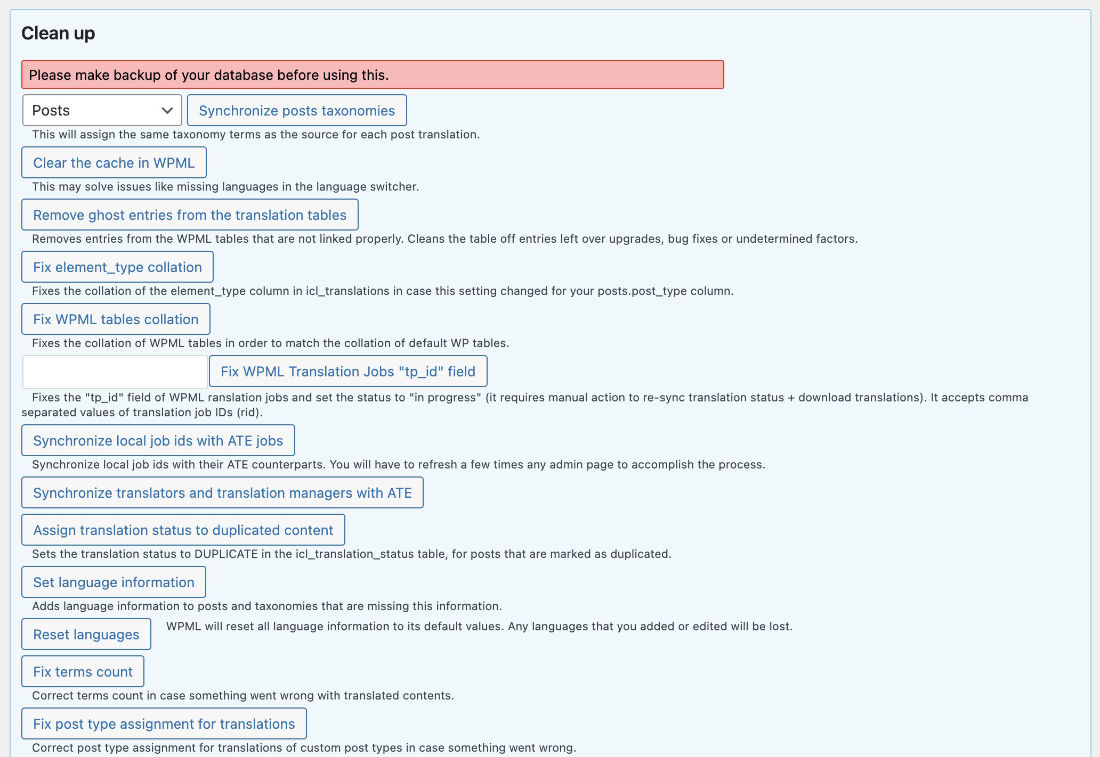
Wrong character encoding leads to errors. Characters may not display properly. This affects user experience. Use the WordPress database repair tool. It fixes many problems. Also, check the wp-config.php file. Make sure it has the right settings. Look for `DB_CHARSET` and `DB_COLLATE` lines. Both should match your database settings. This helps solve encoding issues.
Credit: wpml.org
Credit: www.akeeba.com
Frequently Asked Questions
What Is Collation In WordPress?
Collation in WordPress defines how database text fields are sorted and compared. It impacts the character set used for storing data. Choosing the right collation ensures proper sorting and searching of text. It’s crucial for multilingual sites to have consistent data handling.
Always align collation with your site’s language needs.
Why Is Collation Important For WordPress Sites?
Collation affects data retrieval and sorting, especially for multilingual sites. It ensures consistent data storage, improving search accuracy and performance. Correct collation prevents database errors and character misinterpretations. It’s vital for managing and displaying text in various languages. Choosing the right collation enhances overall site functionality.
How To Check Current Collation In WordPress?
You can check your WordPress collation using phpMyAdmin. Access the database, navigate to the tables, and view the collation column. Alternatively, use a plugin like WP-DBManager to display collation details. Ensure your collation matches your site’s language requirements for optimal performance and compatibility.
Can I Change Collation After WordPress Installation?
Yes, you can change collation after installation. Use phpMyAdmin to alter table collations. Alternatively, plugins like “WP-DBManager” can help. Changing collation requires technical knowledge to avoid data loss. Backup your database before making any changes. Correct collation improves site performance and compatibility.
Conclusion
Choosing the right collation type is crucial. It impacts your site’s performance. Always ensure it matches your database needs. Regular checks can prevent issues. Compatibility matters, especially with plugins. Pick wisely to avoid errors. A mismatched collation can lead to site problems.
Keep your site running smoothly. Your visitors will thank you. Remember, a well-configured site boosts user experience. It also improves search engine rankings. Stay informed about updates. This keeps your site optimized. A little attention to collation can make a big difference.
Your WordPress site deserves the best setup.



