
Are you looking to monetize your WordPress site with a subscription model? Choosing the right subscription plugin can be a game-changer for your online business.
With countless options available, finding the best one might feel overwhelming. But don’t worry, you’re not alone in this. By the end of this article, you’ll have a clear understanding of what makes a subscription plugin stand out and which one aligns perfectly with your needs.
Imagine effortlessly managing memberships, increasing your revenue, and providing an exceptional user experience—all with the right plugin. So, are you ready to discover the best subscription plugin for WordPress that could transform your website into a thriving online community? Let’s dive in!
Key Features To Consider
A good plugin should be easy to use. Simple menus and clear options help. No one likes a confusing setup. Drag and drop tools are a plus. They make tasks faster.
It’s important to have many payment choices. Credit cards, PayPal, and others. More options mean more happy users. Security is key too. Ensure that transactions are safe.
Everyone wants something unique. Change colors, fonts, and layouts. Make the site your own. Flexibility is important. Users will love a personal touch.
Managing users should be simple. Add or remove members easily. Keep track of user activity. Know who is active. A good system helps keep things organized.
Credit: jetformbuilder.com
Popular Subscription Plugins
MemberPress is a strong plugin for WordPress. It helps manage memberships easily. You can control who sees your content. It is simple to use and trusted by many users.
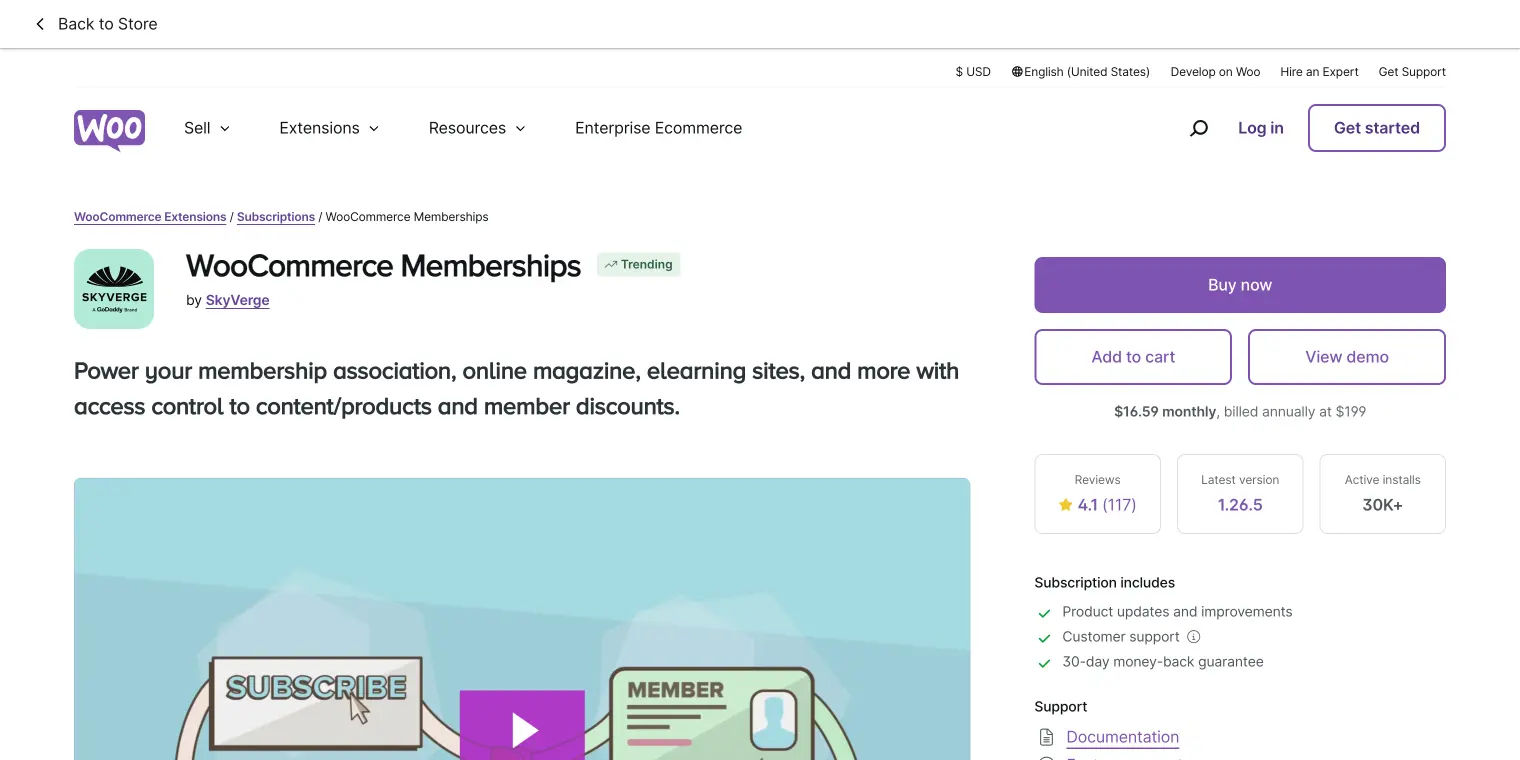
WooCommerce Subscriptions allows you to sell products. You can create recurring payments. It works well with WooCommerce stores. Many businesses choose it for easy management.
Restrict Content Pro offers great tools. It helps keep content private. You can set up different access levels. It’s perfect for sites with many users.
Paid Memberships Pro supports multiple payment gateways. You can manage memberships effectively. It is flexible and fits small and large sites. Many appreciate its detailed reports.
Comparing Pricing Plans
Choosing the best subscription plugin for WordPress depends on your needs and budget. Compare pricing plans carefully to find the right features. Ensure the plugin offers flexibility and ease of use for managing your subscriptions efficiently.
Free Vs. Paid Versions
Many plugins offer both free and paid versions. Free versions often have limited features. They are good for beginners. Paid versions have more tools and options. They help with growth and customization. Choosing between free and paid depends on needs. Consider what features are important.
Value For Money
Paid plugins should offer value for money. Look for features that save time and effort. Plugins with good support are worth it. Check for updates and security features. Compare prices with features offered. Ensure the plugin meets your needs. Sometimes spending a little more is better.
Ease Of Setup
Setting up a WordPress subscription plugin should be quick and simple. Many plugins offer user-friendly interfaces and straightforward installation processes, making it easy for beginners. With clear instructions, users can activate features and start managing subscriptions in no time.
Installation Process
Choosing a subscription plugin is important. It must be easy to install. Many plugins offer a simple installation. Download the plugin from the WordPress store. Next, upload it to your site. Then, click “activate” to start using it. This process should be quick. Make sure to follow all steps carefully.
Initial Configuration
After installation, set up the plugin. Configuration is important for it to work right. Go to the settings page. Enter all the needed details. Name your subscription plan. Set the price and duration. Some plugins have guides. These guides can help you set it up easily. Always save your settings. This ensures everything works smoothly.
Performance And Reliability
Choosing the best subscription plugin for WordPress ensures smooth performance and reliability. Top plugins offer easy setup, secure payment options, and customizable features. Users enjoy consistent updates, reducing technical issues and enhancing site functionality.
Speed And Efficiency
Choosing a subscription plugin means thinking about speed. A fast plugin makes websites load quickly. This keeps visitors happy and improves SEO. Plugins must handle lots of users at once. They should not slow down the site. Look for plugins that work well with other tools. Some plugins offer caching. This helps with speed. Efficient plugins use fewer resources. This keeps websites running smoothly. Choose a plugin that updates regularly. Regular updates mean better performance. They also fix bugs.
Customer Support
Good support is very important. People need help with problems fast. Look for plugins with 24/7 support. Check if they offer chat, email, or phone help. A plugin with a big community is helpful. Users share tips and solutions. Check reviews for support quality. Friendly and fast support makes a big difference. Some plugins have forums. This is a place to ask questions. Many plugins offer guides and videos. This helps users learn quickly.
Credit: www.cozmoslabs.com
User Reviews And Feedback
People say subscription plugins can be confusing. Users often look for easy tools. They want plugins that work well and are simple. Many users love plugins that don’t break their site. They like plugins that are fast and reliable. Good customer service is very important. Users want help when things go wrong. They like plugins with clear instructions. Easy setup makes them happy. Some plugins have lots of features. Users enjoy exploring these features. They feel satisfied when they find what they need.
Subscriptions can be tricky. Plugins help manage them smoothly. Users praise plugins that save them time. They appreciate plugins with automatic updates. Reviews often mention plugins that integrate well. Compatibility with other tools is key. Users share success stories with the right plugins. They find peace of mind when plugins work seamlessly.
Future Updates And Scalability
Future updates in plugins are very important. They keep your plugin secure and functional. A good plugin should receive updates often. This ensures it works with new WordPress versions.
Scalability is another key factor. As your website grows, your plugin should handle more users. It needs to work smoothly even with high traffic. Choose plugins that promise support for bigger sites.
Some plugins offer easy integration with other tools. This helps expand your site’s features. A plugin with strong developer support is a good choice. This means help is available if you face problems.
Credit: www.wpbeginner.com
Final Recommendations
Choosing the right subscription plugin is essential for your WordPress site. Many plugins offer unique features. Some focus on ease of use. Others offer advanced customization. It’s important to find one that meets your needs.
Consider plugins like MemberPress and WooCommerce Subscriptions. MemberPress is great for creating membership sites. It offers integrated payment gateways and membership management. WooCommerce Subscriptions is perfect for online stores. It allows you to offer recurring payments for products.
Easy Digital Downloads is another option. It focuses on selling digital products. It provides multiple payment options. All these plugins have their own strengths. Choose based on your site’s specific needs.
Frequently Asked Questions
What Are Popular Subscription Plugins For WordPress?
Popular subscription plugins include MemberPress, WooCommerce Subscriptions, and Restrict Content Pro. These plugins offer various features like recurring payments and membership management. They are user-friendly and integrate seamlessly with WordPress sites. Choosing the right plugin depends on your specific needs and budget.
How Do Subscription Plugins Benefit WordPress Sites?
Subscription plugins help monetize content and increase user engagement. They offer tools for membership management, recurring billing, and access control. These plugins allow site owners to offer exclusive content to subscribers, enhancing the site’s value and generating consistent revenue.
Can Subscription Plugins Integrate With Payment Gateways?
Yes, most subscription plugins integrate with popular payment gateways. This includes options like PayPal, Stripe, and Authorize. net. Integration ensures secure transactions and simplifies payment processes. It allows users to manage subscriptions and payments efficiently, enhancing the overall user experience.
Are Subscription Plugins Easy To Set Up On WordPress?
Most subscription plugins offer easy setup with intuitive interfaces. They often include step-by-step guides and support documentation. Many plugins also provide demo versions to test features before committing. This makes it easy for beginners to implement subscription services on their WordPress sites.
Conclusion
Choosing the right subscription plugin matters for your WordPress site. Each plugin offers distinct features. Consider your site’s needs. Review user feedback and ratings carefully. Pricing can influence your decision. Choose a plugin that fits your budget. Check for customer support options.
Reliable support ensures smooth operation. Test plugins before committing. Make sure they work well with your site. Always keep user experience in mind. A seamless experience retains subscribers. Ultimately, your choice should align with your goals. A well-chosen plugin enhances your site’s functionality.
Invest time in research to find the perfect match.



