
Have you ever wondered how to make certain posts on your WordPress site stand out, grabbing your visitors’ attention right away? Imagine having the power to highlight your most important content, ensuring it doesn’t get lost amidst newer posts.
That’s where “Stickies” come into play. With stickies, you can keep chosen posts at the top of your blog, making them the first thing your audience sees. Whether you’re promoting a special offer, sharing crucial updates, or showcasing evergreen content, stickies could be your secret weapon.
Dive in to discover how this simple feature can transform your WordPress site, capturing your visitors’ focus and driving engagement like never before. Your readers’ attention is precious—learn how to seize it effectively!
Credit: wordpress.org
Stickies Defined
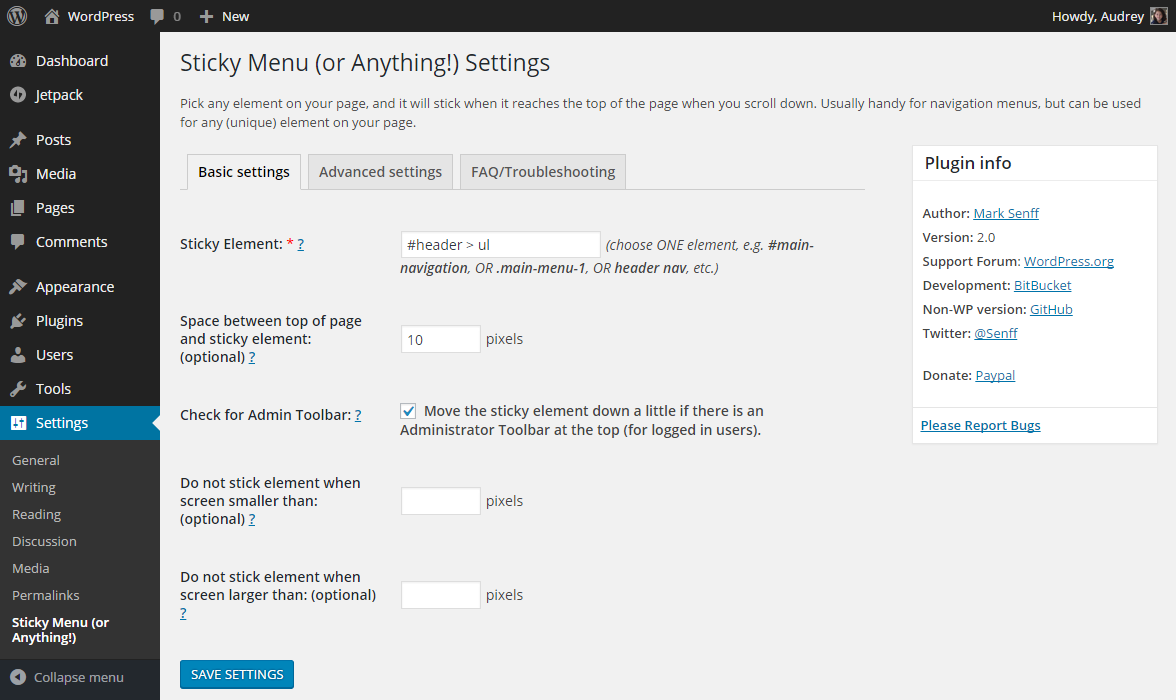
Stickies are special posts on WordPress. They stay at the top of the blog. Even if new posts are added, stickies remain first. They help to show important content. Readers see them first when visiting the site. Stickies can be news or announcements. They are very useful for bloggers. Stickies make sure important posts are always visible. They can grab attention easily. Setting a post as sticky is simple in WordPress. Bloggers can choose which post to sticky. This feature helps manage content well. Stickies improve blog organization. They make sure key messages are seen by everyone.
Credit: qodeinteractive.com
Benefits Of Using Stickies
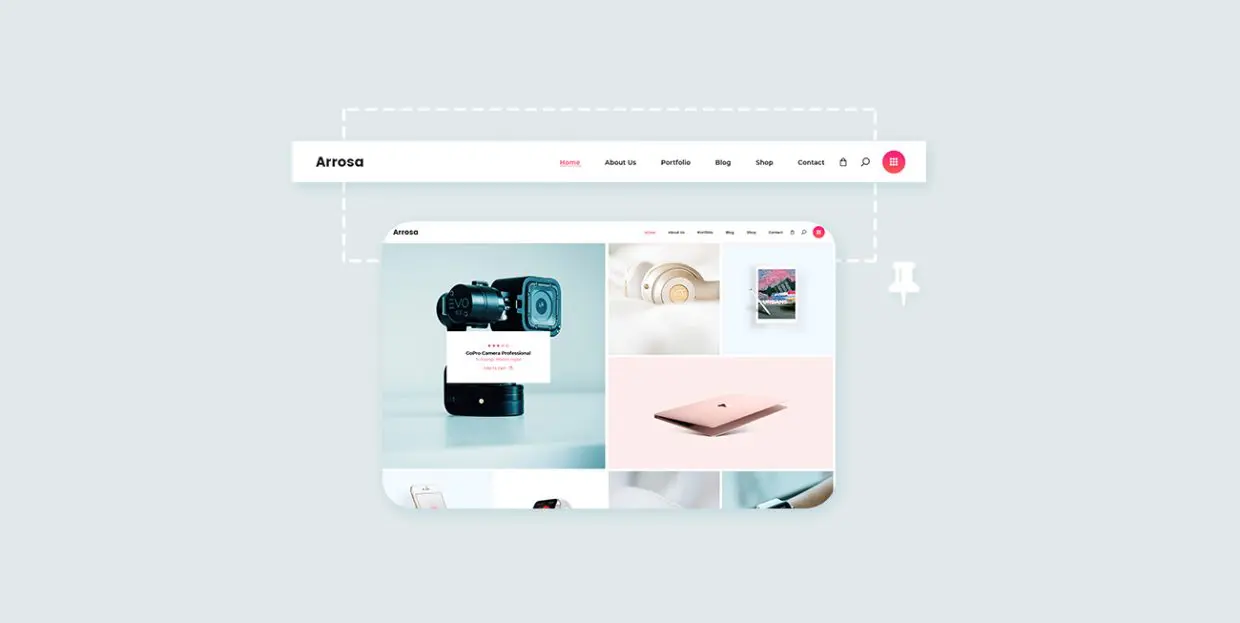
Stickies help keep users on your site. They make important content easy to find. Users can see key messages right away. This keeps them interested. They might stay longer. They might read more pages. This boosts user engagement. It makes your site more popular.
Stickies put your best content on top. Everyone sees it first. This increases visibility. Your important messages won’t get lost. More people will read them. This helps your content stand out. It attracts more visitors. More views mean more success for your site.
Setting Up Stickies
Stickies make important posts stay on top. To access the sticky feature, go to your WordPress dashboard. Find the post you want to make sticky. Open the post editor. Look for the option that says Visibility. Click on it. You will see a checkbox for Stick this post to the front page. Check it. Save your changes. Now your post is sticky.
Marking posts as stickies is simple. First, find the post. Click on Edit. In the post settings, find Visibility. Check the box next to Stick this post to the front page. Save your changes. Your post will now appear first on the homepage. This helps readers find important posts quickly. Stickies are great for announcements. Or important updates.
Best Practices
Stickies on WordPress highlight important posts at the top of your blog. These posts stay visible, attracting more readers. Use them to showcase essential updates or popular content.
Choosing The Right Posts
Make some posts sticky. Choose posts that matter. These can be popular or important. Stickies help these posts stay at the top. Readers see them first. Choose posts that users like. This makes them feel valued. Sticky posts should be special. They can be news or updates. Choose carefully for better results.
Balancing Sticky And Regular Posts
Too many sticky posts can be bad. They push regular posts down. Readers might miss new content. Keep a balance. Use stickies wisely. Regular posts are important too. They keep the blog fresh. Sticky posts should not be too many. Choose only a few. Balance helps the blog look neat. It makes reading easy for everyone.
Common Mistakes
Stickies on WordPress often confuse users. Many forget to uncheck the sticky option, leaving outdated posts pinned. Others overlook the impact on homepage layouts, causing clutter.
Overusing Stickies
Stickies are useful but overusing them can clutter your homepage. Readers might get confused with too many sticky posts. It is important to use stickies sparingly. Highlight only the most important posts. This helps in maintaining a neat and organized look. Visitors will appreciate a clean layout. They can find what they need easily. Stickies should not dominate the entire front page.
Ignoring Post Updates
Posts need updates for freshness. Sticking old content might mislead visitors. Regular updates keep posts relevant. Make sure your sticky posts are current. Check them often for outdated info. Refresh them with new details if needed. This keeps your site engaging and useful. Visitors trust websites that provide updated content. Always review sticky posts for accuracy.
Success Stories
Many bloggers use Stickies to keep important posts at the top. One blog saw a 30% increase in reader engagement. Readers easily found key posts. Another site used Stickies for event announcements. This helped increase event attendance by 20%. Small changes can make a big difference.
Stickies keep important information visible. They help readers find valuable content. Some users noticed their bounce rates went down. This means visitors stayed longer. It’s vital to choose the right posts for Stickies. Too many can confuse readers. So, pick the most important ones.
Tools And Plugins
Stickies on WordPress let you highlight important posts by keeping them at the top of your blog. This simple tool ensures that key content remains visible to your readers, even as you add new posts. Perfect for drawing attention to important announcements or featured articles.
Popular Sticky Plugins
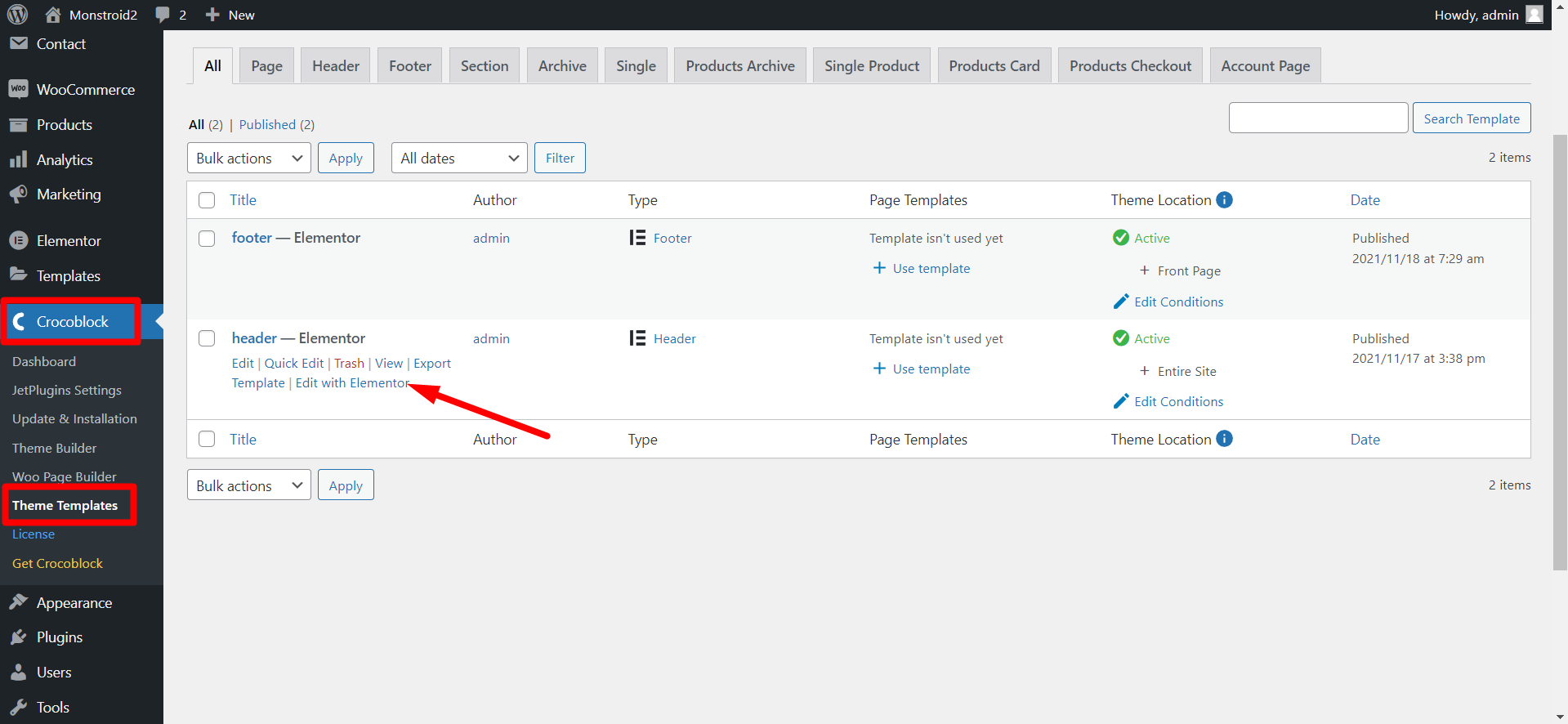
Sticky plugins help keep important posts at the top. Some popular ones include Sticky Posts and Q2W3 Fixed Widget. These tools make it easy to highlight your best content. They are simple to use and install. Most plugins work with just a few clicks. This makes them great for beginners. You can find these plugins in the WordPress Plugin Directory. Many of them are free. Some offer extra features for a small fee. Always check reviews before installing a plugin. This helps ensure it is safe and reliable.
Integrating With Themes
Integrating sticky features with themes can be easy. Many themes support stickies by default. This means less work for you. If your theme does not support it, plugins can help. Always test the feature after adding it. Ensure it looks good on all devices. Mobile and desktop views can differ. Adjust settings if needed. This keeps your site looking neat. Consistent design is key for a good user experience.
Credit: zemez.io
Frequently Asked Questions
How Do Stickies Work On WordPress?
Stickies allow you to keep posts at the top of your blog. They ensure important content remains visible to readers. When you mark a post as sticky, it stays at the top, regardless of its publish date. This feature is helpful for promoting announcements or popular posts.
Why Use Stickies In WordPress?
Stickies are useful for highlighting essential posts. They help ensure crucial information is easily accessible to readers. By using stickies, you can keep special content visible. This feature is ideal for announcements or evergreen posts that need constant attention from your audience.
Can Stickies Improve Website Engagement?
Yes, Stickies can enhance engagement by keeping key content visible. They draw attention to important posts that users might otherwise miss. By maintaining visibility, stickies can increase interaction with specific content. This strategy can lead to higher engagement rates and more reader involvement.
How To Make A Post Sticky On WordPress?
To make a post sticky, go to the post editor in WordPress. Under ‘Visibility,’ select ‘Stick to the front page. ‘ Save the changes to keep the post at the top. This simple process ensures your post remains prominent for your readers.
Conclusion
Stickies on WordPress offer a simple way to highlight important posts. They keep selected content at the top of your blog. This ensures visitors see key information first. It’s a handy feature for bloggers and site owners. Easy to use and effective.
Stickies can enhance your site’s layout and accessibility. They help guide your audience to essential content. This can lead to better engagement. Understanding stickies can improve your WordPress experience. Try using stickies to showcase your best content. It’s a small change with a big impact.
Keep your readers informed and engaged.



