

Are you looking to build a powerful, fast, and secure website with WordPress? Then you’ve probably come across the term “Genesis WordPress.”
But what exactly is it, and why should it matter to you? If you want a website that stands out, loads quickly, and is easy to customize without hassle, understanding Genesis WordPress could be your game-changer. You’ll discover what Genesis WordPress is, how it works, and why it might be the perfect choice for your next website project.
Keep reading to unlock the secrets that can take your site to the next level.
Genesis WordPress Basics
Genesis WordPress Basics introduce a popular framework for building websites. It helps users create fast, secure, and easy-to-manage sites. Many beginners and experts choose Genesis for its strong foundation.
This section explains what Genesis Framework is, its key features, and how it differs from other WordPress themes. Understanding these points helps users decide if Genesis suits their website needs.
Genesis Framework Explained
The Genesis Framework is a codebase for WordPress themes. It works as a parent theme, offering a solid structure. Users build child themes on top, customizing design and features.
This setup keeps the website clean and easy to update. Genesis focuses on speed and security. Developers create child themes to match different styles and purposes.
Key Features Of Genesis
Genesis offers fast loading times to improve visitor experience. It uses clean code for better SEO and security. The framework supports responsive design for mobile-friendly sites.
It includes built-in SEO options that help websites rank higher. Users can customize layouts and colors without coding. Regular updates keep the framework secure and compatible with WordPress.
How Genesis Differs From Other Themes
Genesis is a framework, not just a theme. It separates design from core code for easy updates. Many themes mix design and code, causing problems later.
Genesis focuses on performance and security first. It has fewer built-in features but supports plugins well. Other themes often add many features that slow down websites.
Developers prefer Genesis for its clean, efficient code. It allows easy customization through child themes. This makes Genesis flexible for many website types.
Benefits Of Using Genesis
Genesis is a popular WordPress framework. Many users choose it for its strong benefits. It helps build websites that work well and look great. The framework offers tools that improve site speed, SEO, and security. These features make Genesis a smart choice for bloggers and businesses.
Speed And Performance
Genesis uses clean and lightweight code. This helps websites load quickly on any device. Faster sites keep visitors happy and reduce bounce rates. The framework is built to run smoothly, even with many plugins. This ensures a better user experience and higher engagement.
Seo Advantages
Genesis includes built-in SEO options. It helps search engines find and rank your site easily. The code follows best SEO practices to improve visibility. Users can customize titles, descriptions, and more without extra plugins. This saves time and boosts your site’s chance to appear in search results.
Security Strengths
Genesis is designed with strong security features. It protects sites from common WordPress vulnerabilities. Regular updates keep the framework safe from new threats. This reduces the risk of hacks and data loss. Users can focus on content, knowing their site is secure.
Choosing The Right Genesis Theme
Choosing the right Genesis theme sets the foundation for your website’s look and feel. Each theme offers different styles and features. Picking a theme that fits your content and goals is important. The Genesis framework supports many child themes. These themes work on top of Genesis to give your site a unique design. Consider factors like style, flexibility, and user experience before deciding.
Popular Genesis Child Themes
Several child themes stand out for their design and ease of use. StudioPress themes like “Authority Pro” and “Essence Pro” are popular choices. “Authority Pro” suits business and authority sites. “Essence Pro” fits health and lifestyle blogs. Other themes like “Magazine Pro” focus on content-heavy sites. Choose a theme that matches your site’s purpose and tone.
Customization Options
Genesis themes offer various ways to customize your site. Change colors, fonts, and layouts without coding. Some themes include built-in options for header and footer styles. Widgets and page templates add flexibility. Custom CSS can further personalize your site. Easy customization helps keep your brand consistent and your site appealing.
Responsive Design Features
All Genesis themes come with responsive design. Your website will look good on phones, tablets, and desktops. Responsive themes adjust layouts automatically to fit screen sizes. This improves user experience and helps with search engine rankings. Mobile-friendly design is essential for modern websites. Genesis themes ensure your site works well everywhere.
Credit: 10web.io
Setting Up Genesis On WordPress
Setting up Genesis on WordPress is simple and fast. This theme framework helps create clean and professional websites. It works well for blogs, business sites, and portfolios. Follow clear steps to install and configure Genesis properly.
After setup, the theme offers many customization options. Adding plugins can also improve your site’s features. These steps will guide you through the process without confusion.
Installation Steps
First, buy the Genesis framework from StudioPress. Download the Genesis zip file to your computer. Log in to your WordPress dashboard. Go to Appearance > Themes and click “Add New.” Upload the Genesis zip file and activate it. Next, install a child theme for design and layout. Upload and activate the child theme just like Genesis.
Configuring Theme Settings
Open the Genesis settings under the WordPress menu. Set your site’s title and tagline. Adjust layout options like sidebar position. Customize the header with your logo or text. Choose colors and fonts that match your brand. Save changes to apply your settings. Preview your site to see the updates live.
Adding Plugins For Enhanced Functionality
Plugins add features not built into Genesis. Install plugins for SEO, security, and speed. Use contact form plugins to gather visitor messages. Add social sharing plugins to boost engagement. Choose plugins carefully to avoid slowdowns. Activate and configure each plugin to fit your needs.
Optimizing Genesis For Your Site
Optimizing Genesis for your site improves user experience and search rankings. The Genesis Framework offers many tools to make your website faster and easier to navigate. Simple changes can make a big difference in performance and design. Focus on speed, SEO, and layout to get the most from Genesis.
Speed Optimization Tips
Start by using a fast hosting provider. Clean up your code by removing unused plugins and scripts. Optimize images to reduce load times. Use caching plugins to serve pages quickly. Minimize CSS and JavaScript files. Keep your site updated to avoid slowdowns. Fast sites keep visitors happy and reduce bounce rates.
Seo Best Practices
Genesis has built-in SEO features. Use clear and descriptive titles for pages and posts. Write short meta descriptions with keywords. Use headings properly to organize content. Add alt text to all images. Create a sitemap and submit it to search engines. Regularly update content to keep it relevant. These steps help search engines find and rank your site well.
Design Tweaks And Layouts
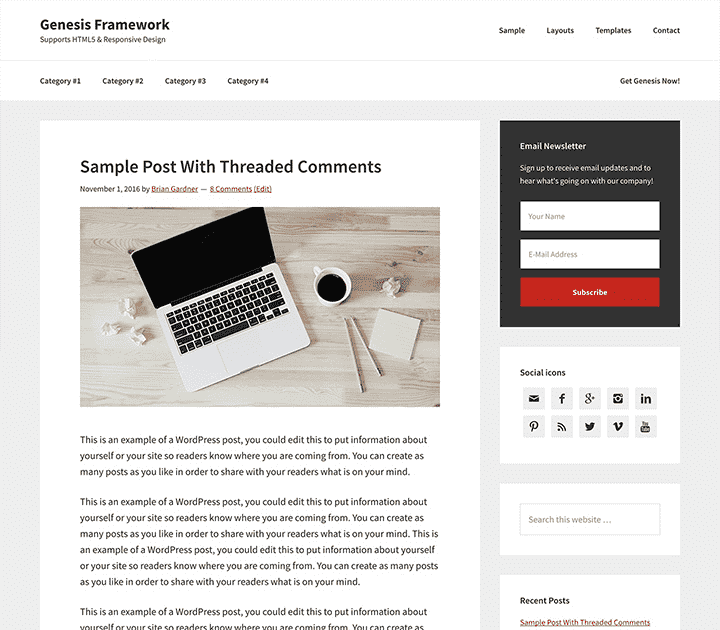
Choose a clean, simple design for easy reading. Use white space to reduce clutter. Adjust fonts for better readability. Customize sidebars to highlight important content. Use Genesis child themes for unique looks. Test your site on mobile devices. A clear layout helps visitors find what they need quickly.
Credit: www.studiopress.com
Troubleshooting Common Issues
Using Genesis WordPress is mostly smooth, but some issues can arise. Troubleshooting common problems helps keep your site running well. This section covers key fixes for frequent challenges users face.
Fixing Compatibility Problems
Compatibility issues often happen after updates. Some plugins or themes may not work well with Genesis. Start by checking if all add-ons are up to date. Deactivate plugins one by one to find conflicts. Test your site after each change to see if the problem stops.
Switch to a default WordPress theme temporarily to check for theme conflicts. If the issue disappears, the problem lies in your current theme or child theme. Updating or changing these can resolve conflicts.
Resolving Styling Conflicts
Styling conflicts cause your site to look wrong or broken. CSS from plugins or custom codes may clash with Genesis styles. Clear your browser cache to ensure you see the latest styles. Use the browser’s developer tools to find which styles cause issues.
Adding custom CSS in the Genesis theme settings can fix minor style problems. Avoid editing core theme files directly to keep updates safe. Sometimes, disabling conflicting plugins improves styling without much effort.
Support And Resources
Genesis has a strong community and many resources online. The official Genesis website offers guides and documentation. Forums and user groups provide helpful advice from other users.
Many tutorials explain common problems and solutions step-by-step. Contacting support or hiring a professional can help with complex issues. Using these resources ensures your Genesis site stays healthy and fast.
Future Of Genesis Framework
The future of the Genesis Framework looks promising. It continues to grow as a reliable choice for WordPress users. Developers focus on making it faster and easier to use. Updates aim to keep it modern and secure. The framework evolves with changing web standards and user needs.
Upcoming Features
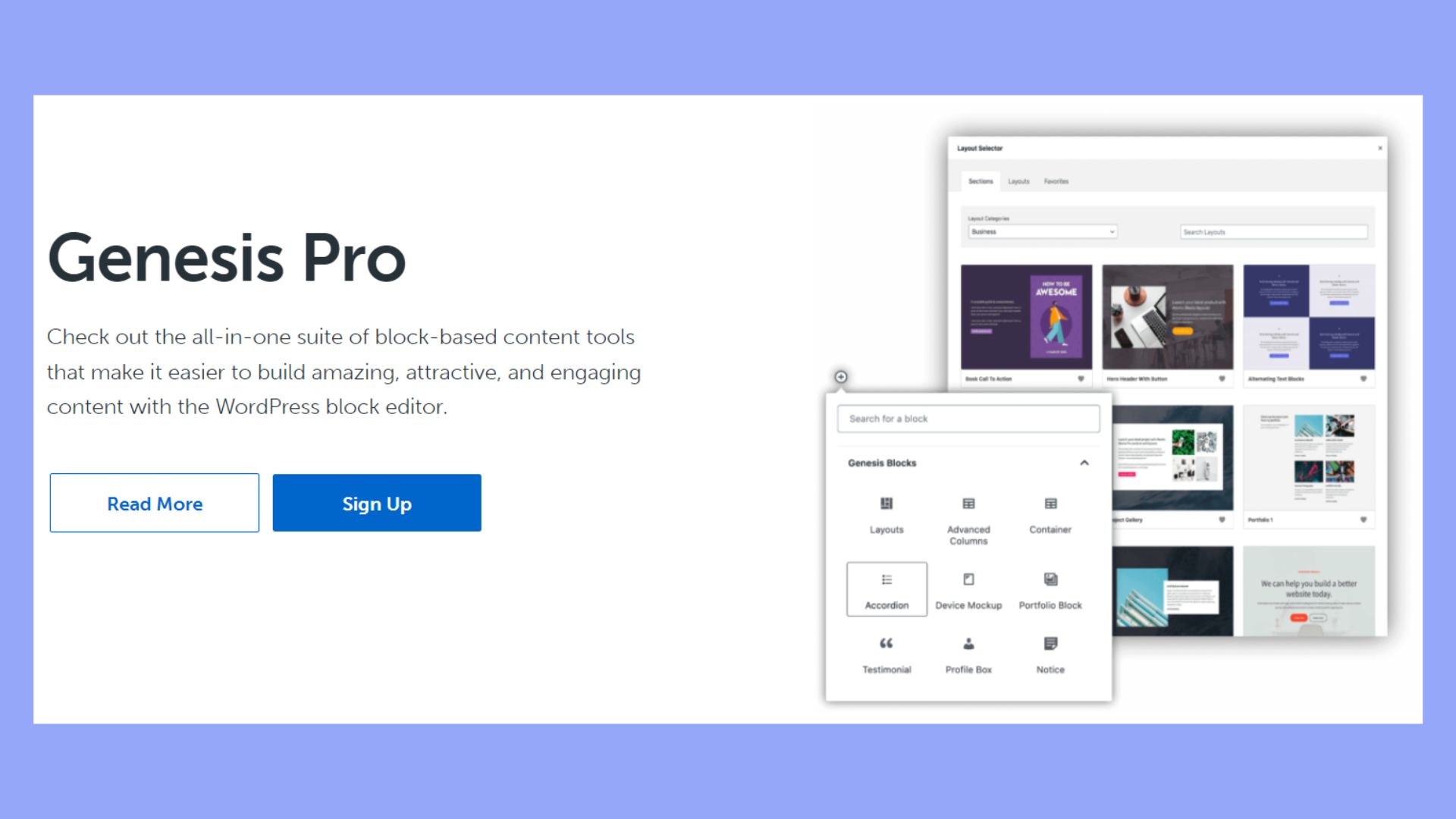
New features in Genesis will improve customization options. Users can expect better block editor support. More pre-built layouts and design tools will appear. These updates will help build websites faster. Performance improvements will make sites load quickly.
Community And Developer Support
The Genesis community remains strong and active. Many developers create themes and plugins for it. Forums and groups offer help and advice. Regular updates come from a dedicated team. This support ensures Genesis stays relevant and useful.
Trends In WordPress Themes
WordPress themes now focus on speed and simplicity. Genesis adapts by offering lightweight designs. Mobile-friendly features are a priority. The framework embraces block-based editing trends. This keeps Genesis aligned with modern website needs.

Credit: www.youtube.com
Frequently Asked Questions
What Is Genesis WordPress Framework?
Genesis WordPress is a popular theme framework for WordPress. It offers a secure, SEO-friendly foundation to build custom websites quickly. Developers use it for its clean code, fast performance, and easy customization options.
How Does Genesis Improve WordPress Seo?
Genesis includes built-in SEO features like schema markup and optimized code. It helps search engines understand site content better. This leads to improved rankings and better organic traffic for your website.
Can Beginners Use Genesis WordPress Easily?
Yes, Genesis is beginner-friendly with user-friendly settings and support. It offers pre-built child themes to simplify design. Beginners can create professional sites without deep coding knowledge.
What Makes Genesis WordPress Secure?
Genesis is regularly updated by StudioPress for security patches. Its clean, well-coded structure reduces vulnerabilities. Many developers trust it for building safe and reliable websites.
Conclusion
Genesis WordPress offers a strong, easy-to-use website foundation. It helps you create sites that load fast and look good. The framework works well with many themes and plugins. It keeps your site secure and easy to update. Many users trust Genesis for building blogs and business sites.
Try Genesis to see how it fits your needs. Simple, reliable, and flexible — a solid choice for WordPress users.



