
Have you ever wondered how to boost your WordPress site’s visibility and credibility? One simple yet powerful tool you might be overlooking is the use of external links.
These links are more than just a pathway to other websites; they’re a key ingredient in enhancing your site’s SEO and building trust with your audience. By understanding what external links are and how they function in WordPress, you can harness their potential to increase traffic and improve your site’s ranking on search engines.
Ready to unlock the secrets of external links and elevate your WordPress game? Keep reading to discover how these tiny connectors can make a big impact on your online presence.
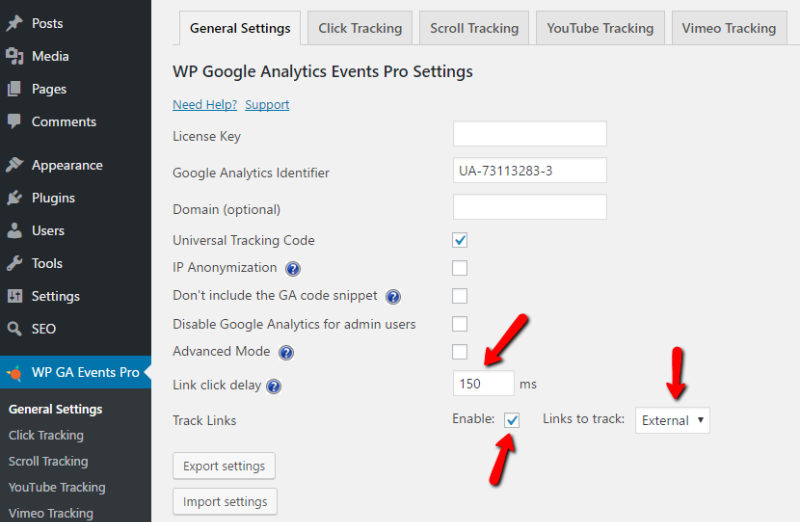
Credit: wpflow.com
Understanding External Links
External links are connections to other websites from your site. They lead users away from your page. These links can be very useful. They help in providing more information or resources to your readers. External links are important for SEO. They show search engines that your site is connected to other relevant sites. This can improve your site’s credibility and ranking.
Adding external links is simple. Use the WordPress editor to add them. Always check that your links are working and lead to trusted sites. Broken links can confuse users. They might also lower your site’s quality. Remember, a good link is like a bridge to more knowledge.
Credit: wordpress.org
Importance In Seo
External links are crucial for SEO. They connect your site to other websites. This helps search engines understand your site’s relevance. Search engines trust sites with good external links. They see these links as votes of confidence. Quality external links can improve your site’s ranking. They bring more visitors to your site. This can increase your traffic and visibility. External links also show your site’s authority. They help in building relationships with other sites. This can lead to more collaborations and sharing. Always choose external links wisely. Ensure they are from trusted and relevant sources. This will enhance your site’s reputation. Avoid linking to spammy sites. It can harm your site’s SEO.
Types Of External Links
DoFollow links help your website by sharing link juice. These links are important for SEO. They tell search engines to count the link as a vote. This helps in improving your website’s ranking. Most links are DoFollow by default. But you need to be careful. Too many can be bad. It’s best to use them wisely.
NoFollow links do not share link juice. They tell search engines not to count the link. These links are good for natural linking. They are often used in comments and ads. This helps to prevent spam. Some sites use NoFollow to keep their authority. It’s safe to have a mix of both types.
Creating External Links In WordPress
External links connect to other websites. They help users find more information. Adding them is simple. Use the WordPress editor.
Write your text first. Highlight the words you want to link. Click the link button in the toolbar. Enter the website URL. Press apply to save.
Always check links before saving. They should lead to the right page. Broken links confuse readers. Fix them quickly.
- They improve SEO.
- Readers find more resources.
- They help your site rank better.
Managing External Links
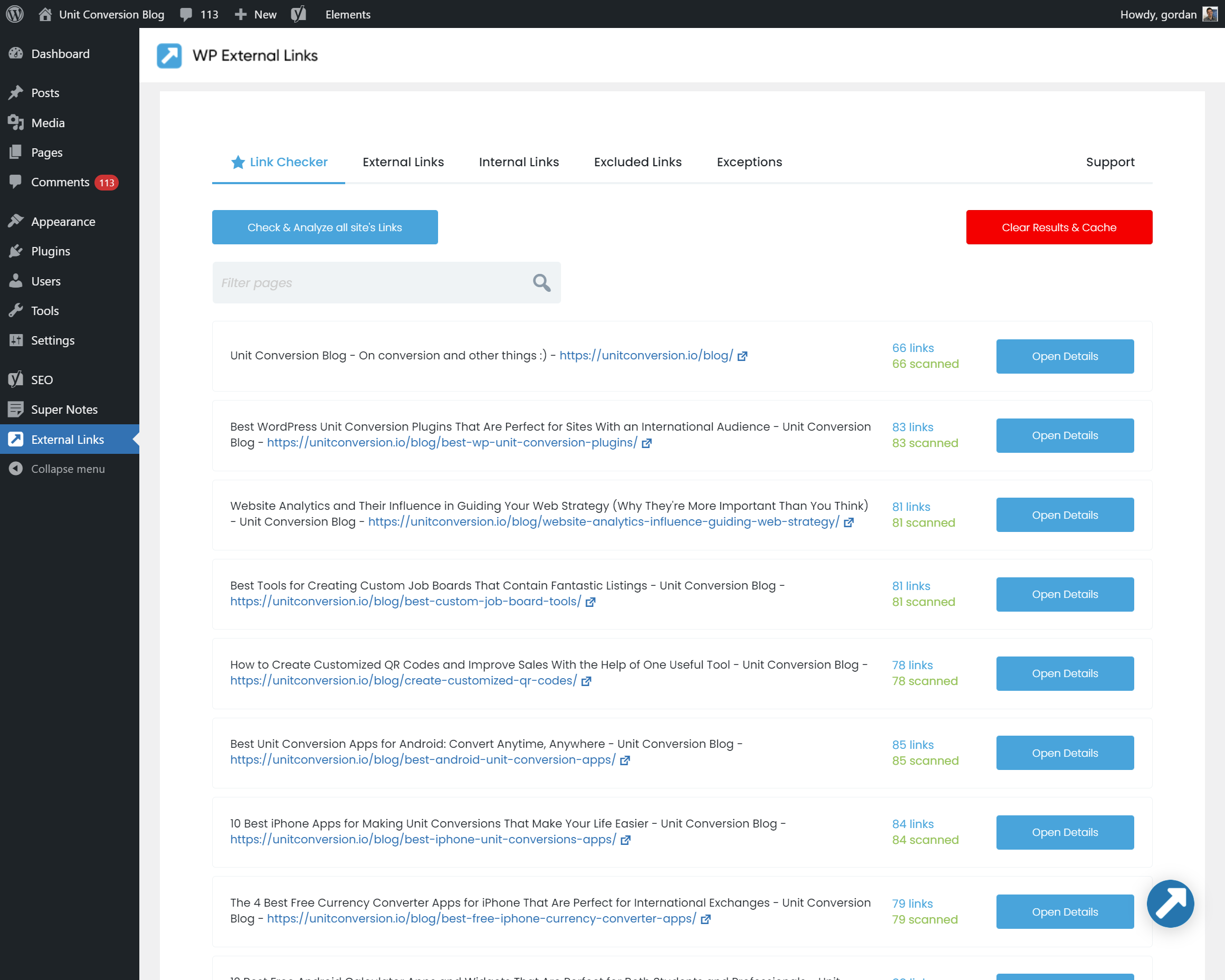
Plugins help in managing external linksSEO Smart Links plugin is popular. It links related posts automatically. Another is External Links plugin. It adds custom settings for external links. Both plugins keep links organized.
- Check links regularly.
- Update broken links quickly.
- Use nofollow for untrusted links.
- Limit the number of external links.
- Choose relevant links.
Best Practices
External links in WordPress connect your site to other websites, enhancing credibility and SEO. They guide readers to relevant content, expanding user experience and engagement. Properly managing external links ensures smooth navigation and maintains your site’s authority.
Quality Over Quantity
Choose external linksrelevant and trustworthy
Relevance And Context
Links should fit the context
Monitoring Link Performance
Check how your links are performing. Use tools to track clicks and engagement. This helps you know which links are effective. Regularly review and update links. Remove any broken or irrelevant ones. This keeps your content fresh and reliable.
“`Common Mistakes
Overlinking can confuse readers. Too many links make text messy. It distracts users from the main point. Readers may leave your site quickly. Use links wisely. Keep content clean and focused.
Ignoring Broken Links is a big mistake. Broken links frustrate users. They lead to dead ends. Check your links often. Fix broken links immediately. It helps keep your site professional.
Lack of Source Credibility can harm trust. Links should be from reliable sources. Users doubt unclear sources. They may not trust your content. Choose sources that are known and respected. Build trust with your audience.
Tools For External Link Analysis
Analyzing external links is key for website success. Many tools help with this. Google Analytics is a popular choice. It tracks where users go. Ahrefs is another helpful tool. It shows which sites link to yours. SEMrush offers detailed link reports. It helps find link building opportunities. Moz provides a link explorer tool. It checks the quality of links. Screaming Frog is a great tool too. It crawls your website for links.
Each tool offers unique features. Choose based on your needs. Some tools offer free trials. It’s a good way to test them. Paid versions have more features. Use them for in-depth analysis. Understanding your links is important. It boosts your site’s performance.

Credit: linkwhisper.com
Frequently Asked Questions
What Are External Links In WordPress?
External links in WordPress direct visitors to other websites. They enhance user experience and provide additional resources. These links are crucial for SEO, as they establish authority and relevance. Properly managing external links can improve site credibility and user engagement.
WordPress plugins can help manage these links effectively.
Why Use External Links In WordPress?
External links in WordPress improve SEO and user experience. They connect your content with authoritative sources, boosting credibility. By providing valuable resources, they enhance reader satisfaction and engagement. Additionally, search engines favor sites with relevant external links, potentially increasing your site’s ranking and visibility.
How To Add External Links In WordPress?
Adding external links in WordPress is simple. Highlight the text, click the link icon, and enter the URL. Ensure links open in a new tab to keep visitors on your site. WordPress plugins can help manage external links, providing options like no-follow attributes for SEO purposes.
Do External Links Affect Seo In WordPress?
Yes, external links affect SEO positively when used wisely. They connect your content to authoritative sources, enhancing your site’s credibility. Search engines value relevant external links, improving your site’s ranking. However, ensure links are relevant and not excessive, as over-linking can lead to penalties.
Conclusion
External links in WordPress enrich your site’s content. They guide users to valuable resources, enhancing their experience. Effective use of external links also boosts SEO. Search engines favor sites with relevant links. Always check link quality and relevance. Broken or irrelevant links harm your site’s credibility.
Keep your content fresh and updated. Regularly review and update your links. This practice ensures your site remains authoritative and trustworthy. Remember, external links are a bridge. They connect your audience to broader information. Use them wisely for optimal site performance.
Your readers and search engines will appreciate it.



