
Imagine having the power to transform your website into a visual masterpiece, all without touching a single line of code. Sounds like a dream, right?
That’s where Divi Builder comes into play. Whether you’re a seasoned web designer or a complete beginner, Divi Builder for WordPress empowers you to create stunning, professional websites with ease. Why should you care about Divi Builder? It’s simple. Your website is your digital storefront, and first impressions matter.
With Divi Builder, you can effortlessly craft eye-catching layouts that captivate your visitors from the moment they land on your page. It’s not just about aesthetics; it’s about engagement, retention, and ultimately, conversion. We’ll delve into what makes Divi Builder a game-changer for anyone looking to elevate their WordPress site. You’ll discover its features, benefits, and how it can revolutionize the way you build and design your website. Ready to unlock the potential of your online presence? Let’s dive in!
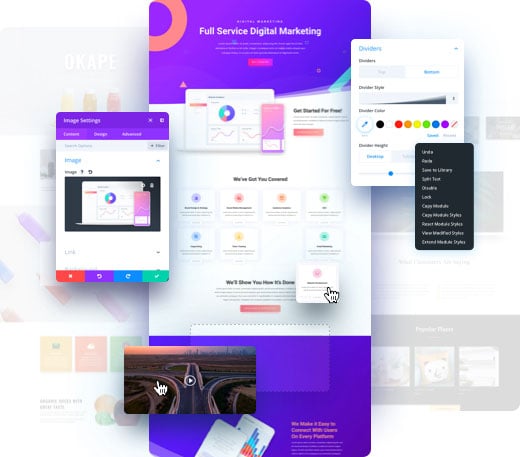
Credit: www.elegantthemes.com
Divi Builder Overview
Divi Builder is a tool for making websites. It is used with WordPress. It helps to create pages by dragging and dropping. No coding skills needed. This makes it easy for everyone to use. It has many design options. Users can add text, images, and videos. They can also change colors and fonts. Templates are available. Templates help to start quickly. There are many to choose from. Divi Builder works on both desktop and mobile. It ensures that websites look good everywhere. This is called responsive design.
Users enjoy the live preview feature. Changes can be seen right away. This saves time and effort. Divi Builder is popular for these reasons. It is a good choice for beginners and experts. Many people trust it for building websites.
Features Of Divi Builder
The drag and drop interface makes building websites easy. You move elements with your mouse. No coding needed. Every change is instant. You see results right away. It’s fun to use!
Divi Builder offers many pre-made layouts. Choose a design that you like. Save time with ready-to-use templates. Perfect for beginners. Styles fit any website need.
Modules in Divi Builder are customizable. Change colors, fonts, and sizes. Make each module unique. Personalize your website. Create a look that matches your brand.
Benefits Of Using Divi Builder
Divi Builder is easy to use. It has a simple drag-and-drop feature. This helps you design websites quickly. No coding skills are needed. You can see changes instantly. This saves time and effort.
Websites look good on any device. Divi Builder adjusts content for phones, tablets, and desktops. This ensures your site is always pretty. Visitors will have a smooth experience. They will like visiting again.
Divi Builder offers many design options. You can customize fonts, colors, and layouts. There are many templates to choose from. You can create unique and beautiful designs. Perfect for any website need.
How To Install Divi Builder
Divi Builder is easy to set up. First, download the Divi Builder plugin. Go to your WordPress dashboard. Click on ‘Plugins’ then ‘Add New’. Select the Divi Builder file. Click ‘Install Now’. Wait a few seconds. Click ‘Activate’ once installed. Divi Builder is now ready to use.
Integrating Divi Builder with themes is simple. Choose a theme you like. Divi Builder works with most themes. Go to the theme settings. Find the ‘Page Builder’ option. Select Divi Builder. Save your changes. Your theme now works with Divi Builder.
Creating Pages With Divi Builder
Begin by choosing a blank page or a template. Templates help you save time. Click on the Divi Builder button to start. The interface is simple. You see many options on the left. Choose your layout. Add rows and columns to your page. Use the drag-and-drop feature. It makes designing easy and fun.
Select from many design elements available. Buttons, images, and text modules are popular. Each element can be customized. Change colors, fonts, and sizes easily. Use the preview feature. It shows how your page looks. This helps in making changes fast.
Click on the save button after editing. Your work is safe. You can return and edit anytime. To share with others, click publish. Now, everyone can see your page. Make sure to check everything first. It’s important for a neat look.
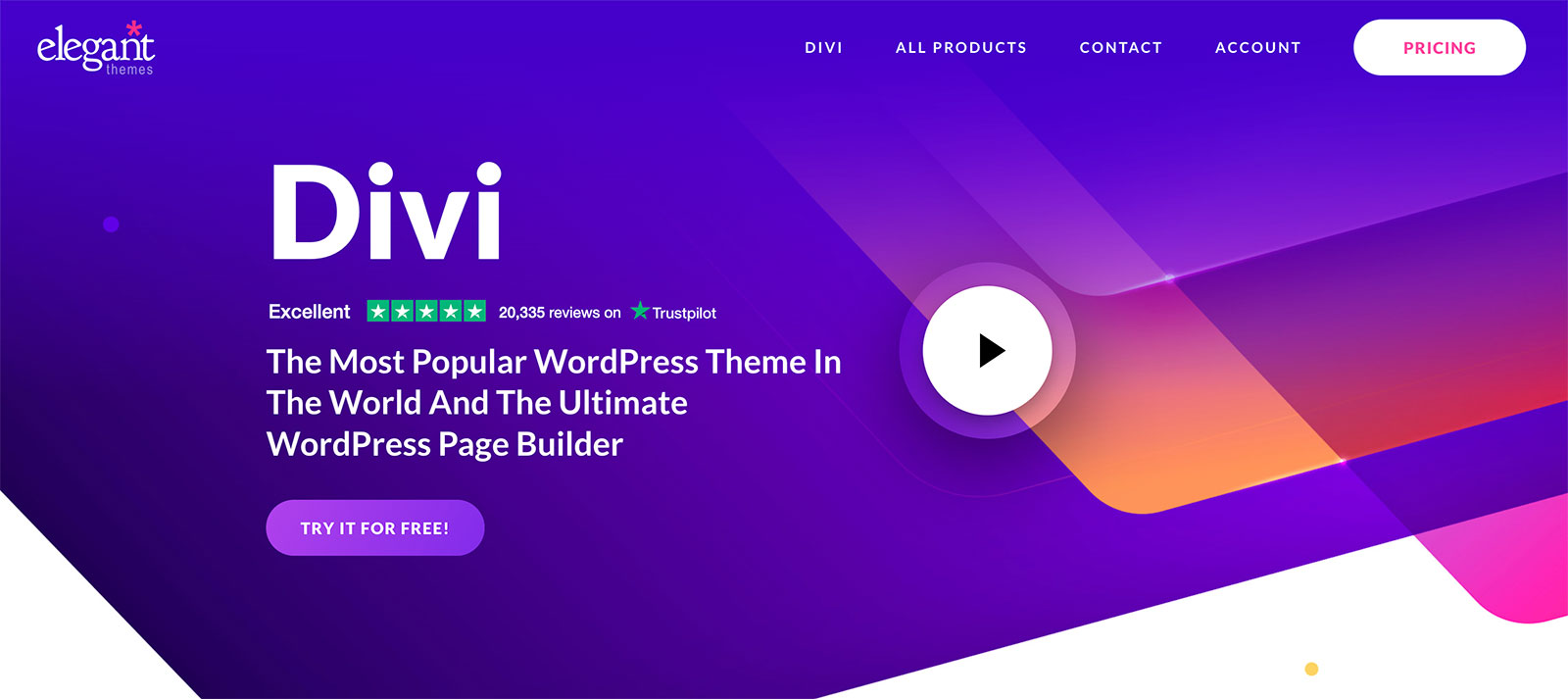
Credit: winningwp.com
Customization And Flexibility
The Theme Customizer Options in Divi Builder give you the power to change your website’s look. Choose colors, fonts, and layouts easily. Make your site unique with just a few clicks. Adjust the header, footer, and sidebar quickly. You can even change the spacing between elements. These options allow you to design your website the way you want.
CSS and Code Integration adds extra flexibility. You can add custom CSS to style elements further. For advanced users, integrating code is simple. Add JavaScript or HTML to enhance features. This makes Divi Builder a favorite for many. The combination of visual editing and code integration suits different needs.
Divi Builder For E-commerce
Divi Builder works well with WooCommerce. It helps make online shops easy. Users can build product pages quickly. The builder offers many customization options. Choose colors, fonts, and layouts. Add images to make products look great.
Designing product pages is simple. Start by adding a product title. Use bold text to highlight important details. Include clear images and descriptions. Make sure prices are easy to find. Add buttons for buying and checkout. This helps shoppers buy products easily.
Common Challenges And Solutions
Divi Builder for WordPress often poses challenges like complex layouts and slow loading times. Solutions include using pre-made templates and optimizing images for faster performance. Understanding these can make website creation smoother.
Troubleshooting Layout Issues
Sometimes, Divi Builder layouts don’t look right. Parts may not align. Or, they may overlap. This can be confusing and frustrating. First, check your row and column settings. Make sure they are correct. Each element should have enough space. Use Divi’s built-in tools to help. Adjust margins and padding carefully. Preview your changes often. This way, you can see if it works. If issues persist, check for updates. Sometimes, updates fix bugs. If all else fails, seek help from Divi forums or support.
Optimizing For Speed
Divi websites sometimes load slowly. This can annoy users. Slow sites can lose visitors. To boost speed, start with image sizes. Large images slow down pages. Compress images before uploading. Use plugins like WP Smush. Next, check your hosting service. A good host can improve speed. Enable caching for faster loading. Use a plugin like W3 Total Cache. Reduce the number of plugins you use. Each plugin adds to loading time. Regularly update WordPress and Divi. Updates can improve performance.
Best Practices For Divi Builder
Consistency is key in design. Using the same styles keeps your site neat. Choose a main color and stick with it. This makes your site look professional and clean.
Fonts should be the same size. Make sure headers stand out. Keep paragraphs easy to read. Using too many styles can confuse visitors.
Global elements save time. They help keep your design the same. Change the element once and it updates everywhere. This is very helpful for headers and footers.
Using global elements makes your site easy to manage. It helps in keeping everything uniform. No need to change each page one by one.
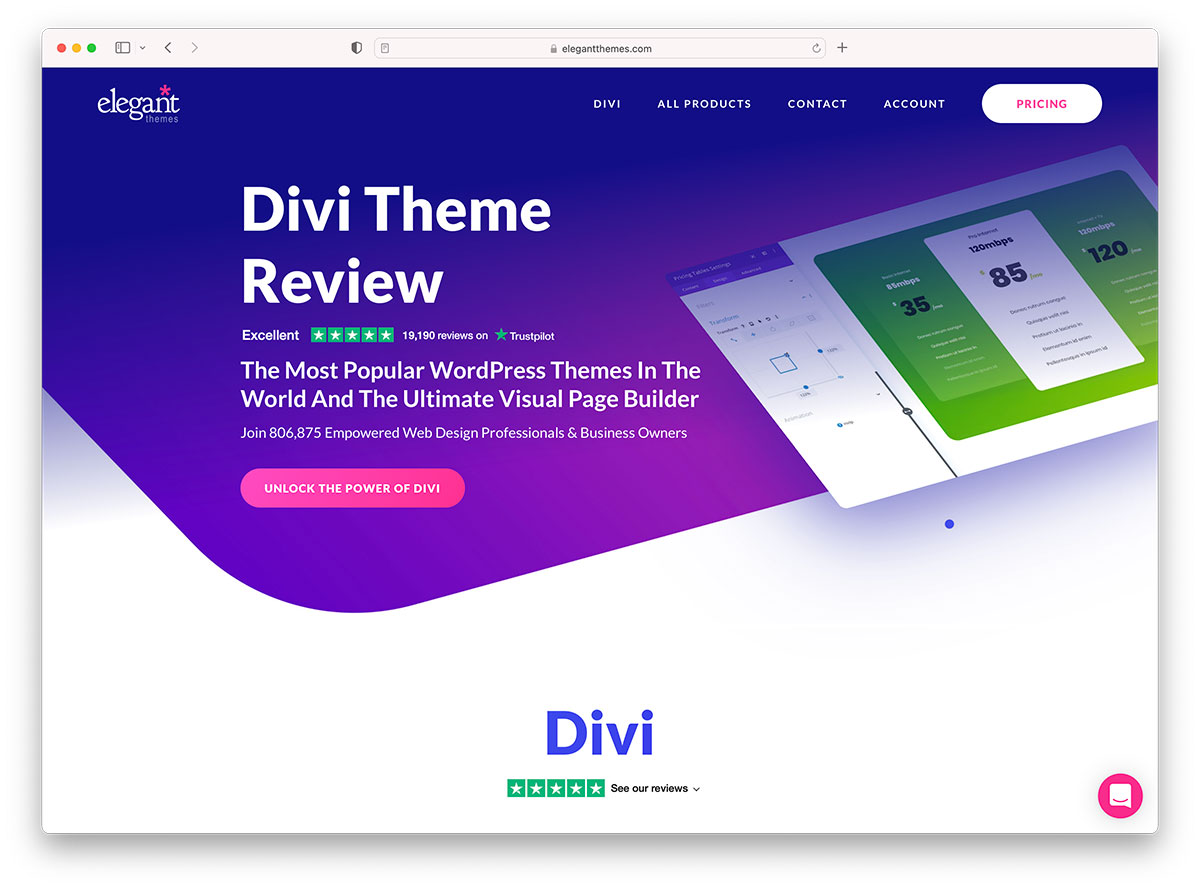
Credit: colorlib.com
Divi Builder Community And Support
Divi Builder has many online forums and groups. People share ideas and tips there. Users ask questions and get help. It’s a friendly place. Everyone helps each other. Beginners and experts talk and learn together. These forums grow every day. Finding answers is quick.
The official documentation is easy to read. It explains everything clearly. Beginners find it helpful. It covers all tools and features. Step-by-step guides show how to use Divi. Pictures make learning fun. Everyone can follow along. The documentation is always updated. This keeps it useful and fresh.
Frequently Asked Questions
What Is Divi Builder In WordPress?
Divi Builder is a powerful page builder plugin for WordPress. It allows users to create custom layouts using a drag-and-drop interface. With Divi Builder, you can design visually appealing pages without coding. It includes a wide range of pre-made templates and modules to enhance your site’s design.
How Does Divi Builder Work?
Divi Builder operates through a visual drag-and-drop interface. Users can select elements, like text or images, and place them on a page. It offers real-time customization, making it easy to see changes instantly. This user-friendly approach simplifies the process of building beautiful websites.
Is Divi Builder Easy To Use?
Yes, Divi Builder is designed for ease of use. Its intuitive interface allows beginners to create professional websites effortlessly. It includes tutorials and documentation for guidance. Its drag-and-drop functionality simplifies the design process, making it accessible to users of all skill levels.
Can Divi Builder Improve My Website Design?
Absolutely, Divi Builder enhances website design through customizable templates and modules. It offers tools for creating unique layouts, enhancing visual appeal. With its advanced design options, users can tailor their site’s look. This flexibility ensures your website stands out and meets your design needs.
Conclusion
Divi Builder offers a simple way to design WordPress websites. Its drag-and-drop feature is easy to use, even for beginners. You can create unique, professional designs without coding skills. Divi Builder provides many templates and customization options. This tool can help you save time and effort.
It suits both small projects and large websites. Learning Divi Builder can boost your web design capabilities. Explore its features and see how it fits your needs. It’s a practical choice for anyone looking to enhance their WordPress site.



