
Ever found yourself puzzled by the term “post” in WordPress? You’re not alone.
Whether you’re a seasoned blogger or a newbie trying to make sense of the digital landscape, understanding what a post is in WordPress is crucial to your success. Imagine having the power to effectively communicate with your audience, share your thoughts, and engage with readers worldwide.
Sounds amazing, right? You’ll discover the essence of a post in WordPress, why it’s the backbone of your content strategy, and how mastering this concept can elevate your blog to new heights. Keep reading, because unlocking this knowledge will empower you to create compelling content that captivates and converts. Your journey to becoming a WordPress pro starts now!

Credit: www.linkedin.com
WordPress Content Types
WordPress has two main content types: posts and pages. Posts are like news updates. They appear in order from newest to oldest. Pages are for static content. Examples are About Us or Contact pages. Posts go in categories. Pages do not. Posts can have tags. Pages cannot. Posts are usually for blogs. Pages are for main website sections. Posts have dates. Pages do not show dates. Posts can have comments. Pages usually do not.
WordPress allows custom post types. These are special content types. They are not posts or pages. Examples include portfolios and events. Custom post types fit different needs. They help organize content better. You can make your own custom post type. This makes WordPress very flexible. Custom post types can have their own settings. They can look different from regular posts and pages.
Anatomy Of A WordPress Post
The title is the name of your post. It tells what it’s about. The content is the main part. It has all the words and pictures you want to share. Both are important. They make your post complete. People read them to know more.
Categories group your posts by topic. They help readers find related posts. Tags are like labels. They are more specific than categories. Use them to highlight key ideas. Together, they organize your content. Make it easy to search.
The featured image is the main picture of your post. It catches the eye. Often shown at the top. It makes your post look nice. Also, it helps tell your story. Choose a good one. It must match your content.
Post Formats
A post in WordPress is any content you publish. It can be articles, blog entries, or updates. WordPress supports various formats like text, image, video, and audio, enhancing user engagement and content diversity.
Standard Post
A Standard Post is the most common type. It contains text and images. People use it for regular blog updates. It is simple and easy to create. Many bloggers start with this format.
Gallery Post
A Gallery Post shows many pictures. It is great for photo collections. Users can scroll through the images. This format is popular for photographers. It helps showcase their work beautifully.
Video Post
A Video Post contains videos. It is perfect for vlogs or tutorials. People can watch the video directly on the site. This format is engaging and keeps viewers on the page longer.
Audio Post
An Audio Post includes sound files. It is ideal for podcasts or music. Listeners can enjoy the audio without leaving the site. This format is great for artists sharing new tunes.
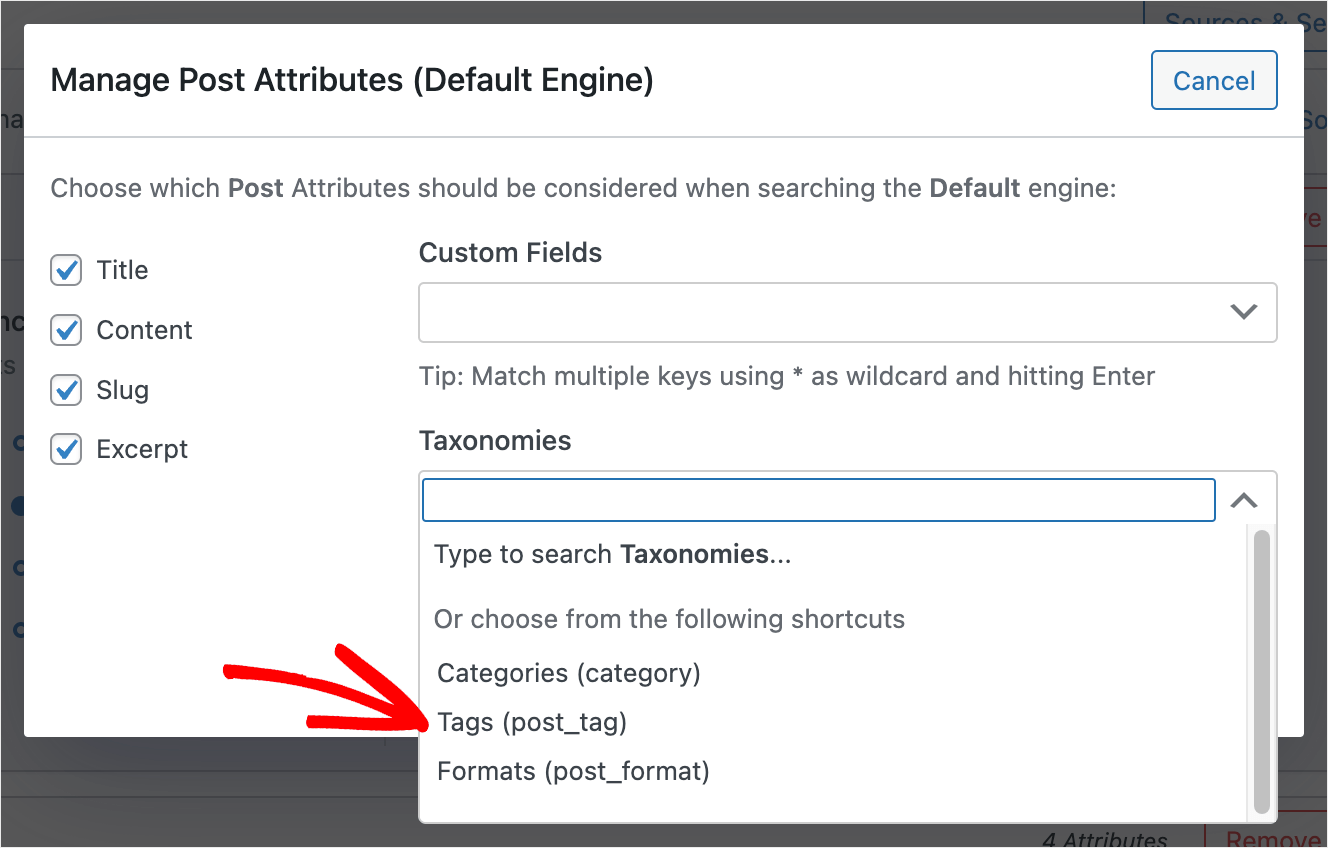
Credit: searchwp.com
Publishing Options
Posts can be saved as drafts before publishing. This helps in editing later. Drafts are not visible to the public. A scheduled post is set to go live on a future date. This is useful for planning content ahead. Scheduling posts keeps your blog active. It ensures regular content updates.
Visibility settings control who sees your post. The options include public, private, or password-protected. Public posts are visible to everyone. Private posts are only for you. Password-protected posts need a password to view. These settings help manage privacy. They give you control over your content.
Seo And WordPress Posts
Permalinks are the web addresses for your posts. They help users find your content. Good permalinks improve your SEO. Always use a simple, clear structure. Avoid long or confusing URLs. For example, use “/blog/your-post-title” instead of “/post/123456”. This makes it easy for readers and search engines.
Meta descriptions are short summaries of your posts. They show up in search results. A good meta description should be catchy. It must include your main keyword. Keep it under 160 characters. This helps to attract more clicks. With better meta descriptions, your content stands out.
Plugins For Enhancing Posts
SEO plugins help your posts rank higher in search engines. Yoast SEO is a popular choice. It checks if your post is easy to read. It also helps with keywords. Another option is All in One SEO Pack. This plugin helps improve search rankings. Both are easy to use.
Social sharing plugins make sharing easy. ShareThis is simple and quick. It adds buttons to your posts. AddToAny offers many options. You can share to Facebook, Twitter, and more. Sharing helps your posts reach more people.
Content editor plugins improve writing. Elementor is a drag-and-drop editor. It makes editing fun. Gutenberg is the default editor in WordPress. It’s simple and easy to use. Both help you create beautiful posts.
Best Practices For WordPress Posts
Keeping your post format the same is key. Use the same font size and style. This makes your post easy to read. Add spaces between paragraphs. This keeps your post neat. Always use headings and subheadings. They help guide readers through your content.
A good title grabs attention. It should be clear and simple. Use keywords in your title. This helps your post appear in search results. Make sure the title tells what the post is about. Keep it short and sweet.
Pictures and videos make posts interesting. They keep readers engaged. Use images to break up long text. Always add captions to images. Videos can explain things better than words. Make sure all media is relevant to your topic.

Credit: www.facebook.com
Frequently Asked Questions
What Defines A Post In WordPress?
A post in WordPress is a content type used for blogging. Posts are listed in reverse chronological order on your blog. They are dynamic and updated regularly. Posts can be categorized, tagged, and archived. They are ideal for time-sensitive content like news, updates, or articles.
How Do Posts Differ From Pages?
Posts are time-sensitive and appear on your blog’s feed. Pages are static and used for timeless content. Posts can be categorized and tagged, while pages can’t. Pages are suitable for content like “About” or “Contact” pages. Posts engage readers with comments, whereas pages do not.
Can I Schedule Posts In WordPress?
Yes, WordPress allows you to schedule posts for future publication. You can choose a specific date and time. This helps maintain a consistent posting schedule. Scheduling is useful for planning content in advance. It ensures your blog stays active even when you’re unavailable.
What Are Post Formats In WordPress?
Post formats in WordPress define the layout and style of posts. Formats include standard, gallery, video, and audio. Each format presents content uniquely. They enhance user experience by tailoring content presentation. Post formats depend on your theme’s support. They offer flexibility in content display.
Conclusion
A post in WordPress is a flexible content tool. It allows sharing updates, stories, or thoughts easily. Posts keep your site dynamic and engaging. They are crucial for blogs and news sites. Users can comment, creating interaction and community. Posts help organize content with categories and tags.
This enhances navigation and improves user experience. Regular posting boosts search engine visibility. It attracts more visitors over time. Understanding posts ensures effective site management. Use this feature to connect with your audience. Share valuable insights and grow your online presence steadily.



