
Have you ever wondered how to organize your content effectively in WordPress? Understanding what an “End Category” is might be the key to unlocking a smoother user experience for your visitors.
Imagine this: your readers navigate your website effortlessly, finding exactly what they’re looking for in just a few clicks. Sounds ideal, right? You’ll discover the concept of End Categories in WordPress, a feature that can transform the way you structure and present your content.
By the end, you’ll know how to use End Categories to enhance your site’s navigation, boost engagement, and keep your audience coming back for more. So, are you ready to make your WordPress site more intuitive and user-friendly? Let’s dive in!
Basics Of WordPress Categories
Categories help to group related posts together. This makes it easy to find similar content. Users can browse posts by categories. This improves the user experience. Each category should have a clear purpose. It helps readers understand the content better. Categories are like a table of contents for your blog. They guide the reader to the right information.
Categories play a big role in organizing content. They help keep the blog tidy. Each post should fit into a category. This makes the blog easy to explore. Categories help search engines understand your site. They improve SEO. Readers find what they want faster. This keeps them on the site longer.
Categories can have a hierarchy. This means one category can be under another. It creates a parent-child relationship. For example, “Animals” can be a parent. “Dogs” can be its child. This helps in organizing complex topics. It makes navigation simple and clear. Readers can drill down into specific topics easily.
Defining End Categories
An end category is a type of category in WordPress. It does not have any subcategories beneath it. Think of it as the final stop on a tree branch. This category is where all the specific content goes. It helps in organizing your blog better. Users find content quickly with end categories. These categories make websites easier to navigate.
End categories are often the smallest in scope. They provide a specific focus for content. All posts in an end category share a common theme. They do not branch out into other topics. This makes them ideal for specialized content. Users get precise information without confusion. These categories help in improving website clarity.
| Feature | End Category | Parent Category |
|---|---|---|
| Subcategories | No | Yes |
| Specific Content | Yes | No |
| Scope | Narrow | Broad |
| Navigation | Simple | Complex |
Benefits Of Using End Categories
Enhanced Content Organization makes your site tidy. Posts get sorted into neat groups. This helps you find them fast. Readers also enjoy a well-organized site. They get what they want quickly. No time wasted searching around. It’s like having a library with perfect order.
With Improved User Navigation, visitors stay longer. They don’t get lost on your site. Clear paths mean happy users. Happy users come back. They also tell others about your site. This brings more visitors. More visitors mean more success. Your site grows because of simple navigation.
How To Create End Categories
First, log into your WordPress dashboard. Find the “Categories” option under “Posts”. Click it. Then, select “Add New Category”. Type the name of your end category. Make sure the parent category is correct. Click “Add New Category”. Your end category is ready.
Use simple names for categories. They should be easy to understand. Keep names short. Avoid long words. Make them descriptive. Choose names that fit your content. Check for spelling errors. Use lowercase letters for names. Keep names consistent. Review your categories often.
Common Mistakes With End Categories
Many WordPress users build too many categories. This makes sites confusing. Simple category structures are easier to understand. Avoid creating too many sub-categories. It can make navigation hard. Users get lost and leave the site quickly. Keep categories clear and focused. This helps visitors find what they need. Organize content well. This keeps users happy.
SEO is crucial for online visibility. Poor category structures hurt SEO. Search engines may not find your content easily. Use keywords in category names. This helps search engines understand your content. Proper categories improve site ranking. Users find you faster. Keep categories relevant to your content. This boosts SEO performance. Stay focused on what users search for. This will help grow your audience.

Credit: woobewoo.com
Optimizing End Categories For Seo
Choose simple and clear keywords for your categories. This helps people find your content easily. Use words that people often search. These words should match your post content. A good category name makes your site more visible on search engines.
Link categories within your site to connect related posts. It helps visitors find more content they like. Internal links also help search engines understand your site structure. Use descriptive words in links. Make them easy to understand. This improves the user experience.
Real-life Examples Of End Categories
Many popular websites use end categories to organize content. For example, a travel blog may use “Europe” as a parent category and “France” as an end category. This helps users find specific topics easily. Another example is an online store. It may have a parent category called “Electronics” and end categories like “Mobile Phones” or “Laptops”.
These examples show how end categories make navigation simple. Users can quickly reach the information they want. Websites like Amazon and eBay use them too. They have broad categories that narrow down to specific items.
Using end categories improves the user experience. It helps in organizing content better. Users spend less time searching. They get more engaged with the site. This keeps them coming back.
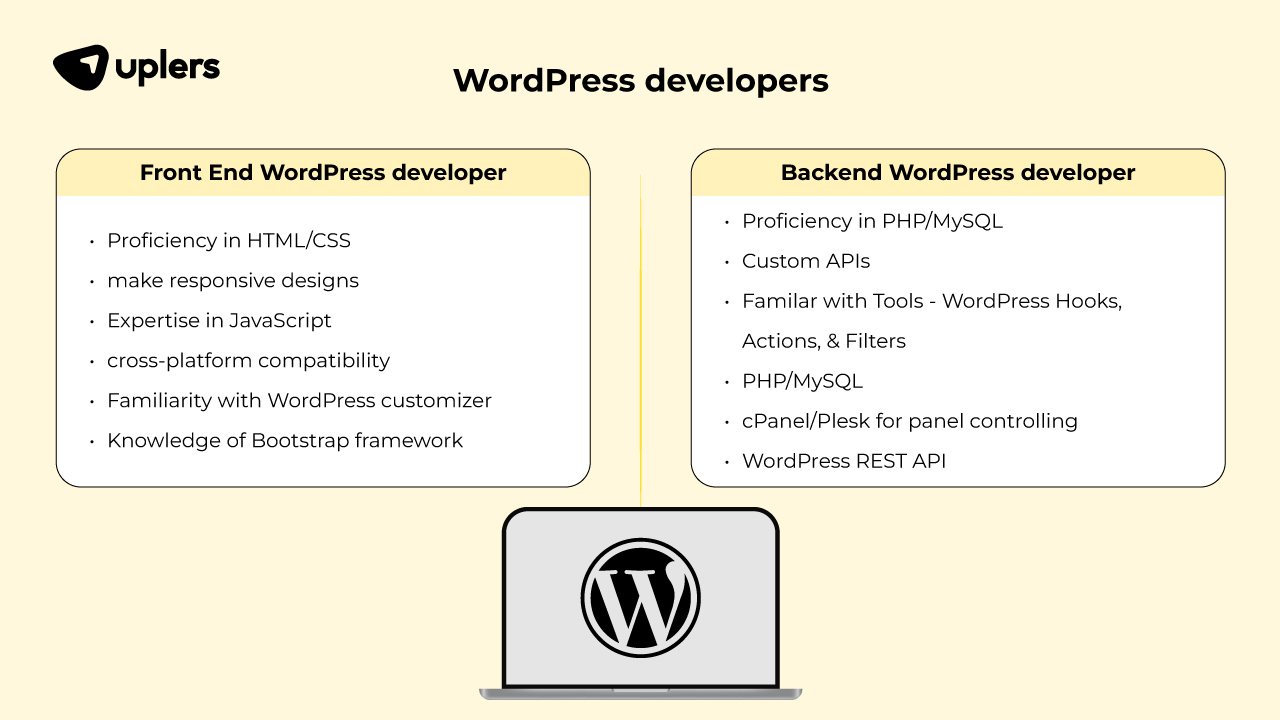
Credit: www.uplers.com

Credit: wpsheeteditor.com
Frequently Asked Questions
What Is An End Category In WordPress?
An end category in WordPress is the most specific category in a site’s hierarchy. It’s a subcategory with no further subdivisions. Bloggers use end categories to organize content precisely. They help users and search engines understand the site’s structure better.
How Do I Create An End Category?
To create an end category, navigate to your WordPress dashboard. Go to “Posts” and then “Categories. ” Add a new category without assigning any child categories to it. This ensures it’s the last in its hierarchy.
Why Use End Categories In WordPress?
End categories improve site organization and user navigation. They allow for precise content categorization, enhancing user experience. Search engines appreciate well-structured sites, improving SEO. End categories also help readers find specific topics faster.
Can I Change An End Category Later?
Yes, you can change an end category anytime. Go to your WordPress dashboard, select “Categories,” and edit the desired category. You can rename, reassign, or even delete it. Remember, changes might affect your site’s structure and SEO.
Conclusion
Understanding end categories in WordPress helps organize your website better. They simplify content management. Users find information faster. This boosts user experience. You create a clearer site structure. Visitors stay longer. Your site becomes more efficient. These categories guide readers.
They enhance navigation. Search engines notice this. Your site ranks higher. Simple changes make a big difference. Now, go apply this knowledge. Improve your WordPress site today. You’ll see positive results soon. Remember, good structure matters. Keep learning, keep growing.
WordPress offers great tools. Use them wisely. Your journey in web management continues.



