
Are you diving into the world of WordPress and feeling a bit overwhelmed by the technical jargon? You’re not alone.
One term that often pops up is the “closing body tag. ” It may sound complicated, but understanding it can open doors to customizing your website more effectively. Imagine having the power to make subtle yet impactful changes to your site, enhancing user experience and boosting your site’s performance.
Grasping the concept of a closing body tag in WordPress is like holding a key to unlock those possibilities. It’s simpler than you think, and by the end of this article, you’ll be equipped with the knowledge to leverage it to your advantage. Let’s demystify this crucial component of your WordPress site together!

Credit: www.youtube.com
Understanding Html Tags
HTML is the language used to create web pages. It gives structure to the content. HTML tags help browsers show the page correctly. They are like instructions for the browser. Each tag has a purpose. Some tags make text bold. Others help make links.
Closing tags are very important. They mark the end of an element. Without them, the browser might get confused. It might not show the page as planned. Closing tags ensure that the page looks nice. They help keep the code organized. This makes it easier to read and fix.
Credit: wpcode.com
WordPress And Its Structure
WordPress is a popular tool for building websites. It uses a special architecture to manage content. This architecture includes many parts. These parts are called theme files and templates. Each one has a specific job. Theme files control how a website looks. They decide the colors and fonts. Templates decide how the content is arranged. They make sure everything is in the right spot.
WordPress also has a special file called the header.php file. This file helps start the website. Another important file is the footer.php file. It helps close the website. These files are like the start and end of a story. They keep everything in order.
Locating The Closing Body Tag
The closing body tag is a vital part of HTML. It signals the end of content. In WordPress, it is found in theme files. Most themes have a footer.php file. This is where the closing body tag usually appears. It is placed at the bottom, just before the closing HTML tag. This tag ensures that everything displays correctly on the site.
Finding HTML tags can be tricky. Use a browser inspector tool. Chrome and Firefox have built-in inspectors. Right-click on the page and choose “Inspect.” This shows the HTML structure. Look for the closing body tag here. Another tool is Notepad++. It is a text editor. It highlights HTML tags. Easy to spot them in this editor.
Importance Of The Closing Body Tag
The closing body tag in WordPress is key for web structure. It signals the end of the page’s main content. Without it, web browsers may not show pages right. This can cause display errors and make sites look broken. A missing tag can confuse the browser. This affects the overall layout and styling.
Web browsers need the closing body tag to render correctly. It helps load scripts and styles in order. Pages might load slowly if the tag is missing. This can affect the user experience. Proper tags ensure content loads smoothly. This keeps visitors happy and engaged. Always check your code for this tag.
Customizing WordPress Themes
Web developers often make changes to WordPress themes. One common way is by adding code before the closing body tag. It is important to know where this tag is. It usually comes at the end of the theme’s footer file. Adding code here can change how your site looks and works. People add tracking code, scripts, or style changes here.
Make sure to use the right code. Wrong code can break your site. Always test changes on a backup site first. This helps avoid problems on your live site. Also, keep a copy of the old file. It helps to fix mistakes later.
Many people change WordPress themes. They do it to make their site unique. Customizations can include changing colors and fonts. Some add new features and functions. This makes their site more engaging. Always check each change to see if it works well. Updating your theme regularly is also key. It keeps your site secure and running smoothly.
Troubleshooting Common Issues
A closing body tag in WordPress signals the end of the web page’s content. It’s crucial for properly loading scripts and ensuring page elements function. Missing this tag can lead to display issues or broken features on your site.
Missing Or Incorrect Closing Tags
Missing closing tags in WordPress can cause trouble. The website may not display correctly. Pages could look weird or broken. Incorrect closing tags can cause errors. This affects how the site functions. Links might not work. Images might not show up. This is frustrating for users.
Search engines might struggle to read your site. This can hurt your site’s ranking. Fixing tags is crucial. It helps your site work better. Check your code carefully. Make sure all tags are complete. This ensures smooth operation. It keeps users happy. A happy user is good for your site.
Effects On Website Functionality
Incorrect tags can slow down your website. It may also load slowly. This annoys visitors. They might leave your site. They might not come back. A fast site keeps people engaged. It keeps them coming back. Always check your tags. Ensure they’re correct. This keeps your site running well.
Best Practices For Web Developers
Proper closing of tags is very important in web development. It helps to make the site work right. Closing body tags ensure the webpage structure stays correct. Forgetting a closing tag can break the site. Errors might show up or the page might not load.
Use tools to check your tags. They help find mistakes. Most browsers have developer tools. These tools help you see your code. They show if tags are open or closed. Always check your tags before finishing. This keeps your site working well.
Developer tools are very helpful. They are like a magnifying glass for your code. You can see every detail. Inspect elements to find errors. Look for unclosed tags. Fixing these keeps your site tidy. These tools save time. They help find and fix problems fast. Always use them when coding.
Credit: crunchify.com
Frequently Asked Questions
What Is The Closing Body Tag In WordPress?
The closing body tag in WordPress is “. It marks the end of the main content in your HTML document. It’s important for closing any open elements. Proper use ensures your website’s structure is correct and helps in loading scripts efficiently.
Why Is The Closing Body Tag Important?
The closing body tag ensures that all HTML elements are properly closed. This prevents display issues and errors. It also helps in executing scripts and styles correctly. Proper tag usage is crucial for website performance and SEO.
How Can I Find The Closing Body Tag?
You can find the closing body tag by viewing your WordPress theme files. Open the footer. php file in your theme. The closing body tag is usually near the bottom. It’s important to handle these files carefully to avoid errors.
Can I Add Code Before The Closing Body Tag?
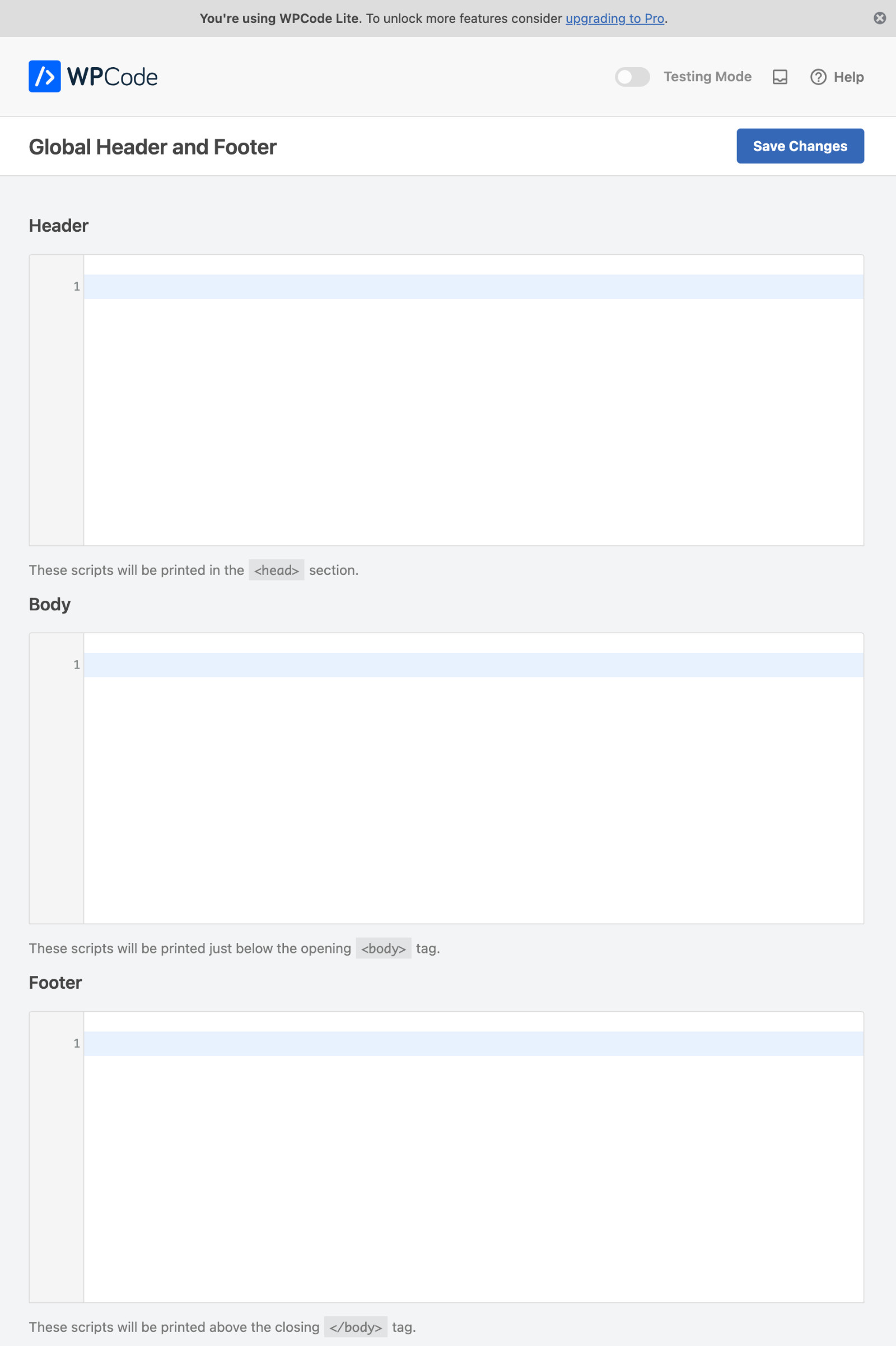
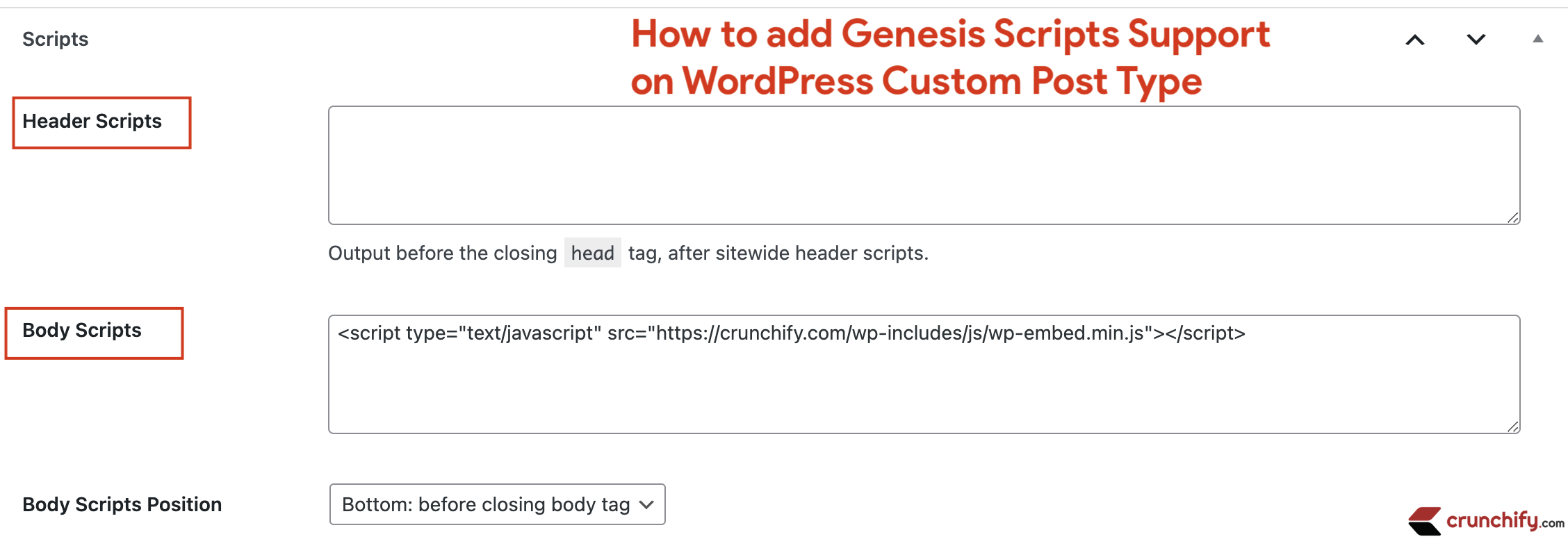
Yes, you can add scripts or tracking codes before the closing body tag. This is common for analytics or third-party scripts. Adding code here ensures it loads last, improving your site’s speed and performance.
Conclusion
Understanding the closing body tag in WordPress is crucial. It ensures your website functions properly. Misplacing it can break your site’s design. Always double-check its placement in your code. This small tag plays a big role in web development. Keep your WordPress site running smoothly with proper HTML structure.
Make sure your code is clean and organized. This will help in easy troubleshooting later. Enjoy a seamless experience with a well-maintained WordPress site. Happy coding!



