
Launching your WordPress site is like opening the doors to your very own digital space. It’s an exciting moment, filled with potential and anticipation.
But, let’s be honest, it can also be a bit nerve-wracking. You might be asking yourself, “What exactly happens when I hit that launch button? ” Well, you’re not alone. Many site owners share the same curiosity and concerns. We’re diving into the nitty-gritty of what you can expect when your WordPress site goes live.
From the initial buzz of traffic to the importance of ongoing maintenance, we’ve got you covered. Imagine turning your vision into a thriving online presence, attracting visitors, and engaging with your audience like never before. This is your chance to understand the process, avoid common pitfalls, and ensure a smooth launch that sets you up for success. Stay with us, and by the end, you’ll feel confident and ready to take your WordPress site to new heights.
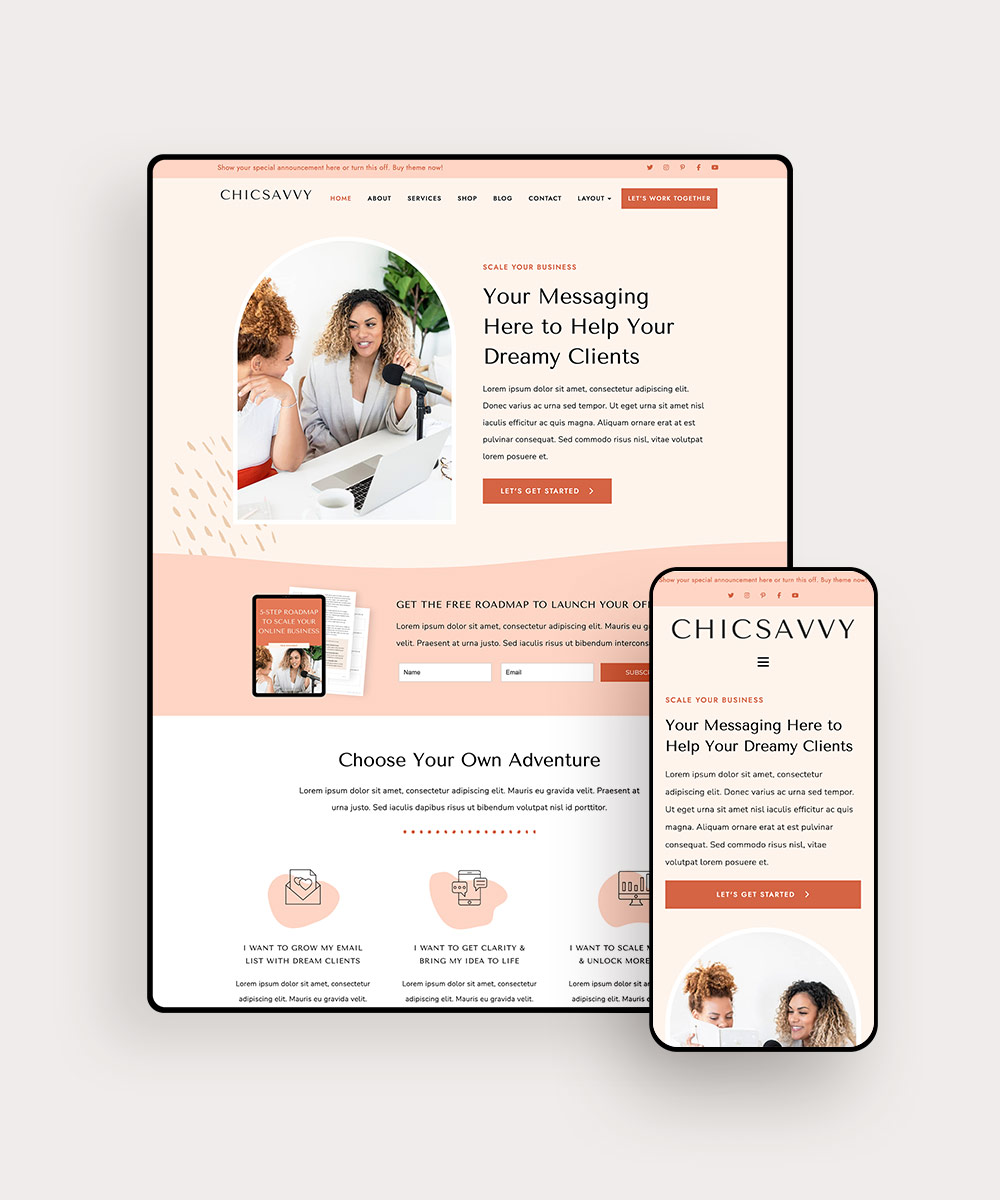
Credit: www.bluchic.com
Domain And Hosting Setup
Pick a name that is easy to remember and spell. Short names are better. Make sure it relates to your site’s topic. Avoid numbers and hyphens. Check if the name is available. Use a domain search tool for this.
Choose a provider with good reviews and support. Look for features like fast speed and secure servers. Compare prices and plans. Ensure they offer easy WordPress installation. Check if they have a money-back guarantee.
DNS settings link your domain to your host. Log in to your domain registrar. Find the DNS settings page. Enter the nameservers given by your host. Save changes to update. Changes might take a few hours to work.
WordPress Installation
Many hosting providers offer one-click installers. These tools make setup easy. You can find these installers in your hosting account. Look for a section called Software or Installations. Click on the WordPress icon. Follow the steps it shows. Choose a name for your site. Set up your admin username and password. Press install. Your site will be ready soon. It’s that simple!
Some users prefer manual setup. First, download WordPress from wordpress.org. Unzip the file you get. Next, upload the files to your hosting server. You can use an FTP client for this. Create a database using your hosting control panel. Note down the database name, username, and password. Open the WordPress setup page in your browser. Fill in the details and click install. Now, your WordPress is ready.
Check if your site works. Go to your site’s address in a web browser. You should see a WordPress welcome page. Try logging in with your admin details. If you see the dashboard, your site is live. If there are errors, revisit your steps. Make sure all information is correct. A successful setup means your WordPress site is ready for content.
Theme Selection And Customization
Exploring theme options is fun and important. Choose a theme that fits your style. Look for themes with good reviews. Check if the theme is updated often. This keeps your site safe and fresh.
Installing a new theme is easy. Go to your WordPress dashboard. Click on “Appearance,” then “Themes.” Use the search bar to find a theme you like. Click “Install” and then “Activate.” Your new theme is now live!
Customizing theme settings makes your site unique. Visit the “Customize” section under “Appearance.” Here, you can change colors, fonts, and layouts. Add your logo and images to make it personal. Small changes can make a big difference. Enjoy creating your perfect site!

Credit: crocoblock.com
Essential Plugins
Starting with the right plugins is key. Beginner-friendly plugins help in many ways. They make your site better and safer. Yoast SEO helps with search engines. Akismet stops spam comments. Jetpack improves site speed and adds features. Contact Form 7 lets visitors contact you easily. These plugins are free and popular. They help your site succeed.
Installing plugins is simple. Go to your dashboard. Click on “Plugins” and then “Add New”. Search for the plugin name. Click “Install Now”. After installation, click “Activate”. Plugins are now ready. Easy, right? Follow these steps for each plugin. Your site will improve in no time.
Plugins need updates. Updates fix bugs and add new features. Check your dashboard often. Look for update notifications. Click “Update Now” for each plugin. Keep plugins updated for better performance. Manage plugins wisely. Too many can slow your site. Use only what you need.
Content Creation
Crafting posts needs creativity. Write stories that engage readers. Use simple words. Make ideas clear. Short sentences help readers. Bold key words. Keep paragraphs short. Interesting topics attract readers. Good posts bring more visitors.
Use clear images. Small files load fast. Good images make posts attractive. Use alt text for images. It helps search engines. Videos make posts more fun. Simple media keeps readers happy.
Use categories to group posts. They help organize content. Tags give extra info. They make searching easy. Clear categories attract readers. Tags help posts appear in searches. Smart tagging makes sites better.
Seo And Analytics
Start with a strong keyword strategy. Use simple words that people search. Write clear page titles and descriptions. Make sure your site is fast. A slow site can lose visitors. Use alt text for images. It helps search engines understand your content. Internal linking is important. It keeps users on your site longer.
Google Analytics helps track your visitors. First, create a Google account. Then, sign up for Analytics. Add the tracking code to your site. This code collects visitor data. You can see who visits your site. Learn what they do. Understand which pages are popular.
Check your site traffic regularly. Look at the number of visitors. See where they come from. Know how long they stay. Use this data to improve your site. More visitors mean more success. Keep your content fresh and engaging.
Site Security
Protect your site with strong security measures. Use strong passwords. Install a security plugin. Keep your themes and plugins updated. These steps help keep your site safe from hackers.
Backing up your site is very important. Use a plugin to help. Save backups in different locations. This helps you restore your site if something goes wrong. Regular backups make sure you don’t lose important data.
Security breaches can happen. Know how to respond quickly. Identify the issue first. Then, fix it immediately. Change passwords to protect your site. Inform your users if needed. Fast action helps limit damage.
Launch Day Checklist
Ensure all links work. Check buttons and forms. Make sure users can navigate easily. Test on different devices. Verify site loads quickly. Fix any broken parts.
Review all images. Ensure they are clear. Check fonts and colors. They should be consistent. Adjust any misaligned elements. Ensure text is easy to read. No small fonts.
Tell everyone about your site. Use email and social media. Share a simple message. Explain what the site offers. Invite friends to visit. Encourage sharing with others.
Post-launch Maintenance
Keep an eye on your site’s speed. A fast site keeps visitors happy. Use tools like Google Analytics. These tools help you track traffic and user actions. Make sure your site is mobile-friendly. Many people use phones to browse. Check for any broken links. Fix them quickly. A site with broken links can upset visitors.
Fresh content keeps your site relevant. Write new blog posts often. Update old posts with new info. This helps with search rankings. Add images or videos to make content lively. Visitors love engaging content. Keep your site up-to-date. Share news or events related to your niche.
Respond to comments on your site. This shows you care about your visitors. Ask questions at the end of posts. This encourages discussion. Use social media to connect with readers. Share your posts there. Thank your readers for their time. It builds a loyal community.
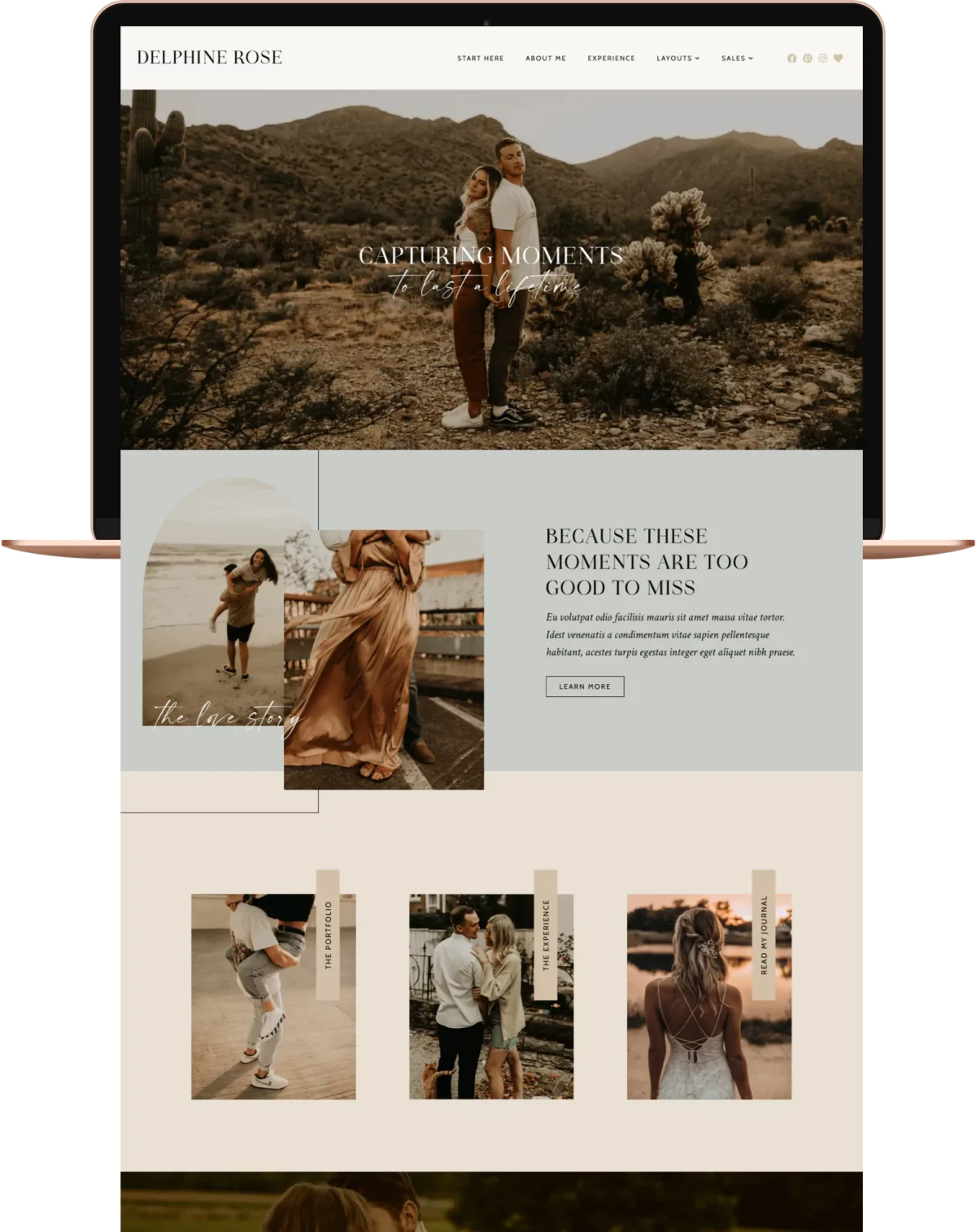
Credit: www.pixandhue.com
Frequently Asked Questions
What Should I Check After Launching My Site?
After launching, ensure all pages load correctly and links work. Verify that the site is mobile-friendly and SEO optimized. Check analytics to monitor traffic and performance. Ensure your security settings are active, and backup systems are in place. Finally, test contact forms and any interactive features.
How Can I Improve Site Speed Post-launch?
Improving site speed involves optimizing images and using a caching plugin. Minimize code, including CSS and JavaScript. Choose a reliable hosting provider and consider using a Content Delivery Network (CDN). Regularly monitor performance with tools like Google PageSpeed Insights. Faster sites enhance user experience and boost SEO.
Why Is Seo Crucial After Launching?
SEO is vital for visibility and attracting organic traffic. Optimize meta tags, headings, and content for relevant keywords. Submit your sitemap to search engines and build backlinks. Monitor rankings and adjust strategies accordingly. Effective SEO improves search engine results, leading to higher engagement and conversions.
How Do I Secure My WordPress Site?
Security is essential to protect your site from threats. Use strong passwords and update plugins and themes regularly. Install security plugins to detect and prevent attacks. Enable two-factor authentication and set up regular backups. Regularly monitor activity to quickly identify and address vulnerabilities.
Conclusion
Launching a WordPress site is an exciting journey. You’ve set up everything. Your site is live, ready to welcome visitors. Now, focus on updates and content. Keep your site secure and engaging. Regularly add new posts. Monitor your site’s performance.
Make adjustments when needed. Remember, your site reflects your vision. It’s a space to connect with others. Share your ideas and grow your community. Learn as you go, improve your skills. Enjoy the process. Celebrate small victories. Your WordPress site is a powerful tool.
Use it wisely and watch your online presence grow.



