
Choosing the right file type for images on your WordPress site can feel like a daunting task. You might wonder why it even matters, or how it affects your website’s performance.
Imagine walking into a crowded room; you want to be heard clearly, right? The same principle applies to your images. They need to be sharp, load quickly, and look great on any device. Picking the right image file type is the secret sauce that can help your site stand out, attract more visitors, and keep them engaged.
Dive in to discover how your image choices can elevate your WordPress site, boost your SEO, and create a seamless user experience. Let’s unlock the potential of your images together.

Credit: neliosoftware.com
Image Formats For WordPress
Choosing the right image format for WordPress is important. JPEG is popular because it balances size and quality. PNG is great for images needing transparency. GIF works well for animations.
Many users prefer JPEG for photos. It keeps file size small. It also maintains good quality. PNG is used for logos and icons. It offers clear images with transparency. GIF is fun for short, looped animations. It’s often used in blogs.
WebP is another option. It compresses images efficiently. This format is newer and supported by modern browsers. SVG is perfect for graphics. It scales without losing quality. Great for website icons.
Jpeg: Best For Photographs
JPEG is a popular image format. It is great for photographs and colorful images. JPEG files compress images well. This means they load faster on websites. Faster websites are good for users. JPEG is widely supported. Most devices and browsers can open JPEG files. This makes them versatile and easy to use.
JPEG files are small in size. They save storage space. This is important for WordPress sites. Smaller images help your site run smoothly. JPEG works best for images with many colors. It is not ideal for text or sharp edges. For these, PNG might be better. But for photos, JPEG is the top choice. It keeps colors bright and clear.
Png: Ideal For Graphics
PNG files are great for images with clear edges. They keep high quality. This makes them perfect for logos and graphics. PNGs support transparent backgrounds. This feature is useful for web design. Websites look clean and professional with transparent images. PNGs are often larger in size. This might slow down your site. Using a tool to compress PNGs is a good idea.
PNGs are lossless, which means they don’t lose detail. Photos with many colors are better in JPEG. But for simple images, PNG is best. Always think about your needs. Choose PNG for crisp, clear graphics.
Gif: Use For Animations
GIFs bring life to websites. They show moving pictures. Use them for short animations. They load fast and look good. They are small in size. This helps pages load quicker. GIFs have a special use. They show a story in a fun way. Many websites use them to catch eyes. GIFs are not for photos. They lack many colors. They can look grainy sometimes. Best used for simple images. They loop over and over. This makes them fun to watch. Many people like using GIFs. They make learning fun and easy. They are great for tutorials. Kids love them too. They are easy to share on websites.
Webp: Modern Format
WebP is a new image format for the web. It helps make images smaller. This means faster loading times. WebP is better than JPEG and PNG. It keeps images clear and sharp. Many browsers support WebP now. This makes it a good choice for websites. It can handle both photos and graphics well. Smaller images mean users wait less. This is good for everyone. WebP is a smart choice for WordPress. It helps save space and speed up sites. Even with smaller sizes, it keeps good quality. Easy to use and very helpful.
Svg: Scalable Graphics
SVG files are great for scalable graphics. They don’t lose quality when resized. This makes them perfect for logos and icons. SVG images are lightweight and quick to load. They work well on websites with lots of images. Many designers love SVG for its flexibility. You can easily change colors and shapes. This means faster edits and custom designs. SVG is also compatible with modern browsers. But, it can be tricky for older browsers. Always test your images on different browsers. SVG files can be animated too. This adds fun to webpages. Keep file sizes small for best performance.
Image Optimization Tips
Choosing the right image file type is important. JPEG is great for photos. It keeps quality and size balanced. PNG is best for images with text. It shows text clearly. GIF works well for simple animations. It makes them fun and engaging. Always check your image file size. Smaller sizes load faster. This makes your site better for users. Use compression tools to reduce size without losing quality.
Alt text is also key. It helps search engines and visually impaired users. Write simple descriptions for each image. This improves your site’s SEO. Always test images on different devices. Make sure they look good on all screens. Try these tips for a better website.
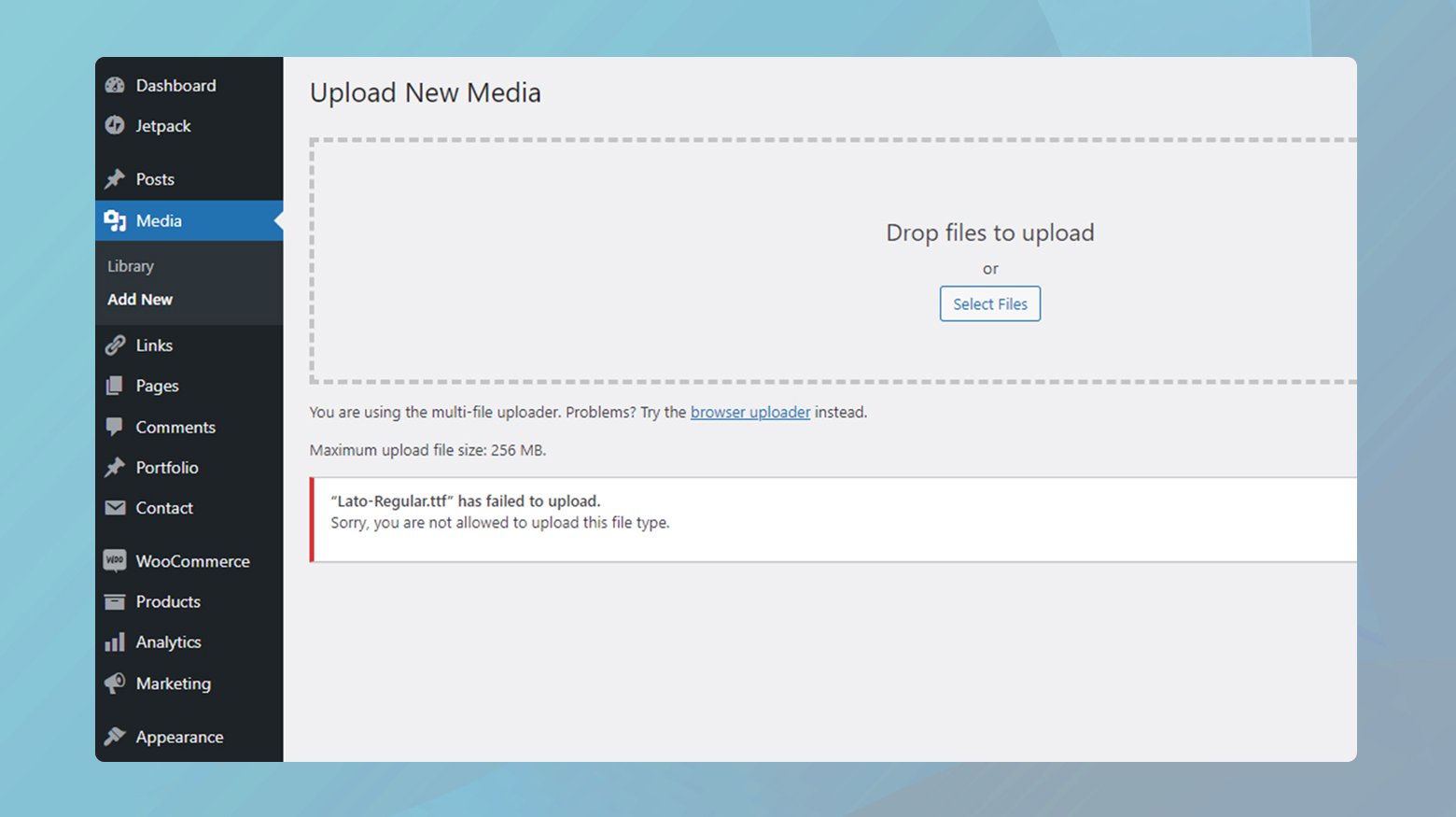
Credit: 10web.io
Choosing The Right Format
Images make websites look good. But which image type should you use? There are three main types: JPEG, PNG, and GIF. Each type is special.
JPEG images are small. They are good for photos. But sometimes, they lose quality. This is called compression.
PNG images keep their quality. They are good for logos. They can have clear parts, like glass.
GIF images can move. They are fun and small. But they have fewer colors.
Choose the right type to make your site fast and pretty.
Tools For Image Compression
Choosing the right tool for image compression is crucial. TinyPNG is a popular choice for many. It compresses images without losing quality. JPEGmini is another effective tool. It reduces file size significantly. For those who prefer open-source, GIMP is a great option. It offers many features for free. Smush is a WordPress plugin that helps with image optimization. It integrates seamlessly with WordPress. ShortPixel is another plugin to consider. It compresses images quickly and efficiently.
These tools make your website faster. They improve loading times and user experience. Always ensure your images are optimized. This keeps your website running smoothly. Choose the tool that fits your needs best.
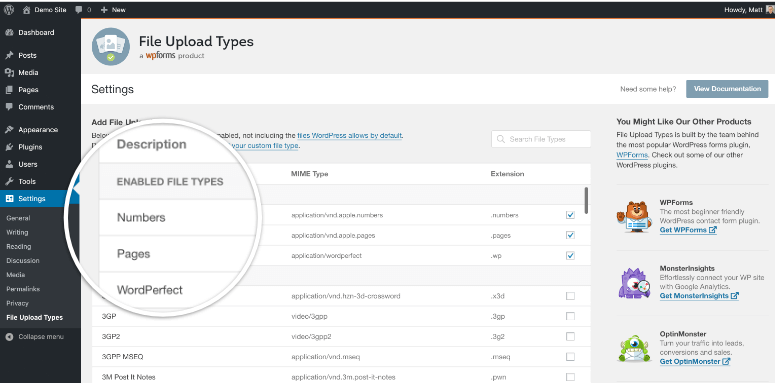
Credit: www.isitwp.com
Seo And Image Formats
Choosing the right image format is crucial for SEO. Different formats affect loading speed. Speed is important for user experience and ranking. JPEG is a popular choice. It offers good quality with small file size. PNG is another option. It supports transparency. But it can be larger than JPEG.
WebP is a newer format. It provides better compression. This means faster load times. Faster websites rank better. GIFs are great for animations. But their quality is not always the best. Each format has its pros and cons. Choose wisely based on your needs.
Frequently Asked Questions
What Image Format Is Best For WordPress?
JPEG is ideal for WordPress due to its balance of quality and file size. It’s perfect for photos, offering great compression without losing too much detail. PNG is better for graphics with transparency, while GIFs work well for simple animations.
Consider file size and loading speed when choosing.
Can I Use Svg Images In WordPress?
Yes, SVG images can be used in WordPress, but with caution. SVGs are scalable and lightweight, perfect for logos and icons. They can pose security risks, so ensure proper sanitization before uploading. Plugins like SVG Support can help manage SVGs safely in WordPress.
How To Optimize Images For WordPress?
Optimize images by compressing them to reduce file size without losing quality. Use tools like TinyPNG or JPEGmini for compression. Properly name files with relevant keywords and add alt text for SEO. Consider lazy loading to improve page speed and user experience.
Why Are Pngs Popular For WordPress Graphics?
PNGs are popular for graphics due to their lossless compression and transparency support. They maintain high-quality visuals, making them ideal for logos and icons. Unlike JPEGs, PNGs do not lose quality when edited, providing better detail for WordPress design elements.
Conclusion
Choosing the right image file type is crucial for WordPress success. JPEGs are ideal for photos, offering smaller file sizes. PNGs work well for graphics needing transparency. GIFs bring movement, but watch file sizes. WebP delivers efficiency with high-quality images and small files.
The right choice balances quality and speed. Optimize images to enhance website performance. Faster loading pages improve user experience. This attracts more visitors and boosts engagement. Remember, efficient images make your site shine. Consider your needs carefully, and select wisely.
Your WordPress site deserves the best!



