
When you run a WordPress site, communication is key. You want your audience to feel informed, connected, and engaged.
But did you know that WordPress has built-in email functionalities to help achieve just that? Imagine the power of automating your site’s communication, ensuring that your users receive timely updates and notifications without you lifting a finger. We will unravel the mystery behind the types of emails WordPress sends out and how they can enhance your site’s performance and user experience.
Whether you’re a seasoned blogger or just starting out, understanding these emails can transform how you manage your website. Curious about how these emails can boost your site’s efficiency? Keep reading to discover how WordPress emails can be your secret tool for seamless communication!
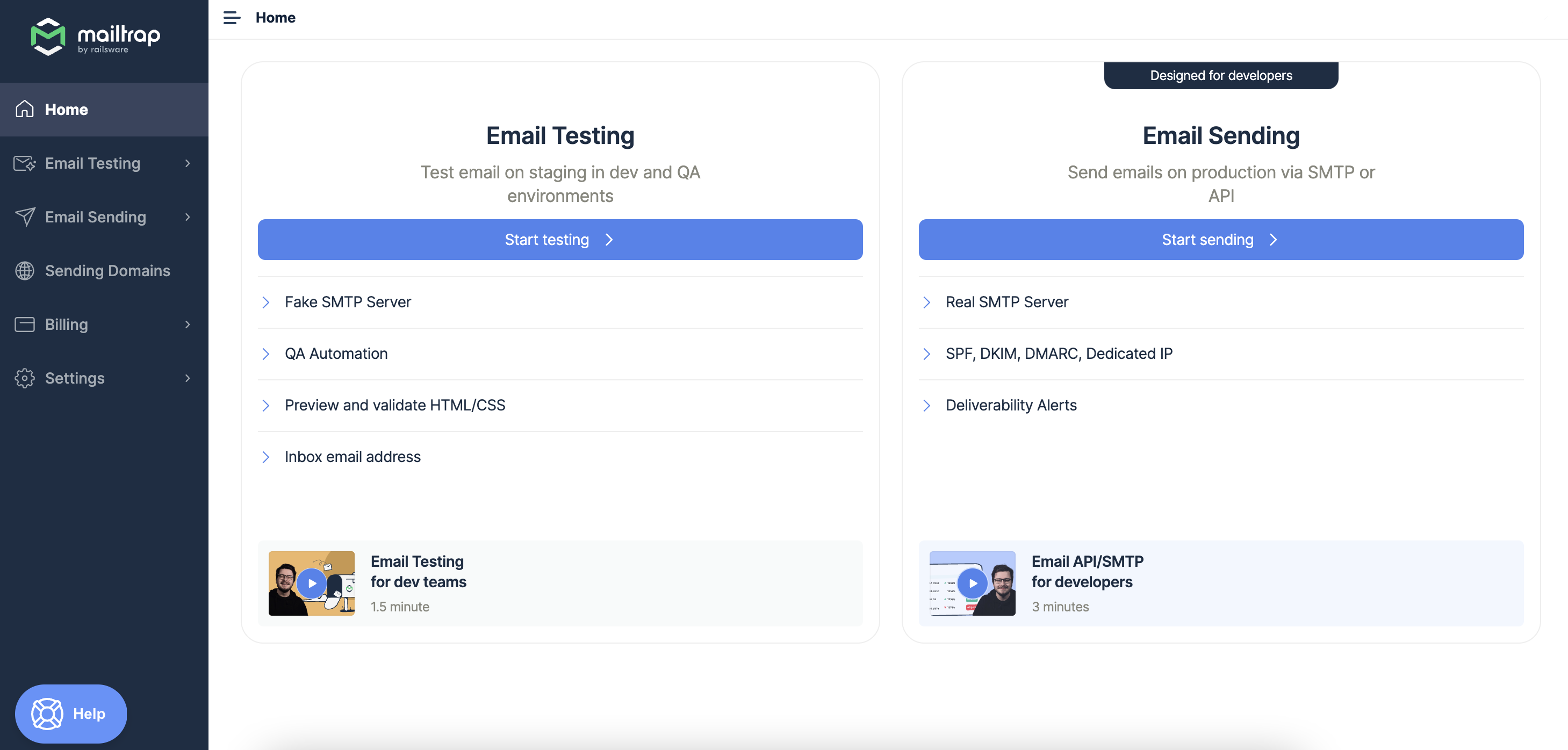
Credit: mailtrap.io
Registration Emails
WordPress sends a New User Notification email. This email welcomes new users. It tells them about their new account. The email includes a username. It also has a link for setting up a password. This email is important. It helps users start quickly.
Users get a Password Reset Email if they forget their password. This email has a special link. Users click it to make a new password. It’s a simple process. This keeps accounts safe and secure.

Credit: mailtrap.io
Comment Notifications
WordPress sends emails when a new comment appears. This helps bloggers stay updated. The email includes the comment’s text. Blog owners can see who wrote it. It’s a quick way to keep track of discussions. Responding quickly is possible, thanks to these alerts. This keeps conversations lively. Readers feel important when their comments get noticed. It builds a community around the blog.
Some comments need approval. WordPress sends an email about it. Blog owners decide if the comment is okay. This helps keep the blog clean and safe. Spam or bad words can be stopped. Only good comments get shown to others. It is important to keep the blog’s reputation good. This process helps with that. The email shows all details needed for this decision.
Subscription Emails
WordPress sends emails about new posts. These emails go to subscribers. The email tells about the new post. It shows the title and a short part of the post. This helps readers know what the post is about. They can click to read more. This keeps people updated with new content.
WordPress can also send newsletters. A newsletter gathers news and updates. It reaches the subscribers regularly. These can be sent weekly or monthly. The newsletter contains multiple posts or updates. It helps keep the audience engaged. Sending newsletters is easy with plugins.
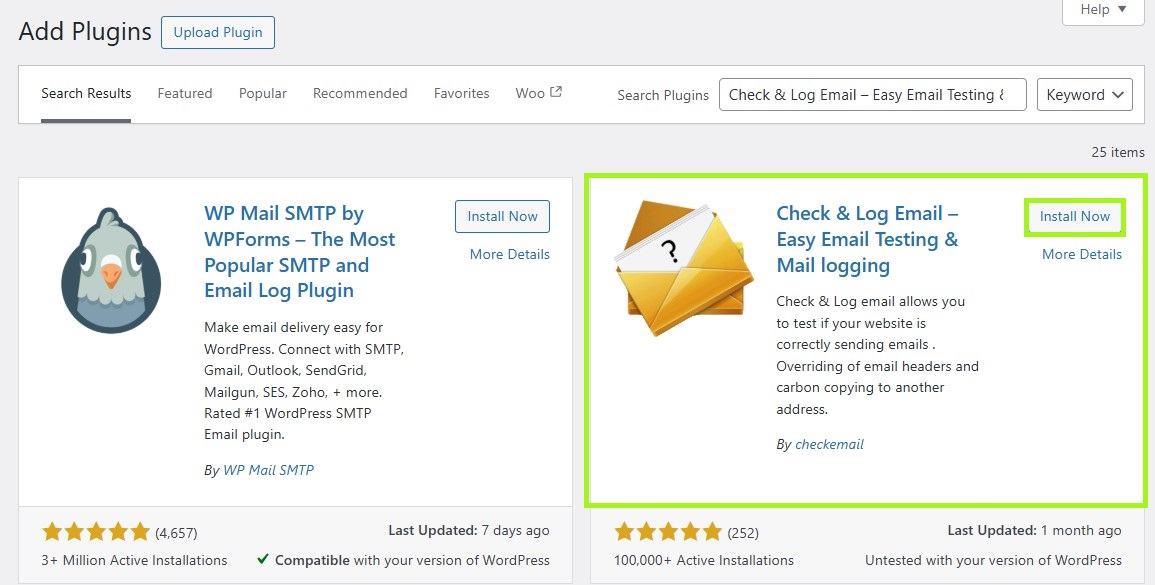
Credit: www.omnisend.com
Order Confirmations
WordPress sends a purchase receipt after buying something. This email shows the item bought and total cost. It also includes the payment method used. Buyers can keep this email for their records. It helps them remember what they purchased. It’s like a shopping list for online buys. Every buyer gets this email. It’s automatic and fast.
Buyers get a shipping details email too. This tells where the package is going. It says how long delivery will take. The email might have a tracking link. Buyers can click to see where their package is. This email makes sure buyers know when their items arrive. It’s very helpful and keeps them informed.
Administrative Emails
WordPress often sends emails about site updates. It tells you when new features are added. These updates can make your site better. You may see emails about security patches too. Keeping your site safe is very important. Updates help with this.
After a backup is done, WordPress sends an email. This email confirms that your backup is complete. You feel safe knowing your data is saved. Backups protect against data loss. Losing data can be very bad. With backups, you keep your site safe.
Security Alerts
WordPress sends an email if someone tries to log in. This email is a Login Attempt Warning. It helps to keep your site safe. You will know if someone tries to guess your password. The email includes the IP address of the person trying to log in. If it looks strange, change your password. This helps protect your information.
When you change your password, WordPress sends an email. This is called a Password Change Confirmation. It tells you that the password is different now. If you did not change it, be alert. Someone else may have access. Check your settings and make sure your account is safe. Always use a strong password. This keeps your account secure from hackers.
User Engagement Emails
A Welcome Message greets new users. This email makes them feel special. It shows them they are valued. It also helps them know what to do next. A friendly tone makes a great start. Users appreciate a warm welcome. It sets the tone for future interactions.
User Survey Invitations ask users for feedback. These emails show that their opinions matter. Users can share thoughts on their experience. Their feedback helps improve services. A simple survey link is included. Surveys are quick and easy. Everyone can share their views.
Frequently Asked Questions
What Are Default Emails Sent By WordPress?
WordPress sends default emails for user registration, password reset, and comment notifications. These emails help manage user engagement and site activities efficiently. They are crucial for maintaining communication between site administrators and users, ensuring smooth operations.
How Can I Customize WordPress Email Notifications?
You can customize WordPress emails using plugins like WP Mail SMTP or MailPoet. These tools allow you to modify email content and design. Customizing emails enhances user experience and ensures branding consistency across your communications.
Does WordPress Send Out Admin Notifications?
Yes, WordPress sends admin notifications for various activities, including new user registrations, comment approvals, and plugin updates. These notifications help site administrators stay informed about important site events and manage them promptly.
Can WordPress Send Transactional Emails?
WordPress can send transactional emails using plugins like WooCommerce or Easy Digital Downloads. These emails include order confirmations and receipts. Transactional emails are vital for e-commerce sites, ensuring customers receive timely information about their purchases.
Conclusion
WordPress emails help keep your website running smoothly. They send notifications for new posts, comments, and user registrations. Security alerts ensure your site stays safe. Regular updates inform users of changes. These emails are essential for maintaining user engagement. They provide valuable insights into site activities.
Customizing these emails can enhance communication. A well-managed email system fosters better interaction. Understanding WordPress emails empowers site owners. Simplifying communication can improve user experience. Keep your audience informed and engaged. WordPress emails serve as a bridge between you and your users.
Optimize them for maximum impact.



