
Imagine this: you’re excitedly working on your WordPress site, ready to upload a stunning image or update a crucial page. Suddenly, you’re halted by a mysterious “HTTP Error” message.
Frustration sets in as you wonder, “What does this mean for my website? ” You’re not alone. Many WordPress users encounter this issue, and it can feel like an insurmountable obstacle. But here’s the good news: understanding what an HTTP error means in WordPress can save you time and stress.
We’ll demystify this common problem and guide you through simple solutions. By the end, you’ll feel empowered to tackle this error head-on, ensuring your website runs smoothly and efficiently. Stick around, because the answer could be simpler than you think!
Http Error In WordPress
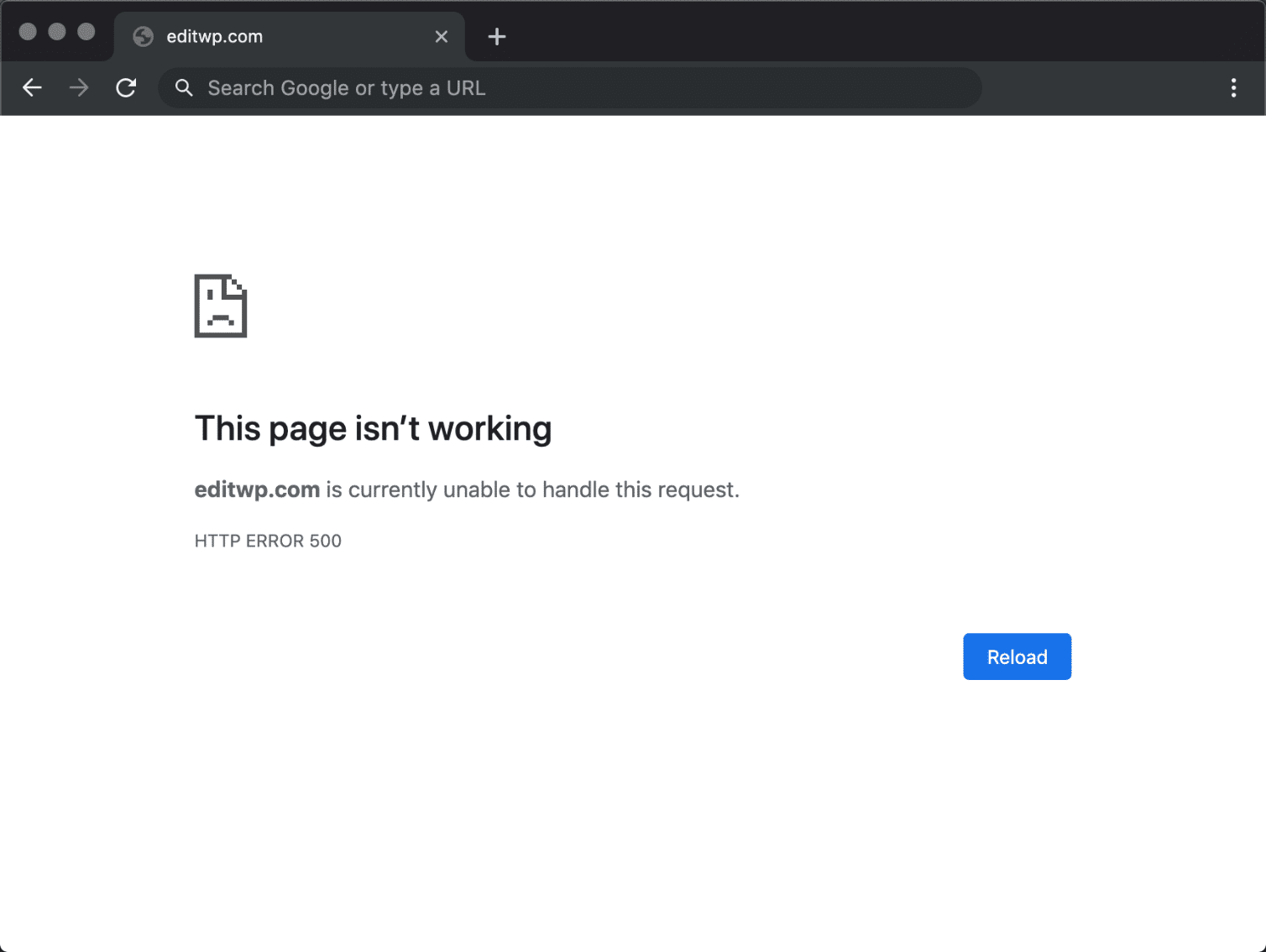
HTTP errors often confuse WordPress users. They appear during file uploads. These errors might stop you from adding media files. Sometimes, it happens due to plugin conflicts. Other times, it is caused by server issues. Fixing HTTP errors can be simple. Check your file size. Large files often cause trouble. Try changing file formats. This can solve the error. If the issue persists, you might need to update WordPress. An outdated version can cause errors. You can also disable plugins. This helps identify the problem. Always keep a backup before making changes. Backups protect your data.
Credit: kinsta.com
Common Causes
Server settings can cause HTTP errors. Sometimes, servers are not set up right. Wrong settings lead to problems. Check server settings to fix issues. Talk to hosting provider if needed.
WordPress needs memory to work. Low memory causes errors. Increase memory limit to stop errors. Change settings in wp-config file. Ask for help if unsure.
Large files can cause errors. Servers have file size limits. Reduce file size to upload. Compress images and videos. Check server settings for limits.
Plugins and themes sometimes clash. Conflicts can cause errors. Deactivate plugins to test. Change themes if needed. Update plugins regularly.
Troubleshooting Steps
The server must be running well. Check with your hosting provider. Sometimes servers go down. This can cause errors on WordPress. Visit your hosting dashboard. Look for any alerts or notifications. If there’s an issue, contact support.
WordPress may need more memory to work. Edit the wp-config.php file. Add this line: define('WP_MEMORY_LIMIT', '256M');. This increases memory to 256MB. Save the file. Check if the error is fixed. Be careful with file edits. They can break your site.
Large file uploads can cause errors. Go to your php.ini file. Increase the upload size limit. Look for upload_max_filesize and post_max_size. Set them to a higher value. Save changes. Try uploading again.
A bad plugin or theme can cause errors. Deactivate all plugins. Check if the error is gone. If it is, activate plugins one by one. This finds the bad plugin. Do the same with themes. Switch to a default theme like Twenty Twenty-One. See if the error disappears.
Credit: wp-umbrella.com
Advanced Solutions
The .htaccess file is very important for your site. It helps control many settings. Sometimes, errors happen if this file is wrong. Open the file and check for mistakes. Make sure all lines are correct. Backup the file before making changes. This way, you can restore it if needed. Always be careful when editing this file.
PHP is the engine for WordPress. Older versions can cause errors. Check your current PHP version. Update it to a newer version if needed. This can fix many problems. Ask your hosting provider for help if unsure. A newer PHP version often improves speed too.
Debugging tools help find errors. WordPress has its own debugging mode. Turn it on to see problems. Look for error messages in logs. These messages can point to the issue. Fixing the right problem saves time. Many plugins can help with debugging too.
Preventive Measures
Keeping your WordPress software updated is crucial. Updates fix bugs and improve security. Set a reminder for updates. Check plugins and themes too. Outdated software can cause errors. Regular updates ensure smooth operation.
Large media files slow your site. They can lead to errors. Optimize your images before uploading. Use tools to compress images. Reduce file sizes without losing quality. This helps your site run faster.
Your server needs regular checks. Healthy servers prevent errors. Use tools to monitor your server. Check for high traffic or resource use. Regular monitoring keeps your site stable. It alerts you to problems early.
Credit: gigapress.net
Frequently Asked Questions
What Is An Http Error In WordPress?
An HTTP error in WordPress occurs when a server fails to process a request. This can happen due to various reasons like server overload, incorrect server configuration, or plugin conflicts. Identifying the specific error code can help diagnose and resolve the issue effectively.
How Do I Fix Http Errors In WordPress?
To fix HTTP errors in WordPress, start by deactivating all plugins. Then, switch to a default theme to rule out theme issues. Increase the PHP memory limit and check for server configuration errors. Consult your hosting provider if the problem persists.
Why Does WordPress Show Http Error During Upload?
WordPress may show an HTTP error during upload due to insufficient server resources. This includes low memory limits or incorrect file permissions. Large file sizes or incompatible file formats can also trigger this issue. Adjusting server settings can help resolve it.
Can Plugins Cause Http Errors In WordPress?
Yes, plugins can cause HTTP errors in WordPress. Conflicting or poorly coded plugins may interfere with server requests. Deactivate all plugins and activate them one by one to identify the culprit. Regular updates and using reputable plugins can prevent such issues.
Conclusion
Understanding HTTP errors in WordPress is crucial. These errors disrupt site functions. Identifying common issues helps in quick resolution. Frequent causes include server problems and permission settings. Regular updates and monitoring can prevent many errors. Use reliable plugins and themes for better site performance.
Seeking professional help can save time and effort. Keeping your WordPress site error-free enhances user experience. It also boosts your site’s SEO ranking. Stay informed and proactive to maintain a smooth-running website. Remember, a stable site keeps your visitors happy and engaged.



