
Have you ever wondered what powers the backbone of your WordPress site? Understanding the database WordPress uses is crucial for anyone looking to optimize their website’s performance and ensure robust security.
You might be surprised to learn that the database choice can significantly impact how your site functions and scales over time. By grasping this key component, you unlock the potential to enhance speed, reliability, and user experience. This article will reveal the secrets behind WordPress’s database and how it affects your site, so you can make informed decisions and take your website to new heights.
Dive in, and discover how the right database knowledge can empower you!
WordPress And Its Database
WordPress uses a database to store information. This includes posts, pages, and user data. The most common database for WordPress is MySQL. MySQL is a type of relational database. It helps WordPress keep data organized and easy to access.
WordPress uses queries to get data from the database. These queries help show content on your website. Database tables hold different types of data. For example, one table might hold all the user information. Another table might store your blog posts.
Keeping the database clean and optimized is important. This ensures your website runs smoothly and fast. Regularly check and update your database. This helps prevent errors and keeps your site secure.
Mysql: The Heart Of WordPress
WordPress uses MySQL as its database. MySQL stores all the data. This includes posts, pages, and user data. It is like a big book. Each page is a piece of data. MySQL helps WordPress find and show this data. It is very fast and reliable. Many big websites use MySQL.
MySQL is open-source. This means anyone can use it for free. It is also easy to set up. Many hosting services offer MySQL with WordPress. This makes it simple for people. They can start their website quickly. MySQL and WordPress work well together. They make a strong team.
Database Structure In WordPress
WordPress uses MySQL as its database. This open-source system stores all website data, from posts to user information, in organized tables. Efficient and reliable, it supports seamless content management on WordPress sites.
Core Tables
WordPress uses a database to store data. The most important tables are the core tables. These include wp_posts, wp_users, and wp_comments. The wp_posts table saves all blog posts and pages. The wp_users table holds user details. The wp_comments table keeps all comments. These tables are essential. They help WordPress work smoothly.
Custom Tables
Sometimes, plugins add their own tables. These are called custom tables. They store specific data. For example, a shopping plugin might have a table for orders. These tables are useful. They keep plugin data separate. This helps with organization. It also makes data easy to find.
Metadata Storage
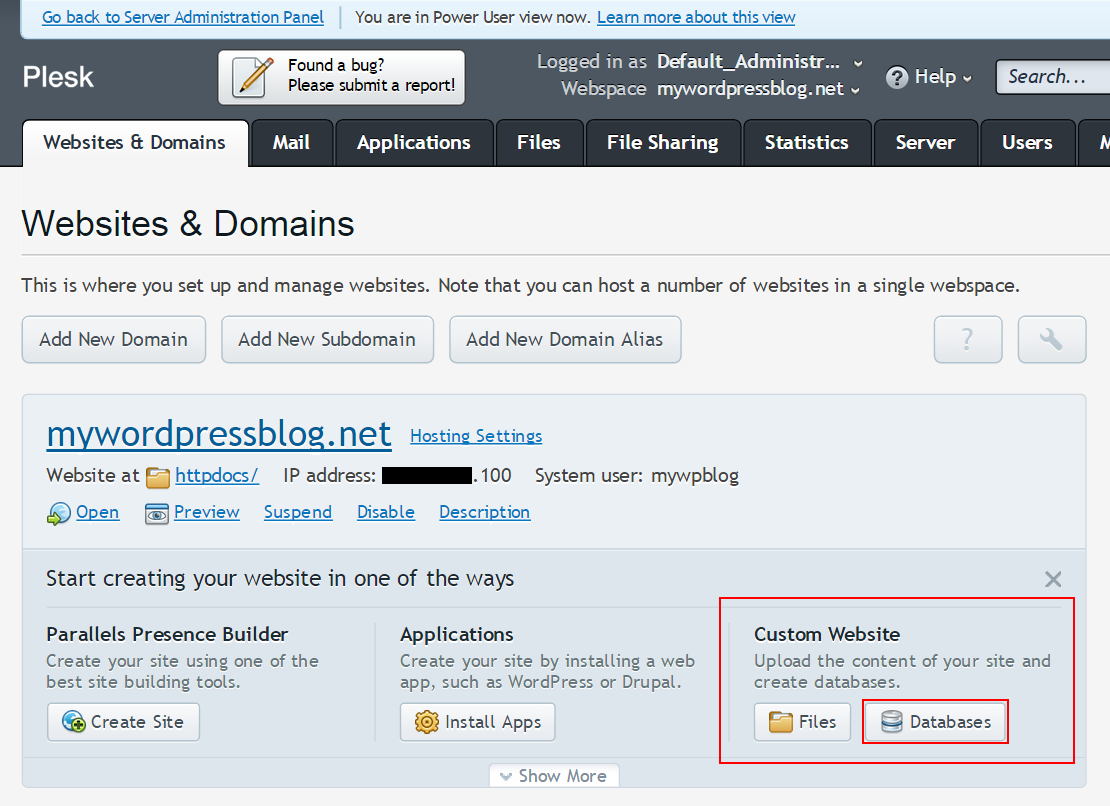
WordPress stores extra data in metadata. This data is saved in wp_postmeta and wp_usermeta tables. wp_postmeta holds data about posts. wp_usermeta keeps data about users. Metadata is flexible. It allows storing additional information. Like custom fields or user preferences. Metadata helps make WordPress powerful. It provides more options for customization.
Credit: codex.wordpress.org
How WordPress Interacts With Mysql
WordPress uses queries to talk to its database. It asks MySQL for data. The database stores this data safely. WordPress can add and change data using these queries. It can also delete data when needed. This keeps your site working smoothly. Every time you save a post, a query happens. This makes sure your content stays safe.
Getting data from MySQL is called retrieval. WordPress does this to show posts. It asks MySQL to send back the right data. This data includes titles, content, and comments. WordPress uses SQL commands for this. These commands help find the right information fast. Your site shows the latest content thanks to retrieval.
Managing data is important for WordPress. It stores user info and settings. MySQL keeps this data organized. WordPress can easily update user profiles. It can change settings too. This helps keep your site secure. A well-managed database is essential. It makes sure everything runs smoothly.
Database Optimization Techniques
Indexes help find data fast. They act like a book’s table of contents. Creating indexes on common search fields speeds up queries. But too many indexes slow the database. It’s a balance. Choose wisely.
Data can be lost. Regular backups keep your data safe. Store backups in different places. This way, if one fails, you have another. Set a schedule for backups. Daily or weekly works well.
Small changes improve speed. Optimizing queries reduces load time. Remove unnecessary data and keep tables tidy. Monitor database use. Adjust settings for better performance. Regular checks keep the system healthy.

Credit: developer.wordpress.org
Alternatives To Mysql
MariaDB is a strong alternative to MySQL. It’s fast and easy to use. Many developers choose MariaDB for its performance. It is also open-source and secure. This makes it popular among web developers. MariaDB supports many of the same features as MySQL. It’s compatible with WordPress too.
SQLite is lightweight and simple. It stores data in a single file. This makes it very easy to manage. No server is required for SQLite. It is perfect for small projects. Many apps use SQLite because it’s compact. It works well for sites with low traffic. It’s a great choice for beginners.
NoSQL databases are different. They do not use tables like MySQL. They store data as documents. This makes them flexible. NoSQL is great for big data. It handles large amounts of information. MongoDB is a popular NoSQL option. It works well for dynamic web applications. NoSQL offers scalability and speed.
Choosing The Right Database Solution
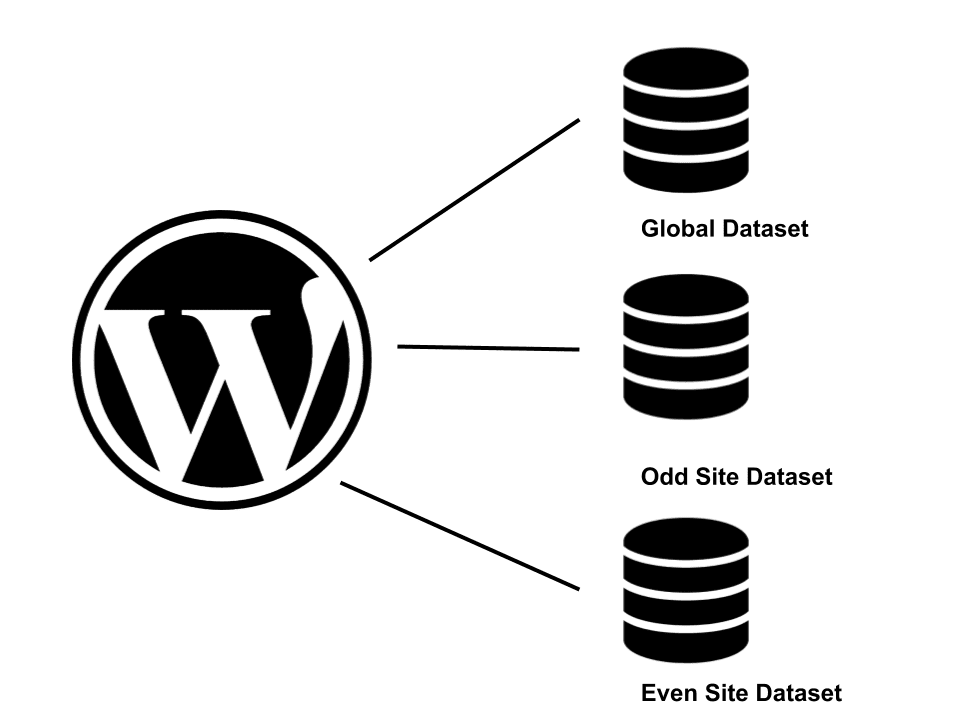
WordPress often uses MySQL. It’s great for small sites. But big sites need more. Scalability is key. The database should grow with your site. Otherwise, you may face problems. Performance can slow down. Choose a database that adapts. It should handle more traffic easily.
Databases can be costly. MySQL is free. But not always. Some versions have fees. Other databases may cost more. Consider your budget. Open-source options help save money. But they may lack features. Paid databases offer more. But at a price.
Support is crucial. Free databases often lack it. Paid ones offer better support. Technical help can solve issues fast. Choose a database with good support. It saves time and stress. You need help when things go wrong. Make sure it’s available.
Credit: jeffreyeverhart.com
Frequently Asked Questions
What Database Does WordPress Use By Default?
WordPress uses MySQL as its default database management system. MySQL is open-source and widely used for web applications. It efficiently handles WordPress’s data storage needs, managing posts, users, and other content. MySQL’s compatibility with PHP, the language WordPress is written in, makes it an ideal choice.
Can WordPress Use Databases Other Than Mysql?
Yes, WordPress can use other databases with plugins. Although MySQL is default, plugins like HyperDB allow alternatives. PostgreSQL and MariaDB are examples of compatible databases. However, using non-MySQL databases may require additional setup. Ensure compatibility with your hosting environment before switching databases.
Is Mysql The Best Choice For WordPress?
MySQL is a great choice for WordPress due to its compatibility and reliability. It’s highly optimized for WordPress and has extensive community support. MySQL handles high traffic efficiently, making it ideal for most WordPress sites. However, evaluate your specific needs before deciding.
How Do I Connect WordPress To A Database?
Connecting WordPress to a database involves configuring the wp-config. php file. You’ll need the database name, username, password, and host. Enter these details in the file, and WordPress will establish a connection. Ensure database permissions are correctly set for a smooth connection.
Conclusion
WordPress relies on MySQL, a popular database system. This choice suits WordPress well. Why? Because MySQL offers speed and reliability. It handles data efficiently. Users appreciate its easy setup and management. MySQL supports WordPress’s dynamic content. It stores posts, comments, and settings neatly.
Developers find MySQL flexible. They can customize it to fit various needs. This database ensures smooth website performance. MySQL’s wide community support is a bonus. Learning resources are plentiful. This aids troubleshooting. For WordPress users, MySQL is a solid foundation.
It keeps websites running smoothly. A trusted database for countless sites worldwide.



