
Imagine having the power to transform your website into a masterpiece with just a few clicks. As an editor on WordPress, that’s exactly what you can do.
You hold the keys to unlocking a world of possibilities. But what exactly can you accomplish in this role? Whether you’re managing content, enhancing design, or optimizing for SEO, understanding the full scope of what editors can do on WordPress is crucial.
This knowledge empowers you to make strategic decisions that captivate your audience and keep them coming back for more. Ready to dive in and discover how you can elevate your WordPress site to new heights? Let’s explore the exciting capabilities at your fingertips.

Credit: wordpress.org
Role Of Editors
Editors have a vital role on WordPress. They can edit posts and pages. Editors can publish content and manage categories. They control comments to keep conversations safe. Editors can also remove unwanted content. They have the power to organize media files. They can adjust tags for better search results. Editors help keep websites neat and tidy. Their job is to ensure quality content. They check for errors and fix them. Editors are key to a site’s success. They help authors with writing. They can also suggest new topics. Their role is essential in creating great websites.
Content Management
Editors on WordPress can create and edit posts easily. They can add titles and content. They can also use bold or italic text to make words stand out. Adding images and videos is simple too. Editors can save their work as a draft. Later, they can come back and make changes.
Editors can organize posts with categories and tags. Categories help group similar posts together. Tags add more details and keywords. This makes it easy for readers to find related content. Editors can create new categories or tags anytime.
Editors can publish posts right away. Or, they can schedule them for later. Scheduling helps plan content in advance. Editors choose the date and time for publishing. This is great for keeping a steady flow of new posts.
Media Handling
Editors can easily upload images to the website. Just click on the media library, then press “Add New.” You can drag and drop images from your computer. After uploading, the images can be sorted and edited as needed. Change the size, add captions, or set them as featured images. The process is simple and quick. These tools help keep the website visually appealing and organized.
Adding videos and audio to posts is simple. Use the embed feature in WordPress. First, copy the URL of the video or audio. Then, paste it into the post editor. WordPress automatically embeds the media for you. This allows visitors to enjoy more than just text and images. Engaging content keeps visitors on the site longer. It makes the site more dynamic and interactive.
Comment Moderation
Editors on WordPress can manage comment moderation efficiently. They approve or delete comments to maintain quality. This helps keep discussions respectful and relevant on the platform.
Approving And Deleting Comments
Editors can approve comments from readers. They check if the comments are nice and respectful. Bad comments can be deleted easily. Editors keep the comment section clean and friendly. This helps the blog stay safe and fun for everyone.
Responding To Reader Feedback
Readers love when editors reply to their comments. Editors can thank readers for their feedback. They can also answer questions. This makes readers feel important. Good feedback can help make the blog even better. Happy readers might come back more often!
Page Management
Editors can create new pages with simple tools. They can add text, images, and links. It’s easy to make changes. A few clicks can update a page. Editors keep the pages fresh and informative. Mistakes can be fixed quickly. This ensures pages look good and work well.
Editors can organize pages into a clear structure. They can create parent and child pages. This helps users find what they need. A good hierarchy is like a map. It guides visitors through the site. Editors can move pages around easily. They ensure the site stays organized.
Collaboration With Authors
Editors can assign tasks to authors easily. They can choose topics and set deadlines. Authors can see these tasks on their dashboard. This helps everyone stay organized. It also makes sure work gets done on time. Editors can give feedback on drafts too. This helps authors improve their writing. Good collaboration makes better content.
Editors check the content once authors submit it. They look for spelling mistakes and grammar errors. Content should match the website’s style. If changes are needed, editors can suggest them. Once the content is ready, editors can publish it. This process keeps the content high quality. Editors make sure readers get the best information.
User Permissions
WordPress has different user roles for different tasks. These roles help control what people can do on a site. An editor can manage posts and pages. They can also approve and remove comments. Editors cannot change site settings. This keeps the site safe.
Other roles include administrator, author, and contributor. Each role has specific permissions. Understanding these roles helps in managing a site well. It is important to assign roles carefully. This ensures that people only do what they are allowed.
Assigning roles is easy in WordPress. Go to the Users section in the dashboard. Find the person you want to assign a role to. Select the role from the dropdown menu. Click Save. This changes the person’s role.
Modifying roles is also simple. Follow the same steps as assigning. Choose a different role from the dropdown. Remember to save your changes. This keeps your site organized.

Credit: www.gsplugins.com
Seo Optimization
Editors use many SEO tools on WordPress. These tools help improve search rankings. Plugins like Yoast SEO are popular. They guide users to write better content. Editors can check keyword density. This helps content rank better. Tools also suggest meta descriptions. These are short summaries for search engines.
Good editors focus on keywords. They place them naturally in content. This makes it easy to read. Headings are important too. They break content into sections. This helps readers and search engines. Editors ensure all images have alt text. Alt text describes the image. It helps search engines understand the content better.
Best Practices
Editors play a vital role in keeping the content top-notch. They review each post for errors. Grammar and spelling mistakes are corrected swiftly. This keeps the content professional. Editors ensure that every post is engaging. Boring posts can lose readers. The tone of the content should match the audience. This connects with the readers better. Quality content keeps the blog reliable and trustworthy.
Posts should have a uniform style. This includes the format, font, and layout. Consistency makes the blog look organized. Editors set rules for writing style. These rules help writers follow the same pattern. Every post should have a similar voice. This helps in building a brand identity. Editors also check the links and images. They ensure every post is well-connected.
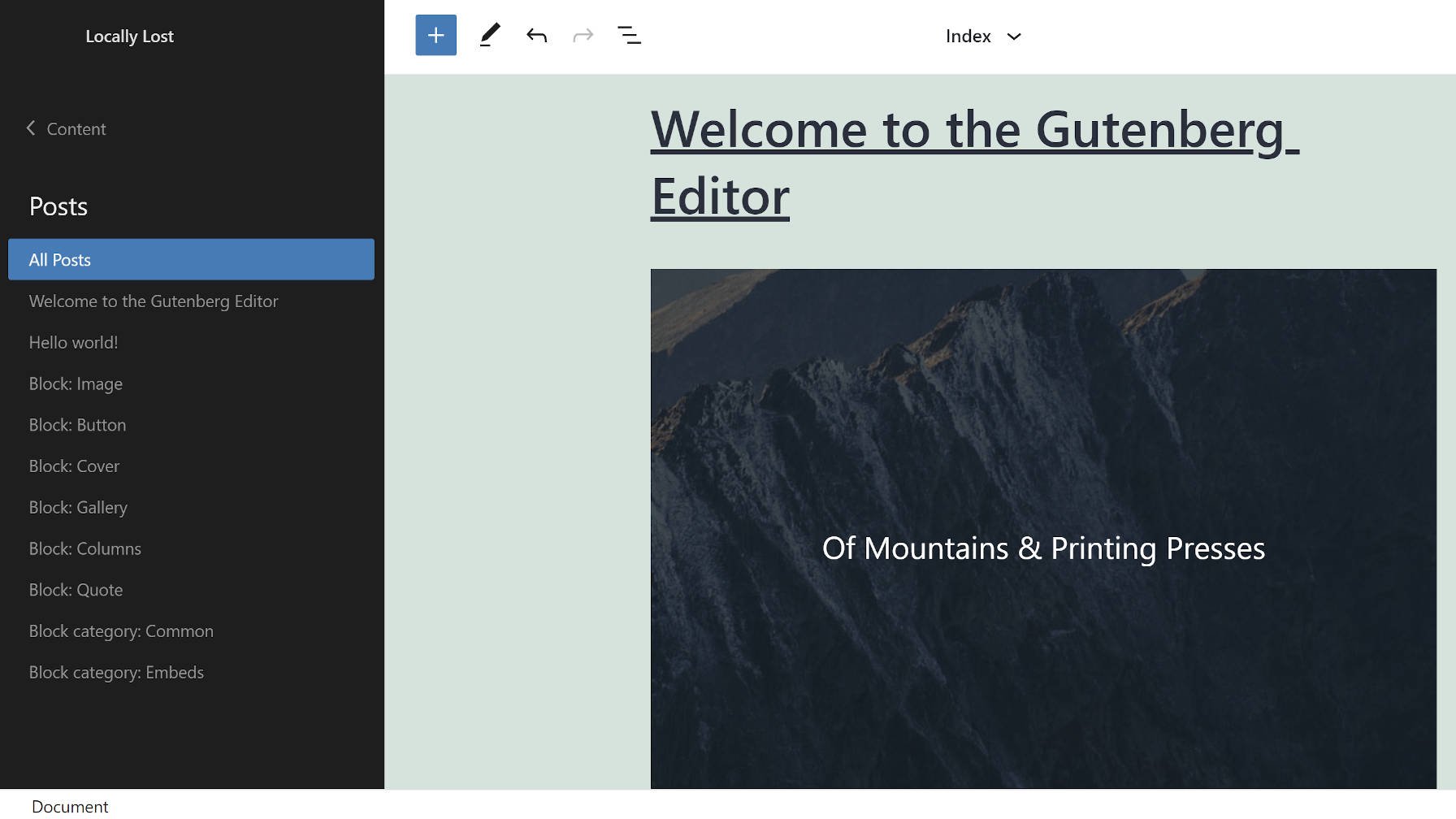
Credit: wptavern.com
Frequently Asked Questions
What Roles Can Editors Have On WordPress?
Editors on WordPress can manage and publish posts, pages, and media. They can also moderate comments and edit other users’ content. Editors do not have access to site settings or plugins. Their role is crucial in maintaining content quality and ensuring the website’s integrity.
Can Editors Edit WordPress Themes?
Editors cannot edit WordPress themes directly. Theme customization typically requires admin access. Editors can suggest changes to themes and layouts. However, only admins or users with higher permissions can implement these changes. Editors focus mainly on content, leaving design aspects to developers or admins.
How Do Editors Manage WordPress Content?
Editors manage WordPress content by creating, editing, and publishing posts and pages. They ensure the content is accurate and engaging. They also organize media files and moderate comments. Editors play a vital role in content strategy and maintaining a consistent site tone.
Do WordPress Editors Handle Plugin Updates?
Editors do not handle plugin updates in WordPress. Plugin management requires admin privileges. Editors focus on content creation and management. They can recommend plugins but cannot install or update them. Admins are responsible for plugin maintenance and ensuring compatibility with site features.
Conclusion
Editors play a crucial role on WordPress. They ensure content quality and consistency. They manage posts, pages, and media efficiently. Editors collaborate with writers and designers. They optimize content for better SEO. They keep the site organized and user-friendly. With these tasks, editors help sites succeed.
Their work enhances reader engagement and trust. Editors’ skills shape a blog’s reputation. A well-maintained site draws more visitors. So, editors are essential for WordPress success. Their contributions make a real difference. Consider their impact on your site today.



