
Are you looking to set up a WordPress site without spending a dime? If so, you’re not alone.
Many budding bloggers and small business owners are on the hunt for user-friendly, free WordPress themes. But with thousands of options, choosing the right one can feel overwhelming. You want something that not only looks great but is also easy to navigate and customize, right?
Imagine having a stunning website that attracts visitors and keeps them engaged, all without the headache of complicated designs or steep learning curves. Sounds perfect, doesn’t it? Well, you’re in luck. We’ve scoured the WordPress theme repository to find the easiest free themes for you to use. Whether you’re a total beginner or just short on time, these themes will help you create a professional-looking site in no time. So, are you ready to discover which themes can transform your vision into reality? Let’s dive in!
Popular Free Themes
Astra is a light and fast theme. It’s easy for beginners. You don’t need coding skills. OceanWP offers many features. It’s good for e-commerce sites. Neve is flexible and fast. It works well on mobile devices. Hestia provides a modern look. Perfect for small businesses and startups. Storefront is made for WooCommerce. It helps you build online stores easily.
All these themes are free. They have many customization options. Easy to change colors and fonts. Many themes are responsive. They look good on phones and tablets. SEO-friendly design helps rank better in search engines. Beginners find them easy to use. No advanced skills required.
Installation And Setup
Installing a free WordPress theme is easy. First, go to your WordPress dashboard. Click on “Appearance” and then “Themes.” Next, click on “Add New.” Use the search bar to find a theme. Once you find a theme you like, click “Install.” After installation, click “Activate” to use the theme.
Step-by-step Guide
Start by logging into your WordPress dashboard. Go to “Appearance” and select “Themes.” Click on “Add New” to search for themes. Use filters to find themes that suit your style. Once you find the right theme, click “Install” and then “Activate.” Now your theme is ready to use.
Common Troubleshooting
If the theme does not install, check your internet connection. Ensure you have enough space on your server. If the theme looks wrong, try clearing your browser cache. For other issues, check the theme’s support page or forums. Sometimes, updating WordPress solves the problem.
Customization Options
Exploring free WordPress themes reveals many easy customization options. Users can change colors, fonts, and layouts with simple clicks. These intuitive features make personalizing your site straightforward.
Basic Customization Tips
Choosing a free WordPress theme is fun. It should be easy to use. Look for themes with simple options. Change colors to match your style. Add your logo to make it unique. Use widgets for more features. Pick a theme with good support. You can ask questions if stuck. Read reviews before downloading. Some themes have tutorials. Watch them to learn quickly. Start with easy changes. You will feel more confident.
Advanced Customization Features
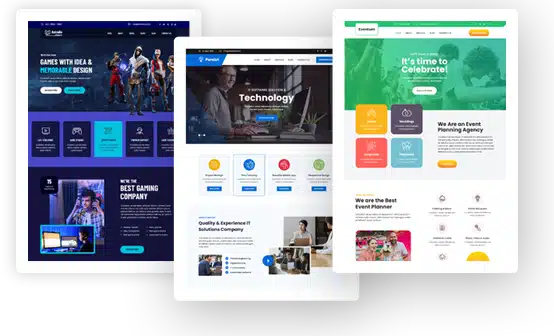
Some themes offer more options. You can change layouts and fonts. Create custom menus to help users. Add plugins for extra features. Check theme settings for more changes. Use theme editor for big edits. Some themes let you add code. This gives you more power. Look for themes with drag-and-drop builders. They make designing easy. Test your site after changes. Make sure everything works well. Remember, practice makes perfect!
Credit: gracethemes.com
Responsive And Mobile-friendly
Discovering user-friendly WordPress themes that are both responsive and mobile-friendly can enhance your website’s accessibility. Themes like Astra and OceanWP offer simple interfaces, ensuring easy navigation and optimal viewing on various devices.
Importance Of Responsiveness
Responsive themes are very important today. They make sure your website looks great on every device. Many people use phones to browse the internet. A site that fits all screens is vital. It helps keep visitors happy and engaged.
Google also likes responsive websites. This means better rankings for you. This is why choosing a theme that is mobile-friendly is key. It ensures your site is easy to use.
Testing Mobile Compatibility
Testing mobile compatibility is easy. Use tools like Google’s Mobile-Friendly Test. This will show if your site works well on phones. You can also check your site on different devices. Try a phone and a tablet. See how it looks and feels. If text is too small, you may need changes. Make sure buttons are easy to tap. This helps visitors enjoy your site.
Performance And Speed
Discover free WordPress themes that offer great performance and speed. These themes are easy to install and use, ensuring your website runs smoothly without unnecessary delays. Perfect for beginners seeking a simple setup while maintaining efficiency.
Optimizing Theme Performance
Choosing a fast theme is key. Lightweight themes help with quick loading. Avoid themes with excessive features. Extra features can slow down your site. Clean code is important for speed. Ensure your theme is regularly updated. Updates fix bugs and improve performance.
Use a caching plugin to store site data. This reduces load times. Image size affects speed. Always compress images before uploading. Less data means faster load time. Choose a theme compatible with popular plugins. Plugins like WP Rocket boost site speed.
Speed Enhancement Tips
- Use a fast hosting provider.
- Reduce the number of plugins.
- Use a Content Delivery Network (CDN).
- Minimize CSS and JavaScript files.
- Enable lazy loading for images.
These tips help your site load quickly. Fast sites keep visitors happy. Speed is important for good user experience.
User Reviews And Feedback
Exploring user reviews reveals the simplicity of free WordPress themes. Feedback highlights intuitive designs and easy customization. Users appreciate themes that enhance website creation without overwhelming technical challenges.
Real User Experiences
Many people enjoy using free WordPress themes. They find them easy to set up. Users often share their thoughts online. Some love the simple designs. Others praise the quick loading times. A few users mention small issues. But these are usually easy to fix.
Pros And Cons Of Popular Themes
| Theme | Pros | Cons |
|---|---|---|
| Theme A | Easy to use, Lightweight | Limited features |
| Theme B | Modern design, Responsive | Needs frequent updates |
| Theme C | Customizable, Free plugins | Slow customer support |
Choosing a theme can be fun. Think about what you need most. Read reviews to make good choices. It helps to understand both the good and bad points.
Security Features
Discover easy-to-use, free WordPress themes with strong security features. These themes offer built-in protection against common online threats. Safe and simple for beginners.
Essential Security Considerations
Security is very important for your website. It keeps your data safe. Always use themes with strong security features. Look for themes that get regular updates. This helps fix any bugs or security problems. Check if the theme has good reviews. Good reviews mean users are happy with it.
Keeping Your Site Safe
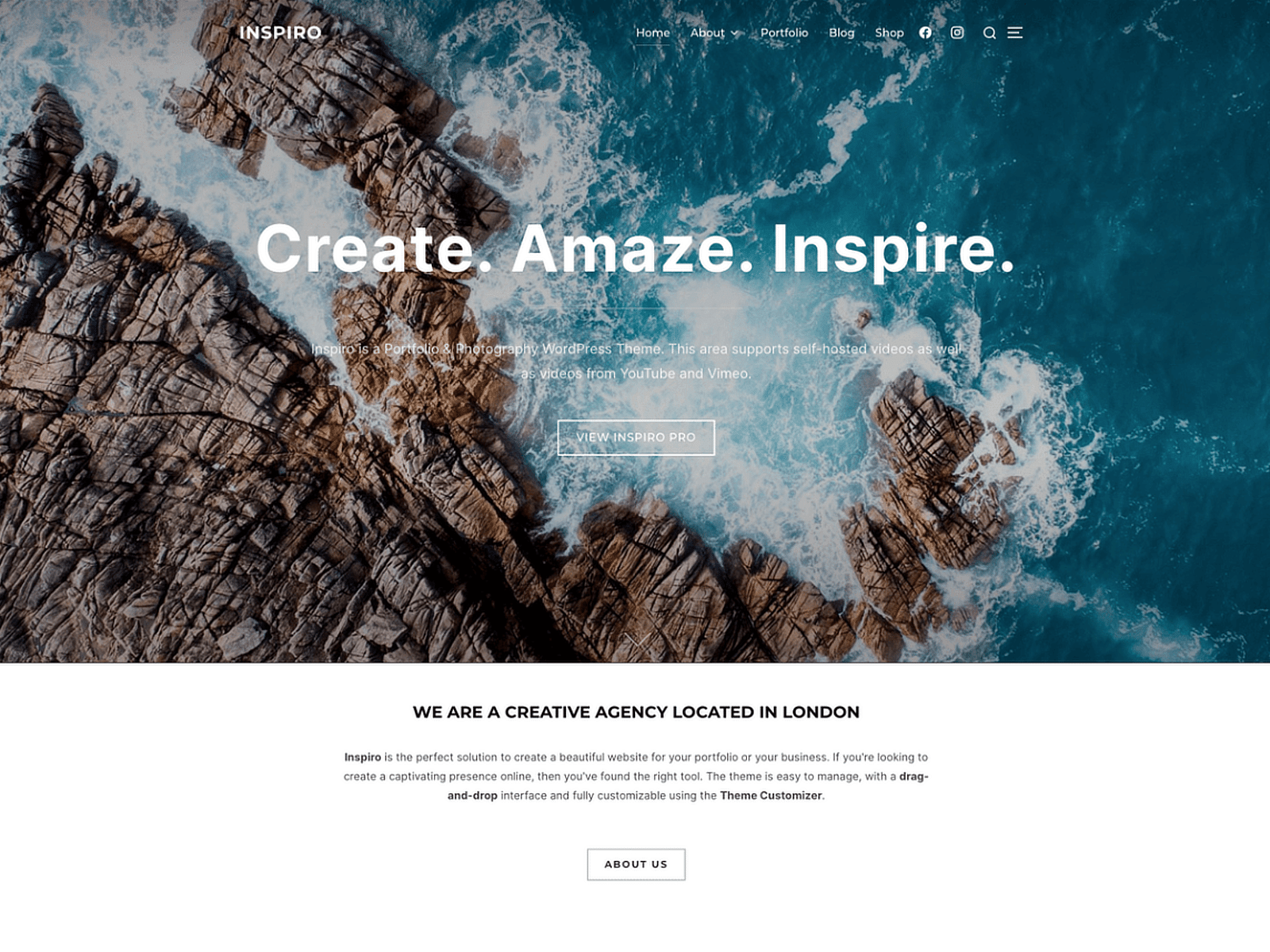
Install plugins that boost security. Plugins can help stop hackers. Always use strong passwords. Strong passwords are hard to guess. Change your passwords often. Backup your site regularly. Backups help you recover lost data. Keep your themes and plugins up to date. Updates fix security holes.
Credit: wpforms.com
Support And Community
Finding Help and Resources with free WordPress themes is easy. Many themes offer forums. These forums are full of helpful users. Users share tips and tricks. You can ask questions there. Friendly people answer them. Some themes have video guides. These guides explain how to use the theme. There are also blogs with theme advice. These resources make learning simple. You can also find theme tutorials. These tutorials are easy to follow. They show step-by-step instructions.
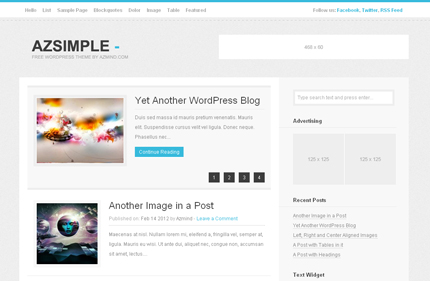
Engaging with Theme Communities brings many benefits. Communities are welcoming. They share new ideas. You can join discussions. These discussions help with theme problems. Many users are eager to assist. Joining a community boosts confidence. You find friends who love WordPress. Together, you can discover theme secrets. You learn new tricks every day. This makes theme use fun and easy.
Credit: azmind.com
Frequently Asked Questions
What Is The Easiest Free WordPress Theme?
Astra is considered one of the easiest free WordPress themes. It offers a user-friendly interface and customizable options. Astra is lightweight, ensuring fast loading times, and is compatible with various plugins. It provides a wide range of starter templates, making it perfect for beginners.
Are Free WordPress Themes Customizable?
Yes, free WordPress themes are customizable. You can change colors, fonts, and layouts easily. Most themes offer customization options through the WordPress Customizer. You can add widgets and personalize your site’s appearance without coding. This makes them accessible for users with any skill level.
Do Free WordPress Themes Have Responsive Designs?
Absolutely, free WordPress themes generally have responsive designs. They automatically adjust to different screen sizes. This ensures that your website looks great on desktops, tablets, and smartphones. Responsive design is crucial for user experience and SEO, as it improves accessibility and search rankings.
Can I Use Plugins With Free WordPress Themes?
Yes, you can use plugins with free WordPress themes. Most themes are compatible with popular plugins. Plugins enhance functionality by adding features like contact forms, SEO tools, and social media integration. Ensure your theme supports essential plugins for a complete website experience.
Conclusion
Choosing the right WordPress theme can simplify your website journey. Free themes offer easy setup and customization. They help create a professional look without the cost. Beginners find them user-friendly and straightforward. Explore themes that match your style and needs.
Test and tweak until your site feels just right. Remember, the best theme fits your content and audience. Keep experimenting and learning. Your perfect theme is out there, waiting to enhance your site. Happy building and enjoy the process. A well-chosen theme makes all the difference.



