
Choosing the right WordPress template can feel overwhelming, especially when you’re eager to dive into using a page builder. You might be wondering how to pick the best template that complements your page builder while ensuring a seamless and visually stunning website.
Imagine the thrill of crafting a site that not only captures your vision but also wows your visitors from the first click. This is within your reach. The right template can be a game-changer, simplifying your design process and enhancing user experience.
Keep reading to discover how to make an informed choice, so your website not only meets but exceeds expectations.
Choosing The Right Page Builder
Many people use WordPress for building websites. It offers different page builders. Some well-known ones are Elementor, Beaver Builder, and Divi. Elementor is liked for its easy drag-and-drop feature. Beaver Builder is known for its speed and reliability. Divi provides many templates and designs. Each builder has unique features. People choose based on their needs and skills.
Picking the right builder needs thinking. Ease of use matters a lot. Beginners might prefer simple tools. Customization options are key. Some builders offer more design choices. Compatibility with themes is crucial. Not all builders work with every theme. Performance impacts website speed. A slow site can lose visitors. Support and updates are important too. Regular updates fix bugs and add features.
Top WordPress Templates For Page Builders
Some templates work well with page builders. Others might not. Astra is known for its high compatibility. It supports many page builders. GeneratePress is another great choice. It offers smooth integration. OceanWP is also popular. It works effortlessly with most page builders. Always check the compatibility before choosing a template.
Fast templates are vital for a good user experience. Astra is lightweight and loads quickly. GeneratePress is optimized for speed. It offers a fast browsing experience. OceanWP also focuses on speed. It ensures your site runs smoothly. Slow templates can frustrate users. Choose templates that offer quick loading times. This improves your site’s overall performance.
Customizable Templates
WordPress templates offer great flexibility for your site. They help in changing the look and feel easily. Choose templates that match your brand. Many templates support page builders. This makes designing simple and fun. You can add or remove sections with just a click. Try different layouts to see what fits best. Some templates have built-in customization options. This means you can change colors, fonts, and more. A good template helps you make a unique site.
Simple templates are easy to use. They save time. No coding skills needed. Just drag and drop elements. This is perfect for beginners. Many templates come with support and updates. This keeps your site working well. Templates should be responsive. This means they work on phones and tablets too. Always check if the template is compatible with your page builder. A good template makes your work easy and quick.

Credit: crocoblock.com
Seo-friendly Templates
Choosing the right template is crucial for SEO success. Some templates have built-in SEO features. These features help your site rank higher. Others might lack these tools. It’s important to check for SEO optimization features before selecting.
Seo Features
Many templates offer features like fast loading times. Speed impacts your site’s ranking. Look for templates with clean code. Clean code helps search engines crawl your site. Templates with responsive design are also key. They adjust to different screen sizes. This helps improve user experience.
Metadata options are another feature to consider. Metadata includes titles and descriptions. They are important for search engines. Choose templates that allow easy editing of metadata. This helps improve your site’s visibility.
Optimizing For Search Engines
Optimizing means improving your site for search engines. Templates should support structured data. Structured data helps search engines understand content. It includes information like ratings and prices. Some templates offer built-in schema support. Schema markup boosts your site’s ranking.
Look for templates with SEO plugins compatibility. Plugins offer additional SEO tools. They can help improve your site’s visibility. Choose templates that work well with popular SEO plugins.
Responsive Design Templates
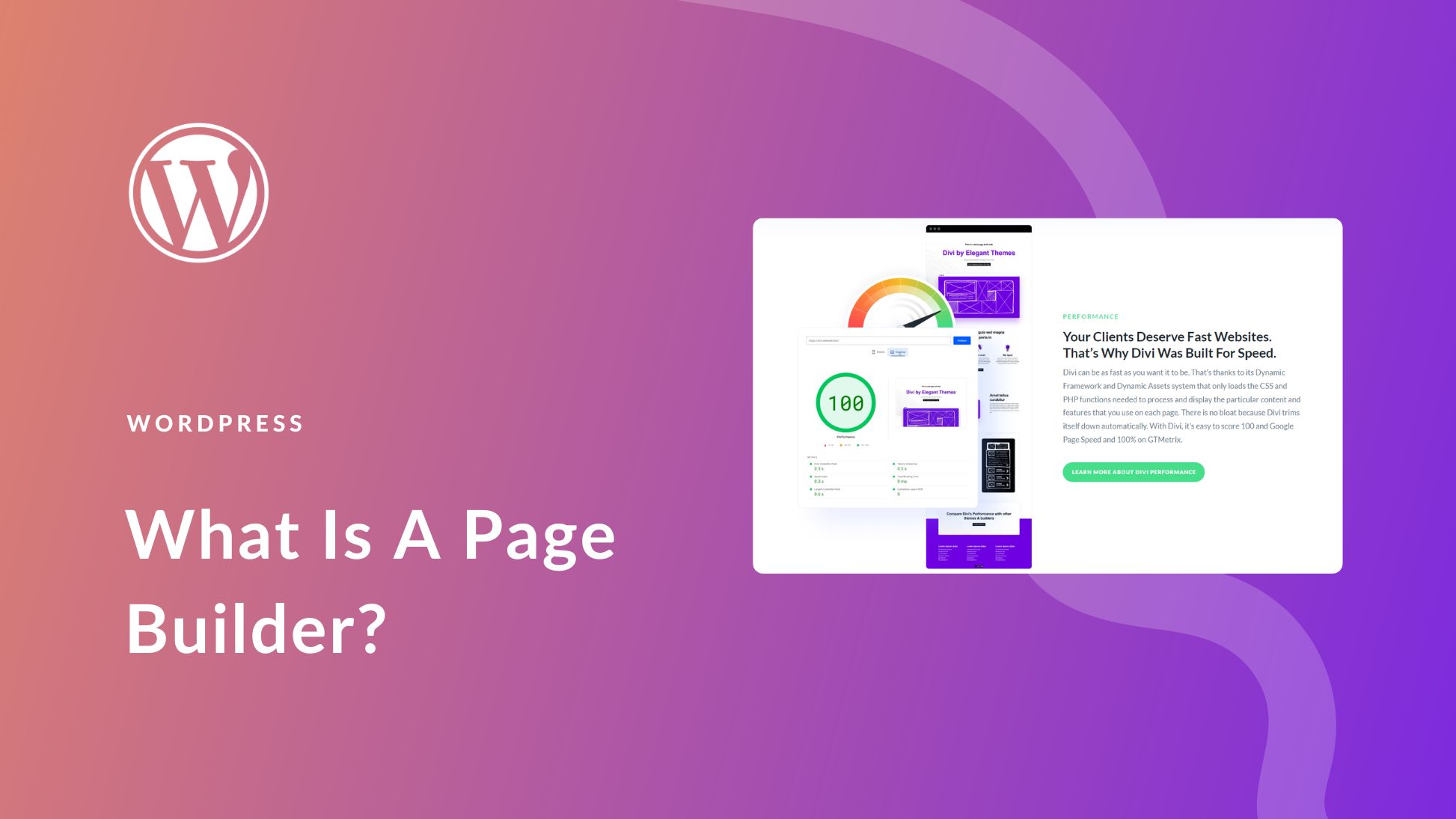
Every website needs to be mobile-friendly. This is important because many people use phones. A good template will make your site look good on small screens. It should make text easy to read. Buttons must be easy to tap. Images need to fit well. A template that is mobile-ready helps you reach more people. This is key for a successful website.
Your website must work on all devices. This means phones, tablets, and computers. A responsive template will do this. It adjusts the layout based on the screen size. This ensures everyone can see your content clearly. It also makes browsing easy and fun. Choose a template that supports cross-device use. This keeps all users happy.
Credit: www.elegantthemes.com
Budget-friendly Options
Free vs. Premium templates can make a big difference. Free templates are good for saving money. But they may lack advanced features. Premium templates can offer more tools. They often come with better support. Some free templates have upgrades. These can be handy.
Value for Money is key in choosing templates. Premium options might seem costly. But they bring high value in features. They can improve website look and feel. Free options can still be useful. Especially for small projects. Always consider what you truly need. Make sure every cent counts.
Integrating With Plugins
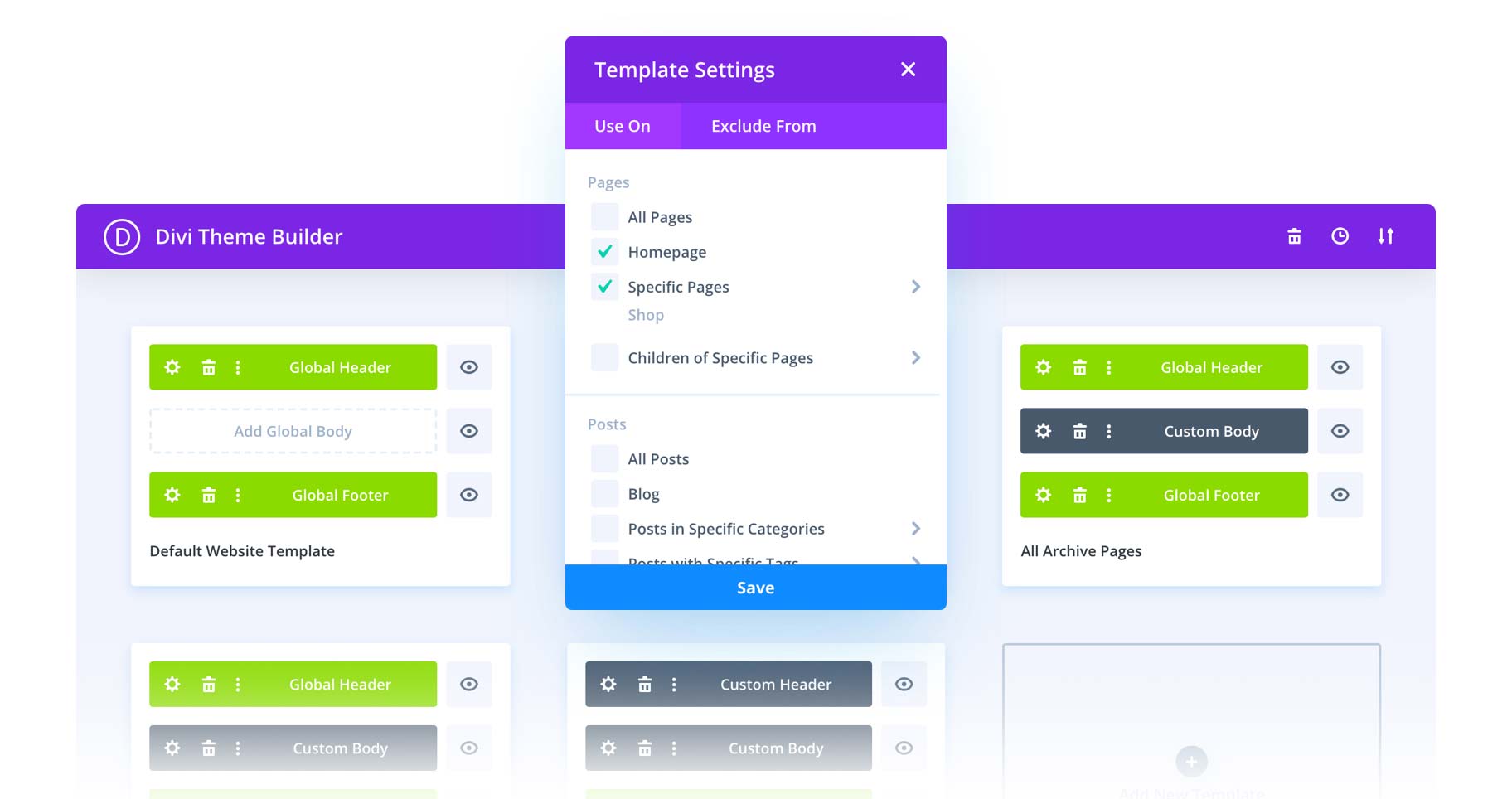
Choose a WordPress template that works well with many plugins. Some templates do not support certain plugins. This can limit your site’s features. Always check the plugin compatibility before choosing a template. This helps avoid issues later. A good template will offer smooth integration with most plugins. This makes your site work better and faster.
Plugins can add many new features. They make your site more useful. Templates need to support plugins to enhance functionality. Some templates come with built-in plugin support. This makes adding new features easy. Look for templates that allow adding plugins easily. This provides more options for your site.
Credit: www.elegantthemes.com
Community And Support
Finding the right resources is key. Many WordPress templates offer help. They have guides and forums. You can find answers quickly. These resources help you learn. You can build better pages.
Sometimes, things go wrong. Troubleshooting help is important. Many templates come with support. You can ask questions. Get answers from experts. Fix problems fast. This keeps your site running well.
Frequently Asked Questions
What Is The Best WordPress Template For Page Builders?
Choosing a template compatible with popular page builders is essential. Look for templates that support Elementor, Beaver Builder, or WPBakery. These templates offer flexible design options and seamless integration. Using a compatible template ensures optimal performance and user experience when building your WordPress site.
Can I Use Any Template With Page Builders?
Not all templates are ideal for page builders. Some templates might limit functionality or responsiveness. Choose templates specifically designed for page builders to ensure compatibility. These templates provide enhanced customization options and features, making your site-building process smoother and more efficient.
How Do I Choose A Template For Elementor?
For Elementor, select templates designed to work flawlessly with it. Search for templates marked as “Elementor-friendly” or “Elementor-compatible. ” These templates offer greater flexibility and customizability, allowing you to utilize Elementor’s features fully and create visually stunning pages effortlessly.
Are Free WordPress Templates Suitable For Page Builders?
Yes, many free WordPress templates work well with page builders. Ensure the template is compatible with your chosen builder. Free templates often offer basic features, but they can be a great starting point. Consider upgrading if you need advanced customization options and support.
Conclusion
Choosing the right WordPress template enhances your page builder experience. Templates must align with your website goals. They should support the features you need. Compatibility with your page builder is crucial. Check for mobile responsiveness and speed. These factors matter for user experience.
Explore templates that offer customization options. This helps in creating a unique design. Reviews and ratings guide your choice. They show the reliability of the template. Remember, a good template builds a strong foundation. It helps your website look and function better.
Make an informed decision for best results.



