
Are you tired of your WordPress theme automatically adjusting its layout to fit every screen size? Maybe you’re looking for more control over how your website appears on different devices.
If you want your website to showcase a consistent look, no matter the screen size or device, you’re in the right place. We’ll explore how you can make your WordPress theme non-responsive, giving you the power to dictate exactly how your content is displayed.
By the end of this guide, you’ll have the skills to ensure your website maintains its intended design, bringing you peace of mind and a unique browsing experience for your audience. Dive in to discover how you can make your vision a reality!
Understanding Responsive Design
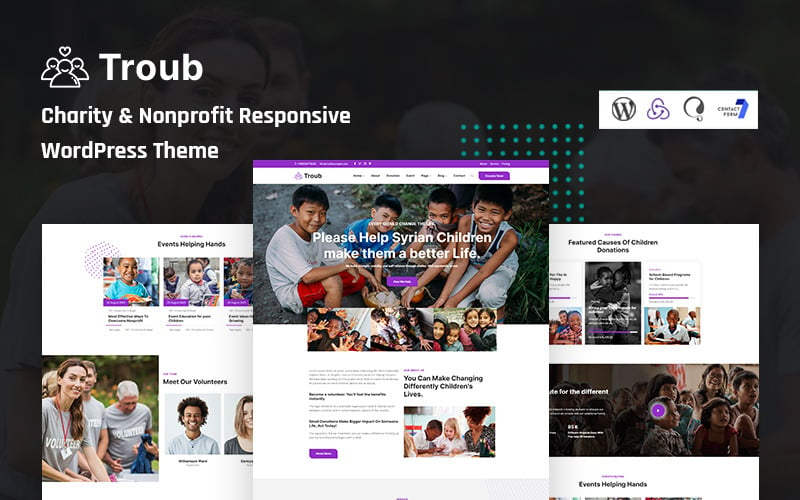
Responsive design makes websites look good on all devices. It adjusts the site’s layout based on the screen size. This ensures users have a smooth experience whether on a phone, tablet, or computer. Without this, websites may appear broken or messy on small screens. This can make it hard for users to find information. It can also lead to frustration and them leaving the site.
Good responsive design improves user experience. Users can easily read and navigate on any device. This keeps visitors happy and engaged. If a site is not responsive, users may struggle to interact with it. This can lead to a bad impression and loss of potential customers.
Credit: www.templatemonster.com
Identifying Responsive Elements
Media queries change your site view on different screens. They detect the screen size. Then, they adjust the layout. To make your theme non-responsive, you need to find them. Search the CSS file for @media. Remove or modify the queries. This stops the site from changing size. Keep the layout the same on all devices.
Fluid grids and flexible images adjust with screen size. They use percentage values. Change them to fixed pixel values. This stops automatic resizing. Find the grid and image settings in the CSS. Replace percent values with fixed numbers. This makes the layout static. The images stay the same size. Your site will look the same everywhere.
Disabling Media Queries
Media queries make websites adjust to screen sizes. To make a theme non-responsive, find the CSS file. This file is usually named style.css. Open it with a text editor. Look for @media rules. These rules control how the site looks on different devices. Remove or comment out these lines. This stops the site from changing on small screens. Save the file after editing. Your site will now look the same everywhere.
Another way is adding custom CSS. Go to the WordPress Dashboard. Click on Appearance, then Customize. Find the Additional CSS section. Here, paste your custom CSS. You can override styles that change with screen size. Add a rule like body { width: 1000px; }. This sets a fixed width. Now, your site won’t adjust to smaller screens. Remember to save changes.
Modifying Theme Files
Change the header size in the theme files. Go to the header.php file. Find the code that controls the width. Set a fixed width like 600px. Do the same for the footer. Open the footer.php file. Locate the width settings. Change it to a fixed size. This makes the header and footer not adjust when screen size changes. It’s a simple fix.
Content layout changes need editing in the style.css file. Find the parts that control flexible layout. Change them to fixed values. For example, change percentages to pixels. This stops content from moving around. It’s now stable and fixed. Check each section of your site. Make sure it’s not responsive anymore. This keeps the layout the same on all devices.
Testing Changes
Testing your theme on different browsers is important. Ensure that your theme looks the same on each browser. Use popular browsers like Chrome, Firefox, and Safari. This helps maintain a consistent look. Check for any unexpected changes or errors. Fix them to make your theme stable. A stable theme enhances user experience.
Check your theme on computers, tablets, and phones. It should work well on all devices. This ensures users can easily access your site. If your theme works only on one device, users may face problems. It’s crucial for your theme to be accessible everywhere. This ensures that all users have a good experience.
Credit: themeforest.net
Potential Drawbacks
Choosing to make a WordPress theme non-responsive can lead to challenges. Your site might look awkward on mobile devices. Visitors may find navigation difficult, affecting user experience negatively.
Impact On Seo
A non-responsive theme can hurt your site’s SEO. Search engines like Google prefer mobile-friendly sites. They rank them higher in search results. A static theme might cause lower rankings. This means fewer visitors to your site. People use phones to browse online. If your site is not mobile-friendly, users may leave. This increases the bounce rate. A high bounce rate can hurt your SEO. Mobile usability is crucial for better rankings. Keep your site user-friendly for all devices.
User Accessibility Concerns
Non-responsive themes create problems for users. Some people use phones or tablets to browse. A fixed theme may not display well on small screens. Users might find it hard to read or navigate. This frustrates them and they leave quickly. Accessibility is vital for a good user experience. Websites should be easy to use for everyone. Ensure buttons and text are easy to see and click. Make sure everyone enjoys your site, no matter their device.
Alternatives To Non-responsiveness
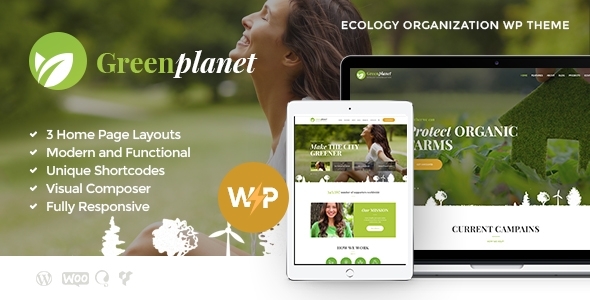
Responsive design is important for websites. It helps users on different devices. All pages should look good on phones and computers. Use flexible grids and images. This makes the site adapt to screen size. Always test your design on various devices. Check how it looks on tablets, phones, and desktops.
Use media queries in your CSS. They change styles based on device width. Make sure text is easy to read. Keep buttons large for touch screens. Test your website on different browsers. This ensures it works well everywhere.
Mobile themes are helpful for phone users. These themes are built for small screens. They load faster and fit well. Choose themes with simple designs. Avoid heavy images and animations. This makes the site load quicker.
Credit: worldpressit.com
Frequently Asked Questions
How To Disable Responsiveness In WordPress Theme?
To disable responsiveness, edit your theme’s CSS file. Locate the media queries and remove or comment them out. This prevents the theme from adapting to different screen sizes. Remember to backup your files before making changes. This approach may affect site usability on mobile devices.
Can I Make My WordPress Theme Static?
Yes, you can make a theme static by removing responsive elements. Focus on CSS properties like flexible grids and media queries. Replace them with fixed-width layouts. This makes the design static, but mobile experience might be compromised. Test changes thoroughly to ensure consistent appearance.
Is It Safe To Modify Theme Code?
Modifying theme code is safe if done cautiously. Always backup your theme files before editing. Use a child theme to preserve changes during updates. Improper changes can break your site or cause unexpected behavior. Consider consulting a developer for complex modifications.
What Are The Drawbacks Of A Non-responsive Theme?
Non-responsive themes don’t adapt to different screen sizes. This can lead to poor user experience on mobile devices. It may also negatively affect SEO and site performance. Users might struggle with navigation, leading to higher bounce rates. Consider these factors before making your theme non-responsive.
Conclusion
Making your WordPress theme non-responsive requires careful steps. Consider the impact on mobile users. A non-responsive theme can limit accessibility. Ensure you back up your site before changes. Use CSS adjustments to control responsiveness. Test changes on various devices. Remember, a responsive design often offers better user experience.
While non-responsive might fit specific needs, think about long-term goals. Keep your site user-friendly and accessible. Always prioritize the visitor experience. A balanced approach can meet both design and functionality needs. Stay updated with WordPress developments. Adapt as necessary for future changes.



