
Are you wondering how much WordPress plugins really cost? Whether you’re building your first website or upgrading an existing one, understanding the price of plugins can save you time and money.
You might think all plugins are free or that expensive ones are out of reach. But the truth is, plugin prices vary widely, and knowing what to expect helps you pick the right tools without breaking your budget. Keep reading to uncover the real costs behind WordPress plugins and how to choose the best options for your site.
WordPress Plugin Pricing Models
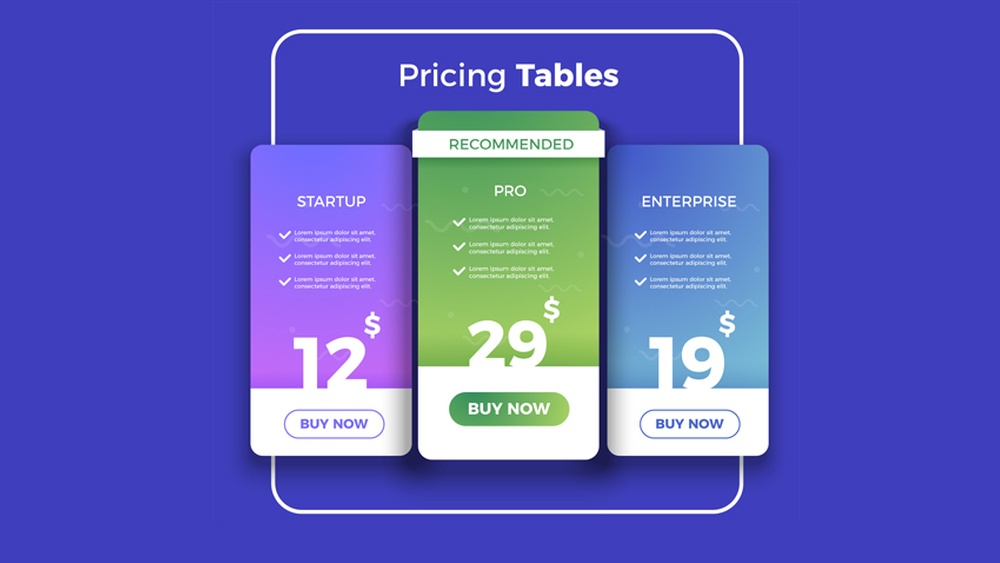
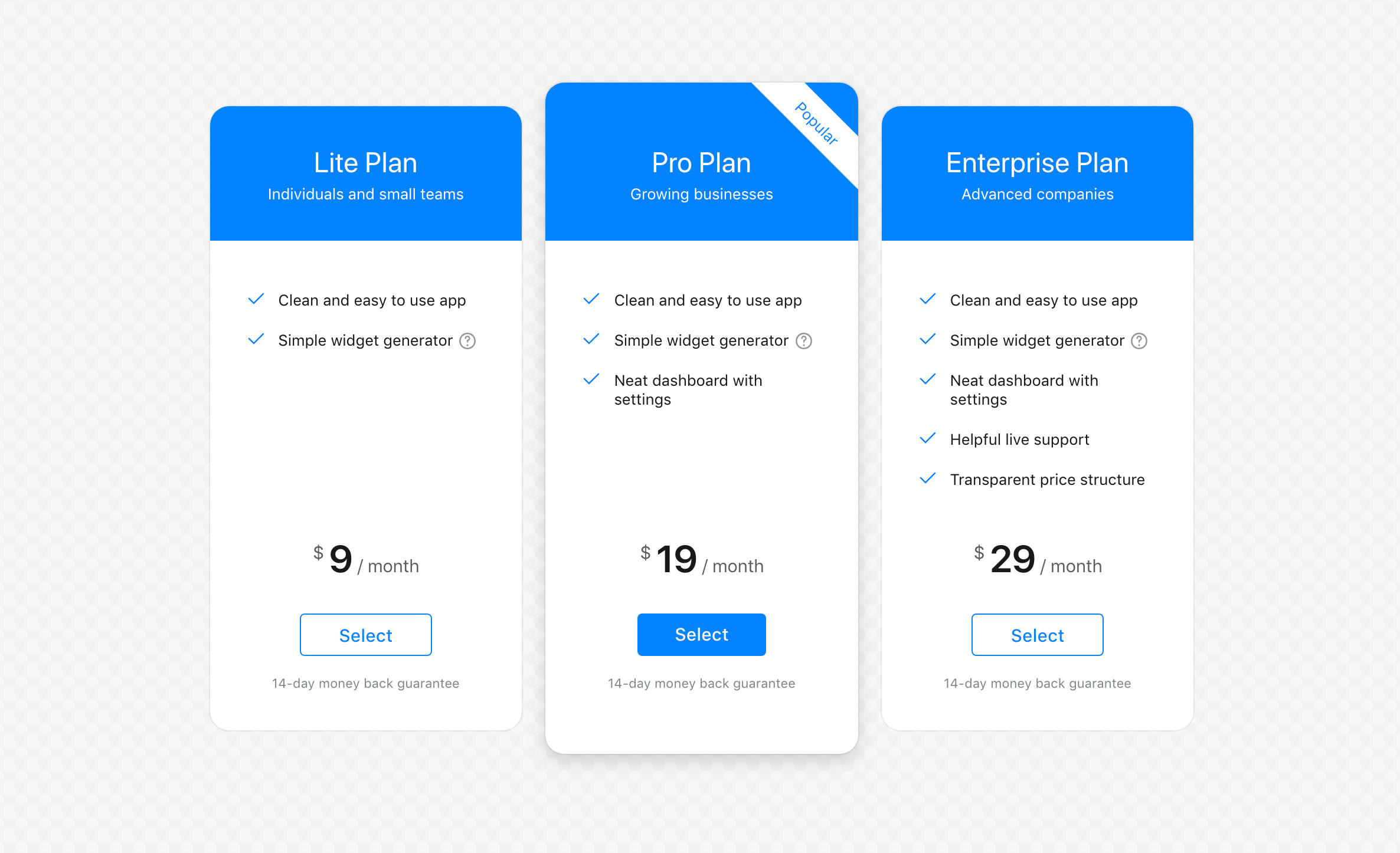
WordPress plugins come in various pricing models. These models help users choose plugins based on their budget and needs. Understanding these models makes it easier to pick the right plugin. It also helps avoid unexpected costs.
Free Plugins
Free plugins cost nothing to download and use. They offer basic features suitable for simple websites. Many free plugins receive regular updates and support. They are ideal for beginners or small projects. However, free plugins might lack advanced options.
Freemium Plugins
Freemium plugins combine free and paid features. Users get basic tools for free. Advanced features require a one-time payment or subscription. This model lets users test the plugin before buying. It suits those who want to upgrade later.
Premium Plugins
Premium plugins require payment before use. They offer full features and premium support. Prices vary depending on the plugin’s complexity. Premium plugins often include regular updates and security fixes. This model fits businesses needing robust tools.
Subscription-based Pricing
Subscription pricing charges users monthly or yearly. It often covers updates, support, and extra services. Users pay as long as they want to use the plugin. This model ensures continuous improvements and assistance. It works well for long-term projects.

Credit: www.codeable.io
Factors Influencing Plugin Costs
Understanding what affects the price of WordPress plugins helps you make smart choices. Many factors play a role in setting plugin costs. These factors influence how much you pay and the value you get. Knowing them helps you pick the right plugin for your needs.
Functionality And Features
Plugins with many features usually cost more. Simple plugins with basic functions often come free or cheap. Complex plugins that offer advanced tools or multiple functions tend to have higher prices. The more a plugin can do, the more it often costs.
Developer Reputation
Well-known developers charge more for their plugins. Their experience and past work add value to their products. Trusted developers provide reliable and secure plugins. Lesser-known developers may offer cheaper options but with less assurance.
Support And Updates
Good support and regular updates raise plugin costs. Developers who fix bugs and add features keep plugins working well. Support helps users with problems and questions. Plugins without support or updates often cost less but risk issues.
Compatibility And Integration
Plugins that work with many themes and other tools usually cost more. Integration with popular services adds complexity. Compatibility ensures smooth performance on different websites. Plugins limited to few setups often come cheaper but with less flexibility.
Popular Plugin Categories And Their Costs
WordPress plugins add many features to websites. They help improve SEO, security, sales, and speed. Each type of plugin has different costs. Knowing these costs helps choose the right plugins for your site.
Seo Plugins
SEO plugins help improve website ranking on search engines. Many basic SEO plugins are free. Premium versions cost between $50 and $100 per year. They offer advanced tools like keyword tracking and sitemap management.
Security Plugins
Security plugins protect websites from hackers and malware. Free versions provide basic protection. Paid plans range from $80 to $200 annually. These include features like firewall, malware scanning, and login protection.
E-commerce Plugins
E-commerce plugins turn websites into online stores. Popular plugins have free versions with limited features. Paid extensions and add-ons cost $30 to $300 each. Full e-commerce setups may require several paid plugins.
Performance Optimization Plugins
Performance plugins speed up website loading times. Many offer free basic versions. Premium plans cost from $50 to $150 per year. They include caching, image optimization, and database cleanup tools.
Credit: colorlib.com
Evaluating Value Beyond Price
Choosing a WordPress plugin is not just about the price tag. True value lies in what the plugin offers beyond cost. This means considering how much benefit you get for your investment. Think about factors that make a plugin useful and reliable over time. These elements can save time, reduce stress, and improve your website’s performance. Evaluating value beyond price helps you pick the right plugin for your needs.
Return On Investment
Return on investment (ROI) measures how much benefit you get compared to what you pay. A plugin that costs more but saves hours of work is worth it. It can improve your site’s functionality and attract more visitors. Consider how a plugin can increase your sales or save money on other tools. Higher upfront costs can lead to bigger gains in the long run.
User Experience And Ease Of Use
A plugin must be easy to use. Complex tools can waste time and cause frustration. Simple, clear interfaces help you manage your site faster. Good user experience means fewer errors and less support needed. Choose plugins that fit your skill level and workflow. This makes managing your website smoother and more efficient.
Customer Support Quality
Reliable customer support is crucial. Problems happen, and quick help matters. Look for plugins with responsive support teams. Good support includes clear documentation, tutorials, and prompt answers. Quality support reduces downtime and keeps your site running smoothly. It adds peace of mind when using the plugin.
Community And Reviews
Check the plugin’s community and user reviews. A strong community shows the plugin is trusted and well-used. Reviews reveal real user experiences and common issues. Positive feedback often means the plugin is stable and effective. Active forums and updates indicate ongoing developer support. This helps you avoid plugins that may cause trouble later.
Tips For Managing Plugin Expenses
Managing expenses on WordPress plugins can save money and improve website performance. Careful choices help avoid overspending. Regular checks keep your site efficient and cost-effective.
Choosing The Right Plugins
Select plugins that meet your exact needs. Avoid extra features that you won’t use. Read reviews and check ratings before buying. Pick plugins that are updated often for security.
Avoiding Unnecessary Plugins
Too many plugins slow down your site and increase costs. Remove plugins that do not add value. Combine functions in one plugin if possible. Keep only essential plugins active.
Taking Advantage Of Discounts And Bundles
Look for sales or special offers on plugins. Bundles often cost less than buying separately. Sign up for newsletters to get discount alerts. Some developers offer discounts for renewals.
Regularly Reviewing Plugin Usage
Check which plugins you use regularly. Delete inactive or rarely used plugins. Update your list of needed plugins every few months. This helps reduce expenses and improve speed.

Credit: wordpress.org
Alternatives To Paid Plugins
Paid WordPress plugins can be costly, especially for new sites. Many site owners want good features without spending much. Several alternatives exist to avoid these fees. These options can save money and still deliver great functionality. Understanding these choices helps you decide the best path for your site.
Custom Development
Custom development means building plugins made just for your site. This option fits your exact needs. It avoids paying for features you do not use. Developers create solutions that match your business goals. Custom plugins give full control over features and updates. It can be more costly upfront but saves money over time.
Open Source Solutions
Open source plugins are free to use and change. Many have strong communities supporting updates and fixes. These plugins often cover popular features found in paid options. You can modify open source plugins to fit your needs. They are a great choice for budget-friendly sites. Always check the plugin’s reviews and update frequency.
Using Multiple Free Plugins
Combining several free plugins can replace one paid plugin. Each free plugin handles a specific feature or task. Together, they build a full set of functions. This method requires careful choice to avoid conflicts. Free plugins are easy to find in the WordPress repository. Using multiple free options keeps your site flexible and cost-effective.
Frequently Asked Questions
How Much Do WordPress Plugins Typically Cost?
WordPress plugins range from free to premium, costing $5 to $100 or more. Pricing depends on features, support, and updates. Free plugins offer basic tools, while paid ones provide advanced functionality and dedicated support for your site needs.
Are There Free WordPress Plugins With Premium Features?
Yes, many free WordPress plugins offer essential features, while premium versions unlock advanced tools. Free plugins suit beginners, and upgrading provides better customization, security, and support. Check plugin details for feature comparisons before deciding.
What Factors Affect The Price Of WordPress Plugins?
Plugin price depends on complexity, developer reputation, support quality, and update frequency. Advanced plugins with unique features cost more. Regular updates and customer support also increase plugin value and pricing.
Can I Use Multiple Free WordPress Plugins Safely?
Yes, you can use multiple free plugins, but avoid conflicts. Ensure plugins are reputable and updated regularly. Too many plugins may slow your site or cause compatibility issues, so choose wisely.
Conclusion
WordPress plugins come in many price ranges, from free to premium. Choosing the right plugin depends on your needs and budget. Free plugins can work well for simple sites. Paid plugins often offer more features and support. Always check reviews and ratings before buying.
Remember, spending a little can improve your site’s function and look. Keep your site updated and secure with good plugins. Finding the best plugin takes time but helps your website grow. Choose wisely and enjoy building your WordPress site.



