
Are you eager to stay updated with your favorite WordPress blog but not sure how to subscribe? Subscribing means you won’t miss a single post, tip, or update.
It’s simple, quick, and keeps you connected without extra effort. In this guide, you’ll discover exactly how to subscribe to a WordPress blog, step by step. By the end, you’ll have a seamless way to get fresh content delivered straight to you.
Ready to never miss out again? Let’s dive in!
Credit: www.passionatefuturist.com
Choosing A Subscription Method
Choosing how to subscribe to a WordPress blog depends on how you prefer to receive updates. Each method offers a unique way to stay connected. Some methods send content directly to your inbox. Others let you gather updates in one place. Understanding these options helps you pick the best one.
Email Subscriptions
Email subscriptions deliver blog posts straight to your email. You enter your email address once and get updates automatically. This method is simple and familiar. It works well for readers who check email daily. Many WordPress blogs use plugins to manage email subscriptions easily.
Rss Feeds
RSS feeds allow you to follow blogs using feed readers. You add the blog’s RSS link to your reader app. The reader collects new posts from all your favorite blogs. This method is fast and keeps updates organized. It suits people who follow many blogs or news sites.
Third-party Services
Third-party services offer extra features for blog subscriptions. Platforms like Feedly or Bloglovin’ gather posts from different blogs in one place. They often provide recommendations and social sharing options. These services help users explore new blogs easily. They also send notifications based on your preferences.
Credit: templatesell.com
Subscribing Via Email
Subscribing to a WordPress blog via email is a simple way to receive new posts directly. It helps readers stay updated without visiting the site often. Email subscriptions deliver fresh content straight to your inbox.
Finding The Subscription Form
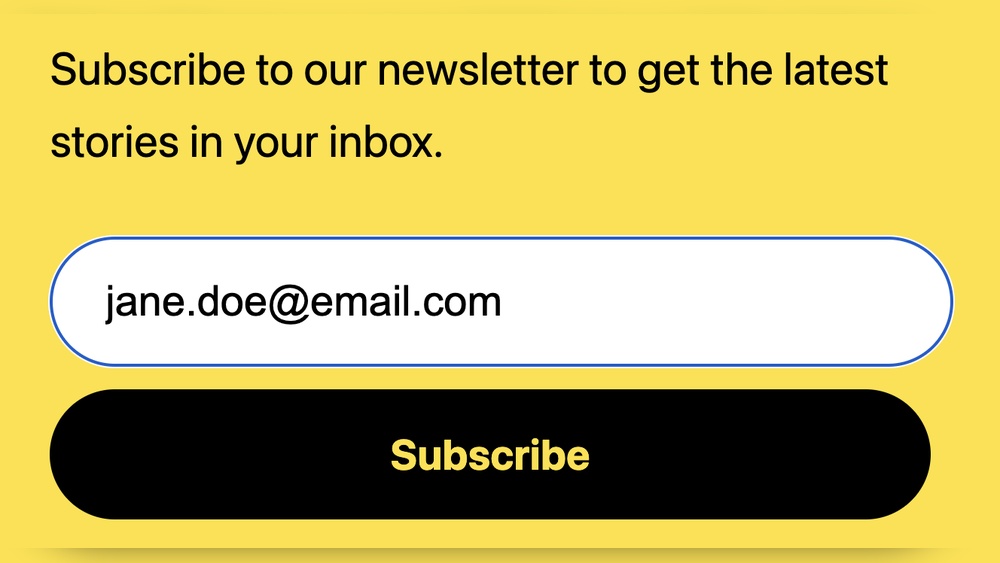
Most WordPress blogs have a subscription form on the homepage or sidebar. Look for a box or section labeled “Subscribe” or “Get Updates.” It usually asks for your email address.
Entering Your Email
Type your email address carefully in the subscription box. Double-check for any mistakes. Then, click the button that says “Subscribe” or “Sign Up.”
Confirming Your Subscription
After subscribing, check your email inbox for a confirmation message. Open it and click the link to confirm your subscription. This step activates your subscription and starts the emails.
Using Rss Feeds To Subscribe
Using RSS feeds is a simple way to subscribe to a WordPress blog. RSS feeds deliver new posts directly to your reader. This saves time and keeps you updated without visiting the blog. Many blogs support RSS by default, making it easy to follow your favorite sites.
Locating The Rss Feed
Most WordPress blogs have an RSS feed URL. Look for an orange RSS icon or a link labeled “RSS.” It is often found in the header, footer, or sidebar. Another way is to add “/feed” at the end of the blog’s main URL. For example, “exampleblog.com/feed” usually opens the RSS feed.
Selecting An Rss Reader
An RSS reader collects updates from your feeds in one place. Choose a reader that works on your devices. Popular options include Feedly, Inoreader, and The Old Reader. Many are free and easy to use. Pick one that suits your needs and preferences.
Adding The Feed To Your Reader
Copy the RSS feed link from the blog. Open your RSS reader and find the option to add a new feed. Paste the link into the provided field and confirm. The reader will start showing new posts from the blog. Check your reader regularly to stay informed.
Subscribing Through Third-party Platforms
Subscribing to a WordPress blog through third-party platforms offers a simple way to stay updated. These tools gather all your favorite blogs in one place. They send alerts when new posts appear. This method saves time and keeps your reading organized.
Popular Subscription Tools
Feedly is a widely used tool to follow blogs. It groups posts from many sources. Another option is Inoreader, which offers easy sorting. Pocket allows saving articles to read later. These tools work well on phones and computers.
Connecting Your Account
Start by signing up on the chosen platform. Find the WordPress blog’s RSS feed link. Copy and paste this link into the platform’s subscription box. Your account will then track new posts automatically. No need to visit the blog manually.
Managing Notifications
Set preferences to control how alerts arrive. Choose email updates or mobile push notifications. Adjust frequency to get daily or weekly summaries. This keeps notifications helpful, not overwhelming. You decide what fits your reading style best.
Troubleshooting Subscription Issues
Subscription problems can stop readers from getting blog updates. Solving these issues helps keep your audience connected and happy. Below are some key points to check and fix common subscription troubles.
Common Problems
Subscribers might not receive emails or updates. Sometimes, the subscription form does not work. Others face issues with RSS feed updates. These problems reduce the number of active readers.
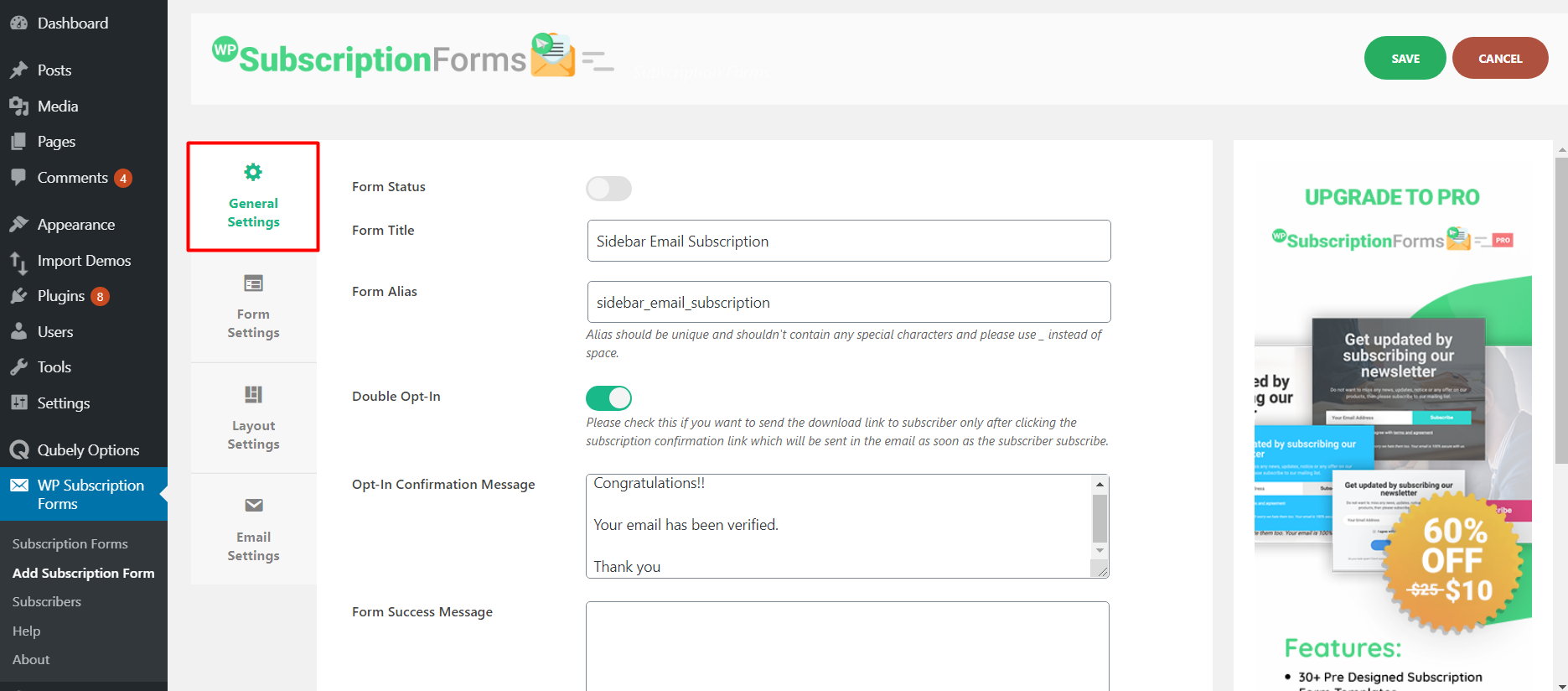
Check if the subscription form is visible and easy to use. Confirm that users enter their correct email address. Verify your site’s subscription settings for any errors.
Fixing Email Delivery Issues
Emails might land in spam or not arrive at all. Ask subscribers to check their spam or junk folders. Use a reliable email service to send newsletters. Avoid words that trigger spam filters.
Ensure your website’s email system is properly set up. Test sending emails to different email providers. Clear any email sending limits or blocks from your host.
Ensuring Rss Feed Updates
RSS feeds deliver blog updates to subscribers. Sometimes, feeds may not refresh correctly. Check your RSS feed URL to make sure it is correct. Use tools to validate the feed for errors.
Update your WordPress theme and plugins regularly. Old software can break feed functions. Clear your site cache to show the latest feed content. Confirm that new posts appear in the feed immediately.
Tips For Managing Your Subscriptions
Managing your subscriptions helps you stay updated without feeling overwhelmed. It keeps your reading list neat and your notifications useful. Good management saves time and improves your blog experience. Here are some key tips to help you handle your WordPress blog subscriptions with ease.
Organizing Subscribed Blogs
Group blogs by topics or interests to find them quickly. Use folders or labels in your email or feed reader. This method keeps your subscriptions tidy and easy to navigate. Regularly review your list to remove inactive or less interesting blogs.
Adjusting Notification Settings
Set how often you receive updates from each blog. Choose between instant alerts, daily summaries, or weekly digests. This controls the flow of information and avoids notification overload. Check your settings in your WordPress account or email preferences.
Unsubscribing When Needed
Stop subscriptions that no longer interest you or clutter your inbox. Look for the unsubscribe link at the end of emails. Removing unwanted blogs keeps your feed relevant and manageable. Don’t hesitate to unsubscribe to keep your reading list fresh.

Credit: colibriwp.com
Frequently Asked Questions
How Do I Subscribe To A WordPress Blog Via Email?
To subscribe via email, look for the subscription widget or form on the blog. Enter your email address and confirm the subscription through the email you receive. This way, new posts will be sent directly to your inbox automatically.
Can I Subscribe To WordPress Blogs Using Rss Feeds?
Yes, you can subscribe using RSS feeds. Use an RSS reader app or browser extension. Copy the blog’s RSS feed URL and add it to your reader. This keeps you updated with new posts in one place efficiently.
Is It Free To Subscribe To WordPress Blogs?
Subscribing to most WordPress blogs is free. Blog owners often offer free email subscriptions or RSS feeds. However, some premium content might require payment or membership, but basic subscription is usually free.
How Do I Unsubscribe From A WordPress Blog?
To unsubscribe, click the “unsubscribe” link at the bottom of any subscription email. Alternatively, remove the blog’s RSS feed from your reader app. This stops further updates and emails from that WordPress blog.
Conclusion
Subscribing to a WordPress blog keeps you updated with new posts. It only takes a few simple steps. You can use email subscriptions or RSS feeds. This helps you follow your favorite bloggers easily. Stay connected without missing important content.
Try subscribing today and enjoy fresh updates. It’s an easy way to stay informed. You will find useful information right in your inbox or feed. Start following blogs that interest you now.



