
Want more people to find your WordPress blog on Google? You’re not alone.
Getting your blog noticed can feel tricky, but it’s easier than you think. Imagine your posts showing up right when someone searches for what you write about. That’s the power of making your blog searchable on Google. You’ll discover simple, practical steps you can take right now to boost your blog’s visibility.
Ready to turn your blog into a magnet for visitors? Let’s dive in.
Optimize Site Structure
Optimizing your WordPress blog’s site structure helps Google find and understand your content easily. A clear structure makes navigation simple for visitors and search engines. This improves your chances of ranking higher in search results. Focus on organizing your URLs, creating a sitemap, and using internal links wisely.
Choose A Clear Url Format
Your URLs should be short and easy to read. Use words that describe the page content clearly. Avoid using numbers or strange characters in URLs. WordPress allows you to set a custom URL format under “Permalinks.” Select the “Post name” option for clean and descriptive URLs. Clear URLs help Google and users understand your pages better.
Create An Xml Sitemap
An XML sitemap lists all important pages on your blog. It guides search engines to crawl and index your site efficiently. Many SEO plugins for WordPress can create a sitemap automatically. Submit your sitemap to Google Search Console to help Google find new content fast. A sitemap improves your blog’s visibility in search results.
Use Internal Linking
Internal links connect your blog posts and pages. They guide visitors to related content and keep them longer on your site. Use descriptive anchor text for your links. This tells Google what the linked page is about. Internal linking spreads page authority and helps search engines discover your pages better.
Credit: smartclick.agency
Enhance Content Quality
Enhancing content quality is a key step to make a WordPress blog searchable on Google. Good content attracts visitors and helps search engines understand your site. Clear, useful, and well-structured content keeps readers engaged and improves your ranking.
Focus on creating content that answers questions and solves problems. Quality content earns trust and invites shares and links from other sites. These factors boost your blog’s visibility on Google.
Target Relevant Keywords
Choose keywords that match what people search for. Use tools to find words with good search volume and low competition. Include these keywords naturally in your posts. Avoid stuffing keywords, as it can harm your ranking. Focus on phrases your audience uses daily.
Write Engaging Meta Descriptions
Meta descriptions summarize your page content in search results. Write clear and inviting descriptions to encourage clicks. Keep them under 160 characters. Include main keywords but keep the text natural. A good meta description improves your click-through rate.
Use Headings And Subheadings Effectively
Headings break content into readable parts. Use H1 for the main title and H2 or H3 for subheadings. Subheadings guide readers and help Google understand your content structure. Include keywords in headings where it fits naturally. Well-organized content keeps visitors on your site longer.
Improve Site Performance
Improving your site’s performance helps Google find and rank your WordPress blog. A fast, smooth site keeps visitors happy and lowers bounce rates. Search engines prefer websites that load quickly and work well on any device. Simple changes can boost your blog’s visibility and user experience.
Boost Page Load Speed
Page speed matters for search rankings and visitors. Compress images to reduce file size without losing quality. Use a content delivery network (CDN) to deliver your site faster worldwide. Remove unnecessary plugins and scripts that slow down your site. Choose a reliable hosting provider with fast servers.
Use Responsive Design
Your blog must look good on phones, tablets, and desktops. Responsive design adjusts layout automatically to fit any screen size. Google favors mobile-friendly websites in search results. Use a responsive WordPress theme to ensure your blog works on all devices. Test your site on different devices often.
Enable Caching
Caching stores parts of your site to load pages faster for repeat visitors. Use caching plugins like W3 Total Cache or WP Super Cache. They create static versions of your pages to reduce server load. Faster loading times improve user experience and help Google crawl your site efficiently.
Configure Seo Plugins
Configuring SEO plugins is a key step to make your WordPress blog visible on Google. These tools help search engines understand your content better. They guide you to improve your site’s SEO without needing deep technical skills. Setting up the right plugin and optimizing its settings boosts your chances of ranking higher in search results.
Set Up Yoast Seo Or Rank Math
Yoast SEO and Rank Math are popular plugins for WordPress SEO. Install one of them through your dashboard. Follow the setup wizard to configure basic settings. These plugins offer clear instructions for beginners. They help you manage keywords, SEO titles, and meta descriptions easily. Choose the plugin that feels simple and fits your needs.
Optimize Titles And Meta Tags
Titles and meta tags show up in Google search results. Make sure each page and post has a clear, unique title. Use keywords naturally in your titles. Write meta descriptions that describe the content well. Keep meta descriptions under 160 characters. Good titles and meta tags attract clicks and help Google understand your pages.
Generate And Submit Sitemaps
Sitemaps list all important pages on your blog. SEO plugins usually create sitemaps automatically. Check your plugin settings to enable sitemap generation. Next, submit your sitemap to Google Search Console. This helps Google find and index your pages faster. Regularly update your sitemap as you add new content.
Submit Site To Google
Submitting your WordPress blog to Google helps it appear in search results. This step makes Google aware of your site. It also improves your chances of ranking higher. The process involves a few simple tasks inside Google Search Console. Follow these steps to make your blog searchable.
Verify Ownership In Google Search Console
First, create a Google Search Console account if you do not have one. Add your blog’s URL as a new property. Google will ask you to prove ownership. You can do this by uploading an HTML file to your site. Another option is adding a meta tag in your blog’s header. Verify ownership by following Google’s instructions carefully. This step allows Google to access your site data.
Submit Sitemap To Google
A sitemap lists all pages on your blog. WordPress plugins can create sitemaps automatically. Submit your sitemap URL in Google Search Console. This helps Google find and crawl your pages faster. It also improves your site’s visibility. Check the sitemap status regularly for errors. Fix any issues to keep your site healthy.
Request Indexing For New Content
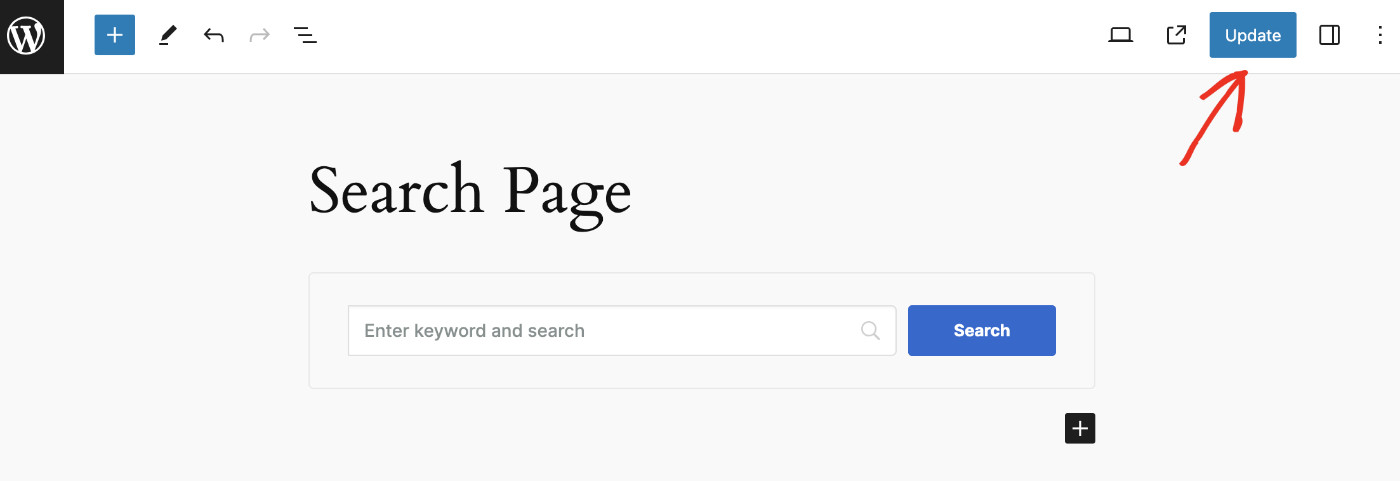
After publishing new posts, ask Google to index them. Use the URL inspection tool in Search Console. Enter your new post’s URL and click “Request Indexing.” This speeds up Google’s discovery of your content. It helps your posts appear in search results sooner. Keep doing this for every important update on your blog.
Credit: searchwp.com
Build Backlinks
Building backlinks is key to making your WordPress blog more visible on Google. Backlinks are links from other websites to your blog. They show Google that your content is trusted and valuable. This helps your blog rank higher in search results. Focus on creating quality backlinks from relevant sites.
Guest Posting
Write articles for other blogs in your niche. This lets you share your expertise with a new audience. In return, you get a link back to your blog. Choose blogs with good traffic and authority. Make sure your guest posts are useful and well-written. This builds trust and drives visitors to your site.
Engage On Social Media
Share your blog posts on social media platforms. Join groups and communities related to your topic. Comment and interact with others to build relationships. When people find your content helpful, they may link to it from their sites. Social media increases your blog’s exposure and backlink chances.
Collaborate With Influencers
Partner with influencers in your field. They have a loyal audience that trusts their opinions. Offer to create content together or provide valuable resources. Influencers may link to your blog or share it with their followers. This grows your reach and brings quality backlinks to your site.
Monitor And Improve Rankings
Monitoring and improving your WordPress blog’s search rankings is crucial for visibility. Tracking progress helps you understand what works and what needs change. Consistent monitoring keeps your blog relevant and competitive in search results.
Track Keywords With Analytics Tools
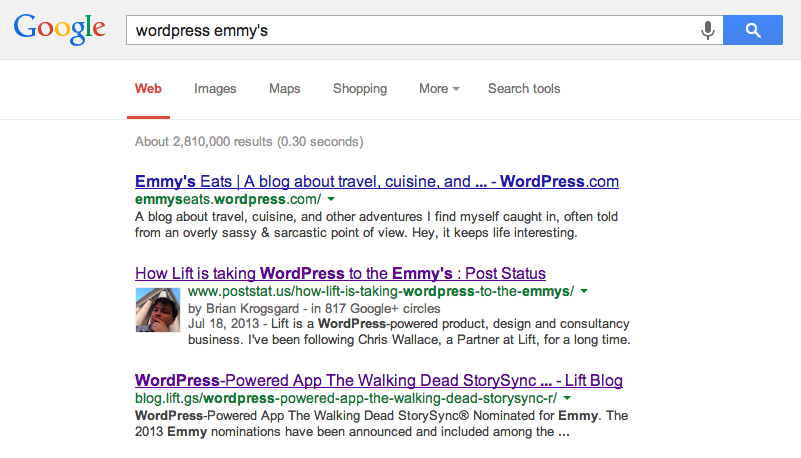
Use tools like Google Analytics and Google Search Console. These tools show which keywords bring visitors to your blog. Focus on keywords that rank well and those that need improvement. Watch for changes in traffic and keyword positions over time.
Identify And Fix Crawl Errors
Crawl errors stop search engines from reading your site properly. Use Google Search Console to find these errors quickly. Fix broken links, missing pages, and server issues. A clean site helps search engines index your blog correctly.
Regularly Update Content
Search engines prefer fresh content. Update old posts with new information and keywords. Add new blog posts often to keep your site active. Updated content improves rankings and keeps readers interested.
Credit: infomedia.com
Frequently Asked Questions
How To Make My WordPress Blog Visible On Google?
To make your WordPress blog visible, enable search engine indexing in settings. Use SEO plugins like Yoast. Submit your sitemap to Google Search Console. Create quality content with relevant keywords to improve ranking and visibility.
Why Is My WordPress Blog Not Appearing On Google?
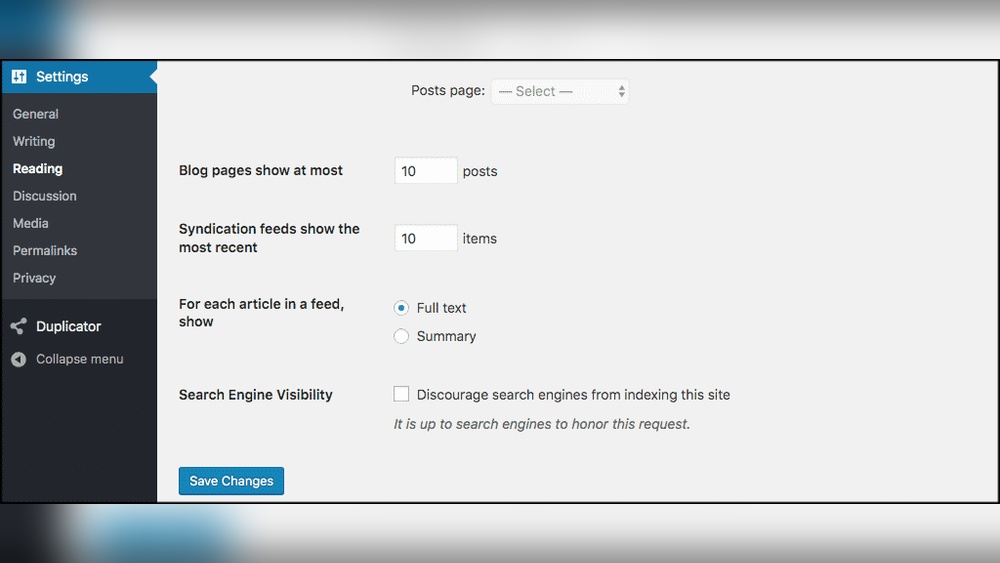
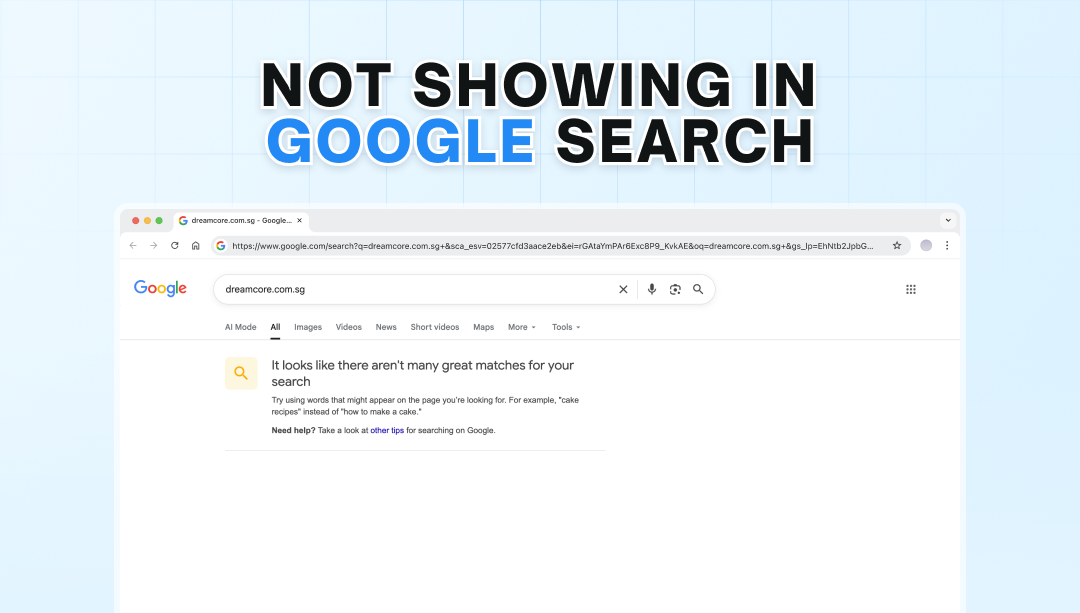
Your blog may be blocked from indexing. Check “Discourage search engines” option in WordPress settings. Ensure your site is not set to private. Also, submit your sitemap and build backlinks for faster indexing.
How To Submit My WordPress Blog To Google?
Use Google Search Console to submit your blog. Verify site ownership, then upload your XML sitemap. This helps Google crawl and index your pages quickly for better search results.
What Seo Plugins Help WordPress Blogs Rank Better?
Popular plugins like Yoast SEO and Rank Math improve on-page SEO. They optimize meta tags, keywords, sitemaps, and readability. These tools guide you to enhance your content for better Google rankings.
Conclusion
Making your WordPress blog easy to find on Google takes time and effort. Use clear titles and good keywords in your posts. Keep your site fast and mobile-friendly. Write helpful, original content that readers want. Check your settings to let search engines see your blog.
Share your posts on social media to attract visitors. Keep updating your blog regularly to stay relevant. Small steps add up to better visibility. Stay patient and consistent, and your blog will grow over time.



