
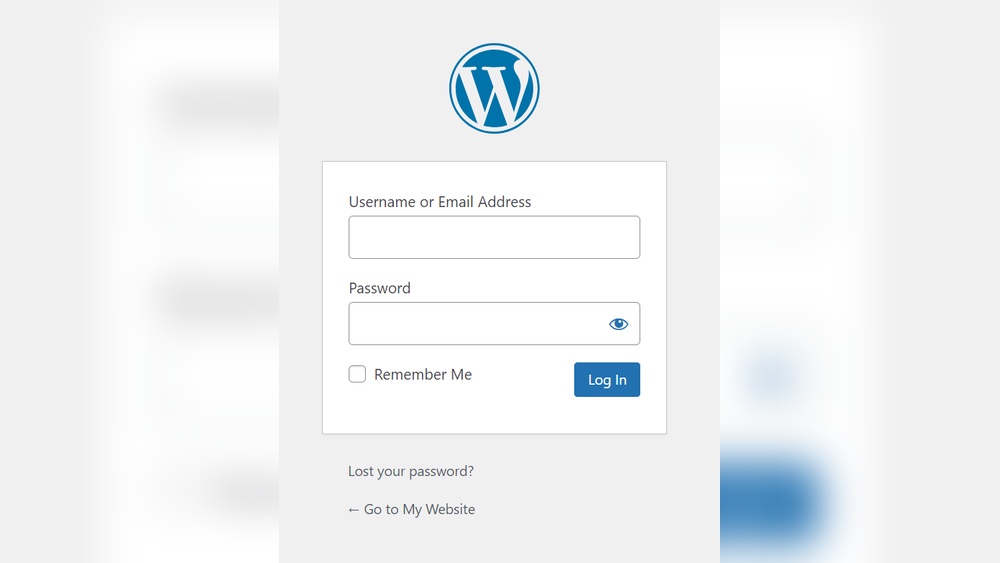
Are you struggling to find your WordPress login URL? You’re not alone.
Without the right link, accessing your website’s dashboard can feel frustrating and confusing. But don’t worry—this guide will show you exactly how to find your WordPress login URL quickly and easily. By the end, you’ll never have to guess again.
Keep reading, and take control of your website with confidence.
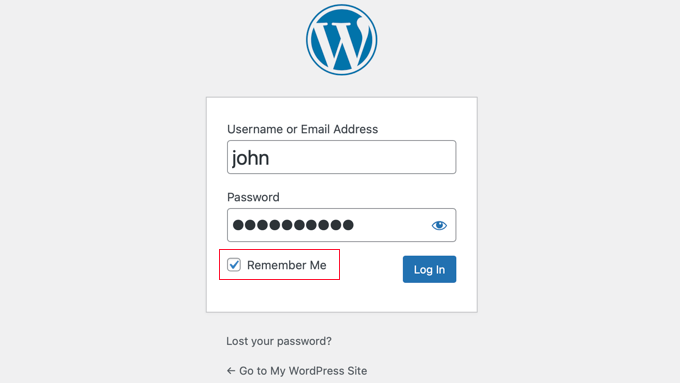
Credit: www.wpbeginner.com
Locate Default WordPress Login Urls
Finding your WordPress login URL is the first step to managing your website. WordPress uses default URLs that are easy to remember. Knowing these URLs helps you access the admin area quickly. This section explains how to locate the default WordPress login URLs.
Common Url Patterns
WordPress login URLs usually follow simple patterns. Most sites use the main website address plus a specific path. For example, adding “/wp-admin” or “/wp-login.php” to your site URL often works. These patterns are standard for almost all WordPress sites.
Using /wp-admin And /wp-login.php
Type your website address followed by “/wp-admin”. This URL redirects you to the login page if not logged in. Another option is “/wp-login.php”. Both URLs lead to the login form. Use these to enter your WordPress dashboard easily.
Access Login Through Hosting Provider
Accessing your WordPress login through your hosting provider is often the easiest way to find your login URL. Most hosting services offer tools to help you get to your WordPress dashboard quickly. This method saves time and avoids confusion about the login address.
Using Hosting Dashboard
Hosting providers usually have a dashboard where you manage your website. This dashboard often shows your WordPress sites clearly. You can find a link to your WordPress login page there. Click on your site, and look for a “Login” or “Admin” button. This link takes you directly to the WordPress login page without typing the URL manually.
One-click Login Options
Many hosts offer one-click login features. This means you log into your hosting account and then click a button to open your WordPress admin panel. No need to remember or type the login URL. It’s fast and secure. This option is great for beginners or anyone who wants a simpler way to access their site.
Find Login Url With Plugins
Finding your WordPress login URL can be tricky. Plugins make this task simple and safe. They help locate or customize the login page easily. Using plugins saves time and adds security to your site.
Security Plugins Features
Many security plugins include login URL detection tools. They scan your site and show the correct login link. These plugins protect your login page from hackers. They often hide the default login URL for safety. Some popular security plugins offer this feature for free.
These tools also block unwanted login attempts. They keep your site safe from attacks. Using a security plugin helps you find and protect your login page in one step.
Custom Login Url Plugins
Custom login URL plugins let you change your login page address. They create unique URLs that are easy to remember. Changing the login URL improves your site’s security. It stops bots from guessing the default login link.
These plugins show the new login URL clearly. You can share it only with trusted users. Custom login URL plugins are simple to install and use. They help you find and control your login page easily.

Credit: jetpack.com
Reset Or Recover Login Url
Resetting or recovering your WordPress login URL can be simple. Many WordPress sites use custom login URLs for security. You might forget the changed address. This section helps you find or reset it easily.
Check Wp-config.php File
The wp-config.php file holds important site settings. It may include a custom login URL. Use an FTP client or file manager to open this file. Look for code lines with “login” or “wp-login.”
This method shows the exact login URL if changed. It saves time and avoids guessing multiple URLs.
Contact Hosting Support
Your web hosting provider can help find the login URL. Support teams access your site settings. They provide the correct login link quickly.
Contact support through chat, email, or phone. Provide your site details for faster help. This step is useful if other methods fail.
Tips To Bookmark And Secure Login Page
Keeping your WordPress login page easy to find and safe is very important. Bookmarking your login URL saves time. It also stops you from visiting fake sites. Securing your login page protects your website from hackers. Simple steps can make your login process smooth and safe.
Creating Browser Bookmarks
Open your browser and go to your WordPress login page. This usually looks like yoursite.com/wp-login.php. Click the star icon or press Ctrl+D (Cmd+D on Mac) to bookmark the page. Name the bookmark something clear like “WordPress Login.” Save it in your bookmarks bar for quick access. This avoids typing errors and saves time.
Adding Two-factor Authentication
Two-factor authentication adds an extra security step. After entering your password, you must enter a code sent to your phone. This stops hackers even if they know your password. Use plugins like “Google Authenticator” or “Two Factor.” Set up the plugin by following its instructions. This extra step greatly improves your website security.

Credit: www.youtube.com
Frequently Asked Questions
How Do I Find My WordPress Login Url?
You can find your WordPress login URL by adding /wp-login. php or /wp-admin to your website’s domain. For example, www. yoursite. com/wp-login. php. This is the default login path for all WordPress sites.
What If My WordPress Login Url Is Changed?
If your login URL was changed for security, check your website’s welcome email or ask your web developer. You can also look for plugins like WPS Hide Login that customize the login URL.
Can I Access WordPress Login From Cpanel?
Yes, you can use cPanel to access your WordPress files and find the login URL. Look in the public_html folder and confirm the wp-login. php file exists, then access it via your domain.
How To Reset WordPress Login Url If Forgotten?
If you lost your login URL, reset it by disabling plugins via FTP or cPanel. This can restore the default login URL. Alternatively, check your site’s database for custom login settings.
Conclusion
Finding your WordPress login URL is simple with the right steps. Remember to try the common URLs like /wp-admin or /login after your site address. Sometimes, the URL changes due to security plugins or custom settings. Keep your login details safe and avoid sharing them.
Knowing your login URL helps you access your site quickly. Take a moment to bookmark it for easy use later. Stay calm if you forget it—there are ways to recover or reset it. Now, managing your WordPress site feels less confusing and more in control.



