
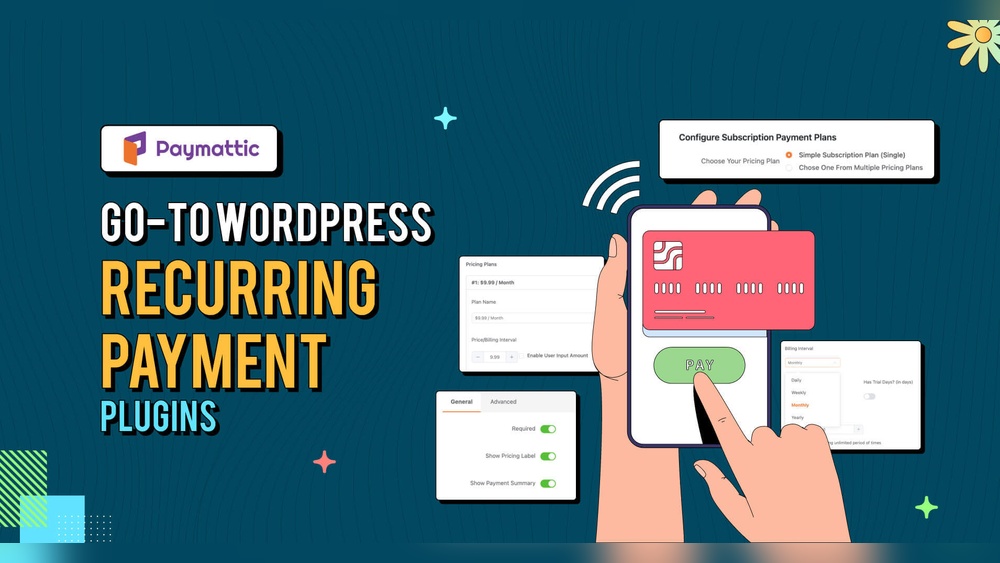
Are you wondering if you can pay for WordPress monthly instead of all at once? You’re not alone.
Many people want the flexibility to manage their website costs without a big upfront payment. Understanding your payment options can help you plan better and avoid surprises. You’ll discover exactly how WordPress billing works, what plans offer monthly payments, and which choice fits your needs best.
Keep reading to make the smartest decision for your website and budget.
WordPress Pricing Models
Understanding WordPress pricing models helps you choose the right plan. WordPress offers options for different needs and budgets. You can start with a free plan or pay for extra features. Payment methods vary too, with monthly and annual billing choices available.
Free Vs Paid Plans
WordPress has a free plan for basic websites. It includes limited storage and WordPress ads. You cannot use a custom domain on the free plan. Paid plans remove ads and give more storage space. They allow custom domains and more design options. Paid plans suit businesses and serious bloggers. Free plans work well for simple personal sites.
Monthly Vs Annual Billing
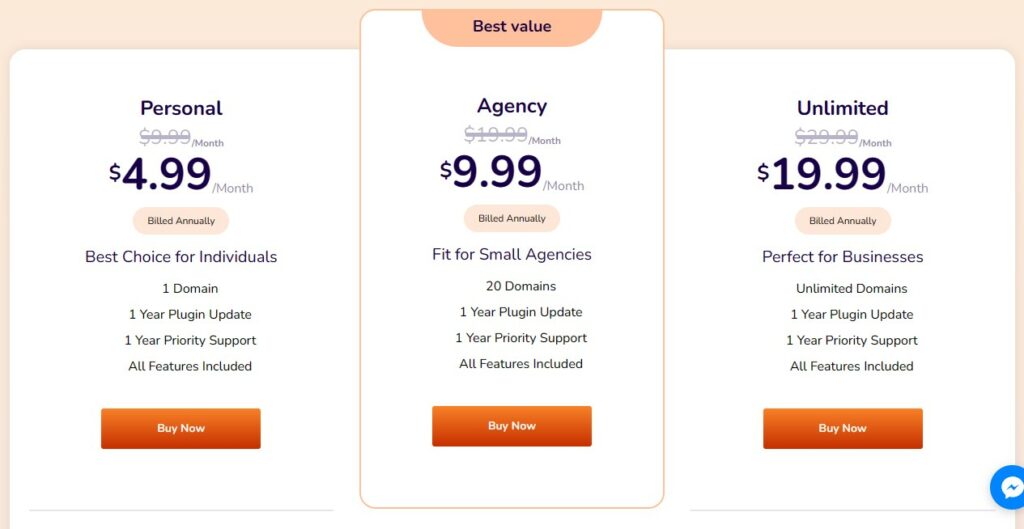
WordPress lets you pay monthly or yearly. Monthly billing offers flexibility and easier cancellation. Annual billing usually costs less overall. It requires upfront payment for the whole year. Choose monthly if you want to test the service first. Annual plans save money if you plan to stay long. Both billing methods give access to the same features.
Credit: paymattic.com
Monthly Payment Options
Choosing a payment plan for WordPress can affect your website budget. Monthly payment options offer flexibility and ease for many users. You can select a plan that fits your needs without a large upfront cost.
Monthly payments make it easier to manage expenses. They also allow you to upgrade or change your plan as your site grows. Here are the main monthly payment options available.
Official WordPress Plans
WordPress.com offers several plans with monthly billing. These include Free, Personal, Premium, Business, and eCommerce plans. Each plan has different features and price points.
You can pay monthly and cancel anytime. This option helps small businesses and bloggers avoid long contracts. Monthly billing also allows testing different features before committing to a yearly plan.
Third-party Hosting Services
Many third-party hosting companies support WordPress hosting with monthly payments. Popular hosts like Bluehost, SiteGround, and DreamHost offer monthly plans. These hosts manage your site and provide additional tools.
Monthly hosting plans are flexible and affordable for new websites. You can start small and increase resources later. These services often include a WordPress installation option with monthly billing.
Benefits Of Monthly Payments
Paying for WordPress monthly offers several advantages. It helps you manage costs and control your spending. You can adjust your plan without stress. This payment style fits different financial situations well.
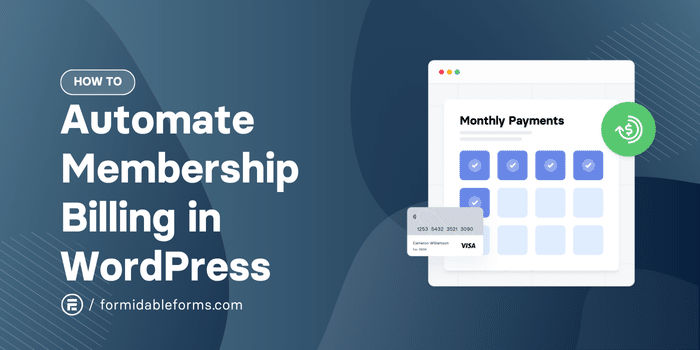
Monthly payments give users more control over their website expenses. You avoid large upfront fees and spread out the cost. This way, maintaining your site stays affordable.
Budget Flexibility
Monthly payments let you plan your budget better. You pay smaller amounts each month instead of a big sum once. This method helps avoid cash flow problems. It fits both personal and business finances easily. You can save money for other needs while keeping your website active.
Easier Upgrades And Downgrades
With monthly plans, changing your WordPress plan is simple. Upgrade or downgrade anytime based on your needs. No long-term commitment stops you from switching. You try new features without extra costs upfront. This flexibility helps your website grow at your pace.
Credit: formidableforms.com
Comparing Payment Methods
Choosing the right payment method for your WordPress plan can affect your convenience and security. Different options offer various benefits and ease of use. This guide helps you understand common payment methods for WordPress monthly plans.
Credit Card
Credit cards are a popular choice for monthly WordPress payments. They allow automatic billing every month. This means you do not need to worry about missing a payment. Most major cards like Visa, MasterCard, and American Express are accepted. Credit cards also offer fraud protection. You can monitor your charges easily through your bank.
Paypal
PayPal is another common option for WordPress payments. It provides an extra layer of security by not sharing your card details with WordPress. Payments are quick and simple with a PayPal account. You can link your bank account or cards to PayPal for easy transactions. Recurring payments can be set up to avoid monthly hassle. PayPal also offers buyer protection in case of issues.
Other Payment Gateways
WordPress may accept other payment gateways depending on your location. Options like Stripe, Apple Pay, or Google Pay are sometimes available. These methods offer fast and secure payments. They work well on mobile devices and desktops. Using these gateways can simplify your payment process. Check which gateways WordPress supports in your country before choosing.
Tips For Choosing A Plan
Choosing the right WordPress plan helps your site grow smoothly. Plans differ in features, prices, and payment terms. Picking a plan that fits your needs saves money and stress.
Consider what your website requires now and in the future. This way, you avoid paying for unused features or missing important ones.
Assessing Website Needs
Think about your website’s main purpose. Is it a blog, store, or portfolio? Different plans support different tools and plugins. Check storage space and bandwidth limits. These affect site speed and visitor capacity. Basic plans suit small sites. Bigger sites need advanced plans with more features.
Evaluating Long-term Costs
Monthly payments may feel affordable but add up over time. Compare monthly versus yearly costs. Some plans offer discounts for yearly payments. Factor in extra fees for themes, plugins, or support. Budgeting for long-term helps avoid surprises. Choose a plan you can upgrade easily if needed.
Common Questions On WordPress Payments
Many people ask about WordPress payments before starting their website. Understanding payment options helps to choose the right plan. It also avoids surprises later.
Here are answers to common questions about paying for WordPress services.
Can I Switch Plans Anytime?
Yes, you can switch plans anytime on WordPress. This gives flexibility as your website grows. You can upgrade to get more features or downgrade to save money. Changes take effect quickly without stopping your site.
Are There Hidden Fees?
No, WordPress does not have hidden fees. You pay only for the plan you choose. Some extra features may cost more, but they are clear before buying. Always check the price details to avoid surprises.

Credit: wpriders.com
Frequently Asked Questions
Can I Pay For WordPress Monthly Plans?
Yes, WordPress. com offers monthly payment options for their premium plans. This allows flexibility without long-term commitments.
Are Monthly WordPress Payments More Expensive?
Monthly payments may cost slightly more than annual plans. Paying yearly usually offers better discounts and savings.
What Payment Methods Does WordPress Accept Monthly?
WordPress accepts major credit cards and PayPal for monthly subscriptions. These secure options make payments easy and safe.
Can I Switch From Monthly To Yearly Payments?
Yes, you can upgrade or switch plans anytime. Changing to yearly billing often provides better pricing benefits.
Conclusion
WordPress offers flexible payment options to fit your needs. Monthly plans let you pay in smaller amounts. This helps manage your budget with ease. You can choose plans that suit your website goals. Keep in mind, some features come only with yearly plans.
Always check the details before deciding. Paying monthly works well for beginners and small sites. It gives you time to explore WordPress tools. So, paying monthly is possible and practical for many users.



