
Are you wondering if you can create a website on WordPress? The answer is a clear yes, and it’s easier than you might think.
Whether you want a simple blog, an online store, or a portfolio, WordPress gives you the tools to build it your way. Imagine having full control over your site without needing to be a tech expert. Keep reading, and you’ll discover how you can start building your dream website today—step by step, with confidence.
Credit: www.elegantthemes.com
Why Choose WordPress
WordPress is a popular choice for creating websites. It suits many needs, from blogs to business sites. Its design makes building a website simple and clear. Many users trust WordPress because it offers strong features and ease of use.
Benefits For Beginners
WordPress has a simple setup process. You do not need to know coding. It offers many themes to change how your site looks. Drag-and-drop tools help you add content easily. Plenty of tutorials and forums provide support.
Cost And Flexibility
WordPress itself is free to use. You pay only for hosting and a domain name. Many free plugins add features without cost. You can upgrade your site anytime with more tools. This flexibility fits small and large websites alike.
Getting Started With WordPress
Starting a website with WordPress is simple and clear. It offers tools for beginners and experts alike. This section guides you through the first steps to get your site online quickly.
Selecting A Domain And Hosting
Your domain is your website’s address on the internet. Choose a name that is short, easy to spell, and reflects your site’s purpose. Hosting is the service that stores your website files and makes them accessible online. Pick a hosting provider known for good speed and reliability. Many hosts offer packages with domain registration included. This saves time and keeps everything in one place.
Installing WordPress
Most hosting services offer a one-click WordPress installation. This process sets up the WordPress software on your server automatically. It takes just a few minutes and requires little technical knowledge. After installation, you can log in to your WordPress dashboard. This is where you control your website’s design and content. WordPress also offers many themes and plugins to customize your site easily.
Choosing A Theme
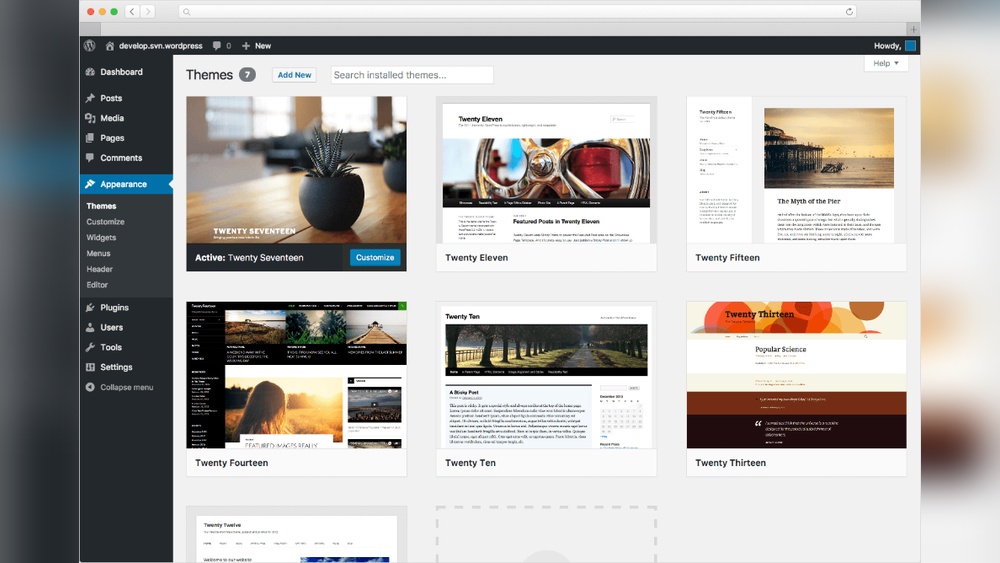
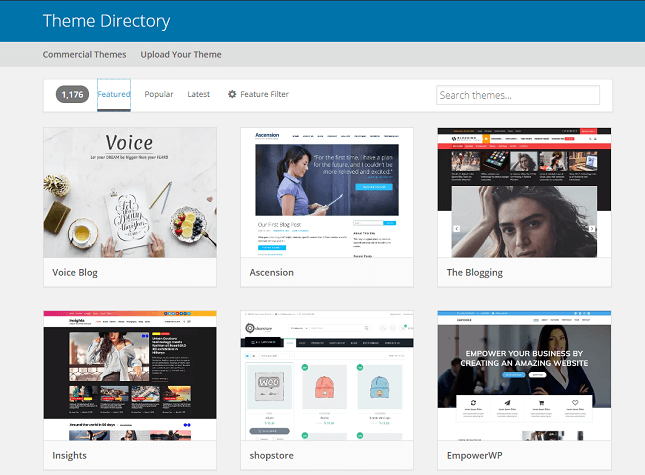
Choosing a theme is the first step in creating a WordPress website. It sets the look and feel of your site. The right theme makes your site easy to use and attractive. Themes control the colors, fonts, and layout of your pages. Picking a good theme helps visitors stay longer and explore more. Themes can be simple or full of features. You can select one that fits your needs and style.
Free Vs Premium Themes
Free themes offer basic designs and limited options. They are good for small projects or beginners. Many free themes are well-made and secure. Premium themes cost money but come with extra features. They often include better support and regular updates. Premium themes provide more design flexibility and tools. Both types work well, but premium themes suit larger or business sites. Choose based on your budget and needs.
Customizing Your Design
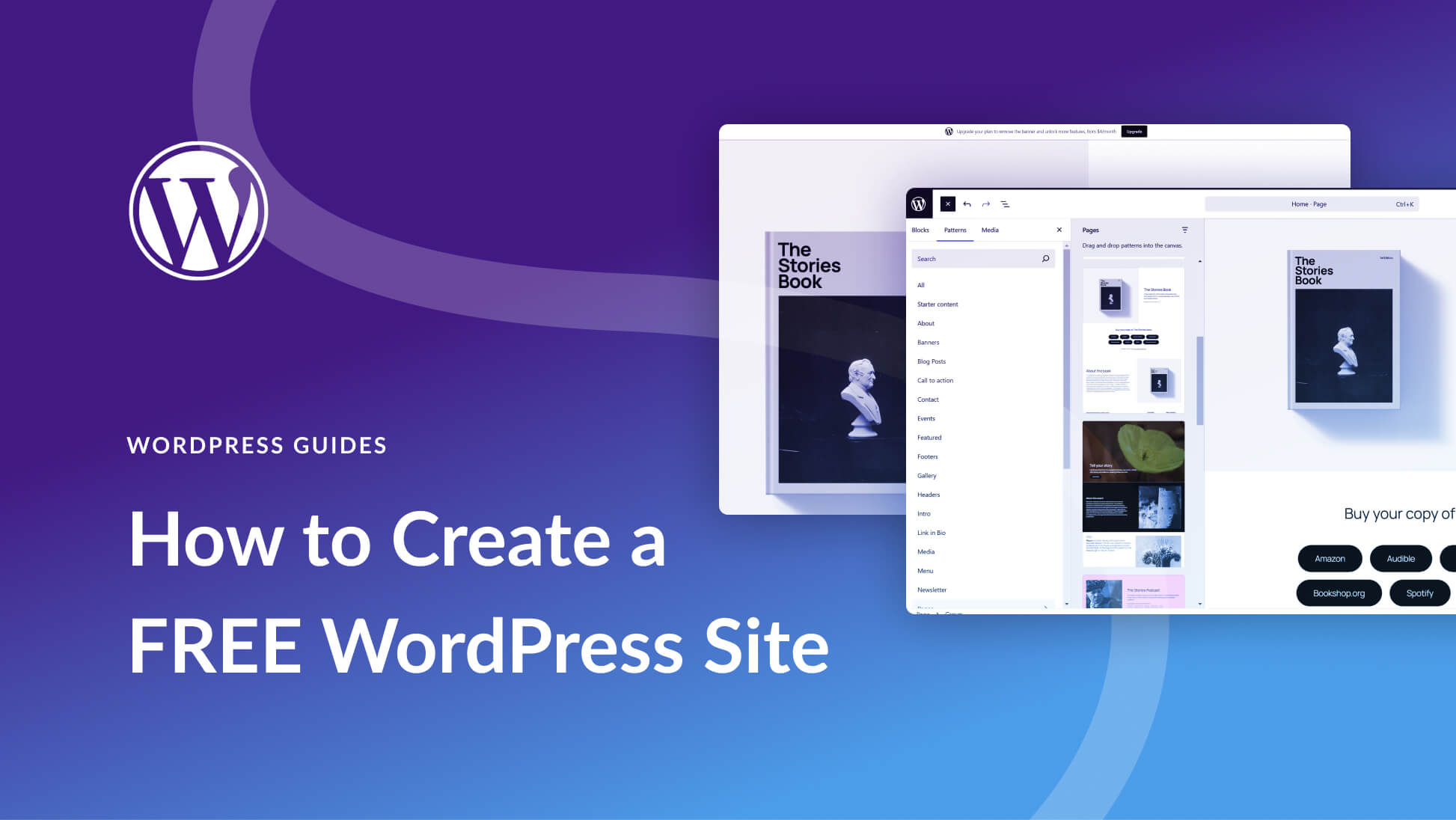
WordPress lets you customize themes easily. You can change colors, fonts, and layouts. Many themes have built-in options for quick edits. Customization helps your site look unique and match your brand. Use the WordPress Customizer to see changes live. Add your logo and adjust menus. Simple tweaks improve user experience and site appearance. Customizing takes time but makes your site stand out.
Adding Essential Plugins
Adding essential plugins to your WordPress site improves its functions. Plugins help you customize your website without coding. They add features like contact forms, security, and SEO tools. Knowing which plugins to use is important for beginners. It helps your site run smoothly and attract visitors.
Must-have Plugins For Beginners
Start with plugins that improve your site’s security. A security plugin stops hackers and spam. Next, add an SEO plugin to help search engines find your site. A caching plugin speeds up your website loading time. Also, use a contact form plugin to let visitors reach you easily. These plugins cover the basic needs of most websites.
How To Install Plugins
Log in to your WordPress dashboard. Go to the “Plugins” menu and click “Add New.” Use the search bar to find the plugin you want. Click “Install Now” and wait a few seconds. Then, click “Activate” to start using the plugin. Always update your plugins regularly for best performance.
Creating Your First Pages
Creating your first pages on WordPress is a simple and important step. These pages build the foundation of your website. They show visitors who you are and how to reach you. Start with essential pages to give your site a clear structure.
Setting Up Home And About Pages
The home page is the first thing visitors see. Make it clear and inviting. Use simple text to explain what your site offers. Add images that match your message.
The About page tells your story. Share who you are and why your site matters. Keep it friendly and easy to read. This page helps build trust with visitors.
Adding Contact Forms
Contact forms let visitors send messages easily. They are better than just showing an email address. Use a WordPress plugin to add a form quickly. Make sure the form is simple. Ask only for essential information like name and message.
Check the form works before you publish. A working contact form helps visitors reach you without hassle.
Credit: www.elegantthemes.com
Publishing Your Content
Publishing your content on WordPress is simple and fast. It lets you share your ideas with the world quickly. You control what people see and when they see it. WordPress gives you tools to create and publish content easily. This section explains how to write blog posts and manage media files.
Writing Blog Posts
Writing blog posts on WordPress is straightforward. Use the editor to add text, images, and links. The editor looks like a word processor. You can format your text with headings, bold, and lists. Preview your post before publishing. This helps catch mistakes. When ready, click “Publish” to share your post.
Managing Media Files
Media files include images, videos, and audio. WordPress makes it easy to upload and organize these files. Use the Media Library to add new files or delete old ones. Insert media directly into your posts or pages. Optimize images for faster loading. Good media management improves your site’s look and speed.
Maintaining Your WordPress Site
Maintaining your WordPress site is key to keeping it safe and fast. Regular care helps avoid problems. It also improves user experience and search rankings. Simple tasks can protect your site from attacks and errors.
Updating Themes And Plugins
Themes and plugins add features and style to your site. Developers release updates often. These updates fix bugs and security issues. Use the WordPress dashboard to check for updates. Always update themes and plugins quickly. Outdated ones can cause errors or security risks. Test updates on a staging site if possible.
Backing Up Your Website
Backing up means saving a copy of your site. It protects your content from loss or damage. Use plugins or your hosting service for backups. Schedule backups regularly, such as daily or weekly. Store backups in a safe, separate location. Restoring from a backup is easy after a problem. Backups give peace of mind and keep your site safe.
Credit: www.websitebuilderexpert.com
Frequently Asked Questions
Can I Create A Website On WordPress For Free?
Yes, WordPress. com offers free plans to create basic websites with limited features and WordPress branding.
Do I Need Coding Skills To Build A WordPress Site?
No, WordPress has a user-friendly interface and drag-and-drop builders requiring no coding knowledge.
What Types Of Websites Can I Build On WordPress?
You can create blogs, business sites, eCommerce stores, portfolios, and more using WordPress.
Is WordPress Seo Friendly For Website Creation?
Yes, WordPress supports SEO plugins and clean code that help improve your site’s search ranking.
Conclusion
Creating a website on WordPress is simple and flexible. You can build any site, from blogs to stores. No need to know coding. Many themes and plugins help you customize easily. Take small steps and learn as you go. WordPress supports growth as your site gets bigger.
Start now and enjoy building your online space.



