
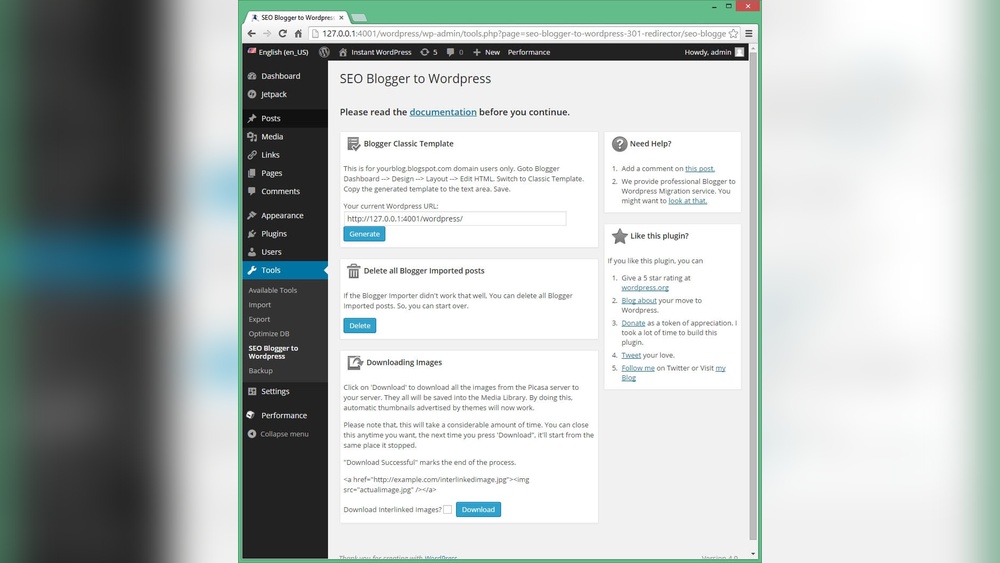
Are you ready to take your WordPress site to the next level? Adding a blog is one of the smartest moves you can make.
It helps you connect with your audience, boost your website’s visibility, and share your ideas or products in a fresh, engaging way. But if you’re wondering where to start or how to do it without getting overwhelmed, you’re in the right place.
Keep reading, and you’ll discover simple, step-by-step tips that anyone can follow to add a blog to your WordPress site quickly and easily. Let’s make your website work harder for you!

Credit: wordpress.com
Set Up WordPress For Blogging
Setting up WordPress for blogging is the first step to create a successful blog. It involves choosing a good hosting plan, installing WordPress, and picking a theme that fits your blog style. These steps help your blog run smoothly and look attractive to visitors.
Choose The Right Hosting Plan
Pick a hosting plan that matches your blog needs and budget. Shared hosting is cheap and good for beginners. It handles small traffic well. If you expect many visitors, consider VPS or dedicated hosting. These options offer more speed and control. Check for plans with good uptime and fast servers. A reliable host keeps your blog online all the time.
Install WordPress
Most hosts offer easy WordPress installation. Use one-click installers like Softaculous or Fantastico. These tools set up WordPress fast. Follow the steps to create your admin account. Choose a strong password. After installation, log in to your WordPress dashboard. This is where you manage your blog content and settings.
Select A Blogging Theme
Choose a theme designed for blogging. It should be simple and mobile-friendly. Themes with clean layouts help readers focus on your content. Look for themes with good reviews and regular updates. Avoid themes that are too complex or slow. A good theme improves user experience and helps SEO.
Credit: www.youtube.com
Create Your First Blog Page
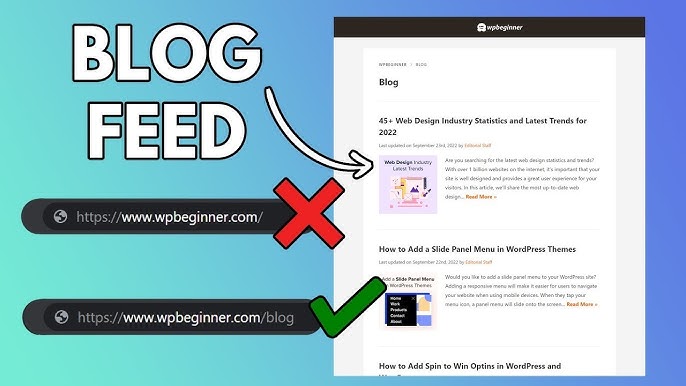
Creating your first blog page on WordPress is simple. This page will show all your blog posts in one place. It helps visitors find your latest content easily. Follow these steps to set up your blog page quickly.
Add A New Page
Go to your WordPress dashboard. Click on “Pages” and then “Add New.” This opens a blank page for you to create your blog. Do not add any content here. Just leave it empty for now.
Name Your Blog Page
Give your new page a clear name. Use simple titles like “Blog” or “News.” This helps visitors know what to expect. A clear name also improves your site’s SEO.
Set The Blog Page As Your Posts Page
Go to “Settings” and select “Reading.” Find the option “Your homepage displays.” Choose “A static page.” Then set your new page as the “Posts page.” Save your changes.
Your blog page will now show all your latest posts automatically. Visitors can see your updates in one place.
Configure Blog Settings
Configuring your blog settings is essential for a smooth and effective WordPress blog. These settings control how visitors see and interact with your blog. Proper configuration helps improve user experience and site performance. Focus on three key areas: reading settings, permalinks, and comment options.
Adjust Reading Settings
Go to the WordPress dashboard and select “Settings” then “Reading.” Choose whether your homepage shows your latest posts or a static page. Set how many posts appear on one page. Limit posts to improve page load speed and readability. Decide if you want to show full posts or summaries on the blog page. Showing summaries helps visitors scan your content quickly.
Set Permalinks For Seo
Permalinks are the URLs for your blog posts. In “Settings,” click “Permalinks.” Select the “Post name” option for clean, simple URLs. This makes links easier to read and share. Clean URLs help search engines understand your content better. Avoid using default numeric URLs because they are confusing and less SEO-friendly.
Enable Comments And Sharing
Allowing comments helps build a community around your blog. Enable comments in “Settings” under “Discussion.” Set rules for comment moderation to avoid spam. Add social sharing buttons to let visitors share your posts easily. Sharing increases your blog’s reach and attracts more readers. Keep comment settings simple to encourage more interaction.
Credit: www.elegantthemes.com
Write And Publish Blog Posts
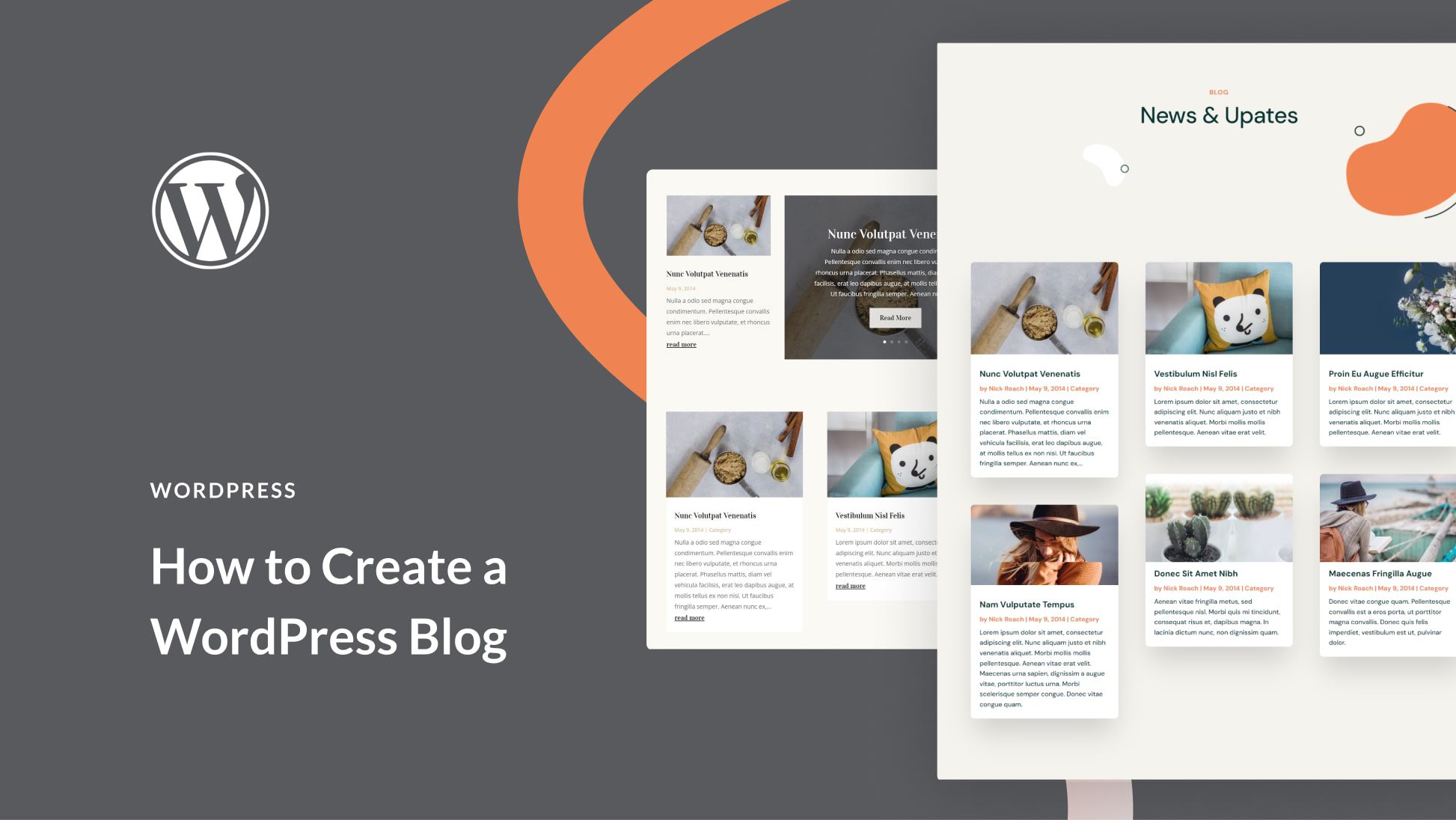
Writing and publishing blog posts on your WordPress site is simple. It lets you share ideas, news, and stories with your readers. Each post can include text, images, and links to make it interesting. Follow easy steps to create posts that attract visitors and keep them coming back.
Create A New Post
Log in to your WordPress dashboard. Look for the “Posts” menu on the left side. Click “Add New” to start a fresh blog post. This opens the post editor where you write and design your content. The editor is easy to use and lets you focus on your message.
Add Titles, Content, And Media
Start by typing a clear, catchy title in the title box. Below, add your main content in the big text area. Write short paragraphs for easy reading. Use the toolbar to format text or add links. Click the “Add Media” button to insert images or videos. Media makes your post more engaging and visually appealing.
Use Categories And Tags
Categories and tags organize your posts. They help readers find related content quickly. On the right side, find the “Categories” section. Choose existing categories or create new ones. Below, add tags that describe the post’s main topics. Keep tags short and relevant for better SEO and user experience.
Preview And Publish
Before publishing, click “Preview” to see how your post looks. Check for mistakes and fix any errors. Make sure images load properly. When ready, hit the “Publish” button. Your post goes live and visitors can read it immediately. You can edit or update the post anytime after publishing.
Customize Blog Appearance
Customizing your blog’s appearance helps your site stand out. It creates a better experience for visitors. You can make your blog look unique and match your style. WordPress offers easy tools to change how your blog looks. Use these tools to make your site attractive and user-friendly.
Add Widgets To Sidebar
Widgets add useful features to your blog’s sidebar. Common widgets include search bars, recent posts, and categories. To add widgets, go to Appearance > Widgets in your WordPress dashboard. Drag and drop widgets into the sidebar area. Adjust settings for each widget to fit your needs. Widgets make navigation easier and keep readers engaged.
Create A Custom Menu
A custom menu helps visitors find important pages quickly. You can add links to your blog, homepage, or contact page. In WordPress, go to Appearance > Menus to create a menu. Add pages, posts, or custom links to your menu. Arrange menu items by dragging them into order. Save the menu and assign it to a location on your site.
Use Plugins For Extra Features
Plugins extend your blog’s functionality without coding. They add features like social sharing, SEO tools, or contact forms. Search for plugins in the WordPress plugin directory. Install and activate plugins that suit your blog’s needs. Configure plugin settings to work well with your site. Plugins help improve your blog’s performance and visitor interaction.
Promote Your Blog
Promoting your blog is key to growing your audience. Sharing your posts helps readers find your content. Good promotion builds trust and keeps visitors coming back.
Share On Social Media
Social media platforms reach many people quickly. Post your blog links on sites like Facebook and Twitter. Use clear, simple captions to attract attention. Join groups related to your blog topic. Share your posts regularly but avoid spamming.
Optimize For Search Engines
SEO helps search engines show your blog to users. Use keywords that match your blog content. Add these keywords in titles, headings, and text. Write short, clear descriptions for each post. Use alt text for images with relevant words. Fast loading speed also improves SEO.
Engage With Readers
Talk to your readers by replying to comments. Ask questions to encourage interaction. Make readers feel valued and heard. Use polls or surveys to learn their opinions. Regular engagement keeps your blog active and lively.
Frequently Asked Questions
How Do I Create A Blog Page In WordPress?
Go to your WordPress dashboard. Click on Pages > Add New. Name it “Blog” and publish it. Then, set it as your posts page under Settings > Reading.
Can I Add A Blog Without Changing My Homepage?
Yes, you can keep your homepage static. Create a new page for your blog. Assign it as the posts page in Settings > Reading.
What Plugins Help Manage WordPress Blogs Efficiently?
Popular plugins include Yoast SEO for optimization, Jetpack for security, and Akismet for spam protection. These enhance blog performance and management.
How Do I Customize My Blog’s Appearance On WordPress?
Use WordPress themes or customize via Appearance > Customize. Adjust colors, fonts, layouts, and widgets to fit your brand style easily.
Conclusion
Adding a blog to your WordPress site is simple and useful. You can share your ideas and connect with visitors. Just follow the steps carefully to set up your blog. Keep your posts clear and regular for better results. A blog helps your website grow and stay fresh.
Start today and enjoy sharing your stories with the world.



