
Are you wondering if you can use the same WordPress theme on multiple sites? If you manage several websites or plan to start new ones, this question is crucial.
Imagine saving time and money by using one theme across all your projects. But is it really allowed, and what should you watch out for? Keep reading to find out everything you need to know before applying a WordPress theme to more than one site.
This will help you avoid costly mistakes and make smarter choices for your websites.
Credit: www.wpbeginner.com
WordPress Theme Licensing
Understanding WordPress theme licensing is important before using a theme on multiple sites. Licensing tells you how many times and where you can use a theme. Each theme comes with rules set by the developer or seller. These rules affect your rights to install and customize the theme. Knowing these rules helps you avoid legal or technical problems.
Types Of Licenses
There are different types of WordPress theme licenses. Some themes have a single-site license. Others offer multi-site or developer licenses. Single-site licenses allow use on only one website. Multi-site licenses permit use on several websites. Developer licenses often include unlimited site use and extra features. Each license type has its own price and conditions.
Single Vs Multiple Site Use
A single-site license restricts theme use to one website only. Installing the theme on another site breaks the license terms. Multi-site licenses allow you to use the theme on more than one site. This is useful for agencies or people managing many websites. Always check the license details before using a theme on multiple sites.
Gpl And Its Impact
Most WordPress themes follow the GPL license. GPL means you can use the theme on unlimited sites. It also allows you to modify and share the theme freely. This makes GPL themes very flexible and cost-effective. Some premium themes add extra rules, so read their license carefully. GPL helps keep WordPress themes open and accessible.

Credit: www.youtube.com
Theme Purchase Options
Choosing the right theme purchase option matters for your WordPress sites. Different licenses offer different ways to use the theme. Understanding each option helps you pick the best fit for your project.
Here are the common theme purchase options and what they mean for your websites.
Regular License
The regular license allows using the theme on one single website. You can customize the theme as needed. Support and updates usually come with this license. It is the most affordable option for personal or small business sites.
Extended License
The extended license offers more freedom. You can use the theme on multiple websites. This license is suitable for agencies or freelancers handling many projects. It often includes additional features and extended support.
Developer License
The developer license is designed for professionals creating themes for clients. It permits unlimited use across client sites. This license may include extra tools and priority support. It suits developers who build and sell many websites.
Using Themes On Multiple Sites
Using a WordPress theme on multiple sites depends on the type of theme and its license. Some themes allow you to use them on many websites without extra cost. Others limit the use to one site only. Understanding these rules helps you avoid legal issues and extra fees.
Choosing the right theme type is important for your project needs. Each option has its benefits and limitations. This guide explains how free themes, premium themes, and theme clubs handle multiple site usage.
Free Themes
Free WordPress themes are easy to find and use. Most of them are open-source and allow use on unlimited sites. This means you can install the same theme on as many websites as you want. The only cost is your time to set up and customize.
These themes often have basic features. You may need to add plugins for advanced functions. Free themes are great for small projects or testing ideas without financial risk.
Premium Themes
Premium themes usually come with a license that limits usage. Some licenses allow one site only. Others offer multi-site licenses at a higher price. Always check the terms before buying to know how many sites you can use the theme on.
Premium themes offer more features, support, and updates. They are good for professional sites that need reliability and unique design. Buying the right license avoids extra charges later.
Theme Clubs And Memberships
Theme clubs provide access to many themes under one membership. These often allow unlimited site use. You pay a monthly or yearly fee for full access. This option suits developers or agencies managing multiple sites.
Memberships include regular updates and support. You get a variety of themes to switch between. Theme clubs help save money if you run many websites.
Benefits Of Multi-site Usage
Using a WordPress theme on multiple sites offers many benefits. It helps save money, keeps your branding the same, and makes site management easier. Managing several sites can feel hard. A multi-site setup makes this task simpler and faster.
Cost Savings
Buying one theme for many sites cuts down costs. You do not need to pay for a new theme every time. It saves money on purchases and updates. This is great for small businesses or people with many websites.
Consistent Branding
Using the same theme keeps your branding uniform across sites. Visitors see the same colors, fonts, and style. This builds trust and makes your brand look professional. Consistency helps people remember your business easily.
Simplified Maintenance
Managing one theme on multiple sites reduces work. Updates and changes apply to all sites at once. This saves time and avoids mistakes. It also makes fixing problems quicker and easier.
Potential Legal Risks
Using a WordPress theme on multiple sites might seem easy. But it can bring legal problems. Theme creators set rules about how many sites can use one license. Breaking these rules can cause serious trouble.
Understanding potential legal risks helps you avoid fines or lawsuits. It also protects your websites from sudden shutdowns. Knowing the details about licenses, support, and updates keeps your sites safe.
License Violations
Many themes come with licenses that limit usage. Some allow only one website per purchase. Using the same theme on many sites breaks these rules. This is a license violation.
Violating a license can lead to legal action. Theme developers might sue for damages. You could lose access to the theme files. Always read the license carefully before using the theme.
Support Limitations
Theme support is often tied to licenses. One license might cover support for only one site. Using the theme on many sites means no support for extras. This can leave you without help when problems arise.
Without support, fixing bugs or conflicts becomes hard. It can slow down your website or cause errors. Support limitations protect developers and ensure fair use.
Theme Updates
Updates improve theme security and features. Most developers release updates only for licensed users. Using a theme on multiple sites without proper license stops you from getting updates.
Missing updates can expose your sites to hackers. It also means missing new features or bug fixes. Staying updated keeps your websites healthy and safe.
Credit: www.elegantthemes.com
Alternatives To Multiple Theme Licenses
Buying multiple licenses for the same WordPress theme can get expensive fast. Many website owners want to use a theme on several sites without extra costs. There are smart alternatives to purchasing multiple theme licenses. These options help save money and keep your sites running smoothly.
Some alternatives also give you more control over your site design. They allow you to customize themes or manage multiple sites efficiently. Below are three popular ways to avoid buying many theme licenses.
Child Themes
Child themes are a safe way to modify a main theme. They let you change design or features without touching the original files. This way, you keep updates from the parent theme without losing your work.
Using child themes means you only buy the main theme once. Then, you create child themes for each site. This approach is cost-effective and keeps your sites unique.
Custom Themes
Custom themes are built just for your needs. They are made from scratch or by heavily modifying existing themes. This option suits those with specific design or functionality goals.
With custom themes, you control every detail of your website. No need to worry about license limits. It can save money over time if you manage many sites.
Using Multisite Network
WordPress multisite lets you run many sites under one installation. You activate one theme for all sites in the network. This means one theme license covers multiple sites.
Multisite is perfect for businesses or bloggers managing several websites. It reduces costs and simplifies site management. Just remember to check the theme license for multisite use.
Best Practices For Theme Management
Managing WordPress themes across multiple sites needs careful planning. Proper theme management helps keep sites fast, secure, and consistent. It saves time and avoids problems later. Follow these best practices to handle themes well on all your websites.
Keeping Themes Updated
Always update themes to the latest version. Updates fix bugs and improve security. Use a staging site to test updates before applying them live. Avoid skipping updates. Outdated themes create risks and may stop working with new WordPress versions.
Backup Strategies
Create backups before changing themes or updating. Backups protect your site from data loss. Use plugins or hosting services that offer automated backups. Store backups in a safe, separate location. Regular backups make recovery quick and simple.
Security Considerations
Choose themes from trusted sources only. Poor-quality themes can contain malware or vulnerabilities. Remove unused themes to reduce security risks. Use security plugins to scan for threats regularly. Keep your WordPress core and plugins updated too.
Popular Theme Providers’ Policies
Popular WordPress theme providers have clear rules about using themes on multiple sites. These rules depend on their licensing and pricing. Understanding these policies helps you avoid legal issues. It also ensures you get the right support and updates.
Some providers allow using one theme on many sites. Others require buying a separate license for each site. Let’s look at the policies of some popular theme sellers.
Themeforest
ThemeForest themes come with a regular license. This license allows use on one site only. You must buy a new license for each additional site. There is an extended license, but it mostly covers themes used in products for sale. Support and updates come with each license for one site.
Elegant Themes
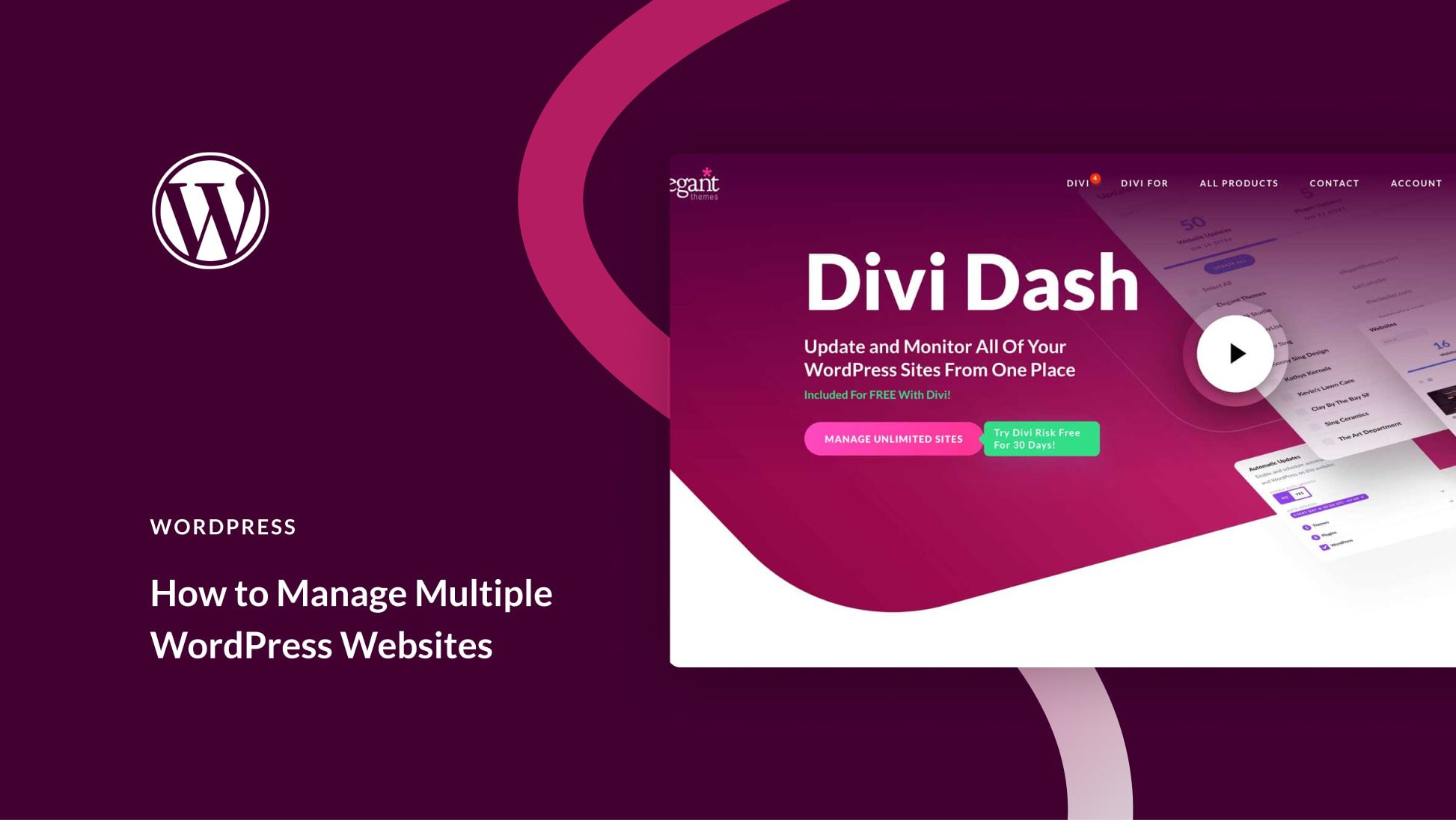
Elegant Themes offers a membership plan. This plan lets you use their themes on unlimited sites. You pay once and get access to all themes. It also includes updates and premium support. This option suits developers or users with many websites.
Studiopress
StudioPress themes require a single purchase per site. They do not allow multiple site use with one license. Each site needs its own license. You get lifetime updates and support for every purchase. StudioPress themes are popular for their speed and SEO features.
Tools To Manage Multiple Themes
Managing multiple WordPress themes across several websites can become complex fast. The right tools simplify this task. They help switch themes quickly and manage many sites from one place. These tools save time and reduce errors. They also keep your sites consistent and easy to update.
Theme Switcher Plugins
Theme switcher plugins allow you to change themes without logging into each site. They provide a simple interface to preview and activate themes instantly. These plugins are handy for testing themes before using them live. Some popular options let you assign different themes to different pages. This flexibility improves user experience and site design.
Multisite Management Tools
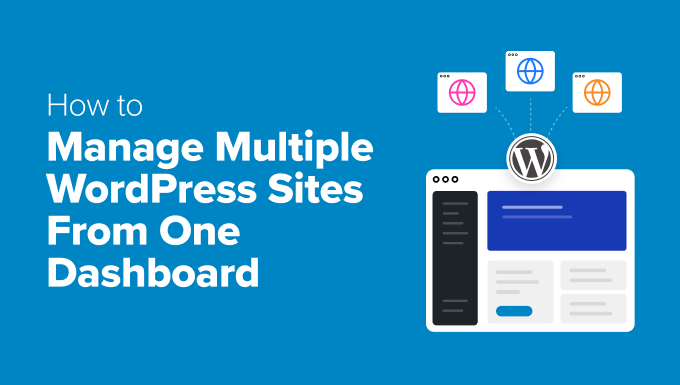
Multisite management tools help control many WordPress sites from a single dashboard. They let you update themes and plugins on all sites at once. This reduces manual work and keeps every site secure and updated. Some tools also offer backups and performance checks. They are essential for agencies or individuals running several WordPress sites.
Future Trends In Theme Licensing
The future of theme licensing is changing fast. Theme developers seek new ways to offer value and fairness. Site owners want clearer rules and more flexibility. Licensing models adapt to meet these needs. This section explores key trends shaping theme licensing.
Subscription Models
Subscription models are becoming common in theme licensing. Users pay a monthly or yearly fee. This fee covers updates, support, and access to multiple themes. It allows site owners to use themes on many sites without extra costs. Subscriptions encourage ongoing improvements and better service.
Usage Analytics
Theme creators use usage analytics to understand how themes are used. They collect data on active sites and features used. This helps improve theme design and fix issues faster. It also ensures fair licensing based on actual usage. Transparency in usage data builds trust between developers and users.
Ai-powered Theme Customization
AI technology is changing how themes are customized. AI tools suggest design changes based on user preferences. They help create unique site looks quickly and easily. Customization becomes smarter and more efficient. This trend makes themes more adaptable and user-friendly.
Frequently Asked Questions
Can I Use One WordPress Theme On Multiple Sites?
Yes, you can use the same WordPress theme on multiple sites. However, the license terms must allow it. Some themes require separate purchases for each site, while others offer multi-site licenses. Always check the theme’s license agreement before using it on multiple websites.
Does Using One Theme On Several Sites Affect Site Speed?
Using one WordPress theme on multiple sites does not affect site speed. Site speed depends on hosting, plugins, and content optimization. Each site operates independently, so theme usage alone won’t slow down your websites if properly managed.
Are There Legal Restrictions On Theme Usage Across Sites?
Legal restrictions depend on the theme’s license. Most premium themes use GPL licenses, allowing multiple uses. Some commercial themes limit usage to one site per purchase. Always review the license to ensure you comply with the terms before using the theme on multiple sites.
How Do I Activate A WordPress Theme On Multiple Websites?
To activate a theme on multiple websites, install and upload the theme on each site. Then, activate it from the WordPress dashboard. If the theme requires a license key, ensure you have the proper license for each installation to avoid activation issues.
Conclusion
You can use many WordPress themes on several sites if the license allows. Always check the theme’s terms before applying it to multiple websites. Using one theme across sites saves time and keeps design consistent. Some themes need separate purchases for each site.
Others offer multi-site licenses. Choose what fits your budget and needs best. This helps avoid legal trouble and extra costs. Keep your sites looking good and working well by following these simple rules.



