
Are you curious about the file named “xmlrpc.php” that sits quietly in your WordPress installation? You’re not alone.
Many WordPress users stumble upon this file and wonder about its purpose. It sounds technical, even a bit mysterious, but understanding it can greatly improve your website management. This small file can have a big impact on your site’s functionality and security.
Imagine unlocking a powerful tool that connects your website to the outside world, but also knowing the potential vulnerabilities it might bring. Dive into this article to discover what xmlrpc. php does, why it matters to you, and how you can ensure your website stays safe and efficient. Whether you’re a WordPress newbie or a seasoned pro, this knowledge is crucial for maximizing your site’s performance. Keep reading to empower your WordPress experience.

Credit: kinsta.com
Xmlrpc.php Functionality
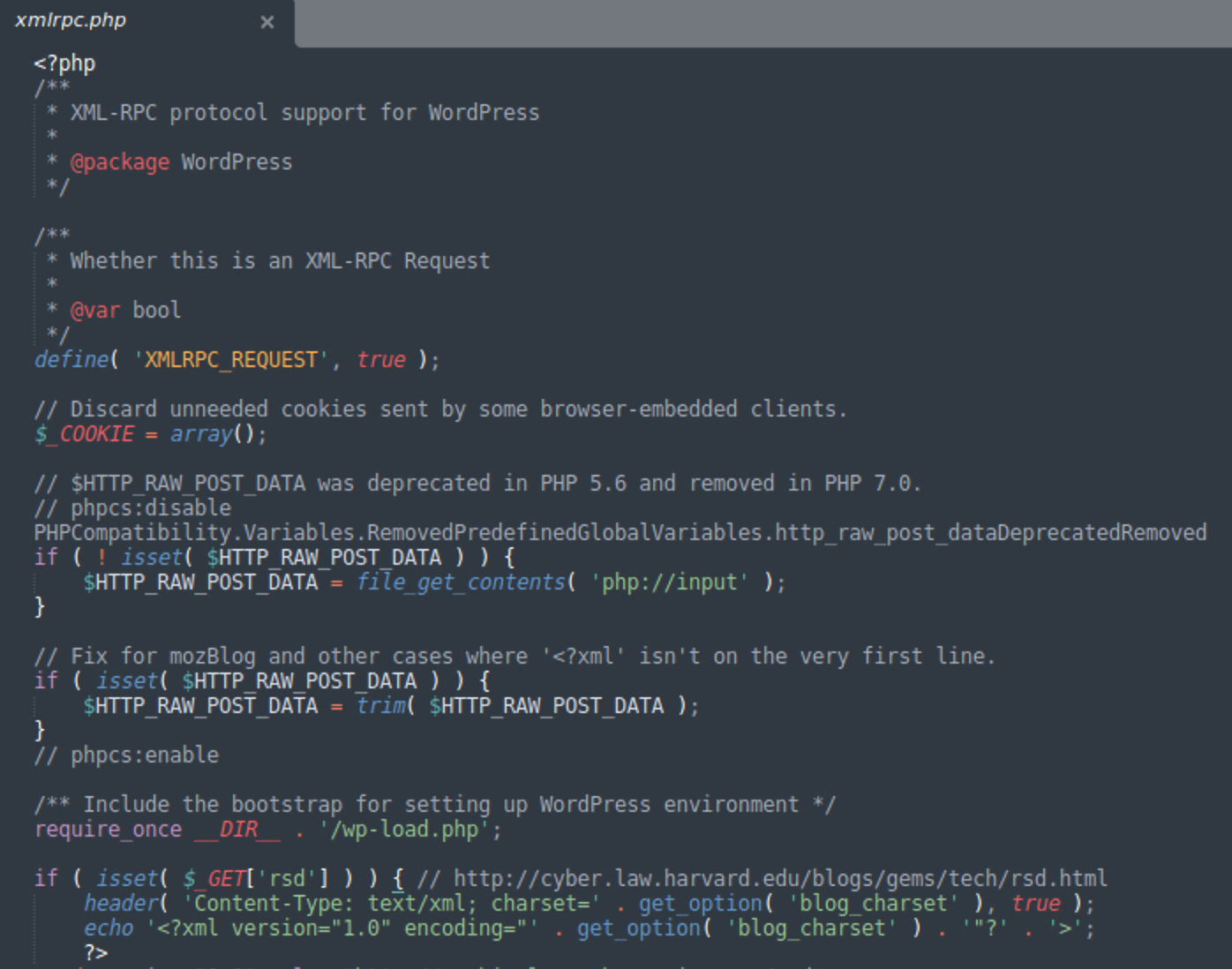
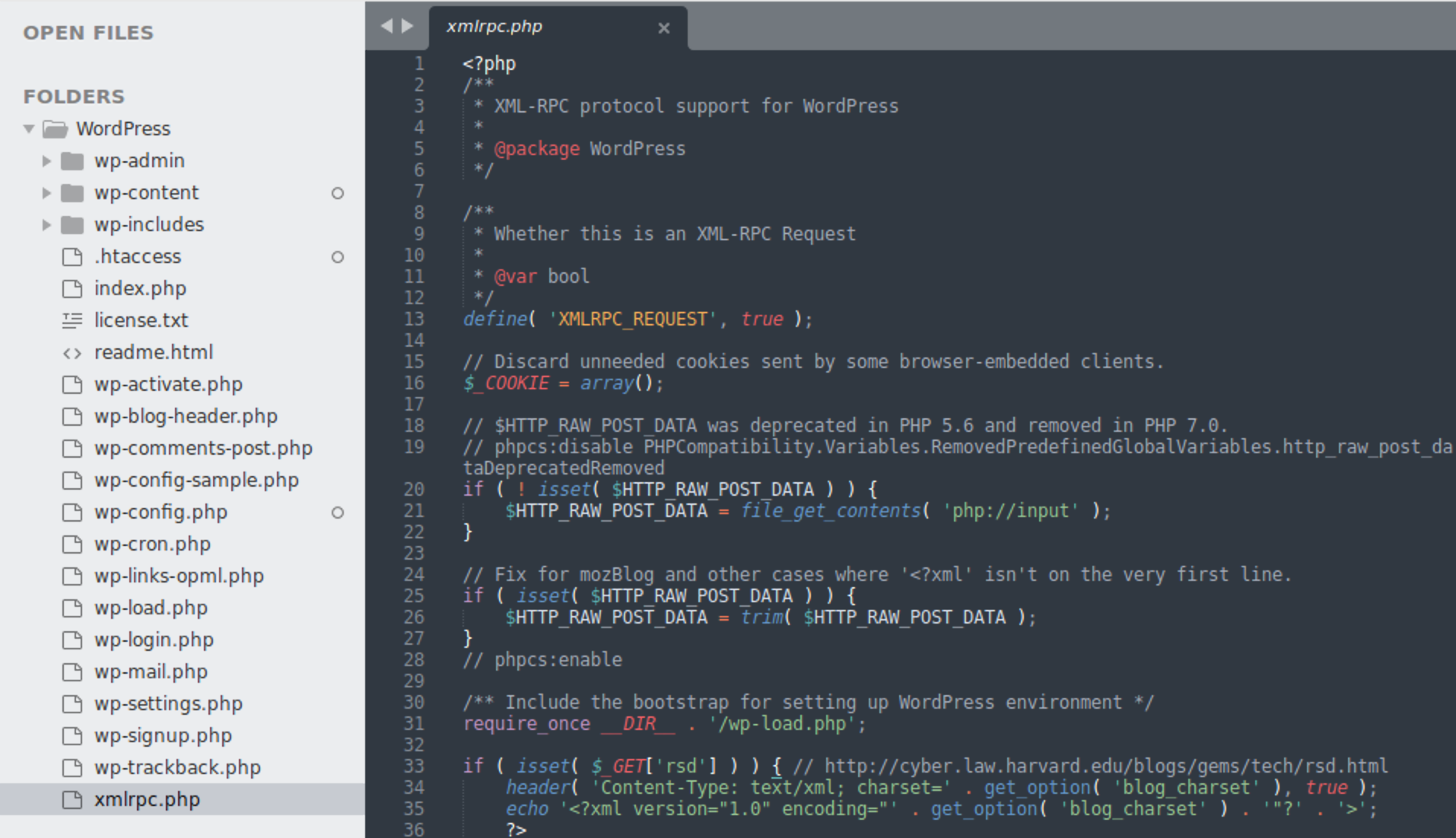
Xmlrpc.php helps WordPress connect with other apps. It uses Remote Procedure Calls (RPCs). RPCs allow commands from far away. This means you can post from your phone or tablet. The file lets apps talk to WordPress. It also supports trackbacks and pingbacks. These show links from other sites. Many plugins use XML-RPC for tasks. It is handy for developers. They can make new tools with it. But, it has risks too. Hackers may use it to attack sites. So, some people turn it off.
XML-RPC is a simple protocol. It uses XML to send data. The protocol helps apps talk over the internet. It has client-server setup. The client sends a request. The server gives a response. XML-RPC is an old method. It was made before REST API. Some find it slow now. But it is still useful. Easy to understand. Easy to use. Many apps still rely on it. Simple tasks work well with XML-RPC.
Role In WordPress
Xmlrpc.php is a special file in WordPress. It helps WordPress talk to other systems. This file allows remote communication. You can connect your site with apps and services. This is useful for managing your site from afar. You don’t need to be near a computer. This makes it easy to update or change things.
You can manage your WordPress site from anywhere. Use mobile apps or other tools. Xmlrpc.php makes this possible. You can post new blogs from your phone. You can also edit content easily. This is great for busy people. Manage your site while traveling or at home. It is very flexible and handy.
Security Concerns
Xmlrpc. php in WordPress allows remote access to your site, making it vulnerable to security threats. Hackers might exploit it to gain unauthorized entry or launch DDoS attacks. Ensuring it’s disabled or secured can protect your site’s integrity and sensitive data.
Common Vulnerabilities
Xmlrpc.php can be risky for WordPress sites. It allows remote connections. Hackers use it to send many requests. This slows down your site. Sometimes, sites crash. Attackers find weak points in the code. They can steal data. Passwords and usernames might be taken. Protecting your site is important. Keep your WordPress updated. Use strong passwords. Disable xmlrpc.php if not needed.
Preventing Unauthorized Access
Unauthorized access is a big problem. Hackers use xmlrpc.php to get in. They try many passwords. This is called brute force attack. Limit login attempts. This stops hackers. Use security plugins. They help keep sites safe. Block IP addresses that look suspicious. Always watch for strange activity. Check your logs regularly. This helps prevent damage. Stay alert and protect your site.
Troubleshooting Issues
Xmlrpc. php in WordPress handles remote procedure calls. It allows communication between your site and external applications. Troubleshooting this can resolve connectivity issues and improve site performance.
Identifying Common Errors
Xmlrpc.php in WordPress can cause issues. These errors might confuse users. Some common problems include slow website speed, security risks, and login troubles. Sometimes, you might find unexpected error messages. These messages can be scary. But don’t worry. Understanding the error is the first step. Note down any codes or messages. This helps in finding solutions.
Steps To Resolve Problems
Begin by checking your WordPress settings. Ensure plugins are updated. Outdated plugins can cause issues. Disable any plugins causing trouble. Check your WordPress theme. Sometimes, themes can create conflicts. Updating your theme might help. If problems continue, contact your hosting provider. They can help with server issues. Always keep a backup of your site. This ensures you don’t lose data. Regular backups can save time. It’s important to stay calm. Step by step, you can solve any problem.
Alternatives And Solutions
Xmlrpc.php can be a security risk. It allows hackers to exploit your site. Disabling it is a wise choice. Begin by accessing your WordPress dashboard. Look for plugins that can help. Some plugins disable Xmlrpc.php easily. You can search for them. Install and activate one. This will block Xmlrpc.php effectively. Your site will be safer. Users will feel secure browsing. This approach is simple and quick. No coding skills required.
REST API is a modern solution. It replaces Xmlrpc.php functions. This API is more secure. Developers prefer it for integrations. It offers better control over data. REST API is lightweight and fast. You can enable it in WordPress settings. Many plugins support REST API. These plugins simplify tasks for developers. Site performance improves as well. REST API is the future. Consider using it for your site.
Credit: blog.sucuri.net
Credit: blog.sucuri.net
Frequently Asked Questions
What Is Xmlrpc.php In WordPress?
Xmlrpc. php is a file in WordPress enabling remote connections. It allows external apps to interact with your site. This file is crucial for mobile app connectivity and some plugins. However, it can also be a security risk if not managed properly.
How Does Xmlrpc.php Work?
Xmlrpc. php uses XML-RPC protocol to communicate. It allows data transfer between your WordPress site and external applications. This is done through HTTP requests, enabling remote actions like posting content. However, it requires proper security measures to prevent misuse.
Is Xmlrpc.php A Security Risk?
Yes, Xmlrpc. php can be a security risk if misused. Hackers may exploit it for DDoS attacks or brute force login attempts. Proper security measures, like limiting access and using security plugins, are recommended to mitigate these risks.
Should I Disable Xmlrpc.php?
Disabling Xmlrpc. php depends on your site’s needs. If you don’t use remote publishing or apps, consider disabling it. This can enhance security by reducing potential attack vectors. However, ensure it won’t disrupt essential functionalities before disabling.
Conclusion
Understanding xmlrpc. php is crucial for WordPress security and functionality. It helps your site communicate with other services. But it can also pose risks. Hackers often target it for attacks. You can disable it if not needed. This reduces vulnerabilities.
Always ensure your WordPress site is up-to-date. Use security plugins for extra protection. Regularly monitor your website’s activity. Stay informed about potential threats. Your site’s safety should be a priority. Taking these steps helps keep your website secure.



