
Are you struggling to set up your WordPress emails? You’re not alone.
Many WordPress users hit a roadblock when it comes to configuring their SMTP host name. It’s a crucial step that can make or break your email deliverability. If your emails aren’t reaching their destination, you’re missing out on connecting with your audience, and that’s a real problem.
This guide is here to help you get it right. We’ll demystify the process and show you exactly what you should use in your SMTP host name for WordPress. By the end of this article, you’ll have the confidence and knowledge to ensure your emails land in inboxes, not spam folders. Let’s dive in and solve this puzzle together, so you can get back to what you do best—creating amazing content!
Choosing An Smtp Host
Picking the right SMTP host is very important. It affects how emails are sent. If you choose poorly, emails might not be delivered. Picking the right host helps emails reach inboxes. It ensures messages are not marked as spam. A good host keeps your communication smooth. It builds trust with your audience. Your site relies on emails for updates. Choose wisely.
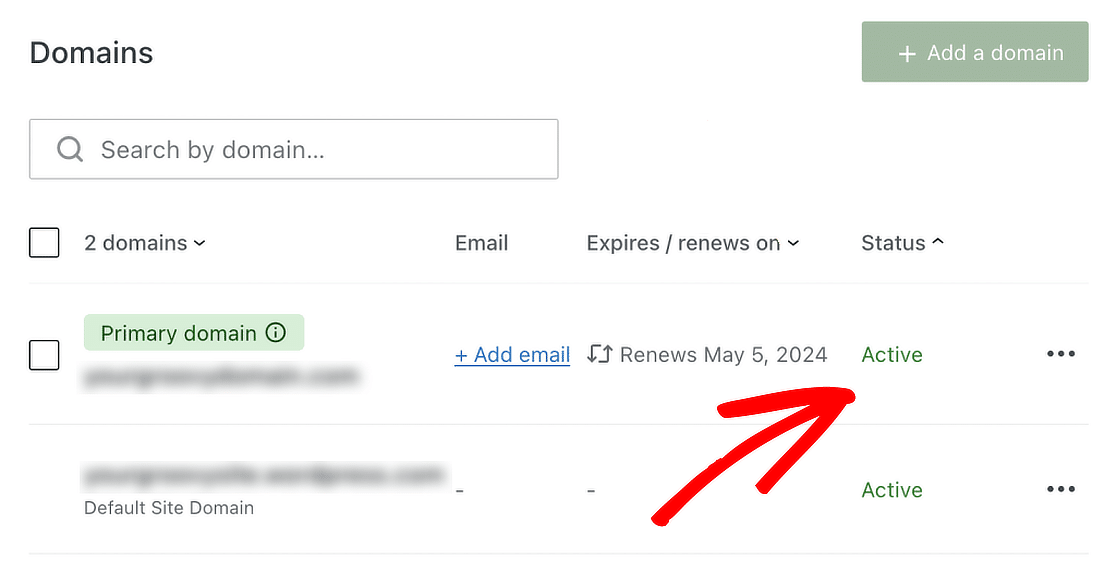
Many providers offer SMTP services. Popular choices include Gmail and Yahoo. Others are SendGrid and Mailgun. These are known for reliability. They offer good support. Easy integration with WordPress is a plus. Many users pick these for their features. Each has unique strengths. Choose based on your needs. Evaluate their costs and benefits. Always read reviews before deciding.
Credit: wpmailsmtp.com
Configuring Smtp In WordPress
Start by installing an SMTP plugin in WordPress. Plugins help to send emails better. Search for “SMTP” in the plugins section. Choose a popular one with good reviews. Install and activate the plugin. Follow the steps shown after activation. These steps will guide you to set up the plugin.
Fill in the SMTP details in the plugin settings. You need the SMTP host name. This is usually your email provider’s address. Write the SMTP port number too. It’s often 465 or 587. Enter your email and password. This helps to send emails safely. Save the settings. Now, WordPress can send emails using SMTP.
Smtp Host Options
Gmail is a popular choice for SMTP. Use smtp.gmail.com as the host name. It is reliable and often free. Gmail needs an SSL connection. Port 465 is required. Make sure you have a Gmail account. It helps with setup and security.
Yahoo Mail can be used for SMTP. The host name is smtp.mail.yahoo.com. Yahoo also needs an SSL connection. Use port 465. You need a Yahoo account to send emails. Yahoo SMTP is easy for beginners.
Outlook is another choice for SMTP. Use smtp-mail.outlook.com as the host name. It supports SSL with port 587. Outlook SMTP works well for Microsoft users. It is stable and trusted by many.
| Service Name | Host Name |
|---|---|
| SendGrid | smtp.sendgrid.net |
| Mailgun | smtp.mailgun.org |
| Amazon SES | email-smtp.us-east-1.amazonaws.com |
Third-party services offer many benefits. They are often faster. They provide more features for businesses. Choose a service that fits your needs.
Credit: wpmailsmtp.com
Troubleshooting Smtp Issues
SMTP errors can stop emails from sending. One common error is “SMTP server not found”. This means the server address is wrong. Another error is “authentication failed”. This happens if the username or password is incorrect. “Connection timed out” means the server is not responding. Each error needs a specific fix.
First, check the SMTP host name. Ensure it is correct. Next, verify the username and password. They must be correct for email sending. Try changing the port number. Common ports are 587 and 465. Use SSL if needed. Finally, check internet connection. A weak connection can cause errors. These steps should help resolve SMTP issues.
Enhancing Email Deliverability
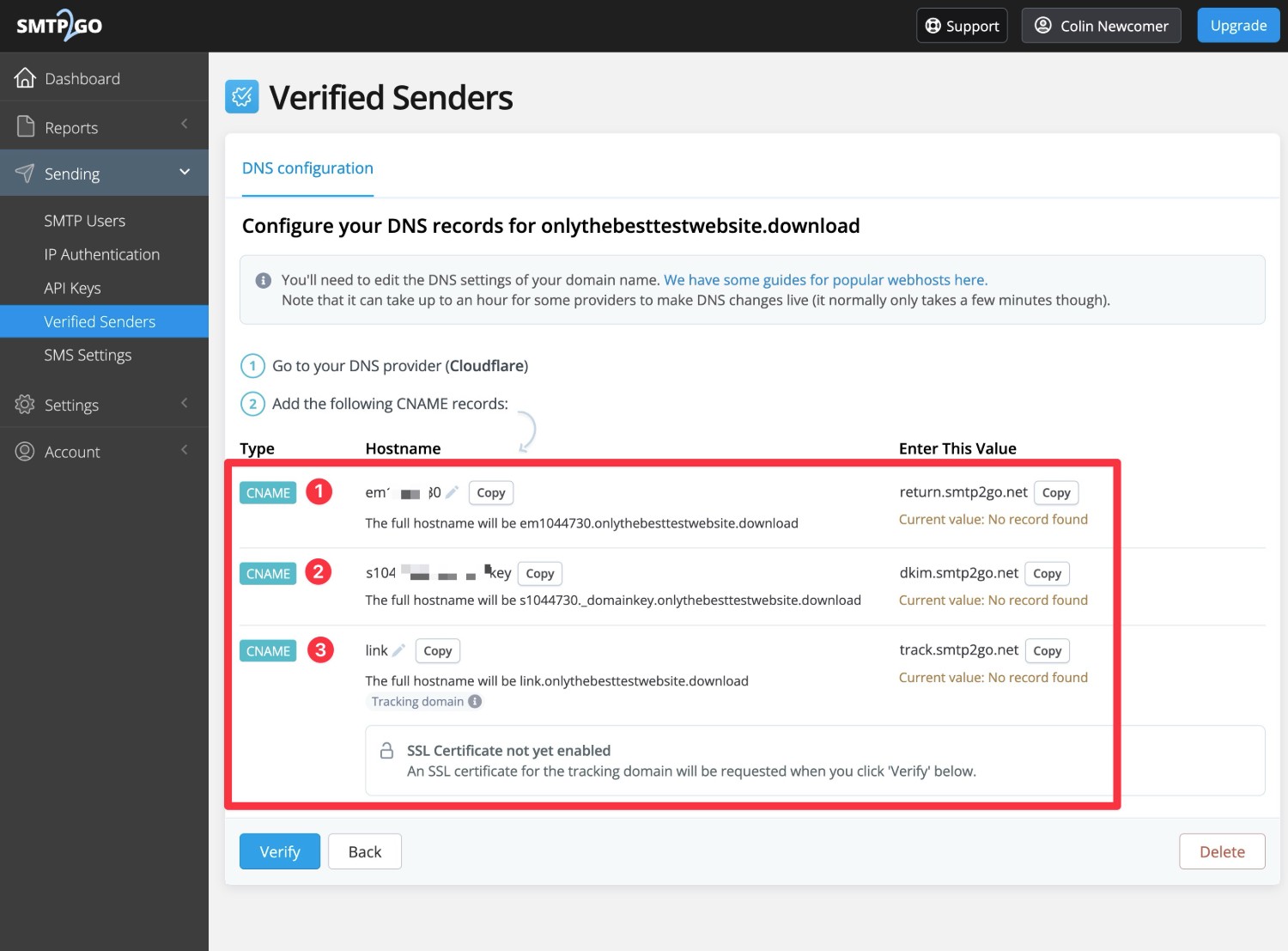
Choosing the right SMTP host name is important. It helps your emails reach their destination safely. Always use secure connections like SSL or TLS. These protect your email from bad actors. Secure connections make your emails private. They are like a locked box for your messages. Many hosts provide a secure option. Look for it in your settings. Use it to keep emails safe.
Always test your email settings. This ensures everything works well. Send a test email to yourself. Check if it arrives safely. If it does not, check your settings again. Use tools that help verify email delivery. These tools are often free. They help you find problems fast. Testing and verification are key. They ensure your emails are delivered correctly. This keeps your communication smooth and reliable.
Credit: www.gravityforms.com
Frequently Asked Questions
What Is Smtp Host Name In WordPress?
The SMTP host name in WordPress is the server address used for sending emails. It’s essential for configuring email services in WordPress, ensuring emails are delivered correctly. Common SMTP hosts include Gmail, Yahoo, and custom domain servers.
How To Find My Smtp Host Name?
You can find your SMTP host name in your email provider’s settings or documentation. Commonly used SMTP host names include smtp. gmail. com for Gmail and smtp. mail. yahoo. com for Yahoo.
Can I Use Gmail As Smtp Host?
Yes, you can use Gmail as your SMTP host in WordPress. Configure it by entering smtp. gmail. com as the host name and your Gmail credentials. Ensure you enable “Less secure apps” in your Google account settings for seamless integration.
Is Smtp Necessary For WordPress Emails?
SMTP is crucial for reliable email delivery from WordPress. It ensures emails aren’t marked as spam and improves deliverability. Without SMTP, WordPress may use PHP mail, which is less reliable and can lead to failed email deliveries.
Conclusion
Choosing the right SMTP host name is crucial for WordPress. It ensures your emails are delivered efficiently. Consider reliable services like Gmail or Sendinblue. These options often provide better security. Also, they improve deliverability rates. Always test your settings before going live.
This reduces the risk of errors. Remember to keep your SMTP credentials safe. Regular updates can prevent potential issues. By following these guidelines, your WordPress site will run smoothly. Email communication will become more reliable. Your audience will appreciate prompt responses.
Happy blogging!



