
Are you new to WordPress and wondering what wp-login is all about? You’re not alone.
This little gateway is your entry point to managing your WordPress site, but it can seem like just another technical term to get your head around. Understanding wp-login is crucial because it’s your first step towards unlocking the potential of your WordPress website.
Imagine having the power to customize your site, add content, and engage with your audience all at your fingertips. This is what wp-login offers you, and mastering it can make your WordPress experience seamless and rewarding. Stick with us as we delve into what wp-login is and why it’s essential for you. Unlock the door to your WordPress world right here.
Credit: www.grapestree.com
Understanding Wp-login
WP-Login is the door to your WordPress site. It lets you log in safely. It is important for security. You enter your username and password here. Only people with permission can access the site. It helps keep your site safe from strangers. This page is a key part of WordPress. It makes sure your site stays private.
WP-Login is vital for site management. It lets admins control the site. They can add new posts or change settings. It is a tool for editing and updates. Admins can also manage user roles. This keeps the site organized. Without WP-Login, site maintenance is hard. It is an essential part of WordPress.
Accessing Wp-login
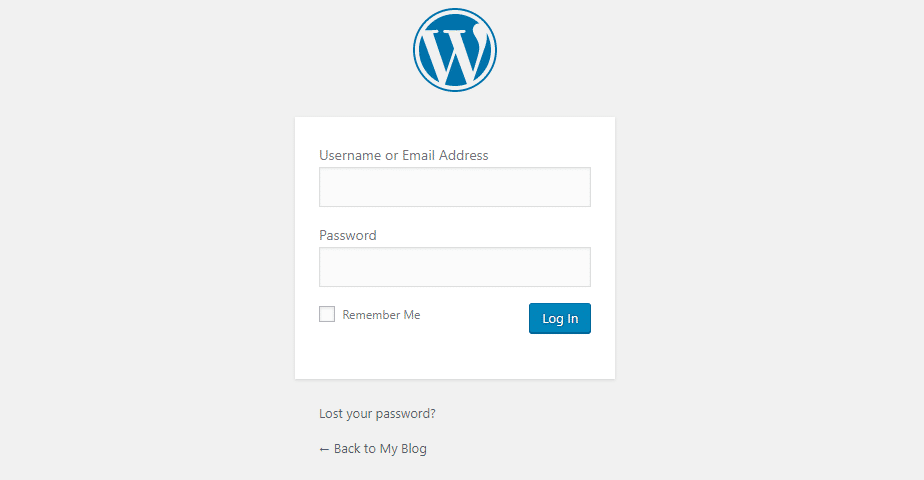
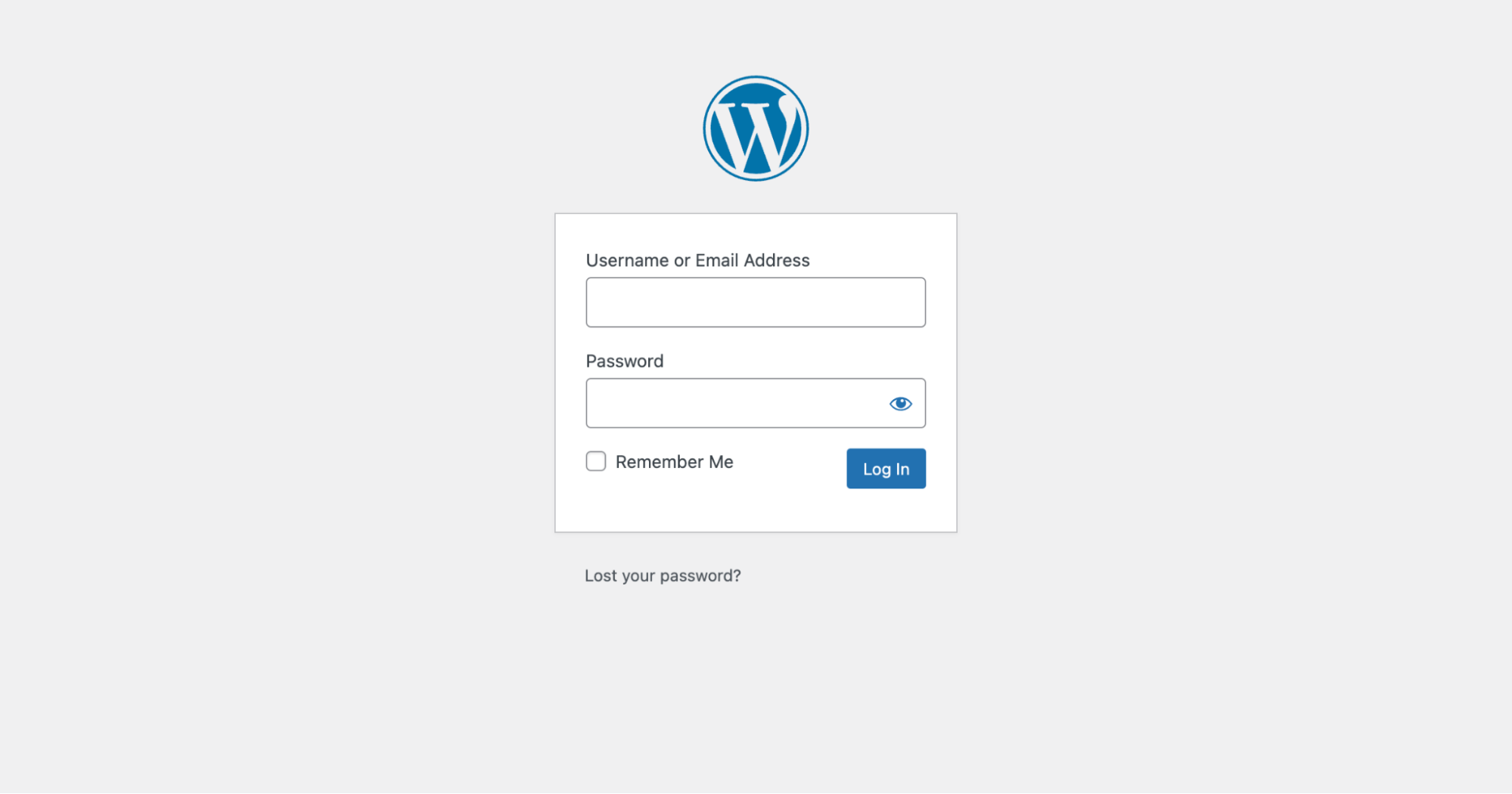
The default URL for logging into WordPress is wp-login.php. Users type this into their web browser to access the login page. It’s simple and easy to remember. Anyone with a WordPress site can use this link to log in.
This page asks for your username and password. After you fill these out, you can enter your dashboard. Make sure you keep your login details safe. Others should not know them.
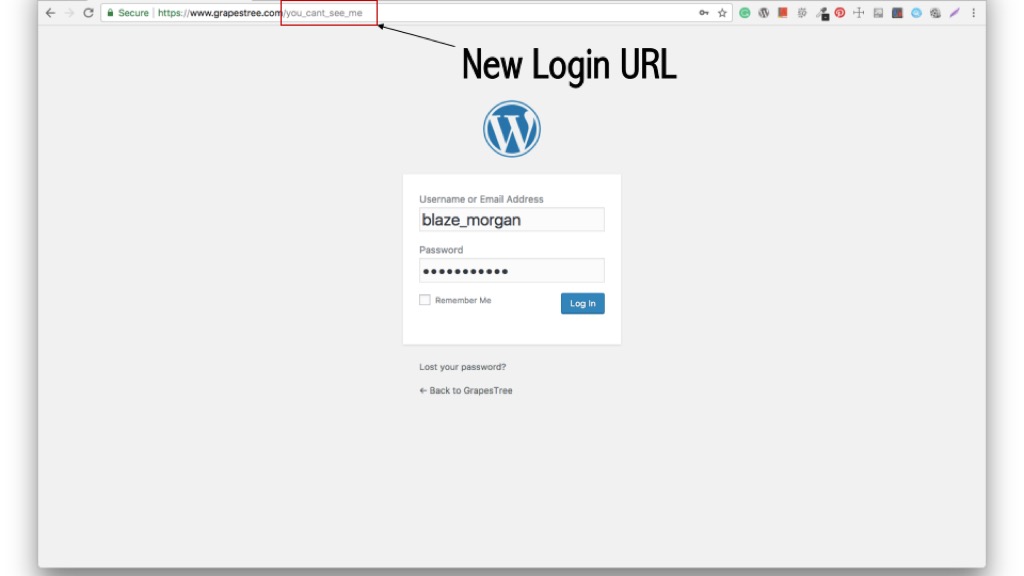
Some people change their login URL. They do this for security reasons. A custom URL makes it harder for strangers to find the login page. Changing the URL is easy with plugins.
Plugins like WPS Hide Login help you create a custom URL. A unique URL keeps your site safer. Users should remember this new login link. It helps them access their dashboard quickly.
Security Considerations
Wp-Login is WordPress’s gateway for user authentication. Secure it to prevent unauthorized access. Consider strong passwords and two-factor authentication to enhance safety.
Common Threats
Wp-login pages face many threats. Hackers often try brute force attacks. They guess passwords repeatedly. This can lead to unauthorized access. Malware is another threat. It can infect the site. This makes the site vulnerable. Phishing attacks are common too. They trick users into giving passwords. These threats can cause serious harm. Protecting wp-login is vital. It keeps information safe. It also safeguards user data.
Enhancing Security Measures
Strong passwordsRegular updates are important. They fix security holes. Installing security plugins can help. They monitor for threats. Limiting login attempts is wise. It stops repeated tries. Secure hosting is also key. It ensures your site stays safe. These steps enhance wp-login security. They protect your website and users.
Customization Options
The login page can be changed to look how you want. You can add your own logo and colors. This makes your site feel unique. Many like this because it shows their style.
Plugins help you change the login page easily. Some popular plugins are Custom Login Page Customizer and LoginPress. These tools let you make changes without coding. They offer many options like background images and custom messages. With plugins, changes become simple and fun.
Troubleshooting Login Issues
Users face trouble logging into WordPress. Forgotten passwords are a common issue. Wrong username also causes login failure. Sometimes, the site has server issues. Check if your internet is working. Browser problems can block access. Clear cache in your browser to fix this.
Reset passwords using the “Forgot Password” link. Use your email to get a new one. Check your username carefully. Make sure there are no typing errors. If the site is slow, contact your host provider. They can help solve server problems. Enable JavaScript in your browser settings. This can fix login issues. Install security plugins to keep your site safe. They protect against hackers. Always keep your WordPress updated. This ensures smooth operation.
Credit: kinsta.com
Best Practices For Wp-login
Always use a strong password. This keeps your site safe. Change your password often. Avoid using common words. Enable two-factor authentication. This adds an extra layer of security. Keep your WordPress updated. Updates fix security issues. Install security plugins. They help protect your site. Limit login attempts. This stops hackers from guessing passwords. Always log out after using your site.
Make sure your login page is simple. Users should find it easy. Use a clean design. This helps people focus. Allow users to save their login details. It saves time. Ensure the login page loads fast. Slow pages frustrate users. Provide a clear “Forgot Password” link. People lose passwords often. Offer help options if users face issues.
Credit: elementor.com
Frequently Asked Questions
What Is Wp-login In WordPress?
Wp-login is the default login page for WordPress sites. It allows users to access the admin dashboard. The page is typically found at yoursite. com/wp-login. php. Users can enter their credentials here to manage site content, plugins, and settings. It’s crucial for site security and user management.
How Do I Access Wp-login?
To access wp-login, simply append /wp-login. php to your website’s URL. For example, visit yoursite. com/wp-login. php. This will direct you to the login page where you can enter your username and password to access the WordPress admin area.
Why Can’t I Access Wp-login?
If you can’t access wp-login, there may be several reasons. Your site might be down, or your URL could be incorrect. Sometimes, security plugins block access. Ensure your URL is correct and your site is online. Check with your hosting provider if issues persist.
How To Secure Wp-login Page?
To secure wp-login, use strong, unique passwords and enable two-factor authentication. Limit login attempts to prevent brute force attacks. You can also change the login URL using a plugin for added security. Regularly update WordPress and plugins to protect against vulnerabilities.
Conclusion
Wp-Login is crucial for WordPress users. It provides access to your site. Protect your login details carefully. Change passwords regularly. Use strong passwords. Enable two-factor authentication. This keeps your site secure. Manage user accounts wisely. Limit login attempts to prevent attacks.
Wp-Login connects you to your WordPress dashboard. Explore its features. Keep learning to enhance your site. Familiarize yourself with its functions. Stay updated on security practices. This ensures a safe WordPress experience. Understanding wp-login boosts your site management. It helps maintain a secure online presence.
Keep your WordPress site safe and efficient.



