
Imagine having a bustling website where visitors not only browse but also engage directly with your content. If you’re using WordPress, one way to turn casual visitors into active members is through user registration.
But what exactly is new user registration in WordPress, and why should you care? This feature opens up a world of possibilities, allowing you to create a vibrant community, manage memberships, and even tailor content specifically for your audience. Whether you’re looking to build a loyal following or streamline your website’s functionality, understanding new user registration is crucial.
Keep reading to discover how you can harness this tool to elevate your website and enhance user interaction.
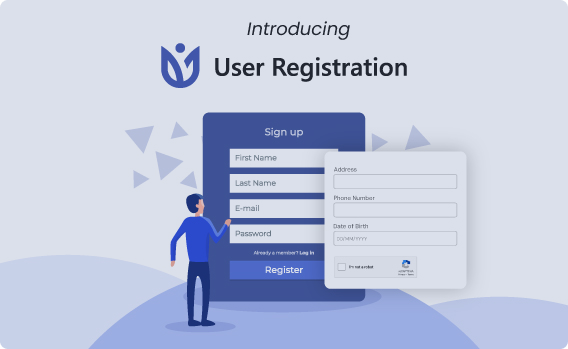
Credit: wpuserregistration.com
New User Registration Basics
New user registration is a way to let people join your site. People need to fill a form. They give details like name and email. This helps them create an account. With an account, they can do more on your site.
WordPress makes this process easy. You can turn on user registration. Go to settings and find the option. It’s called “Anyone can register.” Click to allow new users.
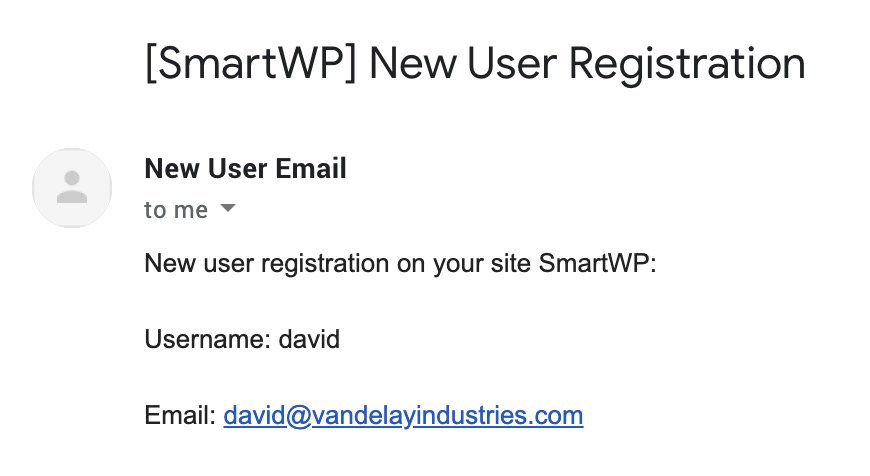
After registration, users get a welcome email. It has a link to set a password. They click the link to finish. This keeps their account safe. Managing users is simple in WordPress. You can see all users in the dashboard.
Benefits Of User Registration
User registration in WordPress has many benefits. It helps to build a community. Users can leave comments and interact. Engagement grows with user participation.
Access control is another benefit. Admins can restrict content. Only registered users see certain pages. This adds security and privacy.
Registration simplifies communication. Admins can send updates to users. Users stay informed about changes. This improves user experience.
User data collection is possible. Admins gather information about users. This helps in understanding user behavior. Businesses use this data to improve services.
Customization options increase. Registered users can set profiles. Change settings to match their needs. This leads to better personalization.
Setting Up Registration
WordPress allows users to register easily by enabling the new user registration feature. This option lets people create accounts and access your site. Customize settings to control permissions and automate welcome emails.
Enabling User Registration
First, find the settings in WordPress. Go to the dashboard. Click on Settings. Choose General. Look for the option that says Membership. Check the box that says “Anyone can register”. Save your changes. This allows new users to sign up. Remember, it is important to keep your site secure. Always use strong passwords.
Choosing User Roles
User roles decide what users can do. WordPress has five main roles. They are Subscriber, Contributor, Author, Editor, and Administrator. Start with the Subscriber role for new users. This role is safe. It gives limited access. Users can read and comment. They cannot change settings or posts. Choose roles wisely for security.
Credit: smartwp.com
Customizing Registration Forms
Plugins help make registration forms better. They offer more features. With plugins, you can add new tools to forms. This makes them look nicer. Users find it easier to sign up. Plugins are easy to install. Many are free. Some plugins offer more options for a fee. Choose one that fits your needs.
Custom fields let you ask for extra information. They are useful for getting details. You can ask for phone numbers or addresses. This helps in knowing users better. Custom fields are easy to add. They make forms unique. Users like forms that ask the right questions. It makes them feel important.
Managing Registered Users
WordPress has many tools for managing users. Admins can see all users in one place. This makes it easy to keep track. There are options to add or remove users. Roles can be changed too. This helps in giving the right permissions. It’s important to keep user data safe. WordPress helps with that too. You can even use plugins for extra tools. These plugins add more features for managing users. They make the job easier and faster.
Users can update their information anytime. Admins can also edit user details. This includes names, emails, and passwords. Keeping information updated is important. It makes communication easier. Users feel more secure knowing their data is correct. WordPress makes editing simple. Just a few clicks and changes are saved. This keeps everything organized and up-to-date.
Security Considerations
Understanding security is crucial for new user registration in WordPress. Protecting user data involves using strong passwords and regular updates. Employing plugins and monitoring login attempts enhances safety, safeguarding against unauthorized access.
Preventing Spam Registrations
Spam registrations can be a big problem. They fill your site with fake users. This makes it hard to manage real users. Blocking spam is important. You can use plugins to help. These plugins check if a user is real. This keeps fake accounts away. Some plugins even block known spam addresses. They are easy to set up.
Implementing Captcha
Captcha is a smart tool. It helps in stopping spam. Captcha checks if a user is human. It shows puzzles or questions. Users must solve them to register. This stops bots from registering. Many sites use captcha for safety. There are different types of captcha. Some use pictures. Others use numbers. Choose what fits best for your site. Captcha makes your site more secure.
Enhancing User Experience
New users get a welcome email after registration. This email is important. It shows users that they are now part of the community. The email usually contains a warm greeting. It may also have helpful links. These links guide users on how to start. A welcome email sets the tone for the future. It builds trust and connection.
After signing up, users often expect to be redirected. This can be to a welcome page. Or to their new profile page. This step is simple but important. It helps users know they have registered successfully. A good redirect enhances user experience. It can also increase engagement on your site. Proper redirects make navigation easy for everyone.
Troubleshooting Common Issues
New user registration in WordPress can sometimes lead to common issues. Problems may include incorrect form submissions or missing confirmation emails. Understanding settings and user roles helps solve registration challenges efficiently.
Registration Errors
User registration can fail due to many reasons. Sometimes, the username or email is already taken. Users may forget to fill all required fields. Password strength can also cause issues. A weak password is often rejected. Plugin conflicts can lead to errors. Check if any plugin is causing trouble. Server settings might block registration. Ensure your server allows it. Always check if the WordPress version is up to date. An outdated version can cause problems. Regular updates fix bugs and errors.
Email Deliverability Problems
Emails might not reach users after registration. Spam filters often block these emails. Ensure your email settings are correct. Use SMTP to send emails. It improves delivery rates. Email plugins help manage settings better. Choose a plugin that suits your needs. Check your domain reputation. A bad reputation affects email delivery. Regularly test email settings. Confirm if emails reach users. Consider using an email service provider. They improve deliverability. Always verify email addresses are correct.
Credit: jetformbuilder.com
Frequently Asked Questions
How Do I Enable User Registration On WordPress?
To enable user registration on WordPress, go to your admin dashboard. Navigate to Settings > General. Check the box for “Anyone can register” under Membership. Save changes to allow users to register. This option opens your site for new user registrations.
Can I Customize The Registration Form In WordPress?
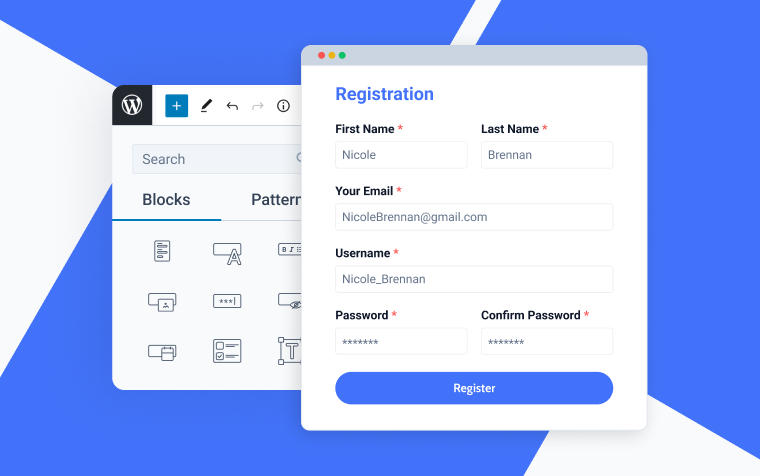
Yes, you can customize the registration form using plugins like WPForms or User Registration. These plugins offer drag-and-drop form builders. They allow you to add custom fields, change design, and manage user data effectively.
Is WordPress Registration Secure?
WordPress registration can be secure with proper measures. Use security plugins like Wordfence or Sucuri for protection. Enable reCAPTCHA to prevent spam registrations. Regularly update themes, plugins, and WordPress core to safeguard user data.
How To Manage Registered Users In WordPress?
To manage registered users, go to your WordPress dashboard. Navigate to Users > All Users. Here, you can view, edit, and manage user roles. You can also delete users or change their role as needed.
Conclusion
Exploring new user registration in WordPress can enhance your site’s community. It offers a straightforward way to manage users. You can easily control access and roles. This feature ensures a smooth registration process. As your site grows, user management becomes crucial.
WordPress makes it simple and effective. By enabling registration, you create a welcoming environment. Users feel valued and engaged. This boosts interaction and loyalty. Understanding these basics helps you manage your site better. With these tools, your WordPress site can thrive.
Keep learning and exploring. Your site will benefit greatly.



