
Have you ever wondered how to make your images pop on your WordPress site? Picture this: a visitor lands on your page, clicks on an image, and instead of being taken away to another page, the image gracefully enlarges and becomes the star of the screen.
This captivating effect is thanks to a tool called a “Lightbox”. Imagine turning your website into a more interactive and visually appealing space with just a few clicks. Intrigued? You should be. Understanding what a Lightbox is and how it can transform your WordPress site could be the secret to engaging your audience like never before.
Dive into this article to discover how you can harness the power of Lightbox to captivate your visitors and elevate your website’s visual storytelling.

Credit: wordpress.org
Lightbox Concept
A lightbox makes images on WordPress look better. It opens images in a big window. This helps see photos clearly. The page behind turns dark. This makes the image the center of attention.
Clicking outside the image closes the lightbox. Users return to the page quickly. This tool keeps the site neat and clean. It is very popular with photographers and artists. They love showing their work beautifully.
Plugins add lightbox to WordPress easily. These plugins are simple to use. Anyone can install them without trouble. They bring a professional touch to any site. A lightbox is a handy feature for everyone.
Features Of Lightbox
Lightbox makes images bigger on your screen. This is great for seeing details. Click on a picture to see it larger. It dims the background for better focus. You can also use arrows to see more pictures. It’s like a slideshow. Many people use it for photo galleries.
Lightbox is easy to add on WordPress. Many plugins are available. Some plugins are free. Others might need payment. Responsive design is a key feature. This means it works well on phones and computers. Lightbox also supports videos. This makes it very useful. Choose a plugin that suits your needs.
Benefits Of Using Lightbox
Lightbox makes images pop on a website. Visitors see images larger and clearer. This enhances the viewing experience. The site looks more professional and organized.
Navigation becomes easier. Users click and browse images without leaving the page. This keeps them engaged. The user interface is smooth and intuitive.
Lightbox reduces page load times. It loads images only when needed. This saves bandwidth. Mobile users benefit too. Pages load quicker on phones.
Using Lightbox is simple. Many plugins offer easy integration. No need for complex coding. It fits well with most WordPress themes. Webmasters find it convenient.
Popular Lightbox Plugins
Lightbox plugins enhance WordPress by displaying images and videos in a pop-up overlay, keeping visitors on the page. These plugins offer a visually appealing way to showcase media without navigating away. Popular options provide customizable features and support for various content types, enriching the user experience.
WordPress Plugin Options
Lightbox plugins make images look great on websites. They help show pictures in a neat way. Many plugins are available for WordPress users. Each has different features and styles.
Comparison Of Popular Plugins
| Plugin Name | Features | User Rating |
|---|---|---|
| Simple Lightbox | Easy to use, customizable | 4.5/5 |
| FooBox | Responsive, mobile-friendly | 4.2/5 |
| Responsive Lightbox | Multiple gallery options | 4.6/5 |
Choose plugins based on your needs. Check user ratings and features. Always test the plugin on your site first. This helps ensure everything works well.
Installing Lightbox On WordPress
First, log in to your WordPress dashboard. Next, go to the Plugins section. Click on Add New. In the search box, type Lightbox. Many options will appear. Choose a plugin you like. Click Install Now. Wait a few moments. After it installs, click Activate. The plugin is now active. You can now use it. Check your website to see how it works.
Sometimes, the plugin might not install. This can happen due to a slow internet connection. Ensure your connection is stable. If the plugin is not activating, check for plugin conflicts. Deactivate other plugins one by one. Then, try activating the Lightbox again. If the problem persists, contact WordPress support for help. Always keep your plugins updated. This helps prevent many issues.
Customizing Lightbox
Change the colors to match your website. Use simple colors. Adjust the size of the lightbox. Make it fit your images well. Try different border styles. Borders can make images pop.
Add captions to give information. Captions help viewers understand images. Use easy-to-read fonts. Fonts should be clear and visible.
Use animations for smooth effects. Animations make transitions look nice. Add custom buttons for extra options. Buttons can control actions.
Include thumbnails for quick preview. Thumbnails help users see options. Try lightbox themes for unique styles. Themes can change the whole look.
Best Practices For Lightbox
A clean design makes the lightbox more effective. Use simple colors and fonts. Keep buttons clear and easy to click. The layout should be intuitive for users. Images should be high-quality. This ensures they look good on all screens. Make sure the lightbox does not cover important content. Users should not feel trapped. Provide a clear exit option. This helps users feel in control. Always test the design. Check how it works on different devices. Ensure the lightbox is responsive. This helps users with small screens. Simple design is often the best choice.
Lightboxes should not slow down your site. Large files can make pages load slowly. Use compressed images to save space. This helps the page load faster. Avoid using too many scripts. They can also make the site slow. Use lazy loading for images. This loads images only when needed. It saves bandwidth and improves performance. Test the lightbox on different connections. Ensure it works well even on slow internet. Optimize for fast loading to keep users happy. A quick site is a better site.
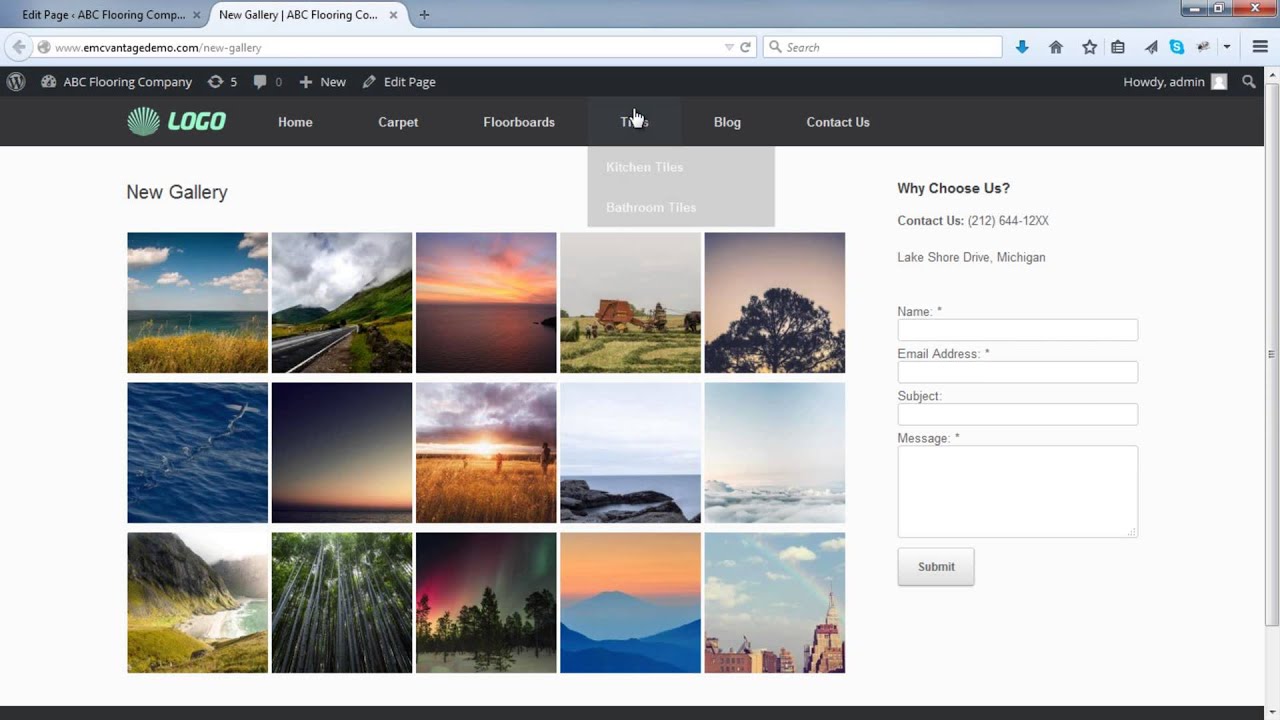
Credit: www.youtube.com
Troubleshooting Lightbox Issues
Lightbox not opening? This is a frequent issue. Often, JavaScript conflicts cause this. Plugins may not work well together. Check your plugins. Disable them one by one. Find the one causing trouble.
Another problem is images not displaying. Ensure your image links are correct. Verify they are uploaded. Missing files can cause this. Sometimes, Lightbox settings are wrong. Double-check your settings. Make sure they are correct. This often fixes the issue.
Future Of Lightbox Technology
Lightbox technology is growing fast. It makes images pop on websites. People love clear pictures that stand out. Web designers use Lightbox to show pictures better. This tool helps users focus on one image at a time. It hides other parts of a webpage. This creates a cleaner view.
New features are coming to Lightbox soon. These features make it more interactive. Users may zoom in or move around the picture. This gives them control. It makes websites fun and engaging. Websites will look fresh and modern with these features.
Mobile users will benefit from Lightbox updates. Mobile phones are very popular. Lightbox will work well on small screens. This means more people can enjoy images on their phones. Lightbox will keep improving for everyone.
Credit: elementor.com
Frequently Asked Questions
What Is A Lightbox In WordPress?
A Lightbox in WordPress is a feature that overlays images on a webpage. It dims the background, allowing users to view images clearly. This enhances the user experience by focusing attention on the image. Lightboxes are commonly used in galleries and portfolios, providing a sleek and professional look.
How Does Lightbox Improve User Experience?
Lightboxes improve user experience by displaying images in an overlay, dimming the background. This feature draws focus to the image, ensuring better visibility. Users can navigate through images easily without leaving the page. This seamless interaction keeps users engaged and enhances overall website aesthetics.
Can Lightbox Be Used For Videos?
Yes, Lightbox can be used to display videos on WordPress websites. It provides an overlay effect similar to images, ensuring a distraction-free viewing experience. By embedding videos within a Lightbox, you maintain the visual appeal and user engagement of your site.
This is perfect for showcasing video content professionally.
Is Lightbox Compatible With Mobile Devices?
Lightbox is compatible with mobile devices, providing a responsive design that adjusts to different screen sizes. This ensures a seamless user experience across desktops, tablets, and smartphones. Users can enjoy the same overlay effect on mobile, enhancing image and video viewing on the go.
Conclusion
Lightbox features on WordPress enhance user experience significantly. It allows images to appear larger and clearer. Readers find it easier to focus on content. This improves engagement on your site. Easy-to-use plugins make setup simple. No coding skills required. Just install and activate.
Your website becomes more visually appealing. Visitors enjoy browsing with fewer distractions. Lightbox can elevate your site’s design. Consider integrating it for better visual storytelling. It helps keep users on your site longer. Explore options that fit your needs. Simple, effective, and impactful.
Make your WordPress site shine.



