
Have you ever found yourself puzzled about where to log into your WordPress site? You’re not alone.
Many users, both new and experienced, often find themselves searching for the correct WordPress login address. Knowing the right URL is crucial for accessing your website’s dashboard, managing content, and keeping your site updated. Imagine the frustration of wanting to publish a new post, tweak a setting, or check your website’s analytics, only to be stalled by not knowing where to log in.
We will demystify the WordPress login process, ensuring you always know exactly where to go. Let’s eliminate the guesswork and make your WordPress experience smoother and more efficient. Keep reading, and you’ll never have to wonder about your WordPress login address again.
WordPress Login Url
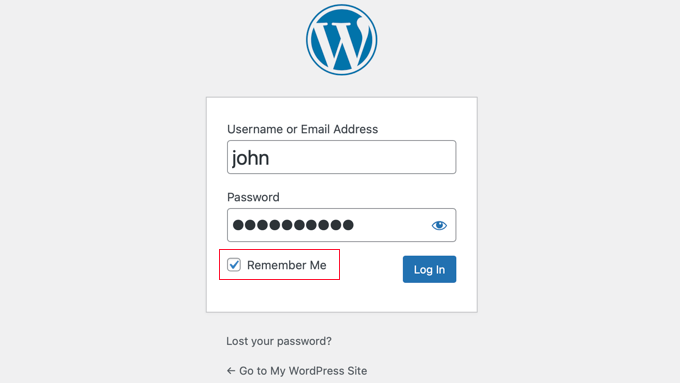
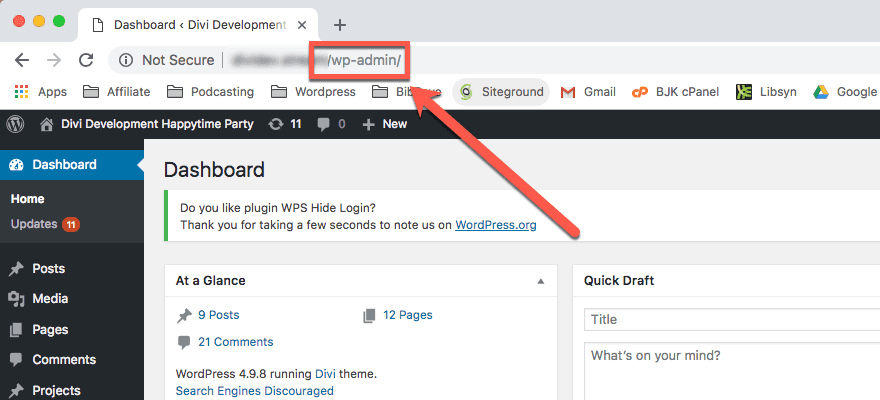
The WordPress Login URL is where you access your site. This URL is usually /wp-admin or /wp-login.php. Type it after your website address. For example, if your site is www.example.com, the login URL would be www.example.com/wp-admin. You will see the login page there. Enter your username and password. Then click the login button. You can also bookmark this page. It saves time next time you log in. Make sure your password is strong. This keeps your site safe.
Accessing The Login Page
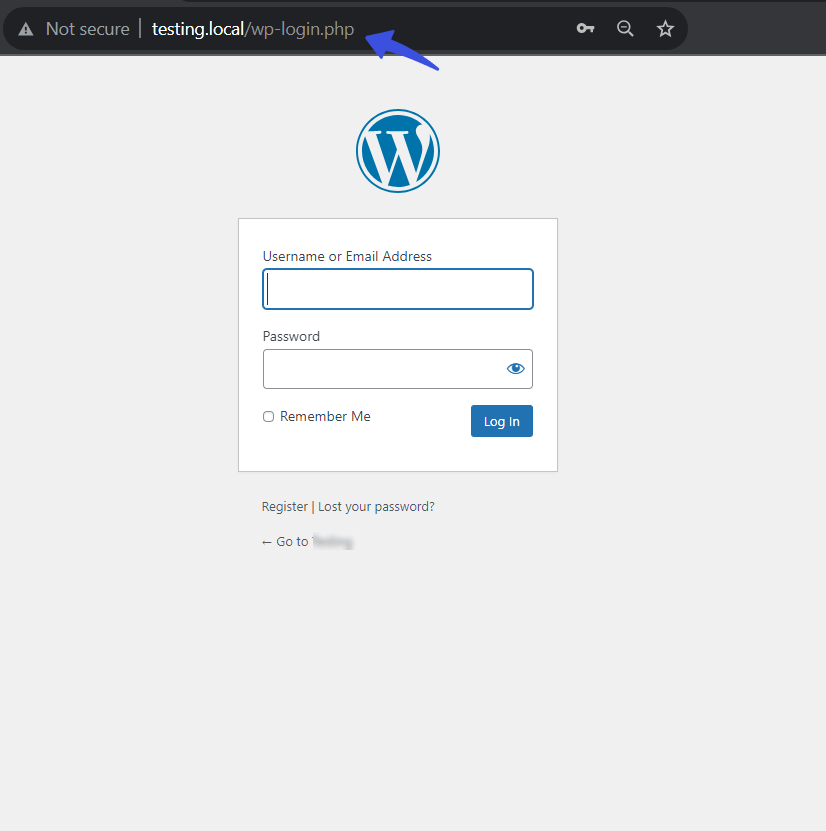
Most WordPress sites have a standard login address. You can find it by typing yourwebsite.com/wp-login.php. This is the default login page for many WordPress websites. It is an easy way to access your admin panel. Remember, keep your login credentials safe to protect your site.
Some websites have a custom login URL. This means the login page might be different. Website owners do this for extra security. Check with your website admin if you have a custom URL. It helps to reduce unwanted login attempts. Always ensure you are using the correct URL to log in safely.
Troubleshooting Login Issues
People forget passwords often. This is normal. WordPress makes it easy to reset. Click on the “Lost your password?” link. It is on the login page. Follow simple steps. Enter your email. Check your inbox. Click the link sent. Create a new password. Keep it safe. Try not to forget it again.
Sometimes the login page does not load. This frustrates users. First, check your internet. Is it working? If yes, clear your browser cache. Sometimes cache causes problems. If still not loading, try a different browser. Some browsers work better. If problems persist, contact your host. They can help fix it.
Credit: www.wpbeginner.com
Securing Your Login Page
Two-Factor Authentication adds a second layer of security. First, you enter your password. Then, you must provide another code. This code is sent to your phone. It makes your account much safer. Hackers find it harder to break in. Always use this feature if available. It protects your WordPress login.
Changing the login URL is a smart step. Hackers often know the default login URL. You can make it different. This way, it becomes hard for them to find. It’s a simple but effective trick. It keeps your WordPress site secure. Always remember the new URL you set. Use plugins to help if needed.
Tips For Easy Access
Creating a bookmark helps you find the login page fast. Click the star icon in your browser’s address bar. Choose a name for the bookmark. Save it to the bookmarks bar for easy access. Now, the login page is just one click away. No more typing every time.
A password manager keeps your login details safe. It remembers your passwords for you. You only need to remember one password. Choose a trusted password manager. Save your WordPress login details there. Accessing the site becomes easy and secure.
Credit: www.elegantthemes.com
Credit: loginpress.pro
Frequently Asked Questions
How Do I Find My WordPress Login Address?
The WordPress login address is typically your website URL followed by /wp-admin. For example, if your site is example. com, the login page would be example. com/wp-admin. This URL grants access to your website’s dashboard where you can manage and update your content.
Can I Change My WordPress Login Url?
Yes, you can change your WordPress login URL for enhanced security. Use plugins like WPS Hide Login or iThemes Security. These plugins allow you to customize the login URL, reducing the risk of unauthorized access attempts. Always ensure your new URL is easy for you to remember.
What If My WordPress Login Url Isn’t Working?
If your WordPress login URL isn’t working, clear your browser cache and cookies. Check your internet connection and ensure you’re using the correct URL format. If issues persist, disable plugins via FTP and contact your hosting provider for further assistance.
Why Can’t I Access My WordPress Login Page?
Inability to access your WordPress login page can be due to several reasons. These include incorrect URL, plugin conflicts, or server issues. Try accessing the site from a different browser or device. If the problem continues, consult with your hosting provider for troubleshooting.
Conclusion
Finding the WordPress login address is essential for website management. It allows you to access your WordPress dashboard. This dashboard is where you can make changes, add content, and customize your site. Remember the typical login URL: yourwebsite. com/wp-admin. This simple URL helps you get started quickly.
Bookmark it for easy access later. Always keep your login details secure. Protecting your site is important. If you have trouble, consult WordPress support or online guides. They offer helpful tips and solutions. Keep your website updated for the best performance.
Happy blogging!



