
Have you ever wished for a tool that could supercharge your WordPress website with just a few clicks? If you’re nodding yes, then Jetpack Connect might just be your new best friend.
Imagine having the power to enhance your site’s security, performance, and design without needing to be a tech wizard. Jetpack Connect is here to make it all possible, seamlessly linking with your WordPress site to provide a suite of powerful features.
But what exactly is Jetpack Connect, and how can it transform your online presence? Stay with us, and you’ll discover how this tool can turn your website into a robust, efficient, and visually stunning platform. Let’s dive into the world of Jetpack Connect and explore the endless possibilities it offers for your WordPress journey.
Jetpack Connect Overview
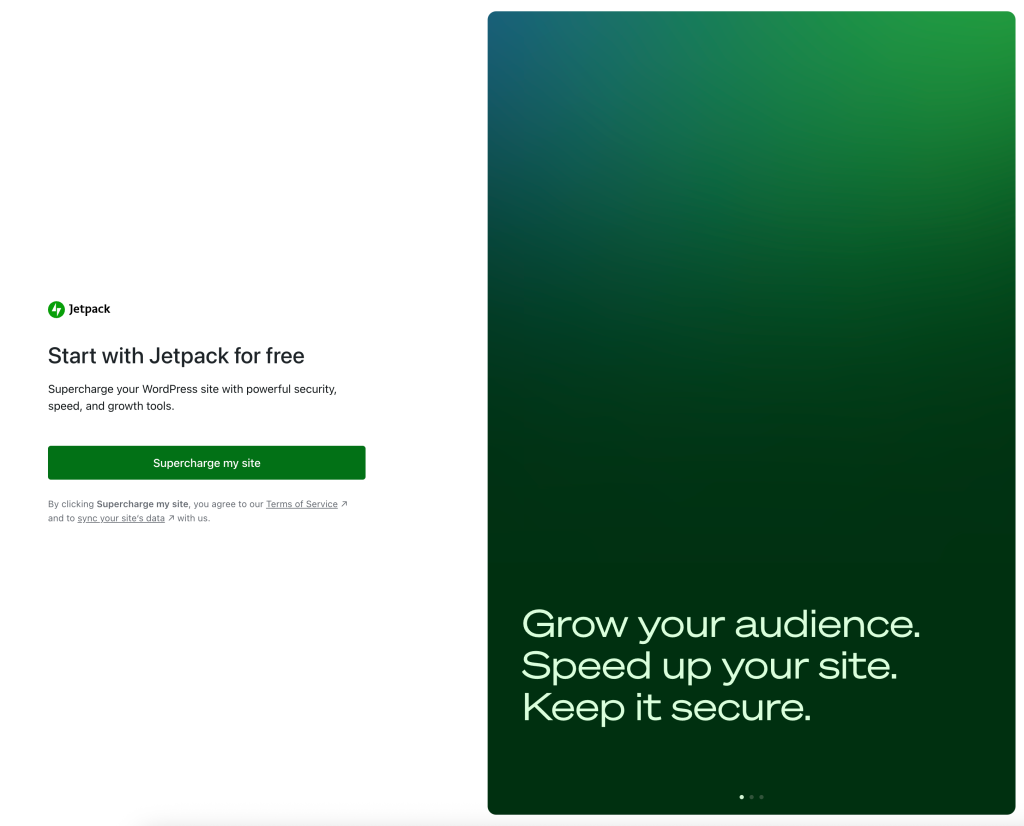
Jetpack Connect helps link your site to WordPress.com. This tool offers many features to enhance your website. It includes security tools, speed boosters, and design options. With Jetpack Connect, your site becomes safer and faster. This tool also offers easy-to-use analytics. You can see how many people visit your site.
Jetpack Connect is easy to set up. You only need a few clicks. Once set up, you can enjoy many helpful tools. These tools make your site look good. It also helps your site run better. Your site becomes more secure with Jetpack Connect. Protecting your site from unwanted guests is easy. Enjoy a better site with Jetpack.
Credit: jetpack.com
Key Features Of Jetpack
Jetpack offers tools that make websites run faster. Site speed is important. Faster sites keep visitors happy. Jetpack helps by optimizing images. It also provides lazy loading for photos. This means pictures load only when needed.
Jetpack keeps your site safe. It offers protection against attacks. It scans for malware. It also provides backup options. These features are helpful. They ensure your site stays secure.
Jetpack helps grow site traffic. SEO tools improve visibility on search engines. These tools make your site more searchable. They help attract more visitors. Jetpack also offers social sharing options. This lets content reach more people.
Jetpack allows you to change site design. It provides themes and styles. You can customize these easily. Make your site look unique. Use Jetpack to express your creative ideas.
Benefits Of Using Jetpack
Jetpack makes sites faster. It optimizes images and files. Pages load quickly. Visitors stay longer. This boosts your site’s rank. Faster sites mean happy users. Speed matters. It helps grow online presence.
Jetpack keeps sites safe. It guards against hackers. Protects from spam and threats. Daily scans ensure security. Peace of mind is important. Site safety is a priority. A secure site builds trust. Users feel safe.
Jetpack simplifies tasks. Manage updates easily. Track site stats in one place. Plugins are handled smoothly. Less time spent on admin work. Focus more on content. Managing a site gets easier. Stress-free management is key.
Jetpack boosts interaction. Sharing tools are available. Users can comment and like. Social media links help sharing. Better engagement leads to growth. Connect with audience easily. Interactions create loyal followers. An engaging site is memorable.

Credit: jetpack.com
Setting Up Jetpack With WordPress
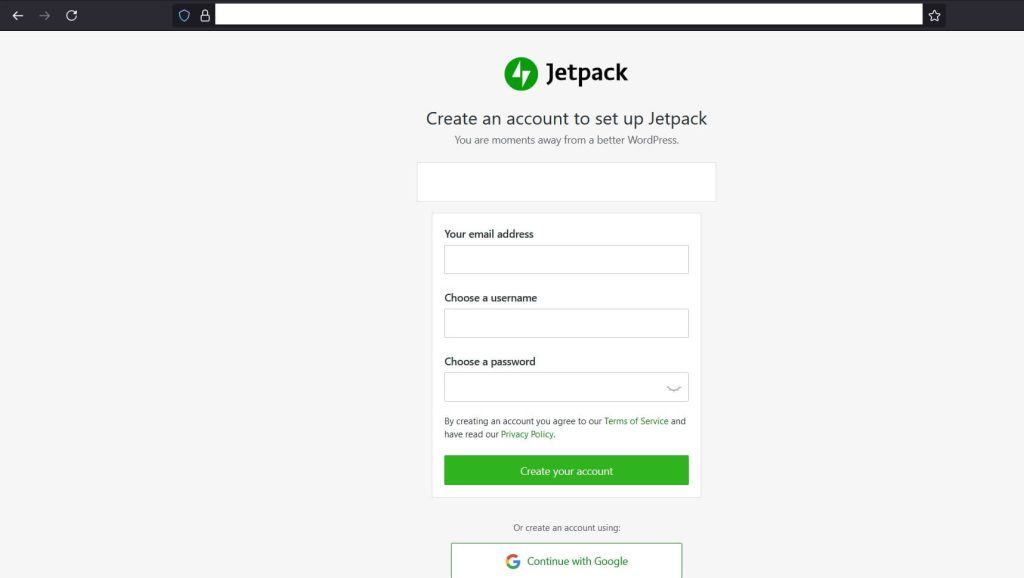
Download the Jetpack plugin from the WordPress directory. Go to your WordPress dashboard. Click on “Plugins” and then “Add New”. Search for “Jetpack”. Click “Install Now” and then “Activate”. You need a WordPress.com account for Jetpack. Create one if needed. After activation, click on “Set up Jetpack”. Follow the simple steps. Now, Jetpack is ready to use.
After setup, connect your site to WordPress.com. This will unlock all features. Go to the Jetpack dashboard. Click on “Connect to WordPress.com”. Sign in with your account. Allow permissions. Your site is now linked. Jetpack will help keep your site safe and fast. Enjoy the extra features.
Adjust settings to suit your needs. Go to the Jetpack settings tab. Explore the different options. Enable site stats to track visitors. Turn on security features for protection. Personalize your site appearance. Use the tools you need. Customize notifications. Make Jetpack work for you.
Troubleshooting Common Issues
Jetpack often faces connection problems with WordPress. Check your internet first. Ensure the site URL is correct. Wrong URLs cause issues. Update plugins regularly. Old versions may block connections. Disable other plugins. They sometimes interfere with Jetpack. Contact support if problems persist. Help is available.
Jetpack features may malfunction sometimes. Check plugin settings first. Incorrect settings cause issues. Update the Jetpack plugin. Updates fix bugs. Some features need specific themes. Verify your theme supports them. Disable plugins that may conflict. Conflicts cause malfunctions. Seek support if needed. Solutions are offered quickly.
Some users have performance concerns with Jetpack. Slow sites frustrate users. Check your hosting plan. Some plans limit speed. Optimize images and content. Large files slow down sites. Use a caching plugin. Caching speeds up loading times. Monitor server resources. High usage affects performance. Help is available for persistent issues.
Credit: www.hostpapa.com
Tips For Maximizing Jetpack
Pick features that fit your website’s goals. Choose tools that help your content. Jetpack offers many options. Try the security features if you need extra protection. Use the social sharing tools to spread your content. Performance tools can make your site faster. Select only what you need.
Always update Jetpack to its latest version. Updates fix bugs and add new features. Regular checks keep your website safe. Old versions can cause problems. Set a reminder to check your plugins. Backup your site before updates. This keeps your data safe.
The Jetpack community can help you. Join forums to ask questions. Read tips from other users. Many people share their experiences. Support pages have lots of information. Use these resources to learn more. Get help when you are stuck.
Frequently Asked Questions
How Does Jetpack Connect Work With WordPress?
Jetpack Connect seamlessly integrates with WordPress to enhance your site’s functionality. It offers features like security, performance optimization, and content creation tools. By connecting your site with Jetpack, you can access various modules to improve your site’s user experience and security without needing extensive technical knowledge.
Is Jetpack Connect Free For WordPress Users?
Jetpack Connect offers both free and premium plans for WordPress users. The free version includes essential features like site stats, downtime monitoring, and basic security. Premium plans provide advanced features such as automated backups, enhanced security, and additional customization options to cater to different site requirements.
Can Jetpack Connect Improve My Website’s Performance?
Yes, Jetpack Connect can improve your website’s performance. It includes tools for image optimization, site speed enhancements, and caching mechanisms. These features help reduce load times and provide a better user experience. By optimizing resources, Jetpack ensures your site runs smoothly and efficiently.
What Security Features Does Jetpack Connect Offer?
Jetpack Connect offers robust security features to protect your WordPress site. It includes malware scanning, brute force attack protection, and secure login options. Regular updates and real-time monitoring ensure your site is safeguarded against threats, keeping your data and user information safe.
Conclusion
Jetpack Connect simplifies managing your WordPress site. It offers tools for security, performance, and growth. You can track site stats easily. No technical skills needed. It’s perfect for beginners. Seamless integration makes your work efficient. Enjoy peace of mind with its features.
Keep your site secure and fast. Discover new ways to grow your audience. Easy setup ensures you spend more time creating. Jetpack Connect is a valuable tool for WordPress users. Enhance your website experience today. Stay focused on what matters most—your content.



