Are you ready to transform the way you create content on your WordPress site? Meet the Gutenberg WordPress Editor, a powerful tool designed to make your life easier.
Imagine building beautiful web pages with the simplicity of drag-and-drop. No more complicated coding or endless formatting headaches. With Gutenberg, you can bring your creative visions to life effortlessly. But why stop there? Dive in to discover how this innovative editor can revolutionize your website, enhance user experience, and skyrocket your engagement.
Stay with us, because what you’re about to learn could be the game-changer you’ve been waiting for.
Credit: wordpress.org
Gutenberg Basics
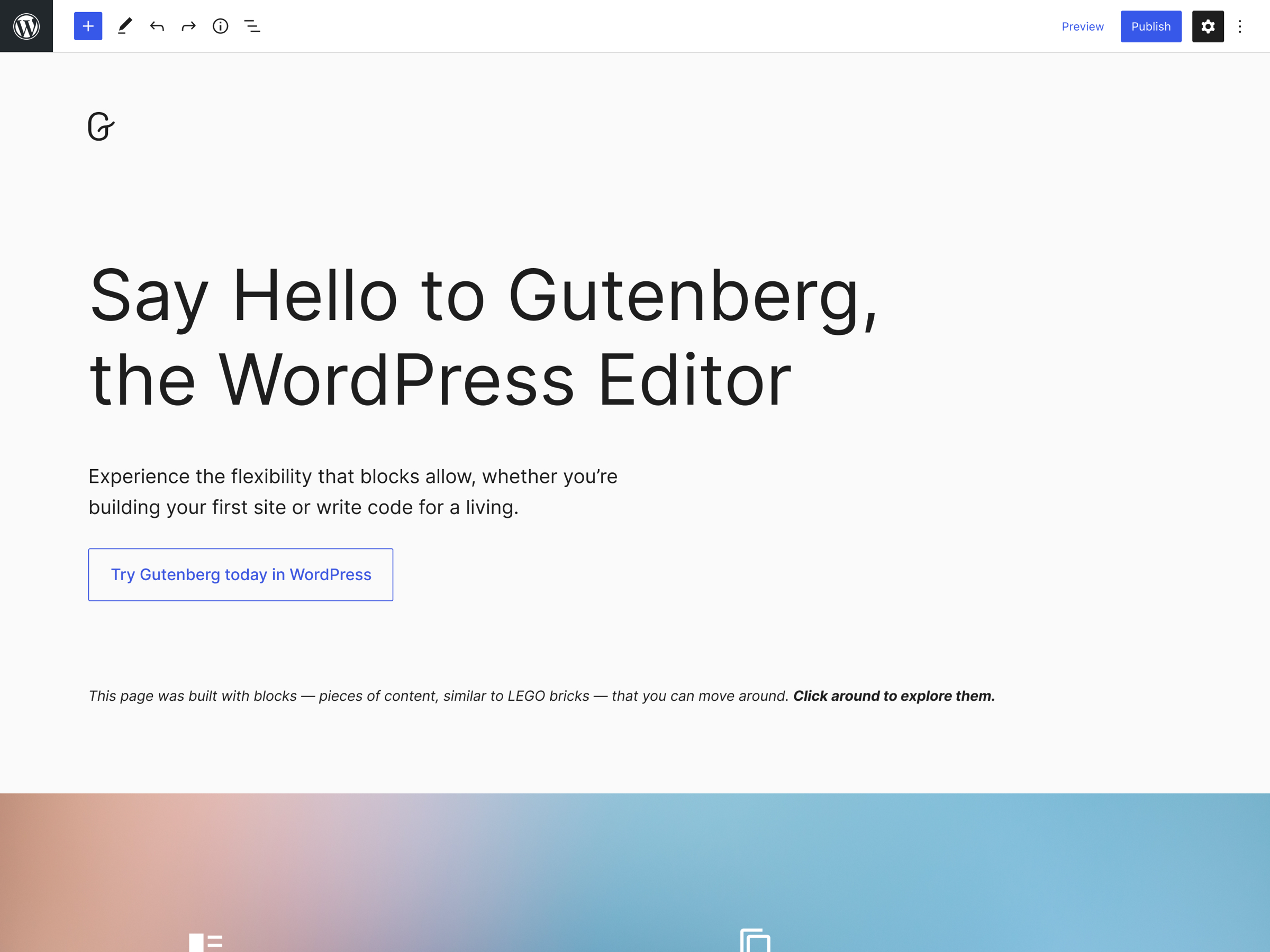
Gutenberg is a new editor for WordPress. It started in 2018. Its goal is to make editing easier. Users can add blocks. Blocks help in designing pages. They give more control over the layout. This editor is named after Johannes Gutenberg. He invented the printing press. WordPress aims to change how we create content.
Gutenberg uses blocks for content. Each block has a purpose. Text, images, and videos are blocks. Users can move and style them. This creates a custom look. Blocks replace the old way of writing. Users get more options. Editing becomes visual and fun. This makes it user-friendly.
Credit: developer.wordpress.org
Key Components
The blocks system makes editing easy. Each block is a piece of content. Text, images, and videos are blocks. You can move blocks around. This gives you control over how your page looks. No coding needed. Even beginners can use it.
Reusable blocks save time. Create a block once, use it often. Great for repeated content. A contact form or call-to-action button is a reusable block. Change it once, it updates everywhere. It keeps your site consistent.
Block patterns are pre-made designs. They help you design quickly. Patterns include headers, galleries, and more. Choose a pattern and add it to your page. It’s easy to make your site look professional. Patterns help you stand out.
User Interface
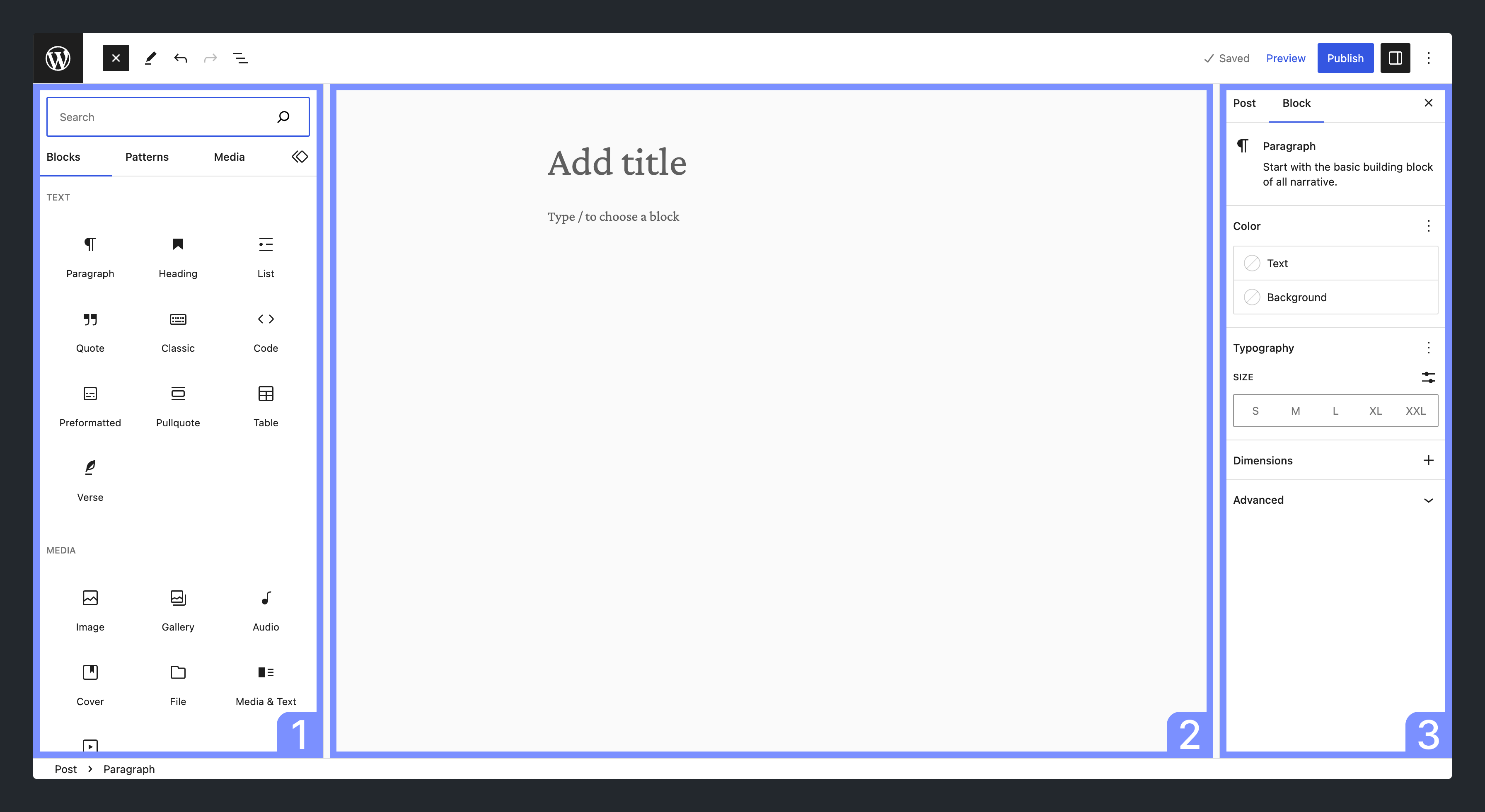
The Gutenberg editor is like a simple drawing tool. It uses blocks to create content. Each block has a special job. One block might show text. Another block might show an image. You can move blocks up and down. This helps you change the look of your page. Finding the right block is easy. Just click the plus sign. A menu will show all blocks you can use.
Try different blocks to see what they do. Some blocks are for headings, some for lists. Explore them all!
The toolbar is like a toolbox. It helps you edit blocks. You can make text bold or italic. You can change text color too. The toolbar is right above the block you pick. This makes it easy to find.
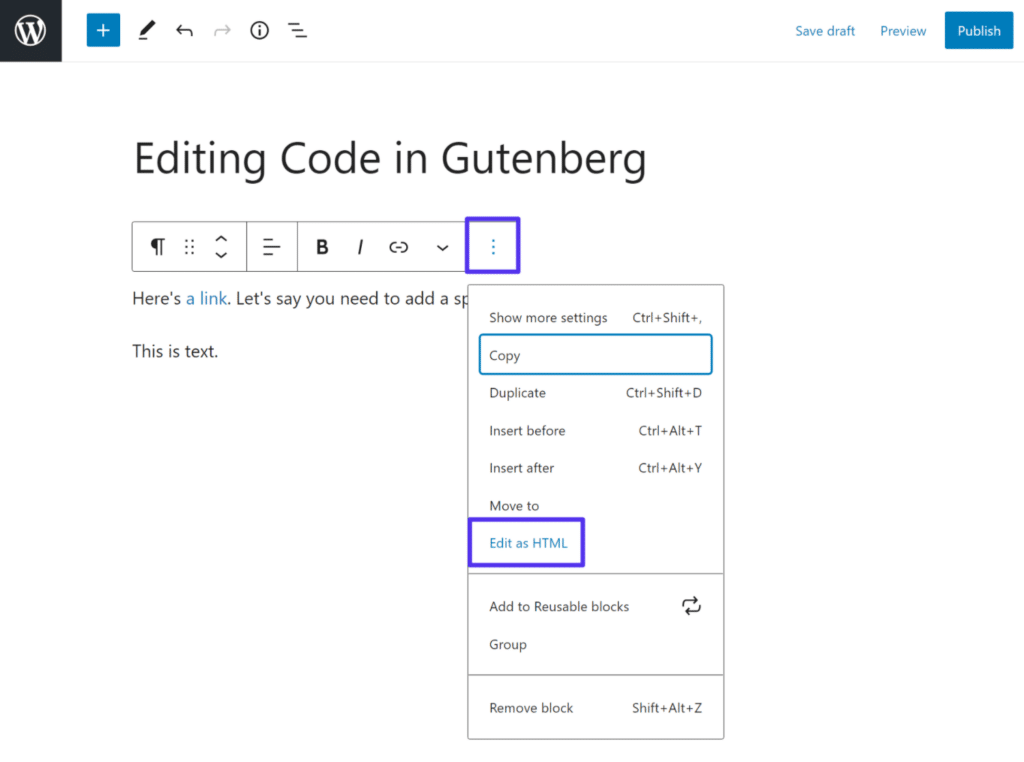
Want more options? Click the three dots. A menu will show extra tools. You can also move the toolbar to the top. This gives you more space to see your page. Play with these tools. See what makes your page look best.
Creating Content
Gutenberg makes adding blocks easy. Click the “plus” icon to add a new block. Choose a block from the menu. You can add text, images, or videos. Each block has its own settings. Click the block to see options. You can change text size or color. Use the drag-and-drop feature to move blocks. It is simple and fun!
Formatting blocks is easy with Gutenberg. Select the text you want to format. A toolbar appears with options. You can make text bold or italic. Use the list icon to make bullet points. Change alignment with the align buttons. Gutenberg helps you style your content easily. Play around and see what looks best!
Advanced Features
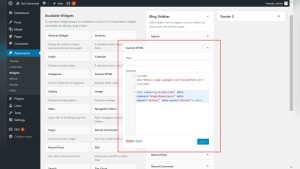
Gutenberg Editor helps with adding widgets easily. Choose from a list of widgets. Click and drag them to your post. This makes editing simple. Embeds work the same way. Add videos and images directly. No need for extra steps. Just paste the link. It’s quick and helps with smooth content creation. You can see changes instantly. This makes editing fun and easy. No more complex steps. Just click and enjoy the process.
Plugins help add new features. Gutenberg lets you add them easily. Find a plugin you like. Install and activate it. Now, use it with your content. Plugins enhance your site. They offer more options. You can add forms or galleries. You can also improve site speed. The process is simple. Just follow the steps. Your site becomes more engaging. With plugins, you can add unique features. Make your site special.
Performance And Seo
Gutenberg WordPress Editor offers a block-based approach, enhancing content creation with intuitive drag-and-drop features. Its improved performance aids SEO by ensuring faster page load times. Bloggers and businesses benefit from its streamlined design, making content publishing efficient and visually appealing.
Optimizing For Speed
Gutenberg WordPress Editor helps websites load faster. It uses blocks to organize content. This makes your site quick. Fast websites are liked by search engines. They rank better.
Clean code is another benefit. It reduces clutter. Less clutter means better speed. Better speed leads to improved user experience. Happy users stay longer.
Seo Best Practices
SEO is crucial for visibility. Gutenberg supports structured data. Structured data helps search engines understand content. Better understanding leads to better rankings.
Mobile-friendly design is vital. Gutenberg ensures content fits on small screens. Mobile-friendly sites rank higher. Users find them easy to read.
Common Challenges
Gutenberg editor might not work with older WordPress themes. Some plugins may not support it. This can cause display problems. Users may find their pages look wrong. Updating themes and plugins often helps. Always check for compatibility before installing.
Check for updates first. Make sure themes and plugins are current. Try disabling plugins one by one. This can show what causes the problem. Use the Classic Editor plugin if Gutenberg fails. It lets you switch back to old editor.
Credit: kinsta.com
Future Developments
Gutenberg continues to evolve with new features. Developers plan to make editing smoother. Improved block controls are coming soon. Users will get more design options. Accessibility improvements are also on the way. These changes aim to make the editor easy for everyone.
The community plays a big role in Gutenberg’s progress. Many contributors share their ideas and skills. Volunteers help with testing and feedback. Their input helps fix bugs and improve features. Developers often listen to user suggestions. This collaboration keeps the editor growing. Everyone can contribute to make it better.
Frequently Asked Questions
What Is Gutenberg WordPress Editor?
Gutenberg is WordPress’s block-based editor introduced in 2018. It allows users to create content using customizable blocks for text, images, and multimedia. This editor enhances design flexibility and improves user experience with a more intuitive interface compared to the classic editor.
How Do Blocks Work In Gutenberg?
Blocks in Gutenberg serve as content building units. Each block is dedicated to a specific type like text, image, or video. Users can easily rearrange, customize, and style these blocks to create dynamic and visually appealing web pages without coding.
Why Is Gutenberg Beneficial For WordPress?
Gutenberg simplifies content creation with drag-and-drop functionality. It offers greater design flexibility and control, allowing users to create complex layouts without technical expertise. Its block-based approach enhances user experience and enables faster and more efficient editing.
Can Gutenberg Replace The Classic Editor?
Yes, Gutenberg has largely replaced the classic editor in WordPress. It offers more modern features and flexibility. While the classic editor is still available as a plugin, Gutenberg is the default choice, providing enhanced functionality and improved user experience.
Conclusion
Gutenberg WordPress Editor simplifies content creation for everyone. Its block-based system offers flexibility. Users can design pages with ease. No coding skills needed. This editor supports creativity and efficiency. It enhances the WordPress experience. Beginners and experts find it helpful.
Gutenberg continues to evolve. Updates bring new features regularly. This keeps it relevant and useful. The editor is a valuable tool in web development. Explore Gutenberg and enhance your website today.