Imagine designing a WordPress site that not only looks stunning but also performs seamlessly. You’ve heard about Astra Theme, but what is it really?
If you’re diving into the world of WordPress, Astra might just be your secret weapon. This theme is known for its speed, flexibility, and user-friendly experience, making it a favorite among both beginners and seasoned web developers. Why settle for a slow, unresponsive website when Astra can propel your site to new heights?
With Astra, you can customize every aspect of your site without needing to know how to code. Whether you’re creating a blog, a portfolio, or an online store, Astra gives you the tools to make your vision a reality. You deserve a website that works just as hard as you do, and Astra might be the perfect fit for that. Curious to know more? Stick around as we delve deeper into why Astra Theme could be the game-changer you’ve been searching for in WordPress. You won’t want to miss the tips and insights coming up that could transform the way you build and manage your site.
Astra Theme Overview
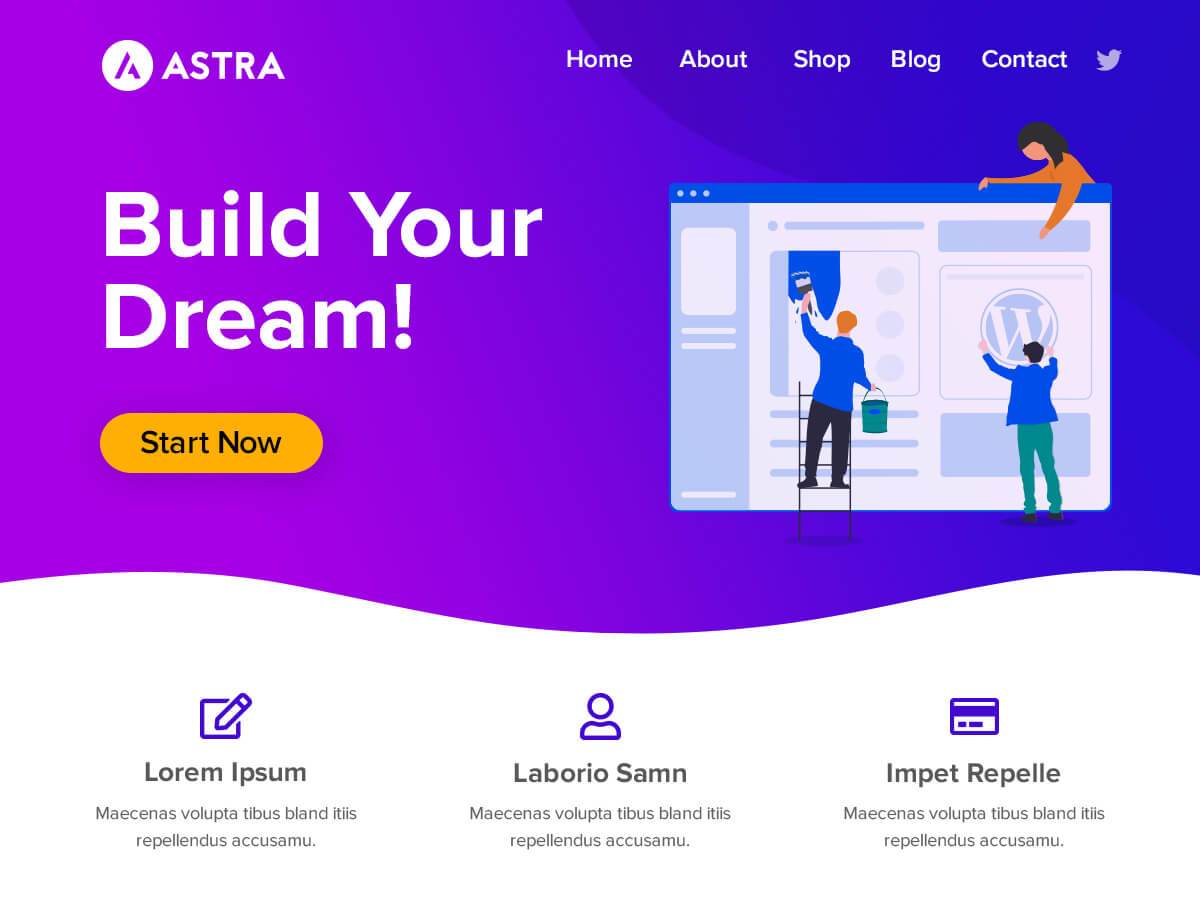
Astra is a popular theme in WordPress. It is known for being lightweight and fast. Many people use it for their websites. Astra helps in creating beautiful and simple designs. It works well with many plugins. Users find it easy to customize. Astra offers many starter templates. These templates save time when building websites. Astra is good for both beginners and experts. It is also SEO-friendly. This means websites can rank better in search engines. The theme is also responsive. It looks good on phones and computers.
Key Features
Astra is super fast. It loads in less than one second. The theme is only 50KB. This makes your website load quickly. Fast websites are loved by visitors. They also rank better on search engines.
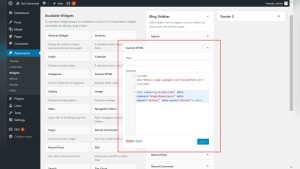
Astra is easy to change. You can make your site look unique. There are many options in the settings. Change colors, fonts, and layouts with ease. You don’t need to know coding. Just use the WordPress Customizer.
Astra looks good on any device. Be it a phone, tablet, or computer. This is called responsive design. Users can visit your site from anywhere. Everything will still look clean and organized. This keeps your visitors happy.
Installation Process
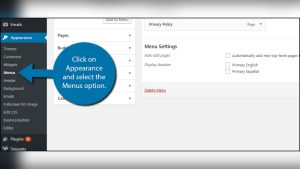
Open your WordPress dashboard. Find the Appearance section. Click on Themes. Then click on Add New. Search for Astra in the search bar. Click on the Install button next to Astra theme. After installation, click Activate to use Astra.
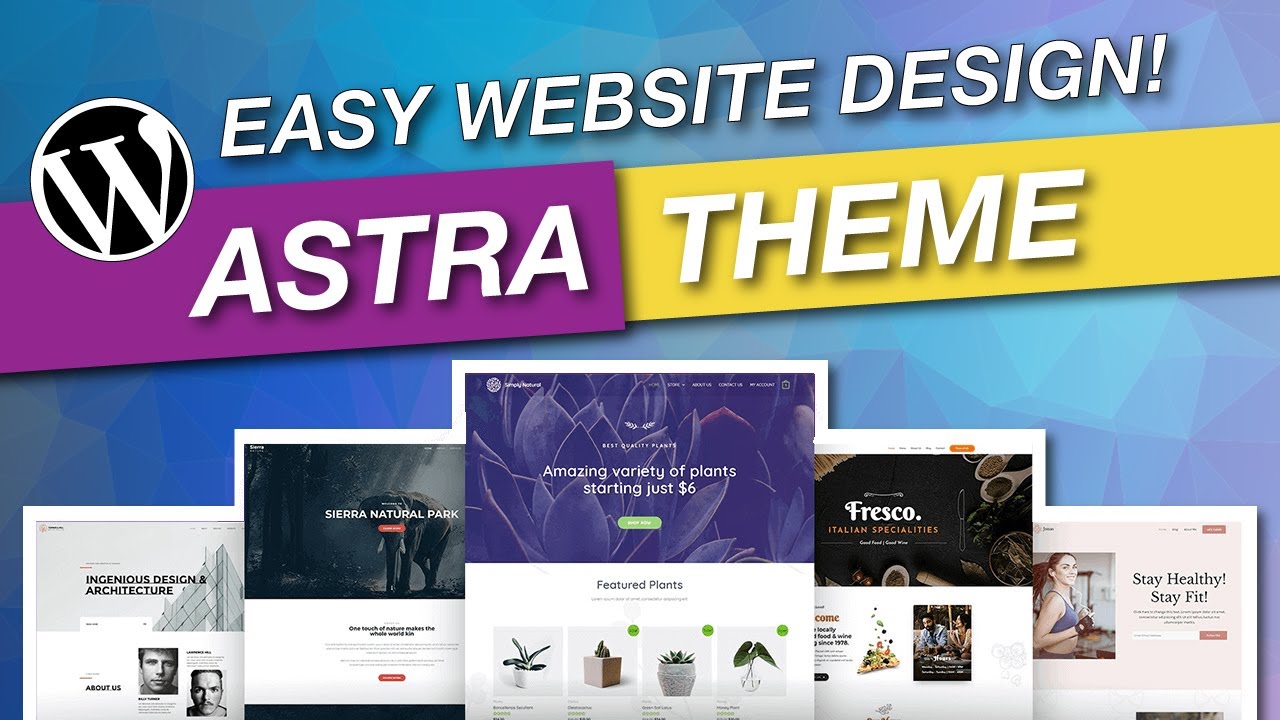
After activating Astra, you can use starter templates. Go to the Appearance section. Click on Astra Options. Choose Starter Templates. Select a template you like. Click Import to add it to your site. Make sure to customize it to suit your needs.
Credit: quadlayers.com
Customization Options
Astra Theme offers a variety of theme settings. Users can easily tweak the site’s appearance. You can change the header, footer, and sidebar. Options are simple and user-friendly. Astra makes site customization fun and easy.
Adjusting the layout is simple with Astra. You can pick different layouts for pages. Choose from full width, boxed, or fluid. Layout changes are quick and effective. Astra provides flexibility for your site’s design.
Astra allows changes to color and typography. You can select from a wide range of colors. Typography options are plentiful. Customize fonts and sizes with ease. Your site will look unique and attractive.
Integration With Page Builders
Astra theme works well with Elementor. It helps make websites look great. The setup is easy. You can drag and drop things. This makes changes fast. No need to write code. Many people like this feature. It saves time. Elementor and Astra are a good team. They help make creative websites. Users find it simple and fun.
Beaver Builder is another tool. Astra theme fits well with it. Users can design websites smoothly. It allows for easy layout changes. The process is quick. Both beginners and experts use it. Astra and Beaver Builder work in harmony. This helps in building beautiful sites. They offer many design options. It keeps the work exciting.

Credit: woocommerce.com
Use Cases And Benefits
Astra Theme in WordPress offers versatile use cases, including blogs, portfolios, and e-commerce sites. Its lightweight design enhances website speed and performance. Fully customizable, Astra provides a seamless experience for beginners and developers alike, making website creation efficient and user-friendly.
For Bloggers
Astra Theme offers a clean design. It helps bloggers create beautiful websites. The theme loads quickly. This improves user experience and keeps visitors happy. Bloggers can customize layouts easily. No coding skills are needed. Astra is compatible with popular plugins. This expands functionality without hassle. SEO-friendly features help increase traffic. More readers can find your blog. Responsive design ensures sites look good on all devices. Mobile users will have a smooth experience.
For Businesses
Businesses benefit from Astra’s professional look. It creates trust with customers. Easy customization allows branding consistency. Companies can match their site to their style. Fast loading speeds enhance user satisfaction. Visitors stay longer and explore more. Astra supports WooCommerce. Selling products online becomes straightforward. Integration with marketing tools is seamless. It helps businesses reach wider audiences. Astra is lightweight. This ensures optimal performance for business websites.
For E-commerce Sites
E-commerce sites thrive with Astra’s features. It supports WooCommerce, enhancing online store capabilities. Product pages are customizable. Display options are flexible and varied. Astra’s speed boosts user experience. Customers can browse quickly without delays. Mobile responsiveness ensures shopping convenience. Buyers access stores easily on phones. SEO readiness increases site visibility. More shoppers discover products online. Astra’s design improves trust and boosts sales. Users feel safe when buying from secure sites.
Comparing Astra With Other Themes
Astra and GeneratePress are two popular WordPress themes. Both are fast and lightweight. Astra offers more ready-made templates. This helps in building sites quickly. GeneratePress is known for its customization options. Users can tweak it a lot. Astra has a better user interface. It is easy for beginners. Many choose Astra for its design flexibility. GeneratePress wins for advanced settings. Both themes are SEO friendly.
Astra and OceanWP offer many features. Astra is known for its speed. OceanWP provides many extensions. These help to add features. Astra has more starter sites. This is good for new users. OceanWP is preferred for e-commerce sites. Both themes are responsive. They work well on mobiles. Astra is easier for beginners. OceanWP might suit advanced users more. Both themes offer support and updates.
Credit: www.youtube.com
Common Challenges And Solutions
Some users face slow loading times with the Astra theme. This can be due to large images or too many plugins. Optimizing images helps. Using fewer plugins speeds up the site. Another issue is limited customization. Some users need more design options. Astra offers many add-ons for more features. These add-ons provide extra design tools. Users can create unique layouts. Finally, there is the challenge of compatibility with page builders. Astra works well with most builders. Sometimes, updates cause issues. Regular updates fix bugs and improve performance. Astra’s support team is helpful. They provide solutions quickly. Users can contact them anytime.
Tips For Optimizing Performance
Astra Theme is very fast and lightweight. Users can improve performance with simple steps. Reduce image size to load pages quicker. Use a cache plugin for better speed. Keep the theme and plugins updated. Updates fix bugs and improve speed. Disable unused plugins. They slow down the site. Choose a good hosting provider. Good hosting means better performance. Use a Content Delivery Network (CDN). It helps deliver content faster. Enable Gzip compression. It reduces file size. Smaller files load faster.
Limit the number of widgets. Too many widgets can make the site slow. Remove unnecessary code. Cleaner code runs better. Use optimized fonts. Fancy fonts can slow down loading. Test your site speed often. Check what slows down your site. Fix issues quickly. Regular checks keep the site fast.
Frequently Asked Questions
What Is Astra Theme In WordPress?
Astra Theme is a popular WordPress theme known for its speed and customization. It’s lightweight, which ensures fast loading times. Astra offers numerous design options, making it suitable for various website types. It’s compatible with major page builders, enhancing flexibility in design.
Is Astra Theme Free To Use?
Yes, Astra Theme offers a free version with essential features. The free version is ideal for basic websites. For more advanced customization and features, Astra Pro is available. Astra Pro requires a purchase and offers additional options. It’s suitable for users seeking more control over their website’s design.
How Do I Install Astra Theme?
To install Astra Theme, go to your WordPress dashboard. Navigate to “Appearance” and click “Themes. ” Search for “Astra” in the theme repository. Click “Install” and then “Activate. ” Your website will now use Astra Theme. Ensure to customize it to match your needs.
Does Astra Theme Support Page Builders?
Yes, Astra Theme is compatible with major page builders like Elementor and Beaver Builder. This compatibility allows for flexible design options. You can create custom layouts easily without needing coding skills. Astra’s integration with page builders enhances user experience and design possibilities.
Conclusion
Astra Theme in WordPress offers simplicity and flexibility. It suits beginners and pros alike. With its lightweight design, websites load faster. Customization is easy with many options available. Users appreciate its compatibility with popular plugins. Astra supports great SEO, enhancing site visibility.
Its user-friendly interface makes it easy to navigate. This theme supports various website types, from blogs to e-commerce. People choose Astra for its efficiency and support. It empowers users to create stunning websites effortlessly. Embrace Astra Theme for a seamless WordPress experience.