
Imagine you’re building a new website on WordPress. You have a vision in your mind, but translating it into reality can be tricky.
This is where storyboarding comes into play. It’s like sketching a blueprint for your website, helping you visualize and organize your ideas before diving into the technical details. When you use a storyboard, you can map out the flow of your content, the layout of your pages, and the user experience you want to create.
This strategic planning tool ensures that your website not only looks great but also functions seamlessly, capturing the attention of your visitors and guiding them through your site effortlessly. Curious to learn how storyboarding can transform your WordPress project? Read on to discover the secrets of this powerful technique and how it can make your web design process smoother and more effective.
Credit: www.artstation.com
Definition Of A Storyboard
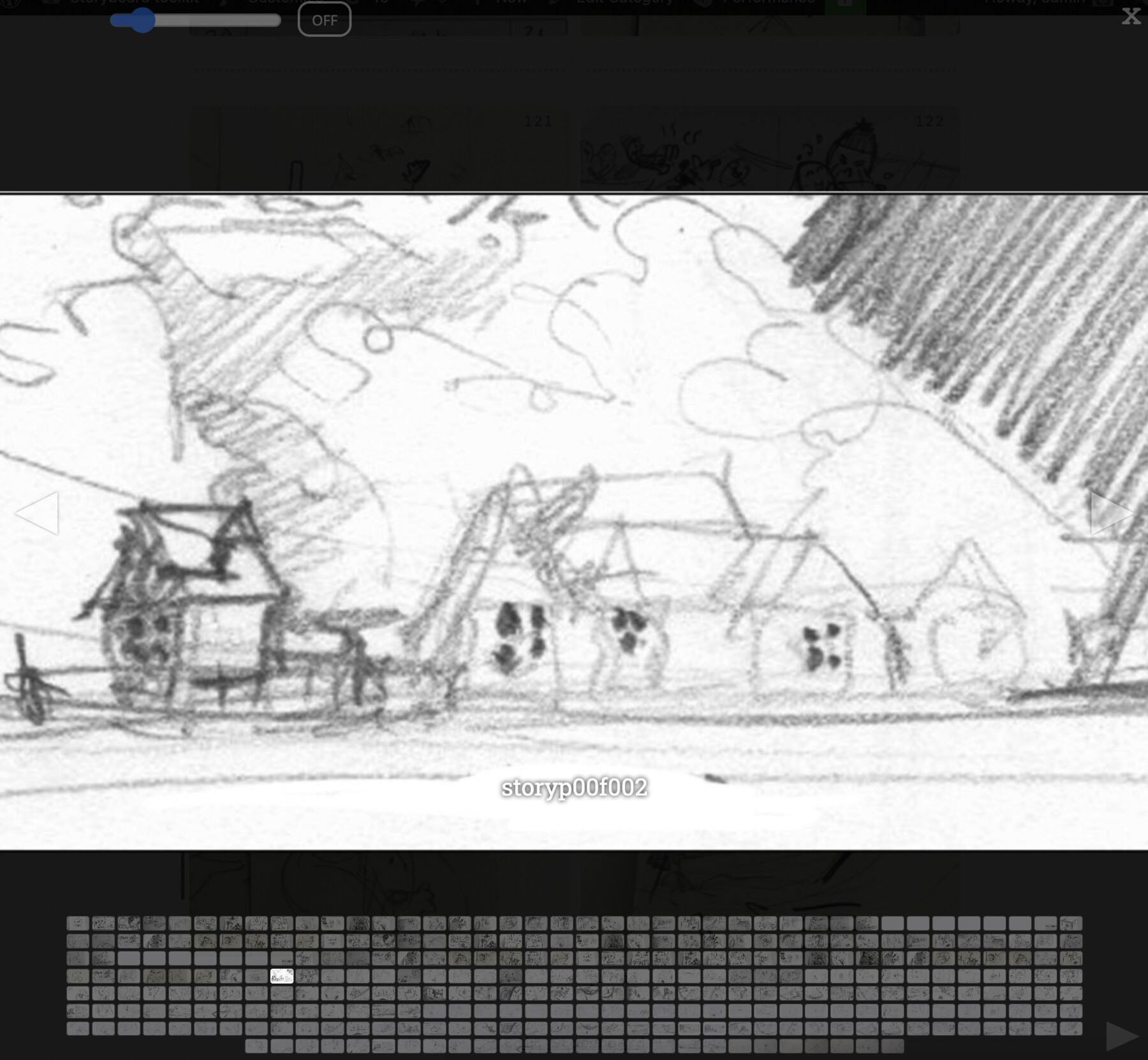
A storyboard is like a picture book for your website. It helps you plan your site. Each page of your site gets a picture. This picture shows what the page will look like. It also shows where things will go. You can see where the text and pictures will be. This makes building a website easier. It is like a map for your site. You will know what to build next. A storyboard keeps everything organized. You won’t forget anything important. Storyboards are important for good website design.
Purpose Of Storyboards
Storyboards help in planning the layout of a website. They allow creators to see how each page will look. This helps in making changes early. Errors can be fixed before the site is built. Storyboards also help in organizing ideas. Designers can share their vision with others easily. This makes teamwork smoother.
Storyboards are like blueprints for a house. They show where everything goes. This ensures that the website looks good. It also functions well. A good storyboard saves time and effort. It gives a clear path to follow. Everyone knows what to do next. This makes the project run smoothly.
Components Of A Storyboard
Visual elements show the story’s look. They include images and drawings. These elements help tell the story better. Good visuals make people understand quickly. They catch the eye and make the story fun. Visuals can be simple or detailed. Both can be effective. The choice depends on the story’s needs.
Textual elements are the words in the storyboard. They explain what is happening. These words can be short phrases or sentences. The words should be easy to read. They guide the viewer through the story. Text adds detail that pictures may miss. Good text and visuals work together.
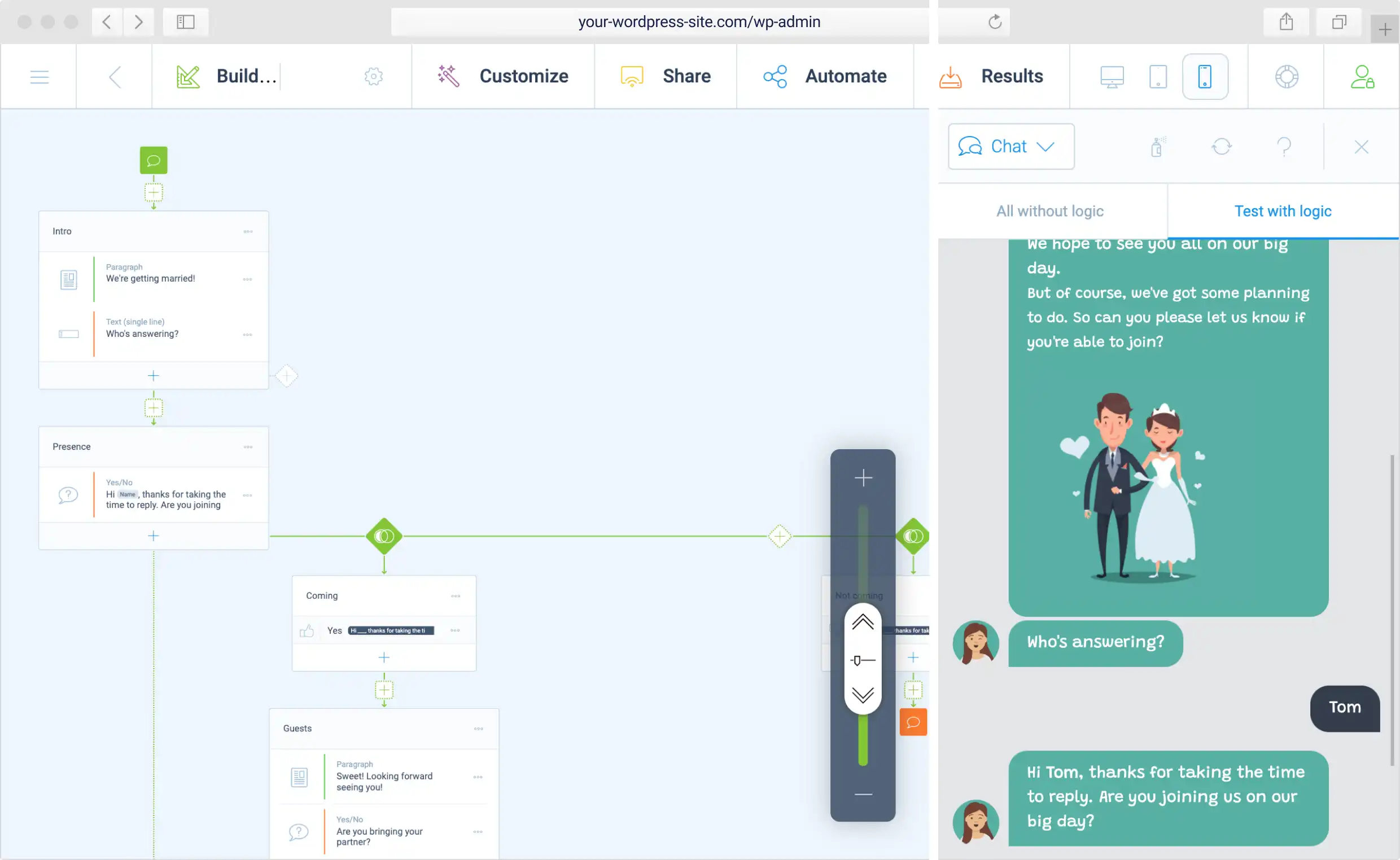
Sequence and flow show the story’s order. They help the viewer follow the story easily. Each part connects to the next. This flow makes the story smooth. A good sequence keeps the viewer interested. It leads them from start to finish. The flow should be clear and simple.
Credit: tripetto.com
Benefits For WordPress Users
A storyboard helps plan content faster. It shows a clear path for ideas. With this tool, users save time. They can write better posts easily. A storyboard is like a map for writing. It guides every step of the way. Users know what to write next. This makes content creation smooth and quick.
Storyboards help with visual planning. They show how content looks. Users can see each part clearly. This helps in arranging elements better. It ensures the layout is neat. Visual planning is easier with a storyboard. Users can make changes quickly. This keeps the website attractive and organized.
A storyboard improves teamwork. Everyone sees the same plan. Teams can share ideas easily. This makes working together smooth. A clear plan helps avoid mistakes. Team members stay on track. They know their tasks well. Collaboration becomes fun and effective. Everyone works towards the same goal.
Creating A Storyboard In WordPress
Pick tools that help you make your storyboard. Some tools are simple. Others have more features. Choose what fits your needs. WordPress plugins can be helpful. They make things easier. Look for plugins with good ratings. Check user reviews. Ease of use is important. Make sure it works well on your site.
Start by planning your storyboard. Write down ideas. Draw simple sketches. Use paper or digital tools. Next, organize your ideas. Arrange them in order. Create a timeline. Add details to each part. Use images and text. Review your storyboard. Make changes if needed. Publish when ready.
Keep your storyboard clear. Use simple language. Images must be clear. Text should be easy to read. Avoid clutter. Focus on your message. Make sure everything connects. Test your storyboard. Get feedback. Improve it if necessary. Stay organized. Keep your files safe.
Popular Storyboard Tools
WordPress has many plugins for storyboards. These plugins help create visual stories. StoryBoarder is a popular choice. It allows users to draw and plan stories. Canva offers templates for easy design. Plugins like Elementor add more features. They make designing fun and simple. Users can add images and text. This creates a complete story.
Third-party software also aids in storyboarding. Adobe Spark is a top choice. It offers tools for visual storytelling. Storyboard That is easy to use. It suits beginners well. Plot helps in planning stories. It has many templates. These tools integrate with WordPress. They enhance creativity. Users can create stunning visuals. This engages the audience better.
Common Challenges
Creating a storyboard in WordPress can be tricky. Many struggle with organizing ideas clearly and visually. Others find it difficult to choose the right tools and features for their needs.
Technical Limitations
Storyboards may have technical limitations on WordPress. Some users find it hard to add complex designs. Plugins can help, but not always. They might slow down your site. This can affect user experience.
Sometimes, storyboards need special skills. Not everyone knows coding. This can make changes tough. Users might need help from a developer. This adds to the cost and time. Keeping the site fast is crucial.
Design Constraints
Storyboards often face design constraints. WordPress themes can limit creativity. They have fixed layouts. This can be frustrating for creative minds.
Customizing a storyboard can be tricky. It requires design skills. Not all users have these skills. Finding the right balance is key. Simple designs work best for everyone.

Credit: lukenool.wordpress.com
Tips For Effective Storyboarding
Storyboards help in planning your WordPress content. They ensure each part fits the main goal. Think about what you want readers to learn. Visualize the path they will take. This helps in creating a clear and focused story. Keep your content organized and easy to follow.
Feedback is important for your storyboard. Share it with others and listen to their thoughts. They might notice things you missed. Use their ideas to make your story better. It is a team effort. Everyone’s input counts. This helps in making your storyboard stronger and more engaging.
Storyboards need changes over time. Make small improvements often. Check if each part still fits well. Update it as your project grows. This keeps the content fresh and relevant. It also helps in avoiding big mistakes later. Always aim for the best version of your storyboard.
Frequently Asked Questions
What Is A Storyboard In WordPress?
A storyboard in WordPress visually represents website design and content layout. It helps plan site structure and user experience. By sketching pages and elements, it guides development, ensuring cohesive design. Storyboarding aids in communication between designers and developers, aligning goals and reducing potential revisions during the development process.
How Do You Create A Storyboard In WordPress?
To create a storyboard, start by outlining key pages and content. Sketch layouts for each page, considering design elements and user flow. Use tools like wireframe software or paper sketches. Review and refine the storyboard with stakeholders to ensure alignment with project goals and functionality.
Why Use Storyboards For WordPress Design?
Storyboards facilitate clear communication between team members. They help visualize design concepts before development begins. This process reduces errors and ensures cohesive design. Storyboards also aid in aligning goals and expectations, making it easier to plan and execute website projects efficiently.
Can Storyboards Improve Website Development?
Yes, storyboards can streamline website development by providing a clear visual plan. They help identify potential issues early, reducing revisions. Storyboards guide designers and developers, ensuring all elements align with project goals. They enhance collaboration, making it easier to deliver a cohesive, functional website.
Conclusion
A storyboard in WordPress guides your content creation. It helps structure your ideas clearly. This tool supports visualizing the flow of your website. Planning your content becomes easier and more effective. Storyboards also enhance collaboration among team members. They ensure everyone understands the project vision.
Using a storyboard can improve user experience. It keeps your content organized and engaging. Start creating your storyboards today. Make your WordPress projects more successful. With clear planning, your website can attract more visitors. Happy storyboarding!



