
Ever wondered what a static page in WordPress is all about? You’re not alone.
As you explore ways to make your website more engaging and user-friendly, understanding static pages can be a game-changer. Imagine having the power to create pages that remain unchanged, offering a consistent experience every time someone visits. This stability can be crucial for sections like your homepage, contact page, or about page, where you want to showcase evergreen content.
You’ll discover how static pages can enhance your WordPress site, making it more reliable and professional. You’ll learn the benefits they offer, how they differ from dynamic pages, and why they might be the perfect fit for your website’s needs. Dive in and empower yourself with knowledge that can transform your online presence.
Defining Static Page In WordPress
A static page in WordPress stays the same. It does not change often. This page is not like a blog post. Blog posts show up in a list. A static page is more permanent. It holds important information. Think about the “About Us” or “Contact” pages. These are often static pages.
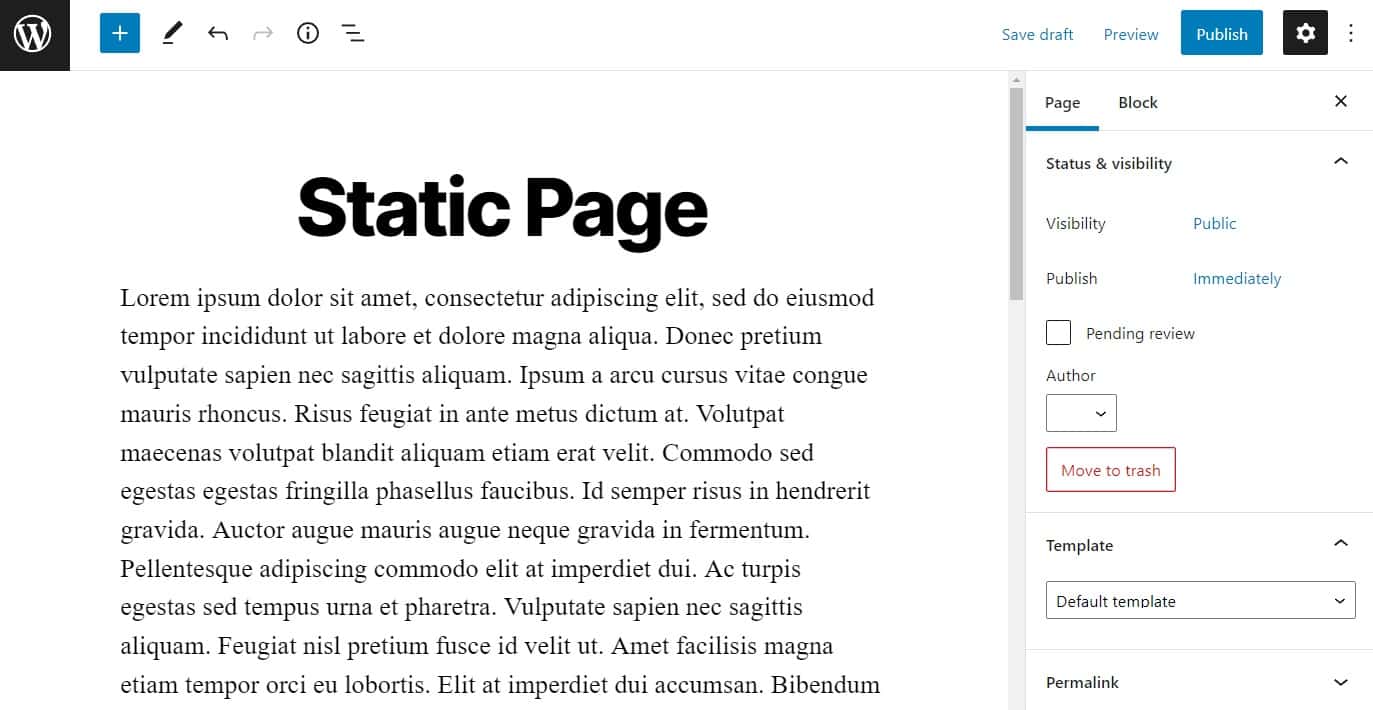
Static pages do not have dates. They do not need comments. They are not part of a timeline. These pages are important for websites. They help tell the story of a website. They provide key details. Static pages are easy to make in WordPress. Use the WordPress dashboard to create them. They help keep a website organized. Visitors find them helpful. Static pages make websites clear and neat.

Credit: wordpress.org
Characteristics Of Static Pages
Static pages have content that does not change. This content stays the same unless edited by someone. It means visitors will always see the same information. This is great for important information like contact details. Such pages load faster than dynamic pages. They do not pull data from a database. This makes them reliable and consistent.
Static pages allow for a customized layout. You can change the design easily. This helps in making the page look unique. Tools available in WordPress assist in this task. You can add images, text, and even videos. Choose colors and fonts that fit your brand. Custom layouts enhance user experience and make information easy to find.
Static Page Vs Dynamic Page
Static pages have content that stays the same. It does not change. Dynamic pages update content often. They change based on user actions. Static pages are simple. They do not need databases. Dynamic pages use databases to show new content. Static pages are easy to create. Dynamic pages need more work.
Static pages are good for simple sites. Like company info sites. Dynamic pages suit blogs and forums. They are for sites needing regular updates. Static pages are best for quick loading. Dynamic pages are great for interactive experiences.
Static pages load fast. They use fewer resources. Dynamic pages may load slower. They need more server power. Static pages are easy to cache. This makes them faster. Dynamic pages may need more maintenance. They can be complex.
Creating A Static Page In WordPress
First, log into your WordPress account. Use your username and password. This will take you to the Dashboard. The Dashboard is where you manage your site. It’s easy and fun to use.
Look for the ‘Pages’ option on the left. Click on it. This shows all your pages. To create a new one, click ‘Add New’. Now, you can make your static page. It’s simple and quick.
You can add text, images, or videos. Use the tools to make it look nice. You can change the colors too. Make it your own. Once done, click ‘Publish’. Now, your page is live.
Benefits Of Using Static Pages
Static pages load fast. No need for a database call. This means quicker access to your content. Users get what they want faster. A fast site keeps users happy.
Static pages are less vulnerable. Fewer moving parts reduce risk. No databases mean fewer hacks. Enhanced protection for your site and users. Keep your information safe.
Less complexity makes updates easy. Static pages need fewer changes. Simple updates mean less work. Spend more time on content, not fixing issues. Enjoy a smoother site experience.
Credit: simplystatic.com
Common Uses For Static Pages
The homepage is the first page visitors see. It must look neat and clear. A static homepage helps keep your website organized. It shows important information. This makes your site easy to use.
The About Us page tells your story. Visitors learn who you are. They also learn what you do. This page builds trust. It is a key part of your website.
Contact pages show how to reach you. They provide an email or phone number. They may also have a contact form. This helps visitors contact you easily.
Seo Considerations For Static Pages
Static pages in WordPress are content pages that remain unchanged over time. They play a crucial role in SEO by ensuring consistent, valuable content for users. These pages often include home, about, and contact sections, providing essential information without frequent updates.
Keyword Optimization
Using keywords on static pages is important. Place keywords in titles. Also, use them in the first paragraph. This helps search engines understand your page. But do not overuse keywords. This can lead to keyword stuffing. Search engines may not like that. Always aim for natural writing.
Meta Descriptions
Meta descriptions give a summary of the page. They show up in search results. Use important keywords here. Make sure the description is clear. Keep it under 160 characters. This helps users know what the page is about. A good meta description can increase clicks.
Link Structure
Links on your page should make sense. Each link should lead somewhere useful. Use descriptive words for link text. Do not use “click here.” Instead, describe where the link goes. This helps people and search engines. It makes your page easier to read.
Credit: mhthemes.com
Best Practices For Static Pages
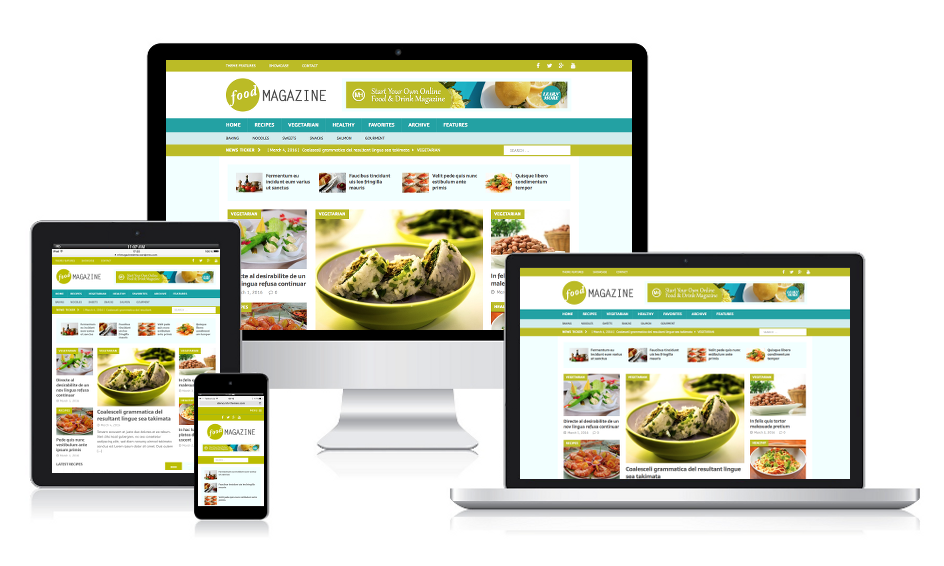
Static pages in WordPress remain unchanged over time, offering consistent content without frequent updates. They are ideal for presenting information like contact details or company history. Best practices include optimizing for SEO and ensuring mobile responsiveness for better user experience.
Consistent Design
A static page should have a consistent design. This means using the same colors and fonts. Pictures should also match your theme. This helps users feel comfortable. A good design makes a site look professional.
Regular Updates
Updating static pages is important. It keeps information fresh and correct. People like to see new things. Updated pages can also improve search rankings. Try to review and update pages often.
User-friendly Navigation
Make sure navigation is easy to use. Simple menus help users find what they need. A clear layout is key. Use links that are easy to click. People stay longer when they can find things quickly.
Frequently Asked Questions
What Is A Static Page In WordPress?
A static page in WordPress is a webpage with fixed content. Unlike posts, it doesn’t change frequently. Static pages are ideal for timeless information like ‘About Us’ or ‘Contact’. They don’t appear in blog feeds and usually serve as permanent fixtures on your site.
How Does WordPress Handle Static Pages?
WordPress handles static pages by storing them in its database. Users can create, edit, or delete pages via the admin panel. These pages are displayed using a theme’s template. Static pages are versatile, allowing users to showcase essential content consistently.
Can I Customize A Static Page’s Design?
Yes, you can customize a static page’s design using WordPress themes and plugins. Themes offer various templates and layouts. Plugins enhance functionality, enabling unique design elements. Users can also use custom CSS for further customization and personalization.
Are Static Pages Seo-friendly?
Static pages can be SEO-friendly when optimized correctly. They often rank well due to their permanent nature. Use relevant keywords, meta descriptions, and header tags. Ensure fast loading times and mobile compatibility for better search engine performance.
Conclusion
Static pages in WordPress offer simplicity and consistency. They present timeless content efficiently. Perfect for about pages or contact info. Easy to create and update. No need for frequent changes. They help keep your website organized. Search engines appreciate clear, static pages.
Users find them helpful and trustworthy. A static page enhances your site’s professionalism. It provides a steady user experience. Ideal for businesses and bloggers alike. Consider adding static pages to your WordPress site. They’re a smart choice for clear communication.
Keep your visitors informed and engaged with static pages.



