
Have you ever wondered what a “theme” in WordPress really means and why it’s crucial for your website? If you’re building or managing a WordPress site, understanding themes is essential.
They are the backbone of your site’s design and functionality. But here’s the catch: choosing the right theme can transform your website from bland to brilliant, directly impacting your audience’s engagement and your site’s success. Imagine a scenario where your website’s appearance could captivate visitors within seconds.
Themes are not just about aesthetics; they are about creating an experience that resonates with your audience. This article will unravel the mystery behind WordPress themes, helping you select one that aligns perfectly with your vision and enhances user experience. Stick around to discover how the right theme can boost your site’s performance and capture the attention of your target audience.
WordPress Themes Explained
A WordPress theme changes how a website looks. It controls the site’s design and layout. Themes can be simple or very detailed. Each theme has its own style. Some themes focus on pictures. Others focus on text.
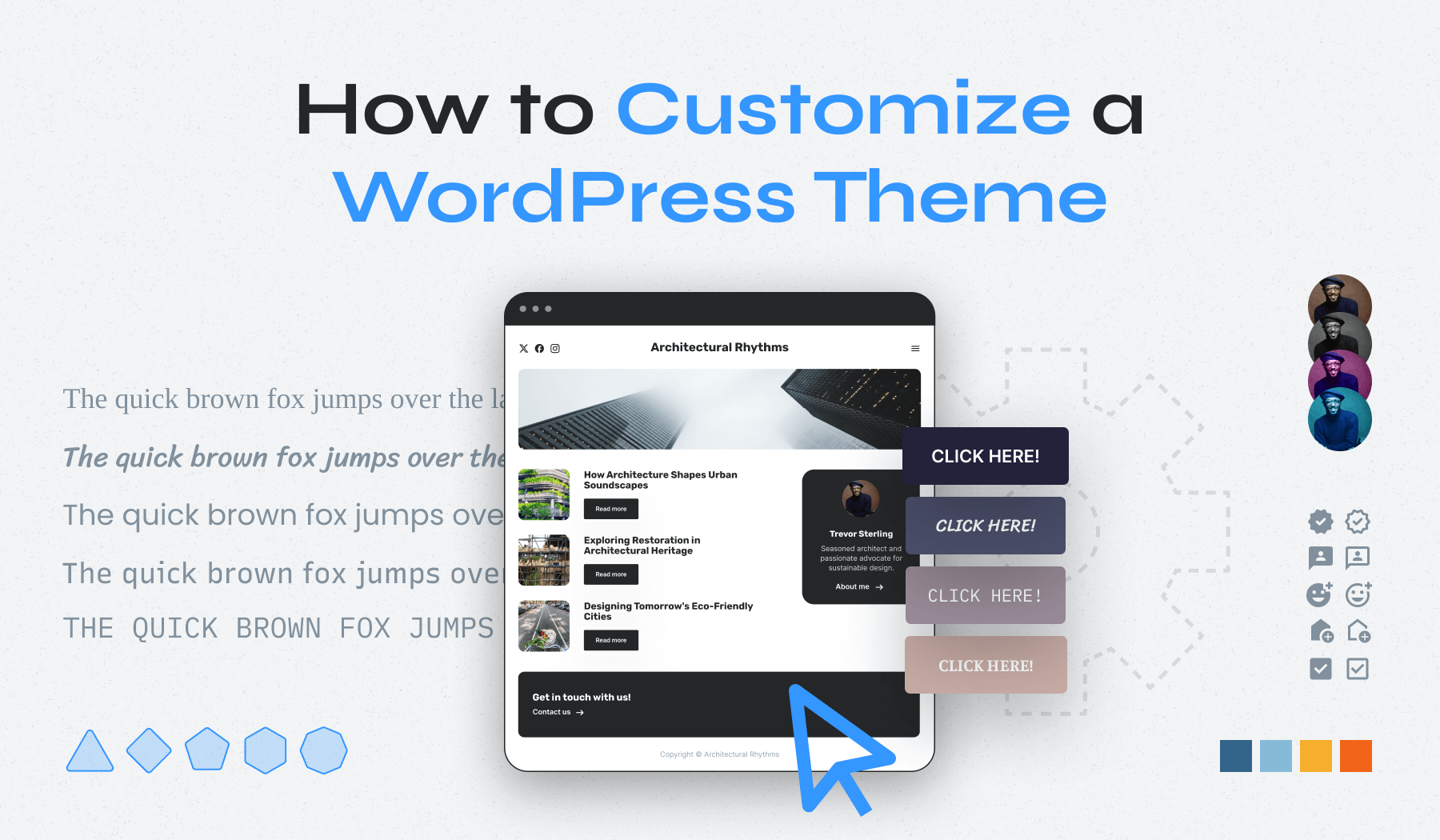
Themes help make a website look special. They have different colors, fonts, and shapes. Users can change themes easily. This does not affect the content on the site. Themes can be found in the WordPress Theme Directory. Many are free. Some cost money.
Choosing a theme is important. It should match the purpose of the site. A blog may use a simple theme. A business site may need a more professional look.
Credit: www.wpzoom.com
Core Features Of A Theme
A theme gives your site a unique look. It sets the colors and fonts. You can make your site look modern or classic. The layout decides where things go. Like the menu or sidebars. It makes your site easy to use.
Themes let you change many parts. You can choose the background color. Or add a logo. Some themes offer drag-and-drop builders. This makes it simple to change the layout. You don’t need to know coding.
A good theme works on all devices. It looks good on phones and computers. This is called responsive design. It makes sure everyone can see your site well. No matter the screen size.
Some themes help your site show up in search engines. They have clean code. This helps search engines find your site. Some themes include SEO tools. These tools help make your site even better.
Types Of WordPress Themes
Free themes are easy to find. They are available in the WordPress directory. They cost nothing, but may have limited features. Paid themes offer more options. They often come with premium support. These themes can make websites look more professional. They also offer better customization. Choosing between free or paid depends on your needs.
Multipurpose themes are flexible. They work for many types of sites. Blogs, shops, or portfolios can use them. They have many features. These features make them adaptable. You can change their look with ease. They are good for users who want versatility. Multipurpose themes save time. You don’t need to switch themes often.
Niche-specific themes are for special topics. They focus on one subject, like photography or food. These themes have designs that fit the topic well. They offer unique features for their niche. This makes them stand out. Users who have a specific need choose them. These themes make websites look more engaging and relevant.
Choosing The Right Theme
Think about what your website needs. Do you want a blog, an online store, or a portfolio? Your site’s purpose matters. Write down your goals. Choose a theme that supports these goals. Make a list of features you need. This helps in picking the right theme.
Not all themes work with every plugin. Check if your theme works with important plugins. Plugins add features to your site. Compatibility is key. Your theme should work well with WordPress updates. This ensures your site runs smoothly.
Good support is important. Choose themes with strong support. Read reviews. See if developers respond to questions. Regular updates keep your site secure. Updated themes fix bugs and add features. Make sure your theme has regular updates.
Installing A WordPress Theme
The WordPress directory offers many free themes. First, visit your WordPress dashboard. Find the Appearance menu, click Themes. Click Add New at the top. You can now search for themes you like. Use filters to narrow choices. Click Install next to the theme you want. After installation, click Activate to use the theme. Your website now has a new look!
Custom themes give unique designs. Begin by downloading the theme file. Usually, it is a .zip file. Go to your WordPress dashboard. Find Appearance, then click Themes. Click Add New and select Upload Theme. Choose the .zip file from your computer. Click Install Now. Wait for it to finish. After installing, click Activate. Your site now uses the custom theme.
Customizing Your Theme
The WordPress Customizer is a useful tool. It helps to change your theme’s look. You can adjust colors, fonts, and layouts. This tool shows changes in real time. It’s easy to use and beginner-friendly. Save your changes to see them live. This tool makes your site unique.
Custom CSS is code that changes your site’s design. Add it for special styles not in the customizer. It’s perfect for small tweaks. CSS can change margins, padding, and fonts. Write your code, and see changes instantly. It helps to make your site stand out.
Child themes are special themes. They copy the main theme. Changes here don’t touch the main theme. This keeps the main theme safe. You can add styles and functions. Your changes stay even after updates. They are great for developers and beginners.
Popular WordPress Themes
Free themes are very popular. Many people choose free themes to start. These themes are easy to use. Astra is one free theme. It is fast and simple. OceanWP is another theme. It has many features. Neve is a lightweight theme. It is great for beginners. Free themes are good for small websites. They have many designs and styles.
Premium themes offer more options. They are great for big websites. Divi is a popular premium theme. It has a drag-and-drop builder. Avada is another top choice. It is very flexible. BeTheme offers many demos. It suits different needs. Premium themes have better support. They also have more updates. They cost money but are worth it.

Credit: wpactivethemes.com
Troubleshooting Theme Issues
A theme in WordPress controls the appearance of your site, including layout, colors, and fonts. It defines how your content is displayed, impacting user experience. Troubleshooting theme issues often involves checking compatibility with plugins or WordPress updates, ensuring your site functions smoothly.
Common Problems
Many face broken layouts or missing features with themes. Sometimes, themes may not look right. This can happen due to plugin conflicts. Updates can break themes too. Always check for theme updates. Update all plugins as well. Clear your cache often. It helps to see changes. Sometimes, theme settings reset. This can be frustrating. Remember to back up your settings. This way, you can restore them easily.
Seeking Support
First, check the theme’s documentation. It often has solutions. Use support forums for help. Many users share solutions there. Contact the theme developer if needed. They can help with specific problems. Always provide details of your issue. Screenshots can be very helpful. This helps support teams understand better.

Credit: meancreative.com
Frequently Asked Questions
What Is A Theme In WordPress?
A theme in WordPress is a collection of files that determines the design and layout of your website. It controls elements like colors, fonts, and page templates. Themes allow you to customize the appearance without altering the core functionality of your site.
How Do Themes Affect Website Design?
Themes significantly impact website design by providing pre-designed templates and layout options. They define the site’s aesthetics, including colors, fonts, and styles. With themes, you can change the appearance of your WordPress site without modifying content or structure.
Can You Change WordPress Themes Easily?
Yes, changing WordPress themes is straightforward. You can switch themes directly from the WordPress dashboard. Navigate to “Appearance” and select “Themes. ” Choose a new theme and activate it. Ensure your site content aligns well with the new design before finalizing the change.
Are WordPress Themes Customizable?
Most WordPress themes are customizable. They offer options to change colors, fonts, and layouts. Many themes include a customizer tool for easy modifications. Advanced users can edit theme files for deeper customization. Always use child themes to preserve changes during updates.
Conclusion
Understanding themes in WordPress makes website creation easier. They define your site’s look and feel. Themes offer flexibility and customization options. They help you design without coding skills. Choosing the right theme boosts user experience. It also improves your site’s performance.
Experiment with different themes to find the best fit. Always check theme reviews and ratings. This ensures reliability and security. A well-chosen theme enhances your website’s appeal. It attracts more visitors and keeps them engaged. Remember, a good theme is key to a successful site.
Happy designing!



