
When you’re working with WordPress, one of the key tasks is managing your PHP files efficiently. But what happens when you need to export these files?
The format you choose can make a significant difference in your workflow. Have you ever found yourself wondering which export format is best for your WordPress PHP files? You’re not alone. Many WordPress users struggle with this decision, and making the wrong choice can lead to frustrating setbacks.
Imagine being able to streamline your processes and enhance your website’s performance by simply selecting the right format. We will guide you through the options, helping you make an informed decision that suits your needs and saves you time. Get ready to unlock the secrets of exporting WordPress PHP files and boost your productivity effortlessly!
Understanding Export Formats
WordPress lets you export data in different formats. The most used format is XML. This format is useful for moving posts, pages, and comments. Another popular format is CSV. This is great for handling spreadsheets. JSON is also supported. It is good for web developers. PDF is not a direct option. But plugins can help. The right format depends on your needs.
Choosing a format depends on what you need. XML is best for backups and moving sites. CSV works well for data analysis. JSON is perfect for developers. Plugins may help with other formats. Think about what you need first. Then choose the best format.
Xml Format
XML is a great choice for exporting data. It is easy to read. Both humans and machines understand it. XML stores data in a structured way. This makes it simple to manage. Many systems use XML. This means it is compatible with lots of software. Sharing data with XML is also easy. You can share between different systems without trouble.
XML can be complex for large data sets. It uses more space. This means bigger files. Sometimes, XML files are slow to process. Some systems need extra tools to work with XML. This can be a problem. XML is not the best for all tasks. It is not always the easiest choice.
Csv Format
CSV files are very easy to use. They open in many programs like Excel. Users find them simple to read. CSV files are also lightweight. This means they do not take much space. Sharing these files is also easy. People can email them quickly. Many websites and software support CSV. This makes CSV files a good choice for many tasks. Importing data with CSV files is fast. They work well with WordPress too.
CSV files do not keep text formatting. They lose colors and fonts. This can be a problem for some users. Also, CSV files can be hard to use with complex data. They are not good for storing images or other media. CSV files only hold basic data. If data is large, it may need more advanced formats. Errors can happen if data has commas. Users must check their data often.
Json Format
JSON is a simple data format. It is easy to read and write. JSON uses key-value pairs. This makes it clear and organized. Many systems understand JSON. It is very popular for web services. JSON is also lightweight. This means it is small in size. It does not use extra space. JSON is also language-independent. Many programming languages can use it.
JSON is great for data exchange between systems. It is useful for web apps. JSON helps when sending data from server to client. It is perfect for configuration files. JSON is also good for storing simple data. Use it when you need a clear format. JSON is fast to parse and process. This saves time in applications. Many APIs use JSON. It is a common choice for developers.
Sql Format
SQL format is popular for databases. It stores and manages data. Many prefer it for its efficiency and flexibility. SQL helps in retrieving data quickly. It is compatible with many systems. This makes it a good choice for WordPress. SQL is used worldwide. This means there is a large support community. It is easy to find help and resources. SQL is simple to learn. Even beginners can use it effectively.
SQL might seem tricky at first. It requires a basic understanding of databases. For some, this might be a hurdle. Mistakes can lead to data loss. Care is important. Sometimes, SQL queries run slow. This can be frustrating. Large databases need more attention. Proper maintenance is key. Without it, issues may arise. Regular backups help in avoiding problems. It’s wise to keep a backup routine.
Credit: www.theblogstarter.com
Custom Export Solutions
Custom PHP scripts are great for exporting data. They offer flexibility and control. You can choose what data to export. This is useful for specific needs. Custom scripts are good for large projects. They handle complex data well. These scripts need programming knowledge. Beginners may find it hard. But they provide tailored solutions.
Plugins make exporting data easy. Many plugins are available for WordPress. These plugins are user-friendly. They need no coding skills. Choose plugins with good reviews. They often have many options. Some plugins are free, others cost money. They save time and effort. Installing and configuring is simple. A good plugin can simplify tasks.
Best Practices
Always keep your data safe. Use the right export format. JSON and XML are good choices. They keep data organized. Before exporting, check for errors. Fix them first. Use backups to avoid data loss. Make sure your export tool is up-to-date. This prevents bugs. Keep your data consistent. This means data should match everywhere.
Use a simple tool for exporting. It saves time. Schedule exports during low traffic times. This speeds up the process. Choose the right format for your needs. CSV is good for spreadsheets. JSON is good for apps. Keep the process automated when possible. This reduces errors. Monitor your exports for any issues. Fix them quickly.
Credit: www.geeksforgeeks.org
Credit: www.malcare.com
Frequently Asked Questions
What File Formats Can WordPress Export?
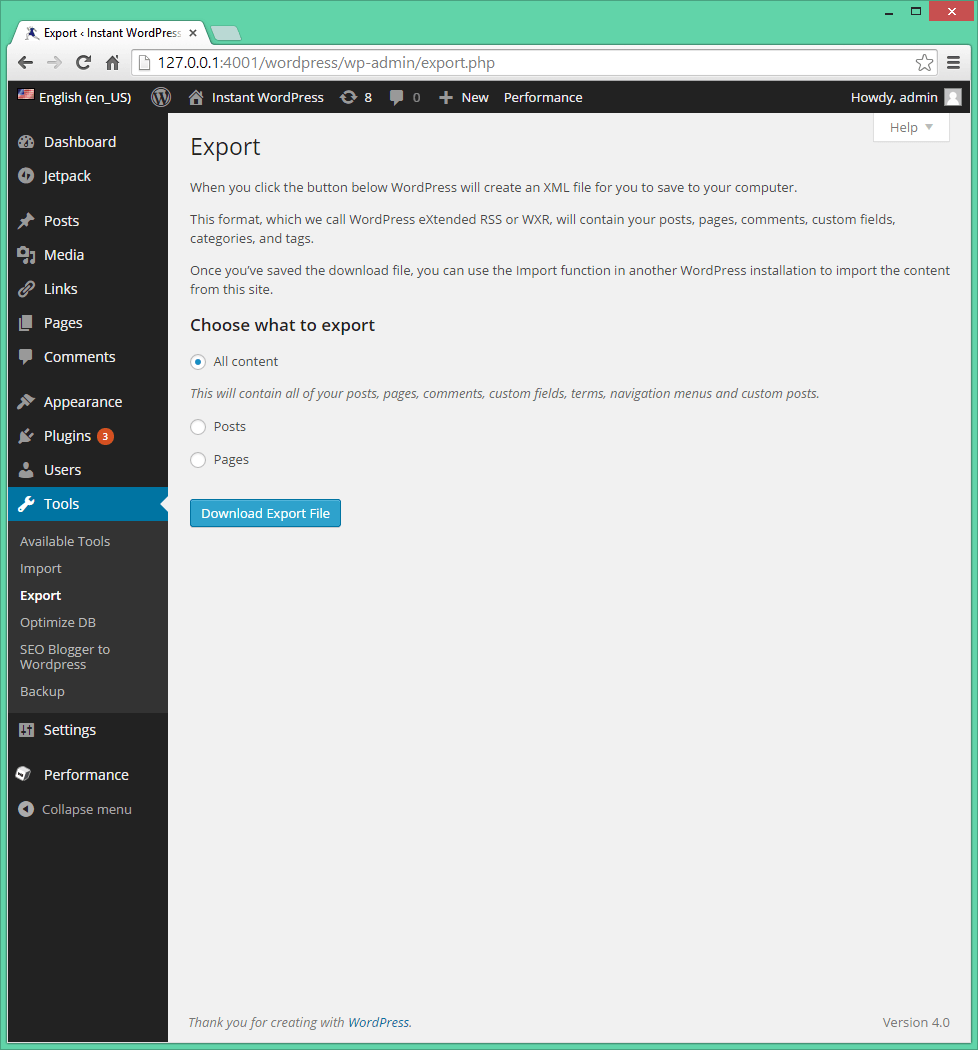
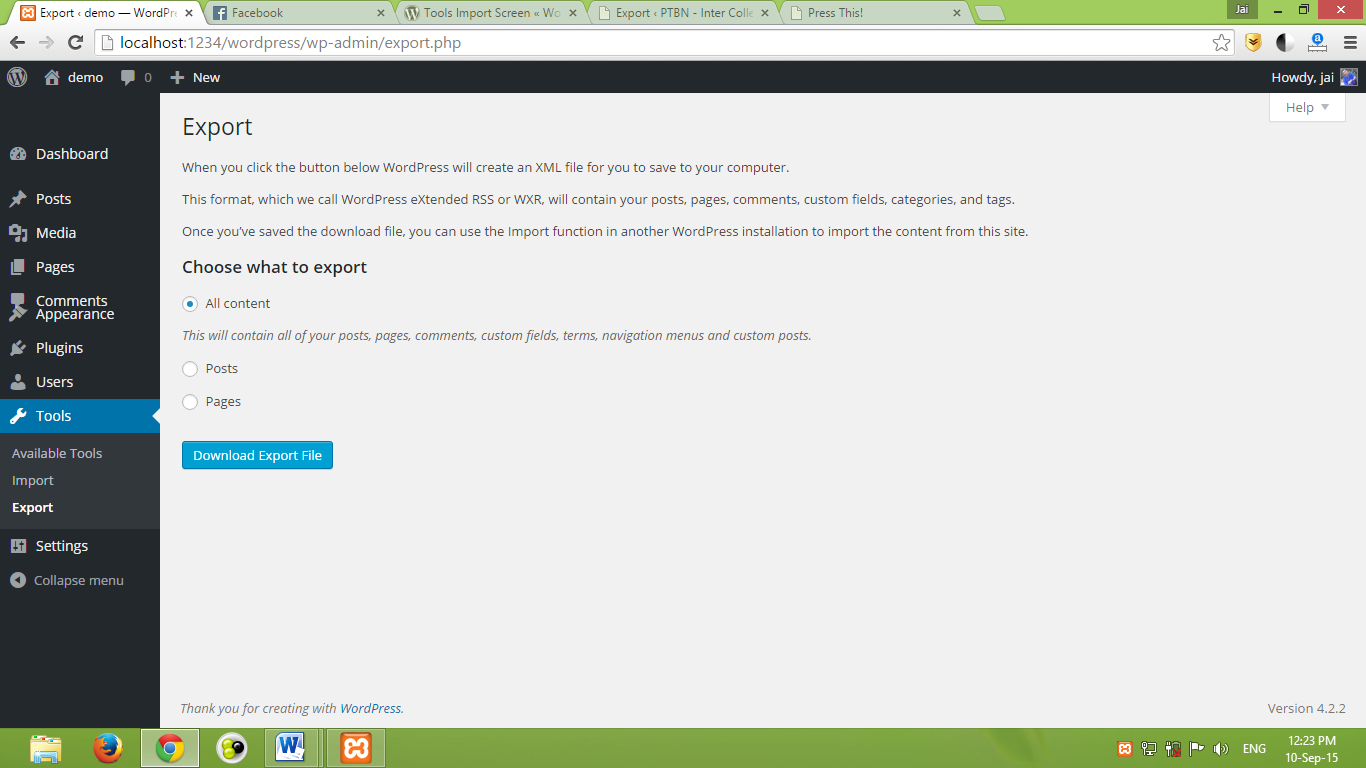
WordPress can export files in XML format, which includes posts, pages, and comments. This format is compatible with various CMS platforms. XML is essential for migrating content between WordPress sites. It ensures a seamless transfer of content and maintains the site’s structure.
How Do I Export WordPress Php Files?
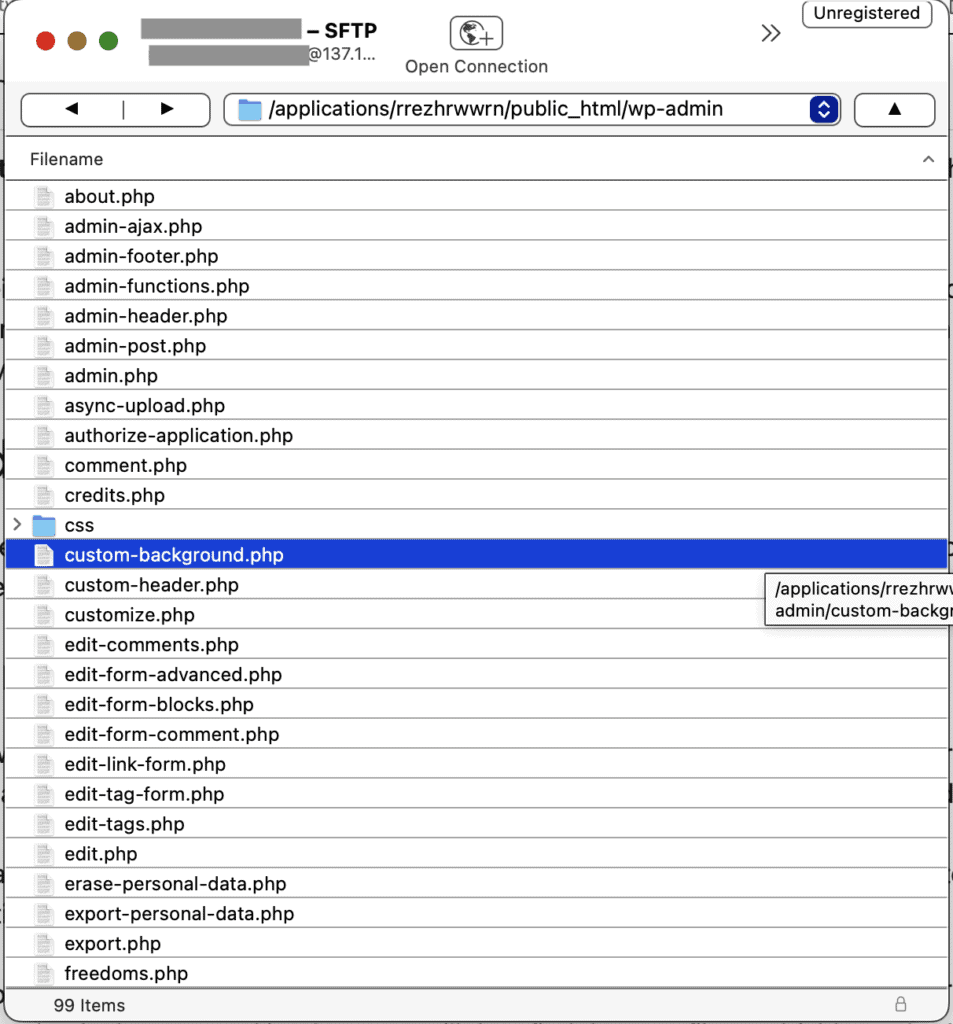
To export PHP files, access your WordPress dashboard, navigate to Tools, and select Export. Choose which content to export. This process creates an XML file, not PHP. For PHP, access your server via FTP and download necessary files from the WordPress directory.
Can WordPress Export Media Files?
WordPress exports media files separately from the content XML. Use FTP or a plugin to download media files. Ensure all media is backed up before transferring. Plugins can simplify this process, offering bulk downloads. Always verify media integrity after export to avoid data loss.
Is There A Plugin For Exporting WordPress Data?
Yes, several plugins facilitate exporting WordPress data. Plugins like WP All Export provide custom export options. These plugins allow selective data export, including custom fields and taxonomies. They simplify complex export tasks and ensure data accuracy. Always check plugin compatibility before installation.
Conclusion
Choosing the right export format for WordPress PHP matters. It ensures smooth data transfer and easy management. CSV is often the simplest choice for many. XML offers a structured way to handle complex data. JSON is great for modern applications and web integrations.
Each format has its own benefits and fits different needs. Consider what works best for your project. A well-chosen format saves time and effort. It also enhances efficiency and usability. So, think carefully before deciding. The right choice simplifies tasks and boosts productivity.



