Have you ever wondered what makes a WordPress website look and feel the way it does? The secret lies in something called a “WordPress theme.”
If you’re new to building websites, or even if you’re just curious, understanding what a theme is can unlock a world of possibilities for you. Imagine being able to change the entire design of your site with just a few clicks, transforming it to suit your style or your brand’s image.
Sounds exciting, right? You’ll discover exactly what a WordPress theme is and how it can enhance your website. We’ll break down the concept into simple terms, making it easy for you to grasp. You’ll see how themes can save you time, boost your site’s appeal, and keep your visitors coming back for more. Ready to dive in and learn how to make your website not just functional, but truly memorable? Keep reading to find out how!
Credit: wpengine.com
WordPress Theme Basics
A WordPress theme is a collection of files. These files change the look of your site. Themes control your site’s layout and design. They help make your site unique. Each theme has its own style and features. Some themes are simple. Others have many options. You can switch themes without changing the content. This is important for users.
Many themes are free. Others cost money. Free themes are great for beginners. Paid themes often have more features. These features can help your site look more professional. Always choose a theme that fits your needs. Look for themes that are easy to use. This makes your job much easier.
Importance Of Themes
Themes make your website look nice and work well. They change colors, fonts, and layouts. Themes help your website match your brand. A good theme makes your website easy to use. People find what they need fast.
Some themes are for blogs. Others are for shops or news sites. Choosing the right theme is important. It can make your site popular. It should fit your site’s purpose. Themes save time. You don’t need to build everything from scratch. Pick a theme and start building your site.
Key Features Of A WordPress Theme
WordPress themes offer many ways to change how your site looks. You can pick colors, fonts, and layouts. These changes help make your site look special. Drag-and-drop builders are easy to use. No need to know how to code. Just click and change. Make your website match your style.
A good theme works well on all devices. Computers, tablets, and phones. Responsive design makes sure your website looks good everywhere. This keeps visitors happy. They can read your site without zooming in or out. It helps keep your audience connected.
SEO-friendly themes help your site show up in search results. They have clean code. This makes search engines happy. Faster loading times also help. Good themes come with built-in SEO tools. These tools make it easier for people to find your site.
WordPress themes work with many plugins. Plugins add extra features to your site. A compatible theme ensures no issues. Your site will run smoothly with added tools. This flexibility makes WordPress a popular choice. More features mean a better user experience.
Credit: wpeka.com
Types Of WordPress Themes
Free themes are good for beginners. They offer basic features. But they have limited support. Premium themes cost money. They offer more designs and options. Premium themes often have better updates. They also come with more help. Choose based on your needs and budget.
Multipurpose themes are very flexible. They can be used for many types of websites. You can use them for blogs, shops, or business sites. They offer lots of templates. These templates are easy to change. Multipurpose themes save time. They are good for people who want variety.
Niche-specific themes focus on one kind of site. They are made for special purposes like food blogs or travel sites. These themes come with unique features. They are often more focused. Niche themes help your site stand out. They are perfect for specific needs.
Choosing The Right Theme
Start by listing what you need in a theme. Think about the website’s purpose. Consider the style you want. Do you need a blog or a shop? Make a list of features you want. Simple themes can be better for beginners. Complex themes might suit advanced users.
Fast themes are important. Slow themes can upset visitors. Check how fast the theme loads. Good performance makes users happy. Make sure the theme works on phones. Responsive themes look good everywhere. Test speed with online tools.
Read reviews before choosing a theme. Users share their experiences online. Positive reviews can be helpful. Negative reviews might show problems. Check for updates from the theme creator. Updated themes often have fewer bugs. Trust the feedback of others.
Installing A WordPress Theme
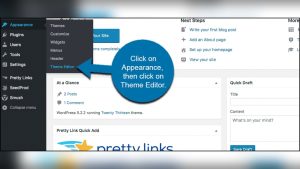
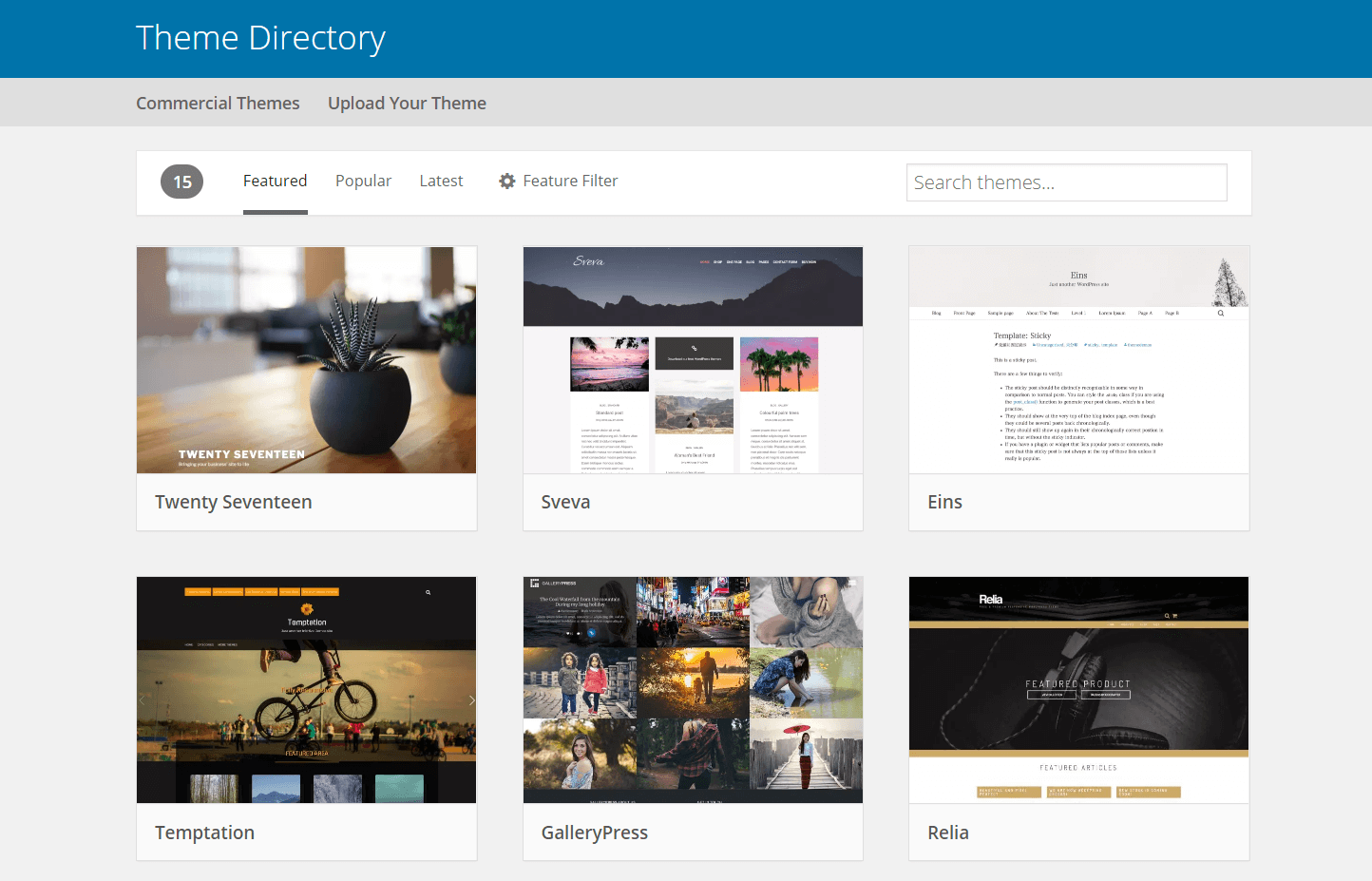
The WordPress directory is the easiest place to find themes. You can search for themes by name or feature. Just go to your WordPress dashboard. Then click on Appearance and choose Themes. Next, click on Add New to see the theme directory. Pick a theme you like. Click Install and then Activate. Now, your new theme is live on your site.
Sometimes, themes are not in the WordPress directory. You may need to upload them. First, download the theme’s zip file to your computer. Go to your WordPress dashboard. Click on Appearance and then Themes. Click Add New, then Upload Theme. Choose the zip file and click Install Now. After it installs, click Activate. Your theme is now ready to use.
Customizing Your Theme
The WordPress Customizer is a powerful tool. It helps you change your site’s look. You can adjust colors, fonts, and layouts. No coding is needed. Just click and see changes in real-time. This makes it fun and easy. You can preview before saving.
Editing theme files gives more control. You can change the code directly. This can make your site unique. Be careful with changes. Wrong code can break your site. Always backup before you edit. Use a child theme for safety. This keeps original files safe.
Popular WordPress Themes
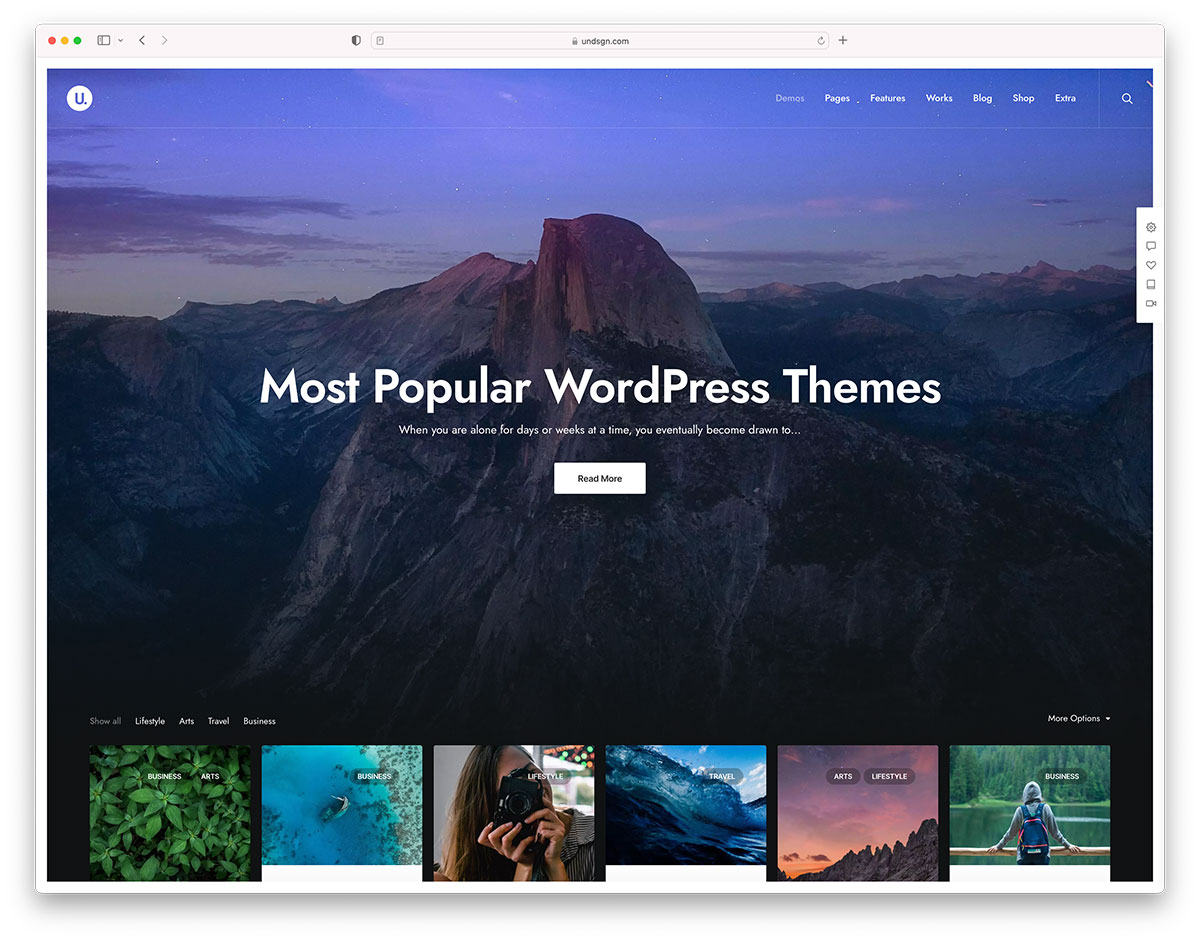
Top themes offer amazing features. They are easy to use and customize. Many themes have responsive designs. This means they work well on phones and tablets. These themes also have SEO-friendly options. This helps your site rank higher in search results. Users love fast loading speeds. Themes provide this feature too. Most themes allow drag-and-drop building. You can arrange parts of the page easily. Themes often have built-in security features. This protects your site from hackers. Many themes offer multiple color schemes. You can choose the best look for your site.
Theme design changes over time. Minimalist designs are popular now. They use fewer elements. This makes sites look clean and simple. Many themes now use bold fonts. These fonts are easy to read. Animations are also trendy. They make websites lively. Dark mode options are in demand. They help reduce eye strain. Customizable grids are common. They help organize content neatly. Themes now focus on accessibility. This means everyone can use them easily.
Maintaining And Updating Themes
Updates keep your theme safe and fast. Old themes can have bugs. Bugs can cause problems on your site. Updates fix these bugs. They also add new features. This helps your site look and work better. Updates are like a tune-up for your theme. They make sure everything runs smooth. Always update your themes on time.
Sometimes themes do not get along. This is called a conflict. Conflicts can make your site act strange. They can break parts of your site. Test new themes in a safe place first. This way, you can see if there are problems. Backup your site before changing themes. This keeps your site safe. If something goes wrong, you can fix it.
Credit: colorlib.com
Frequently Asked Questions
What Is A WordPress Theme?
A WordPress theme is a collection of files that determine the design and layout of a WordPress site. It controls the site’s appearance, including colors, fonts, and styles. Themes can be customized to fit individual needs, offering flexibility and creativity in design.
How Do WordPress Themes Work?
WordPress themes work by modifying the site’s design without altering its core functionality. They use templates and stylesheets to define the visual aspects. Themes are managed through the WordPress dashboard, allowing users to install, activate, and customize them easily.
Can I Customize My WordPress Theme?
Yes, you can customize your WordPress theme using the built-in theme customizer. It allows changes to colors, fonts, and layouts. Many themes support additional plugins for further customization, providing flexibility to match your brand’s style.
Are WordPress Themes Free Or Paid?
WordPress offers both free and paid themes. Free themes are available in the WordPress repository and often include basic features. Paid themes offer advanced functionality, customization options, and support. Choosing between free and paid depends on your site’s needs and budget.
Conclusion
Exploring WordPress themes opens up creative possibilities for your website. They offer a variety of styles and functions. With a suitable theme, your site becomes more appealing and user-friendly. Themes help in building a strong online presence. Choosing the right one can impact your site’s performance.
Remember, themes are crucial for brand identity. They make your website stand out. And improve user experience. So, take your time to find the best fit. Your perfect theme awaits, ready to transform your site. Enjoy the process of creating with WordPress themes.