Have you ever wondered how your WordPress site can get that professional look and feel without breaking a sweat? That’s where theme integration comes into play.
Imagine having the ability to transform your website into a stunning visual experience that captivates your visitors. It’s not just about aesthetics; theme integration is your gateway to a cohesive digital identity that aligns perfectly with your brand. Curious about how you can effortlessly blend functionality with design?
Dive into this article to discover how theme integration in WordPress can be your secret weapon for a standout website. Your journey to mastering the art of theme integration starts here. Are you ready to unlock the potential of your site? Let’s get started!

Credit: gloriathemes.com
Theme Integration Basics
Theme integration means adding a new look to a WordPress site. It changes how the site looks and feels. The theme includes design, layout, and colors. A new theme can make a website unique and attractive. It is like giving your site new clothes.
Using themes is important for website building. It helps users create beautiful sites quickly. Themes improve user experience. They make navigation easy. A good theme can make your site faster. Speed is key for visitors. Themes also support customization. You can change parts to fit your needs. This makes your site special.
WordPress Themes
WordPress offers free and paid themes. Free themes are easy to find. They are in the WordPress theme directory. Paid themes often have more features. You buy them from online stores. Custom themes are another option. They are unique and can be made just for you. Choose the type that fits your needs.
Start by thinking about your site’s purpose. Is it a blog or a store? Find themes that match your purpose. Look at the design. Is it easy to navigate? Check if the theme is responsive. This means it looks good on phones. Read reviews from other users. They can tell you if the theme is good. Make sure it has support. You need help if things go wrong. Finally, ensure it works with your plugins.
Steps To Integrate A Theme
Visit your WordPress dashboard. Find the Appearance tab. Click on Themes. You see a button named Add New. Click it. Use the search bar to find a theme. Pick one you like. Then, press Install. Wait for the process. It is now ready.
Go back to the Appearance tab. Find the theme you installed. Click Activate. Your site now uses the theme. Start customizing it. Use the Customize option. Change colors and fonts. Make it your own. Preview changes instantly.
The theme comes with settings. Look for Theme Options. You can change layout. Adjust header and footer. Add widgets. Improve site look and feel. Explore all features. Make sure everything looks great. Save your changes.
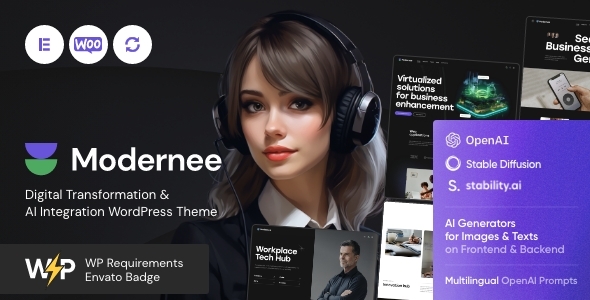
Credit: themeforest.net
Customizing Themes
The WordPress Customizer is a friendly tool. It helps you change your website’s look. You can change colors, fonts, and pictures. This tool makes your site unique. You see changes live as you make them. This helps in making better choices.
Custom CSS is like magic for your website. It lets you add your own styles. Want a special button color? You can do that. Want bigger text? Easy. Custom CSS gives you control. Your site can look exactly how you want it.
Child themes are like baby themes. They help you change your site without breaking it. If the main theme updates, your changes stay safe. This is important. You can add new features or styles. Your hard work stays protected.
Theme Integration Best Practices
Theme integration in WordPress involves seamlessly blending design elements with functionality. It enhances user experience by ensuring consistent design across pages. Proper integration requires attention to detail and understanding of both design and technical aspects.
Ensuring Compatibility
Compatibility is key in theme integration. Always check if the theme works with your plugins. This avoids conflicts. Use themes from trusted sources. Updates should be regular. This ensures smooth operation. Test the theme on different devices. This ensures a responsive design. A responsive design looks good on all screens.
Performance Optimization
Performance matters a lot. A slow site loses visitors. Keep the theme light. Avoid heavy graphics. Use optimized images. This helps in fast loading. Minify CSS and JavaScript files. This reduces load time. Use a good caching plugin. Caching improves performance and speeds up your site.
Maintaining Seo
SEO is crucial for visibility. Choose a theme with clean code. Clean code helps search engines. Use SEO-friendly URLs. This helps in better ranking. Ensure the theme supports meta tags. Meta tags help search engines understand content. Regularly update your theme. Updates improve security and SEO.
Common Integration Challenges
Theme integration in WordPress involves blending design elements seamlessly into a site’s framework. Challenges often arise in ensuring compatibility with plugins and maintaining responsive layouts. Consistent updates and varied device testing help achieve a cohesive user experience.
Troubleshooting Common Issues
Many users face integration issues with WordPress themes. Errors might pop up after an update. Themes might not display correctly. This frustrates users. Solutions often lie in checking compatibility. Ensure themes match your WordPress version. Sometimes, themes clash with plugins. Disable plugins one by one. Find the guilty plugin. Activate plugins carefully. Prioritize essential ones. Regular updates are crucial. Keep everything updated to avoid problems. This minimizes risks.
Dealing With Plugin Conflicts
Tools For Theme Integration
Using plugins can make theme integration easier. Elementor is a popular choice. It lets you create pages with ease. Yoast SEO helps optimize your content. This makes your site more visible. WooCommerce is ideal for online stores. It adds shopping features to your site.
Contact Form 7 enables simple contact forms. This helps visitors reach you. Smush optimizes images for faster loading. This improves user experience. Jetpack offers many features. Security, performance, and design tools included. These plugins can enhance your theme.
Developers need special tools. Chrome DevTools helps inspect elements. It is useful for debugging. CodePen allows testing HTML, CSS, and JavaScript. Great for trying new ideas. GitHub is essential for code management. It keeps track of changes.
Sublime Text is a favorite text editor. It is fast and easy to use. Bootstrap helps with responsive design. It ensures your site looks good on all devices. These tools are vital for successful theme integration.
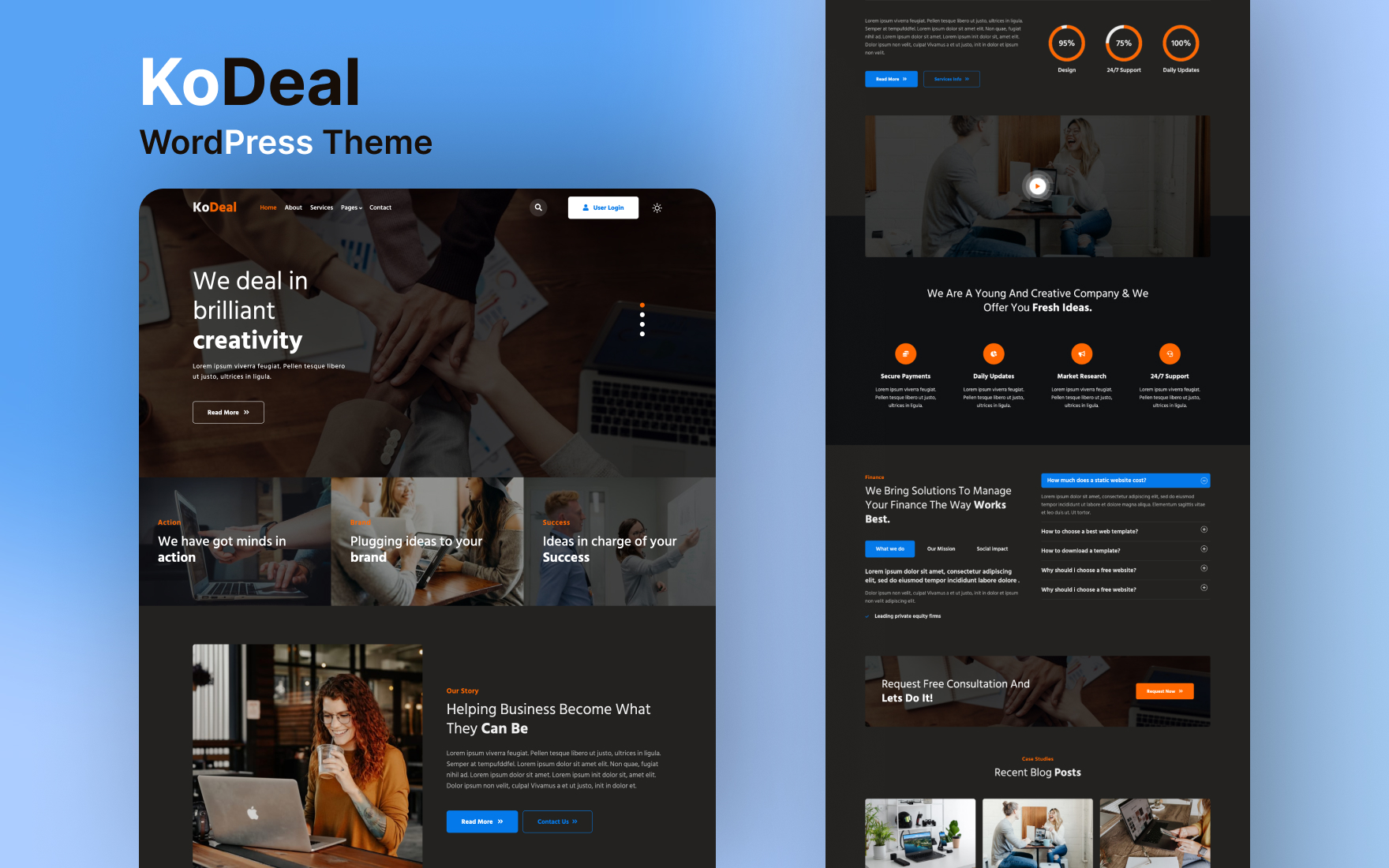
Credit: w3layouts.com
Future Of Theme Integration
Theme development is changing fast. Developers focus on speed and responsiveness. Themes must work on all devices. This means phones, tablets, and computers. Minimal design is popular. It makes websites fast and clean. Many themes now support customization. Users can change colors and fonts easily. This helps in making sites unique.
The Gutenberg Editor changed how we build websites. It uses blocks to add text, images, and more. This makes it easy for beginners. Many themes now work well with Gutenberg. They offer more block options. This means more creativity. Users can design pages without coding. This saves time and effort.
Frequently Asked Questions
What Is Theme Integration In WordPress?
Theme integration in WordPress involves incorporating a design template into the platform. It ensures the website’s appearance aligns with the brand’s identity. This process customizes layout, colors, fonts, and more. Proper integration enhances user experience, SEO, and functionality, making your site visually appealing and effective.
How Does Theme Integration Benefit My Website?
Theme integration enhances your website’s aesthetics and functionality. It creates a cohesive look that aligns with your brand. This process improves user experience and can boost SEO rankings. A well-integrated theme ensures faster load times and mobile responsiveness, making your website more accessible and engaging for visitors.
Can I Customize A WordPress Theme?
Yes, you can customize a WordPress theme to fit your needs. WordPress allows theme modification through its built-in customizer. You can change colors, fonts, layouts, and more. For advanced customization, coding skills or a developer might be required. Customization ensures your site reflects your brand identity effectively.
Is Theme Integration Seo-friendly?
Yes, theme integration can be SEO-friendly when done correctly. It involves optimizing the theme’s code and structure for search engines. This includes improving site speed, mobile responsiveness, and clean coding. An SEO-friendly theme ensures better search engine visibility, helping your website rank higher in search results.
Conclusion
Theme integration in WordPress enhances your website’s design effortlessly. It ensures a consistent look across all pages. This consistency boosts user experience and engagement. Understanding theme integration helps you customize your site effectively. You can choose themes that align with your brand easily.
This process supports seamless functionality and aesthetics. With practice, integrating themes becomes a straightforward task. You can manage your website’s appearance without hassle. Enjoy the flexibility and creativity WordPress offers. Start exploring themes today. Transform your site into a user-friendly space with ease.
Happy designing!