
Have you ever wondered how to manage new users on your WordPress site? Understanding new user registration on WordPress can open doors to greater engagement and interaction with your audience.
Imagine unlocking the potential to grow your community, streamline user management, and enhance security, all with just a few clicks. It’s not just about adding names to a list; it’s about creating a welcoming digital environment where your visitors feel valued and connected.
This guide will walk you through the ins and outs of new user registration, making it easy for you to transform casual visitors into active participants on your site. Ready to take your WordPress game to the next level? Let’s dive in and discover how you can leverage new user registration to its fullest potential!
Credit: jetformbuilder.com
Understanding WordPress Registration
WordPress is a tool for building websites. It helps users create blogs, shops, and more. New user registration lets people join the site. They can comment, post, or buy things. Users fill a form with name and email. Then, they choose a username and password. It’s simple and quick.
Admins control who registers. They can approve or reject users. Security is important. Sites protect user data with codes. Login pages must be safe. WordPress offers plugins for extra safety. These plugins help protect user info. They block bad users and keep data safe.
Registration helps build community. Users feel part of the site. They share ideas and talk to others. Active users make sites lively and fun. Registration is the first step for new users. It opens the door to a world of possibilities.
Benefits Of User Registration
User registration on WordPress has many benefits. It helps in building a community. Users can engage with your content. They can leave comments. They can share posts. This creates a lively website.
Registered users can get exclusive access to content. This makes them feel special. You can offer them discounts or special deals. This can increase their loyalty to your site.
Collecting user data is easier with registration. You can send newsletters or updates. This keeps users informed. They will visit your site more often. This can lead to more sales.
Having a user account makes it easy for users to manage their preferences. They can update their information. This makes their experience better. Happy users are more likely to return.
Setting Up Registration On WordPress
WordPress makes it easy to allow users to register. First, go to your dashboard. Find the Settings menu. Click on General. Check the box next to Membership that says “Anyone can register.” This lets new users sign up. Set the New User Default Role. Choose a role like Subscriber. This keeps your site safe. Save changes by clicking the Save Changes button.
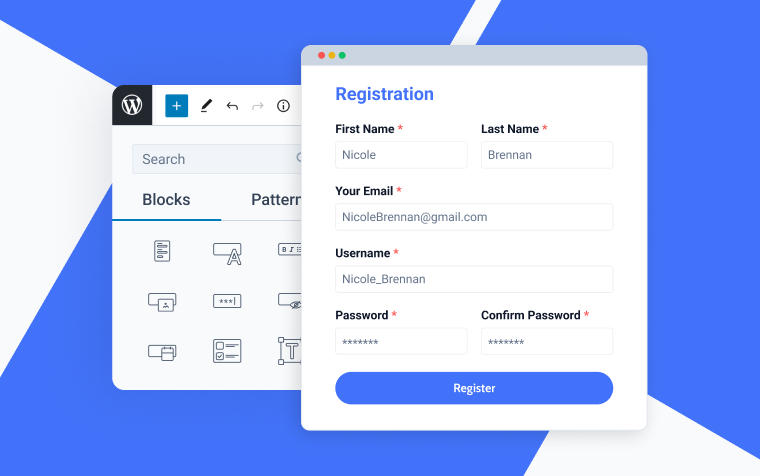
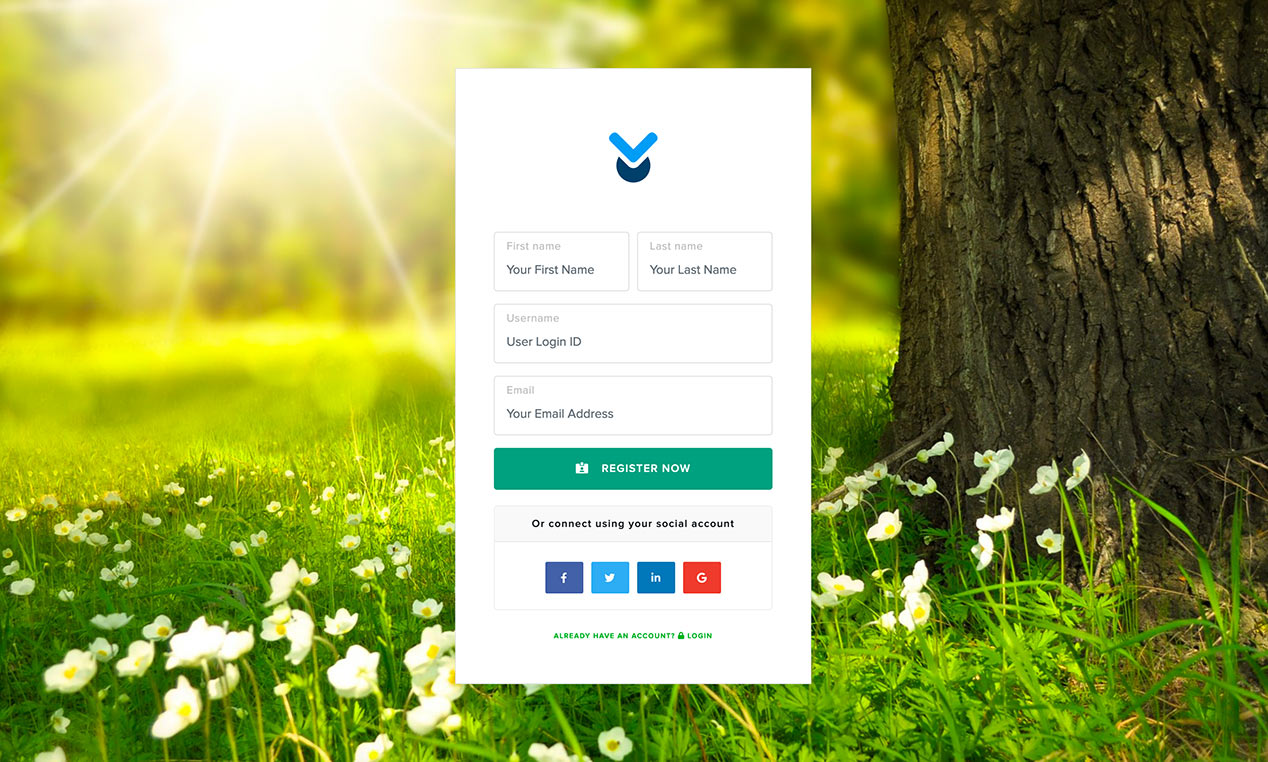
Plugins add more features to registration. Look for plugins in the WordPress Plugin Directory. Search for registration plugins. Popular plugins are WPForms and User Registration. These plugins help create custom forms. They can add fields like name, email, and password. Install your chosen plugin. Follow the setup instructions. Customize the registration forms to fit your needs.
Credit: www.wpdownloadmanager.com
Customizing Registration Forms
Custom fields make registration forms unique. Users enjoy personalized experiences. Fields collect important data like age and interests. This helps in understanding your audience better. You can add dropdowns for easy choices. Text boxes allow detailed input. Radio buttons provide simple options. Remember to keep fields relevant. Avoid unnecessary questions. Simplicity makes forms user-friendly.
User-friendly forms attract more registrations. Make sure forms are simple. Use clear labels for each field. This helps users understand what to fill in. Ensure fields are visible. Arrange them in a logical order. Highlight required fields. Use asterisks or bold text. Give users clear instructions. Errors should be easy to spot. Show error messages near the field. Make sure forms work on mobile devices. Test them regularly for bugs.
Managing User Roles And Permissions
WordPress has different user roles. Each role has specific permissions. The main roles are Administrator, Editor, Author, Contributor, and Subscriber. Administrators have full control. They can manage everything. Editors can publish and manage posts. Authors can write and publish their posts. Contributors can write posts but not publish. Subscribers can only read content. Understanding each role is important for managing a site.
Permissions allow users to perform specific tasks. Admins set these permissions. Admins should carefully assign permissions. This ensures security and proper workflow. Permissions include editing, publishing, and deleting content. Proper permissions help protect the site. Customize permissions based on user needs. This keeps the site efficient and secure.
Enhancing Security For Registrations
New User Registration on WordPress involves creating a secure account for accessing websites. Enhancing security is vital to protect user data and prevent unauthorized access. Using plugins and strong passwords can help safeguard the registration process effectively.
Implementing Captcha
Adding a captcha helps keep bots away. It is a simple test for users. Users type what they see in a picture. This action shows they are real people. Many types of captchas exist. Choose one that fits your site best. Some captchas use words, others use pictures. Both are effective. Bots find it hard to pass these tests. Using a captcha is a smart way to protect your site. It adds an extra layer of security.
Enabling Email Verification
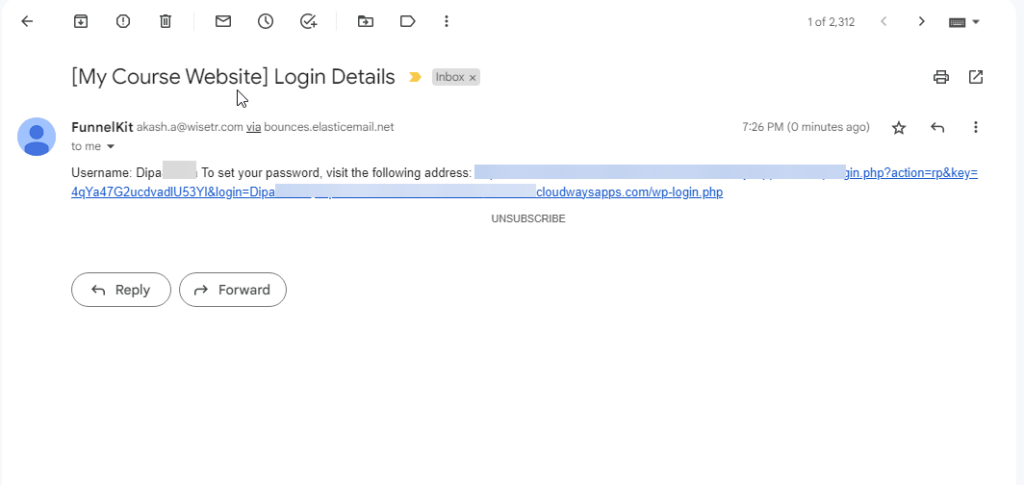
Email verification checks if users are real. After signing up, users get an email. This email has a special link. Clicking the link confirms their identity. It helps stop fake accounts. It also makes sure users use real emails. This method is easy to set up. It keeps your site safe. Verified users mean less spam. Email verification is a trusted method. It adds to your site’s security.
Troubleshooting Common Issues
New user registration on WordPress can sometimes lead to common issues. Users often face problems with email confirmations not being sent. Another frequent issue is registration forms not displaying correctly. Troubleshooting involves checking settings, plugins, and themes to resolve these problems efficiently.
Handling Registration Errors
New users may face registration errors on WordPress. This can be frustrating. Check if the email address is correct. Sometimes, a typo is the problem. Make sure the username is not already taken. WordPress won’t allow duplicates. Ensure the password meets the requirements. It should be strong and secure. If errors still occur, check the server settings. The server might have restrictions. Contact the hosting provider for help. They can offer solutions.
Resolving Plugin Conflicts
Plugins can cause conflicts with user registration. First, disable all plugins. See if the problem goes away. Turn them back on, one by one. This helps find the conflicting plugin. If a plugin is causing issues, update it. Sometimes, a simple update fixes the conflict. If not, look for an alternative plugin. Choose one that works well with WordPress. Always keep plugins updated to avoid future conflicts.
Best Practices For User Registration
User privacy is very important. Always ask for only necessary information. Never collect more data than you need. Use strong encryption to protect data. Inform users about how their data will be used. Clear communication builds trust. Make privacy policies easy to find. Users should feel safe sharing their details.
A smooth user experience keeps people happy. Use simple forms with few steps. Clearly label each field. Provide helpful hints and examples. Responsive design is key. Forms should work on all devices. Make sure the submit button is easy to find. Show a success message after registration. This confirms the process is complete.
Credit: funnelkit.com
Frequently Asked Questions
How Do I Register New Users On WordPress?
To register new users on WordPress, go to your dashboard. Navigate to ‘Settings’ > ‘General’. Enable ‘Anyone can register’ under ‘Membership’. Users can sign up through the login page.
Can I Customize The Registration Form?
Yes, you can customize registration forms using plugins like WPForms or User Registration. These tools offer drag-and-drop form builders, allowing you to add fields and styles as needed.
What Are The Benefits Of User Registration?
User registration provides a personalized experience, letting users interact with your site. It can enhance community engagement, track user activity, and facilitate targeted content delivery.
How To Manage Registered Users?
Manage registered users by accessing the ‘Users’ section in your dashboard. Here, you can edit profiles, change roles, or delete accounts as needed.
Conclusion
New user registration on WordPress simplifies audience growth. It’s user-friendly and efficient. Setting it up is straightforward. Beginners can manage it with ease. This feature helps build a community. Users can engage and interact more. WordPress offers flexibility in registration options.
Tailor it to fit your site’s needs. Security settings keep data safe. Regular updates ensure smooth operation. Understand your audience better through registration insights. Enhance your site’s interaction. With WordPress, managing users becomes less daunting. Start growing your online community today.
Embrace the potential of new user registration. Make your website more dynamic and engaging.



