
Have you ever wondered about the importance of header text in WordPress and how it can impact your website? If you’re looking to create a captivating and professional online presence, understanding the role of header text is crucial.
It’s not just a line of text; it’s a powerful tool that can grab your visitors’ attention, improve your site’s SEO, and make your content more organized and readable. By the end of this article, you’ll know exactly what header text is, why it matters, and how you can use it to enhance your WordPress website.
Dive in to discover how a few simple tweaks can transform the way your audience interacts with your content.
Header Text Basics
Header text is at the top of a webpage. It is the first thing people see. It can be your site name or a catchy phrase. This text helps visitors know what your site is about. It is often bold and large. This makes it stand out more than other text. Many sites use this area for logos or important links.
WordPress lets you change the header text easily. You can make it suit your style. It is important for making a good first impression. Choose words that show your site’s purpose. Keep it simple and clear. This helps visitors understand your content quickly. Use header text wisely to engage your audience.

Credit: www.youtube.com
Role In Website Design
Header text is important. It sits at the top of the webpage. It grabs the visitor’s attention. The header text shows the site’s name. It sometimes includes a logo too.
Clear headers help users find their way. They make the site easy to read. Good headers improve user experience. They also help with branding. Websites look neat and organized with well-designed headers.
Headers can include menus. These menus guide visitors to different pages. Headers often have links to social media. They might also have a search box. This box helps users find what they want fast.
Customization Options
Themes in WordPress offer a range of header text styles. Different themes provide different looks. You can choose what fits your needs. Some themes allow you to change the font, color, and size. Others may even let you add images or logos. A template usually sets the design layout. But you can still make small changes. You can keep the design unique and personal.
Custom CSS gives you full control over header text. You can change styles without altering the theme. This means you can adjust fonts, colors, and more. CSS allows you to create a consistent look. Even small changes can make a big difference. Adding your own CSS can be easy and fun. Just make sure to test it carefully.
Plugins can make customization simple. They offer extra features for your header text. Some plugins allow you to add animations. Others help with font choices. Using plugins can save time. You can find both free and paid options. Choose a plugin that suits your needs. Always check reviews before installing.
Seo Benefits
Header text in WordPress helps structure your content, enhancing readability and SEO. It categorizes information, aiding search engines in understanding page hierarchy. Proper use of header tags can boost your site’s visibility in search results.
Keyword Optimization
Header text helps with keyword optimization in WordPress. You can place important words in header text. This tells search engines what your page is about. Good header text can improve your page’s visibility. Users also find it easier to read.
Impact On Search Rankings
Search engines use header text to rank pages. It is a key factor in search rankings. Using the right words in headers boosts your ranking. Users can find your page faster. This brings more visitors to your site.
Common Mistakes
Too many keywords can hurt your page. Search engines notice this. They may see it as spam. This can lower your site’s rank. Balance is key. Use keywords wisely. Make sure they fit the text. Natural flow is important.
Readability matters. Readers should understand the text easily. Use short sentences. Simple words work best. Avoid complex language. Paragraphs should be clear. Break long text into small parts. This helps the reader.
Best Practices
Consistency across pages is crucial for good header text in WordPress. Users feel comfortable when they see similar headers on different pages. This uniformity helps in building trust. Headers should have the same font style and color across the site. It makes the website look neat. A visitor will find it easy to navigate. They won’t get confused. This also improves the user experience.
Responsive design considerations are vital for headers. They must adapt to screen size. Think about how headers look on phones and tablets. Text should be easy to read. It should not be too small. Large screens need balanced header size. Small screens need readable headers. This ensures all users can access content. It makes the site user-friendly. A good header enhances website accessibility.
Tools And Resources
Header text in WordPress refers to the titles or headings on a webpage. It helps organize content and improves readability. Proper use of header text also boosts SEO by allowing search engines to understand the structure of the page.
WordPress Plugins
WordPress plugins make adding header text easy. One useful plugin is Elementor. It lets users drag and drop elements. The Yoast SEO plugin helps optimize header text. It checks for SEO friendliness. Header Footer Code Manager is another plugin. It helps manage header scripts. Users can add custom code to their headers. Plugins save time and effort.
Online Tutorials
Many online tutorials teach adding header text in WordPress. Websites like W3Schools and TutorialsPoint offer step-by-step guides. These guides are easy to follow. Videos on YouTube show how to use plugins. They explain each step slowly. Most tutorials are free. Learning from them is simple. They help make your site look good.
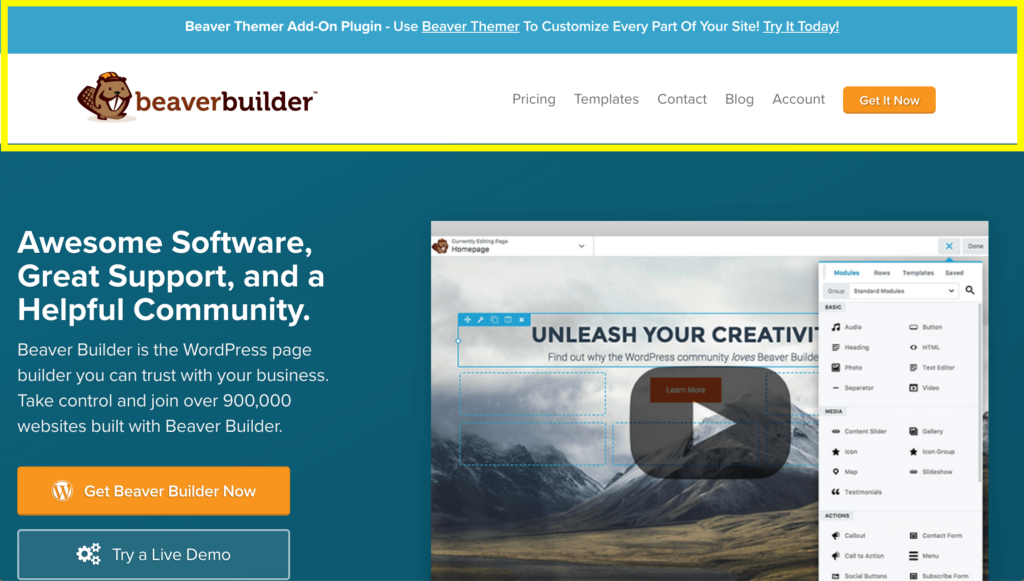
Credit: www.wpbeaverbuilder.com
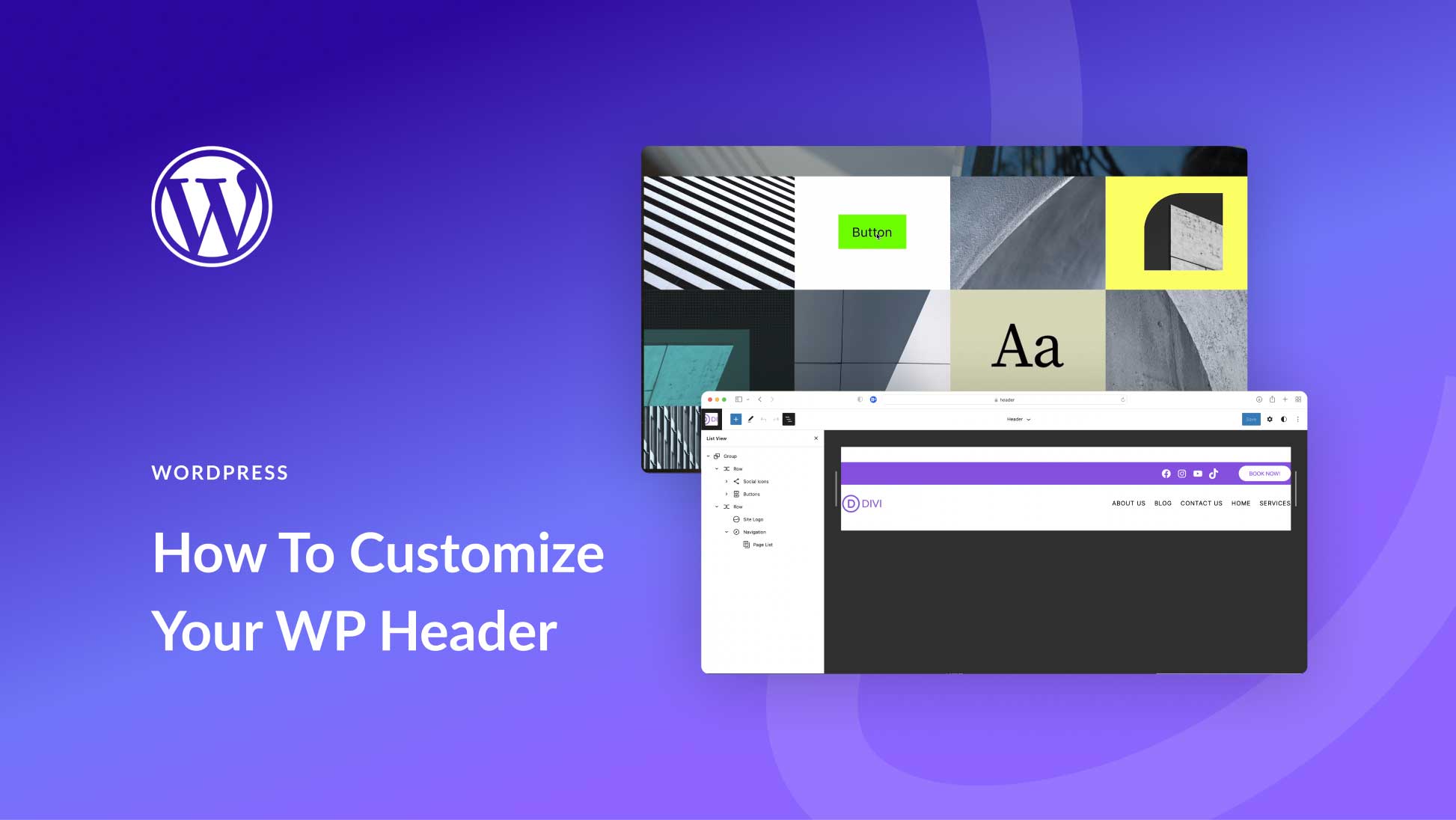
Credit: www.elegantthemes.com
Frequently Asked Questions
What Is Header Text In WordPress?
Header text in WordPress refers to the textual content displayed in the header area of a website. It usually includes the site title, tagline, or navigation links. This text helps define the site’s identity and is crucial for branding and SEO, making it easily recognizable to visitors.
How Do I Change Header Text In WordPress?
To change header text in WordPress, go to the “Appearance” section in your dashboard. From there, select “Customize,” then navigate to “Site Identity. ” You’ll find options to modify the site title and tagline. Changes are instantly previewed before saving, ensuring your header text suits your brand.
Why Is Header Text Important For Seo?
Header text is vital for SEO because it contains keywords that search engines use to understand your site’s content. Properly optimized header text can improve search rankings, making your site more discoverable. It also helps users quickly grasp your site’s purpose, enhancing their experience and engagement.
Can I Use Images In Place Of Header Text?
Yes, you can use images instead of header text in WordPress, but it’s essential to optimize them for SEO. Use alt text and descriptive file names to ensure search engines can understand the content. Images can enhance branding, but ensure they complement the site’s overall design and message.
Conclusion
Header text in WordPress is important for your website’s structure. It guides visitors and improves user experience. It also helps search engines understand your content better. Clear and organized headers make navigation easy. They boost readability and keep users engaged.
Using effective header text can enhance your site’s SEO. This leads to better visibility. Always consider your audience when crafting headers. Simple and direct language is key. Ensure headers are relevant to your content. Good headers create a strong first impression.
They encourage users to explore further. So, choose your header text wisely.



